
Solution
AI Decluttering: Clear Any Room in One Pass
Upload a cluttered or fully furnished room and get a clean, empty version — then optionally restage it from scratch.
Free 5 credits · No card required
Try it on your own photo
Free plan includes 5 credits · your photo’s geometry stays locked · results save to your account
1 · Upload your photo
The room photo from your listing or phone — straight-on or corner view works best.
2 · Fine-tune (optional)
Your photo’s camera angle and structure always stay locked — only the described edit happens.
Upload a photo to enable generation.
3 · Your images
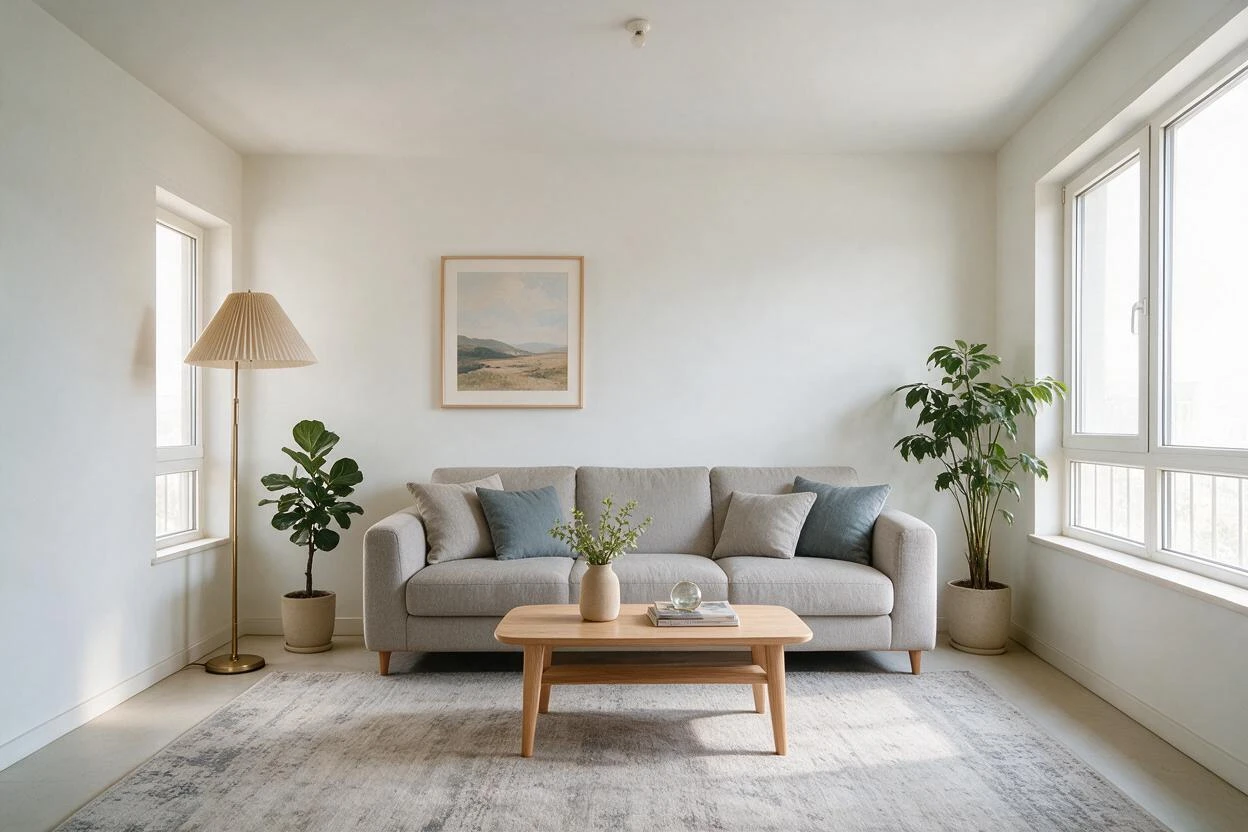
01
Why empty your space matters
Sellers
A lived-in home reads as 'someone else's place'. Buyers need a blank canvas.
Agents
You can't ask sellers to move out before photography day.
Renters
You want to see the room's potential without the current tenant's stuff.
02
How it works
From upload to download — most renders finish in about a minute.
Upload
Photo of the furnished or cluttered room.
Analyze
AI maps every object and the surfaces behind it.
Clear
Furniture and clutter lift out; floors and walls are rebuilt cleanly.
Check
Review the empty room for any leftover shadows or artifacts.
Restage (optional)
Refurnish the cleared room in any style you like.
Download
Export the empty version, the restaged version, or both.
03
Prompt guide
Do this
- Say the goal plainly: "empty this room completely".
- Name items to keep: "keep the ceiling light".
- Chain a restage: "then stage it as a minimal bedroom."
Avoid this
- Asking to keep floating objects without anchors.
- Extreme angles from doorways — shoot from chest height.
- Combining five instructions in one line; run them in sequence.
“Empty this room completely, keep the ceiling fixture and floor.”
“Remove all furniture and clutter, then stage as a bright minimal nursery.”
“Clear the desk and boxes but keep the bed frame.”
04
Built for your role
Sellers
- Show the space, not the stuff
- One photo, two listings versions
- No moving day required
Agents
- Batch a whole listing in one session
- Occupied-to-vacant without vacancy
- Clean base for any restyle
Designers
- Start every concept from a clean slate
- Before/after pairs for proposals
- Fast feasibility checks
05
Under the hood
- Object-level segmentation removes items without smearing walls.
- Floor and wall textures are reconstructed behind removed items.
- Lighting and perspective are preserved from the original shot.
- Complex occlusions may need a second pass — regeneration is cheap.
Selling products online? Try AI Product Scenes →
06
Empty Your Space Before and After Results
Drag each slider to compare the original photo with the AI result — every pair below was generated from a real room photo.
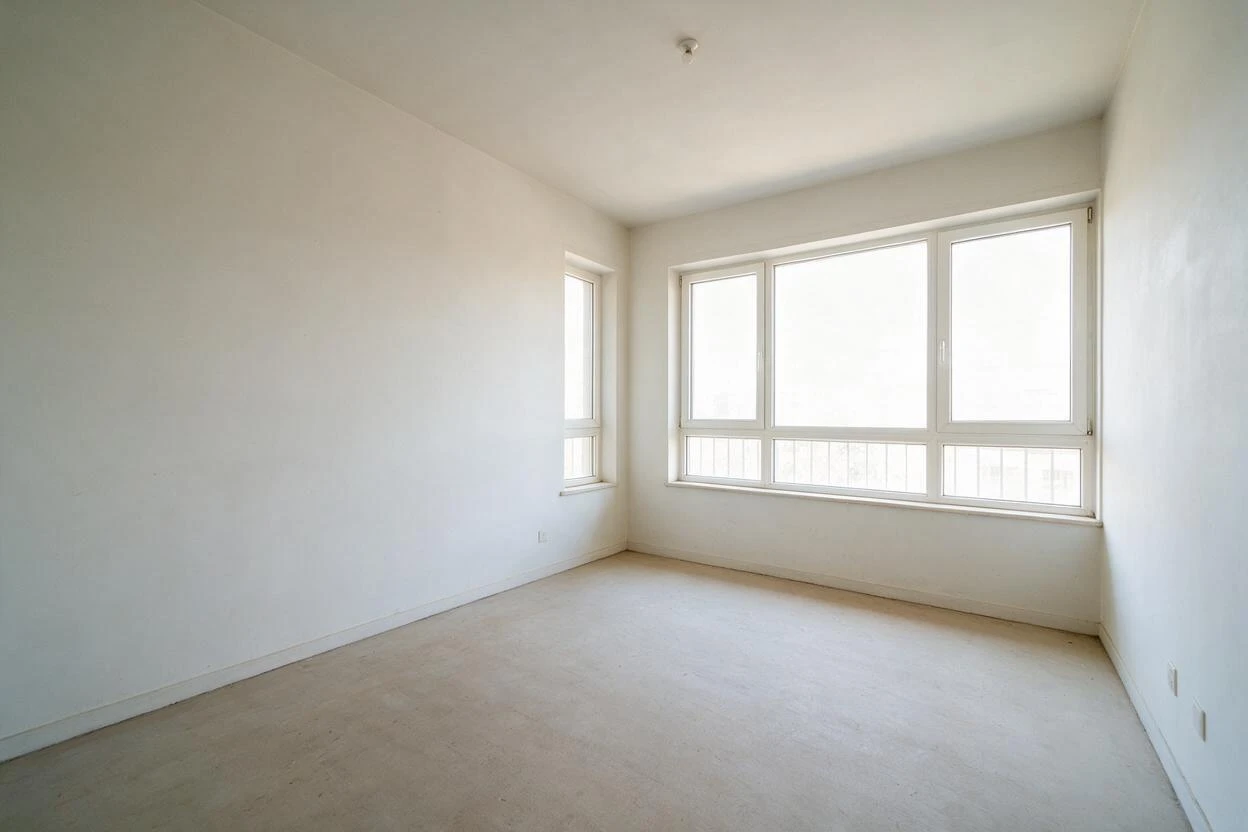
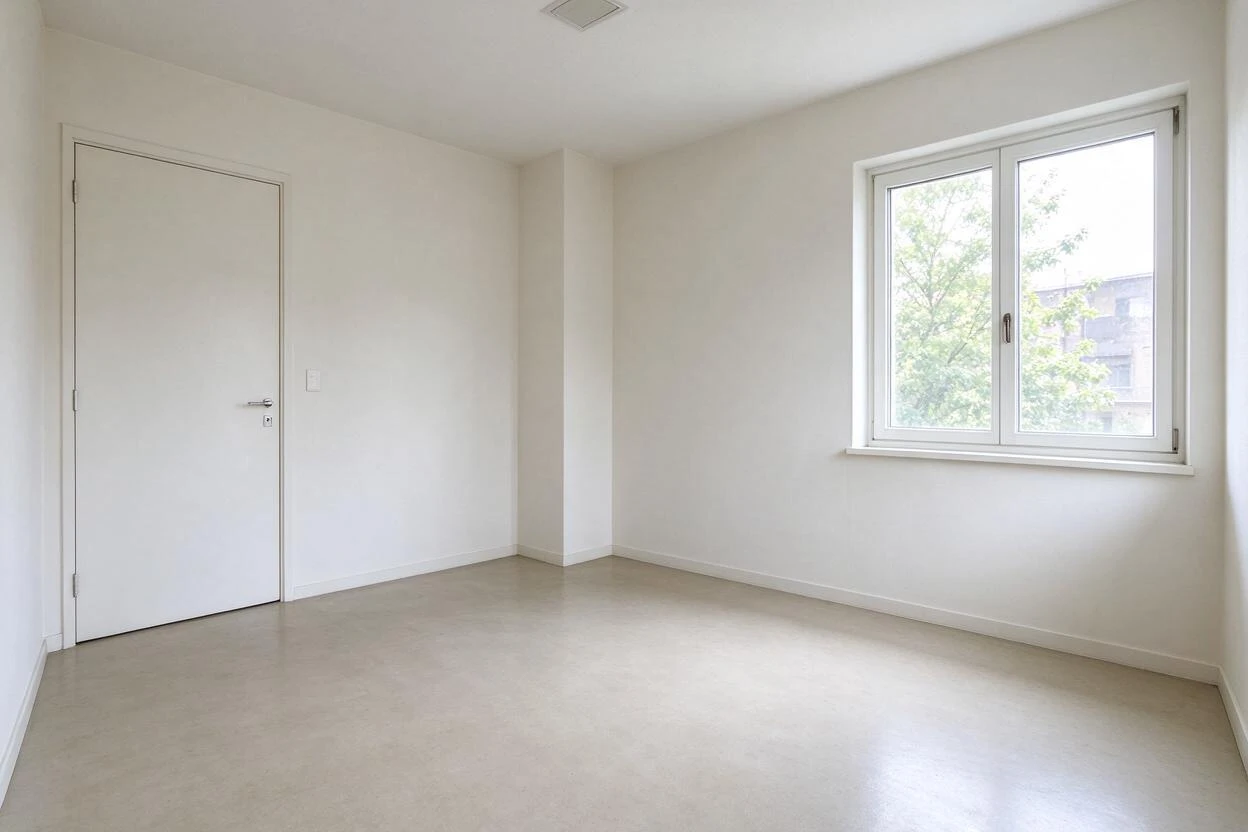
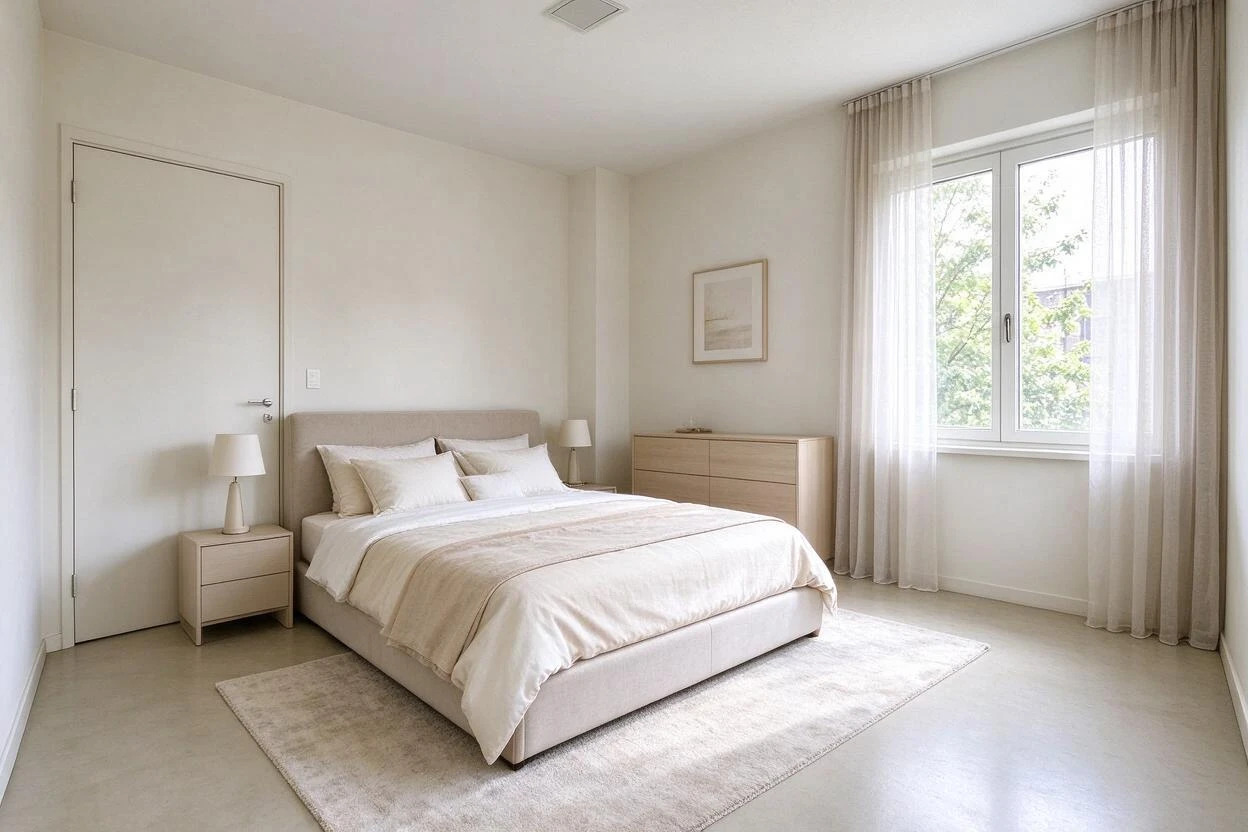
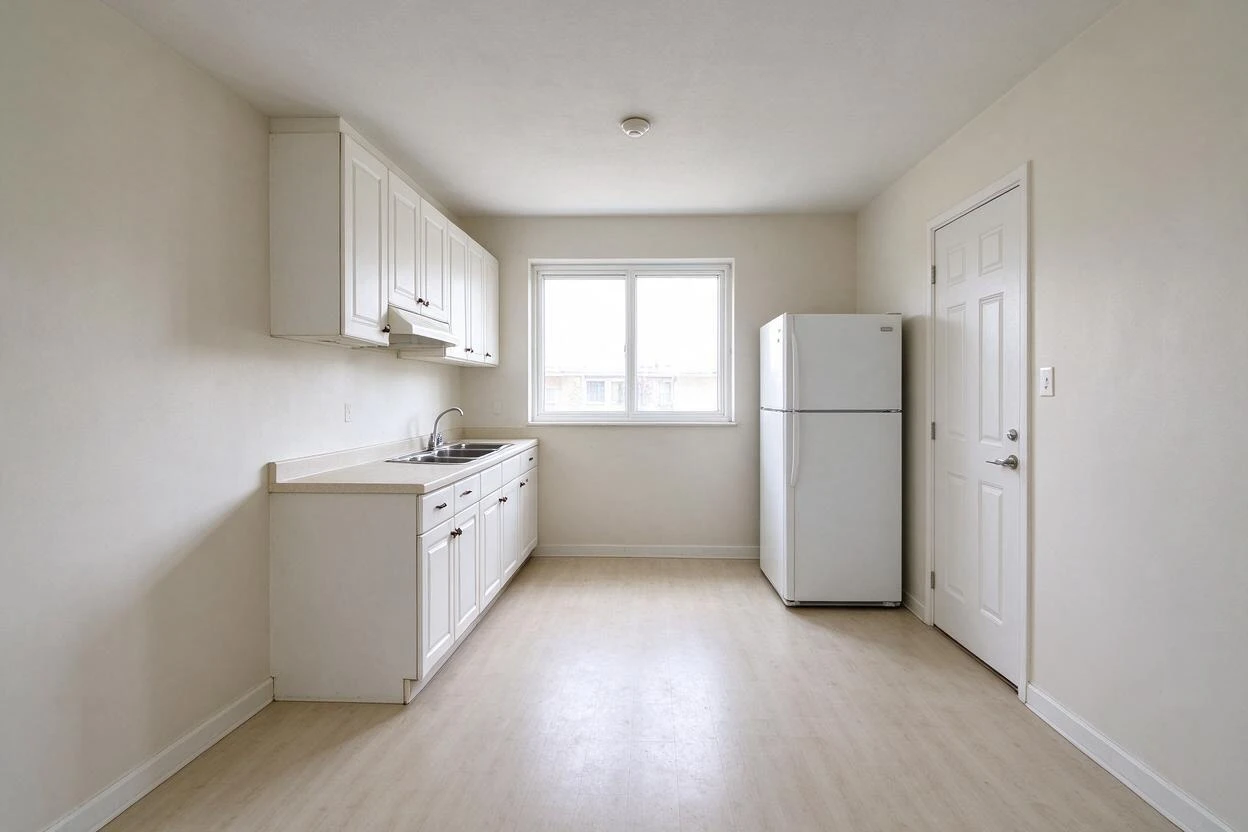
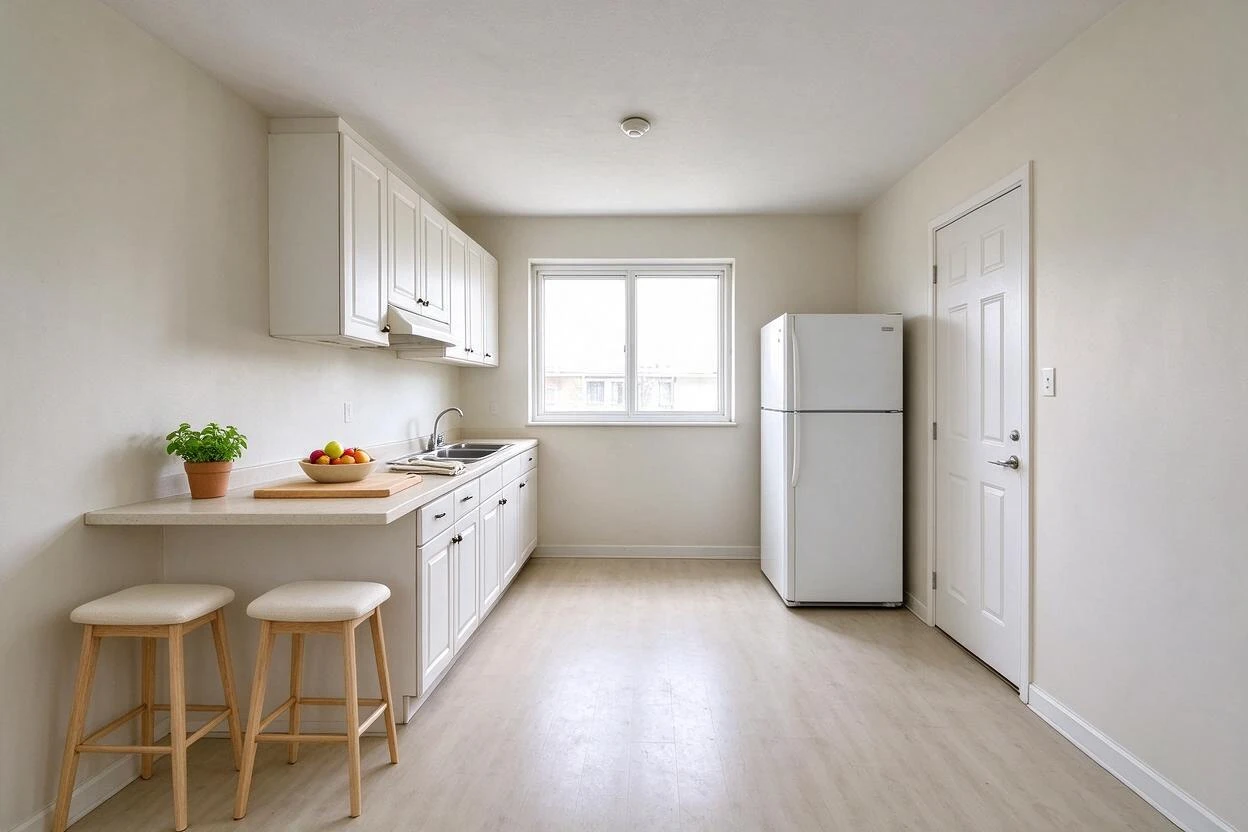
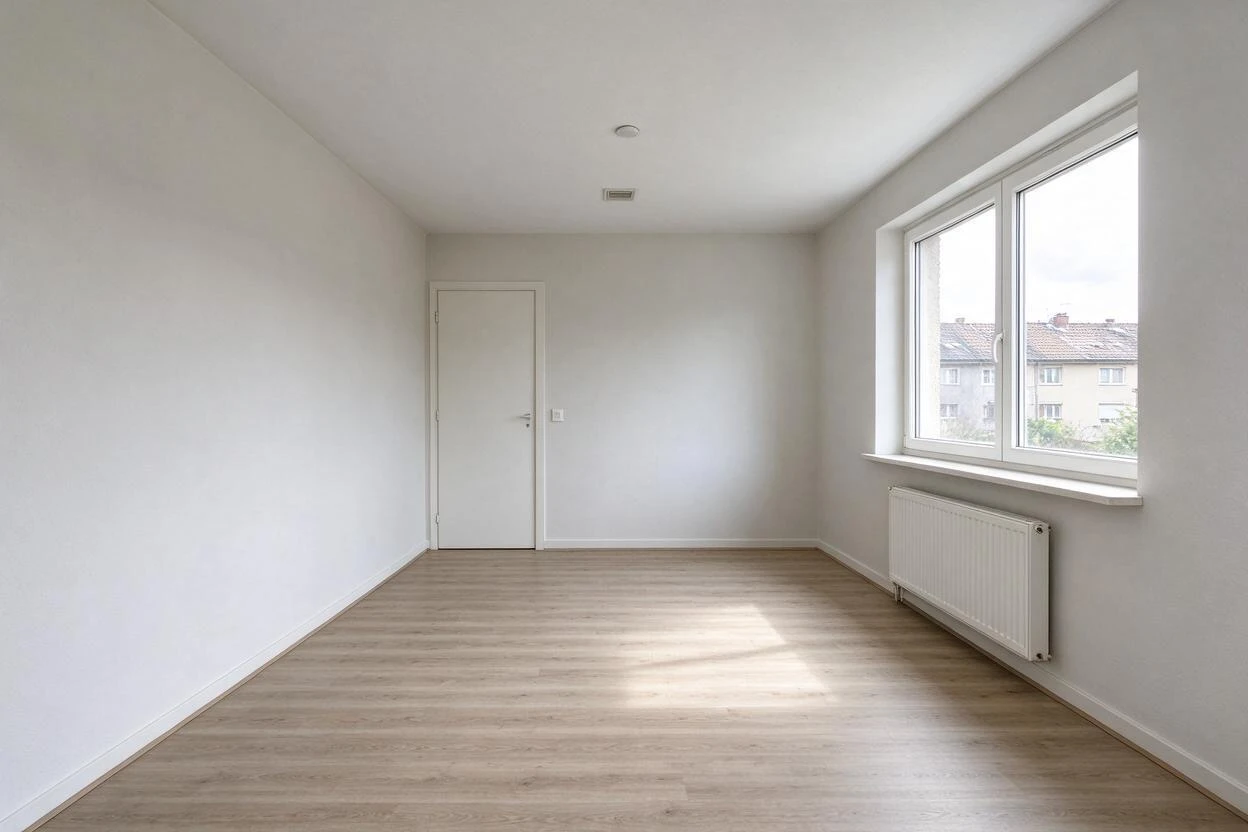
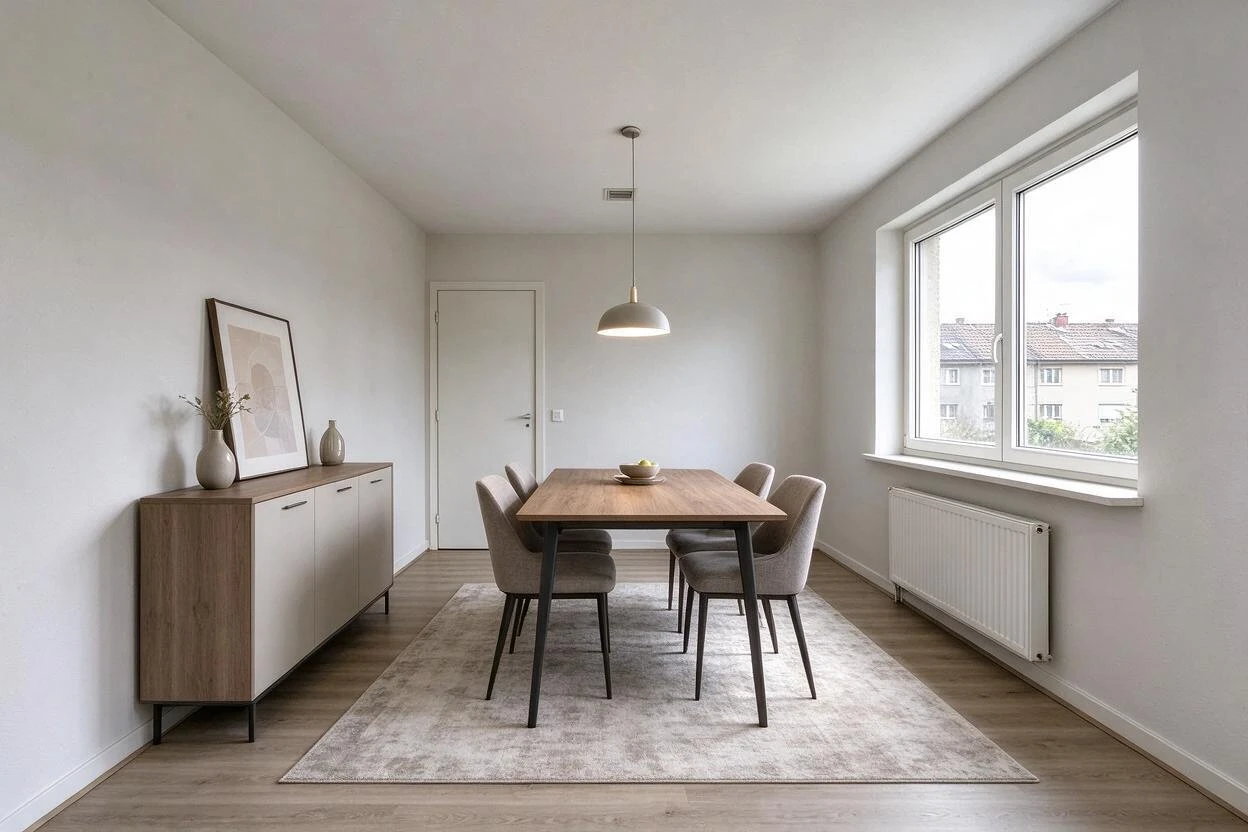
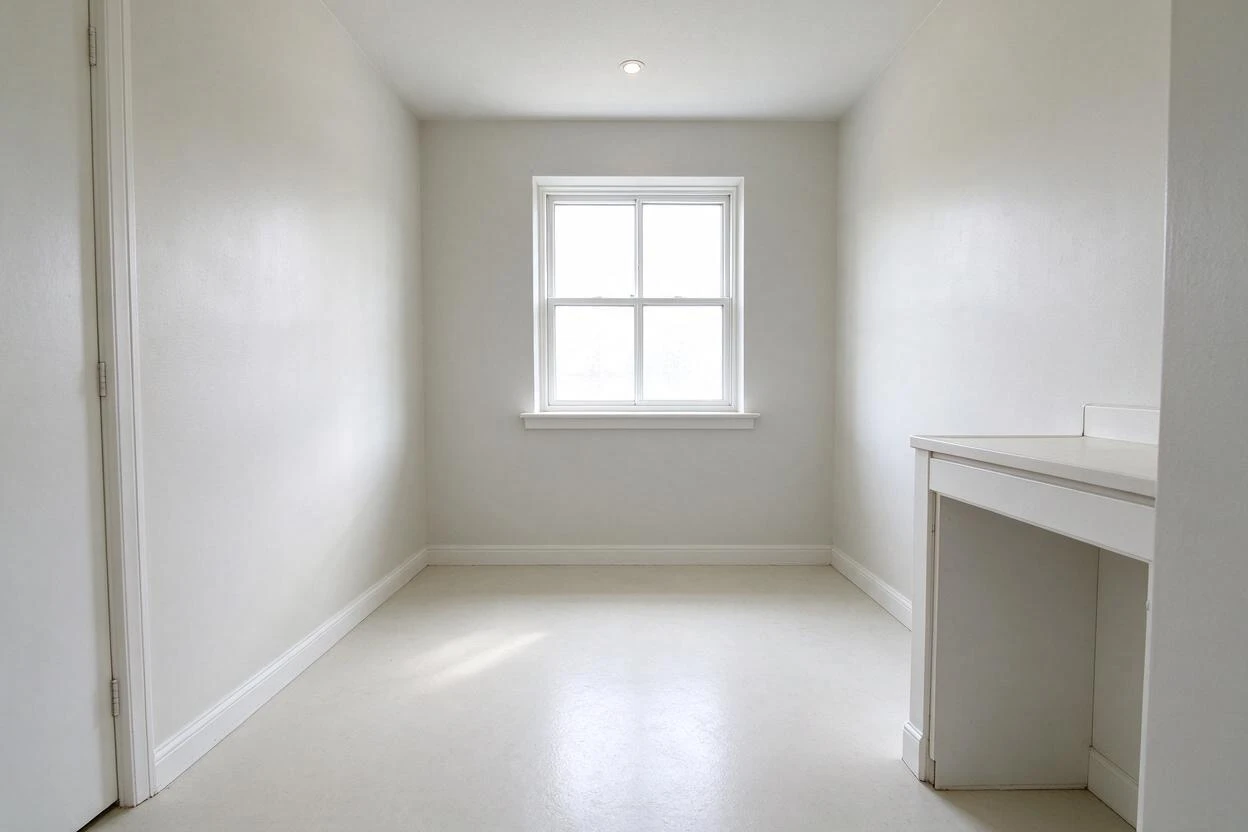
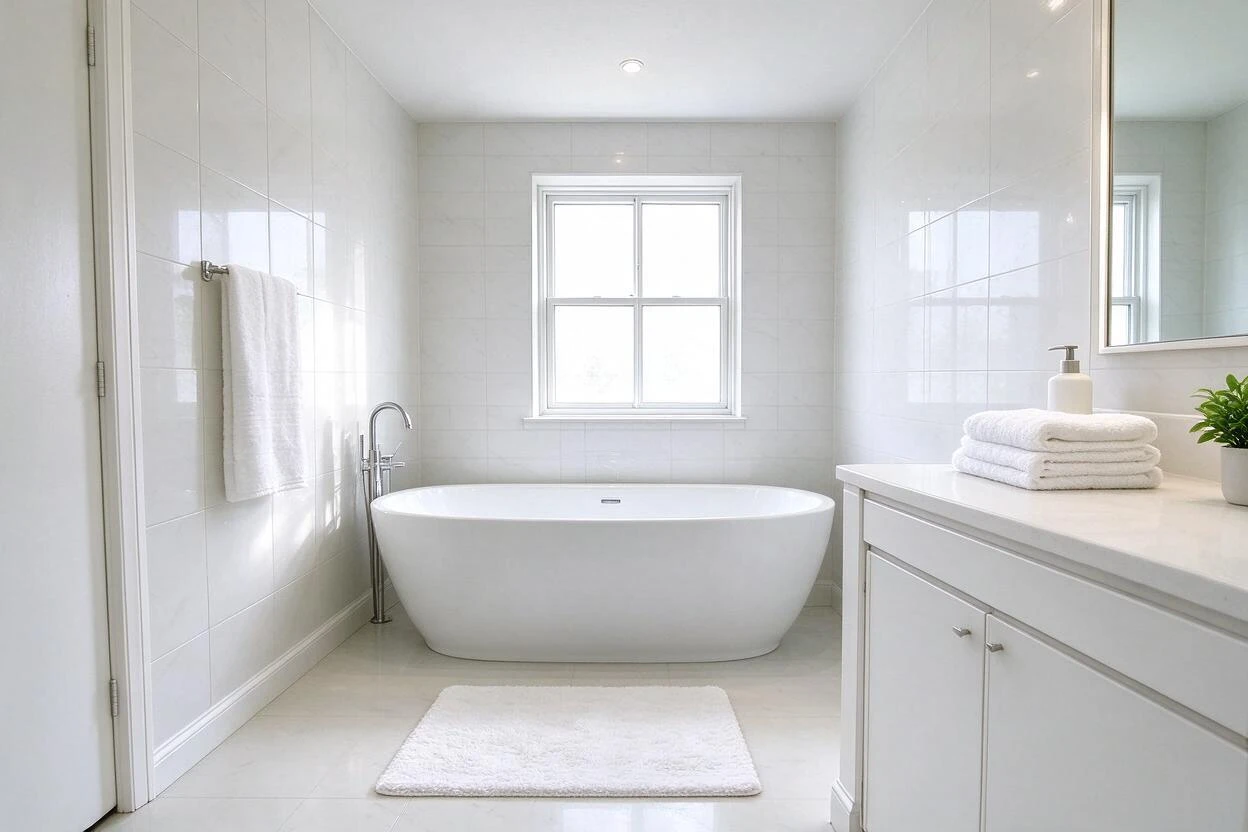
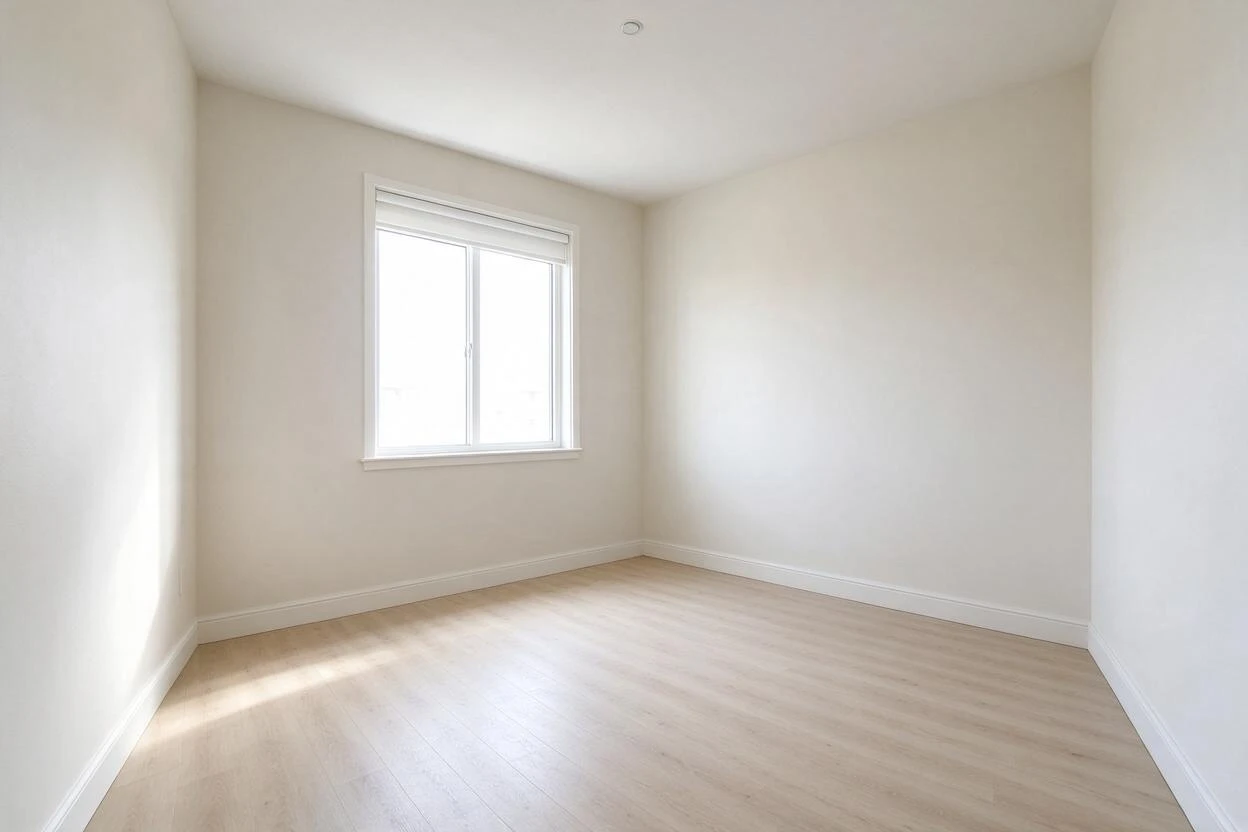
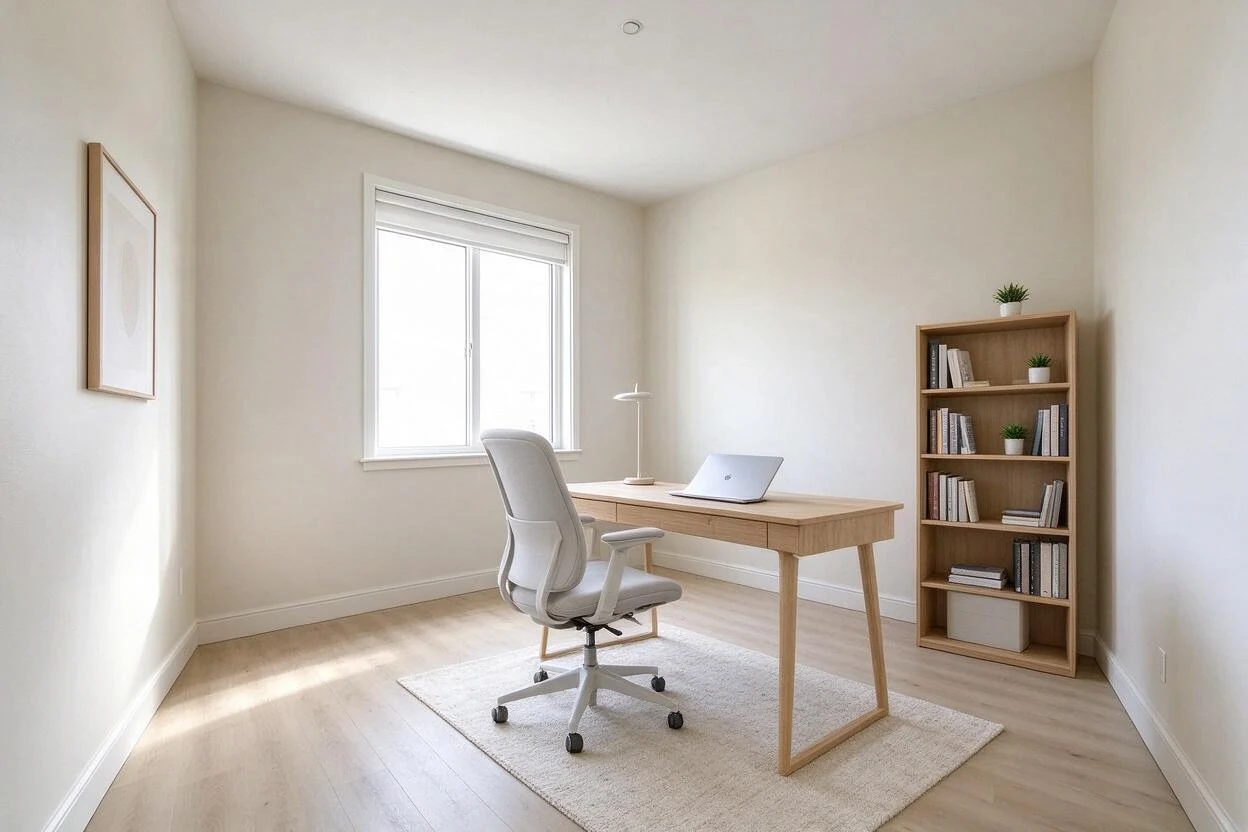
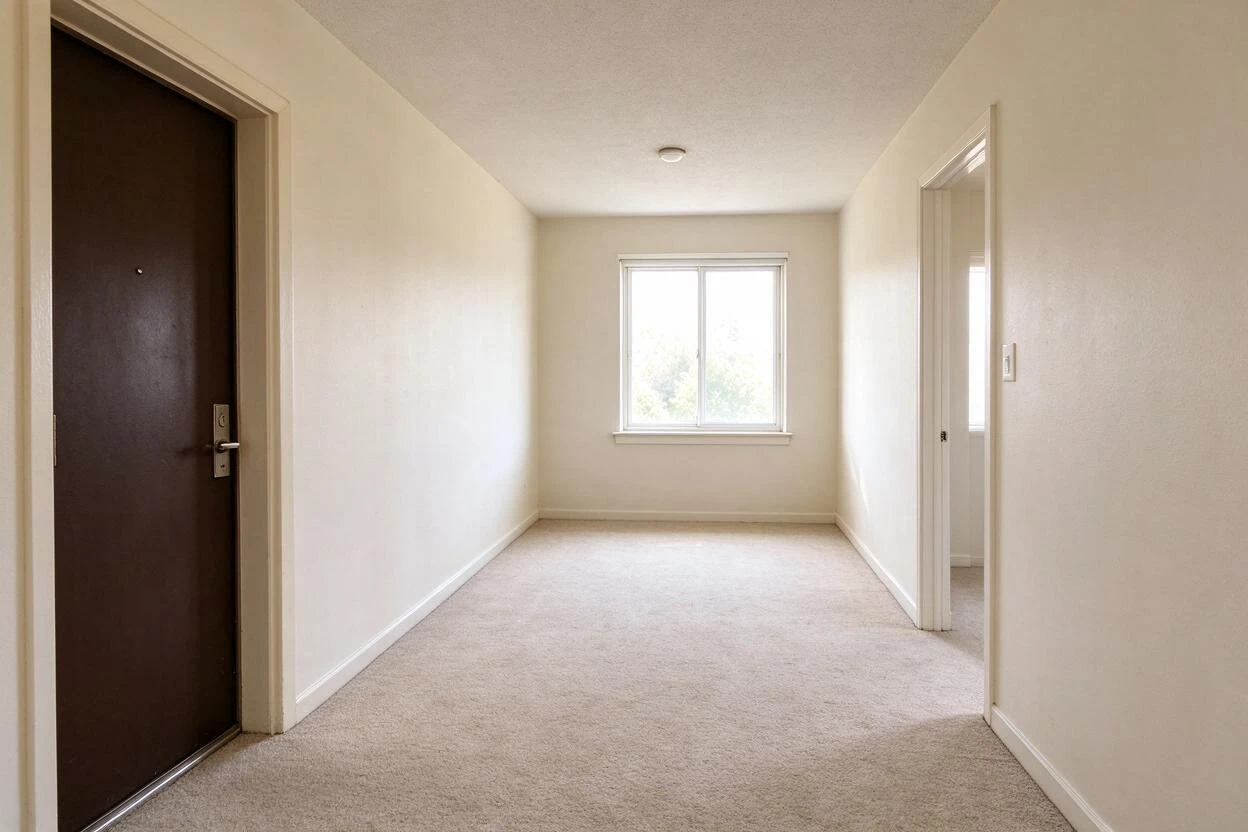
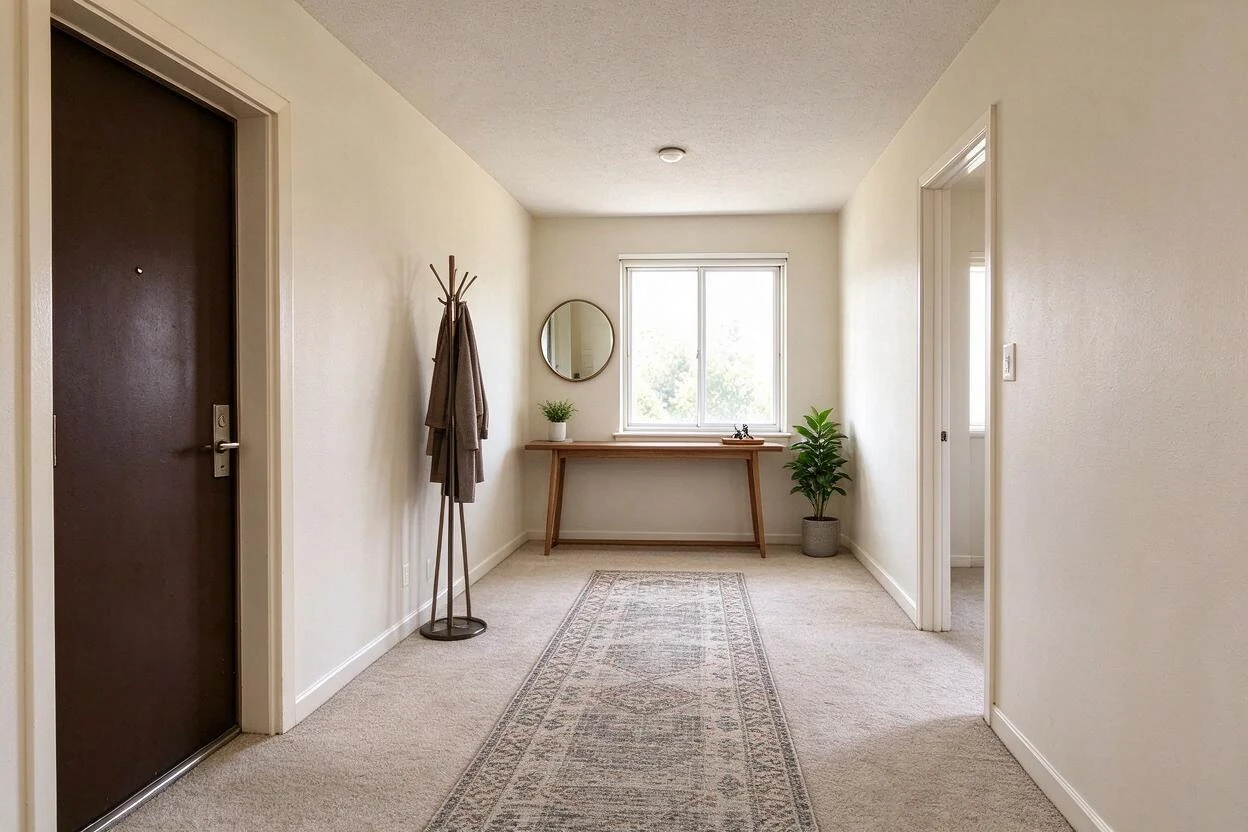
Showing 7 of 7 transformations
These empty your space before and after examples were created with Goodesign: one photo in, a share-ready render out in about a minute.
07
FAQ
Does the room type or size change?
No — walls, windows, and room geometry stay exactly as photographed.
Can I empty only some items?
Yes. Name what stays; everything else lifts out.
Can I restage right after emptying?
Yes — clearing and restaging chain naturally in one session.
Does it work on partially furnished rooms?
Yes, from single-item removal to fully packed rooms.
What about shadows left by furniture?
The engine reconstructs most shadows; a quick second pass cleans stragglers.
Is this allowed for real estate listings?
Yes, with a standard "virtually staged/decluttered" disclosure per your MLS.
08
Related tools
Ready to see your room transformed?
Five free credits. No credit card. Your first render in about a minute.