
Solution
Make Every Listing Photo Bright, Sharp, and True
Fix dark, yellow, or blurry photos in one pass — natural results, never over-edited.
Free 5 credits · No card required
Try it on your own photo
Free plan includes 5 credits · your photo’s geometry stays locked · results save to your account
1 · Upload your photo
Any interior or exterior photo that looks flat, dark or off-color.
2 · Fine-tune (optional)
Your photo’s camera angle and structure always stay locked — only the described edit happens.
Upload a photo to enable generation.
3 · Your images
01
Why image enhancement matters
Agents
Phone photos come back dark or orange, and reshoots cost days.
Photographers
Batch after-batch of color correction eats your evenings.
Homeowners
Your home looks better in person than on camera.
02
How it works
From upload to download — most renders finish in about a minute.
Upload
One photo or a whole set.
Analyze
Exposure, white balance, and sharpness are measured.
Correct
Brightness, color cast, and clarity fix automatically.
Review
Compare against the original — subtle, not plastic.
Batch
Apply the same look across the gallery.
Download
Export corrected images at full resolution.
03
Prompt guide
Do this
- State the problem: "too dark and yellow".
- Say the target: "bright and neutral like daylight".
- Enhance before staging for the cleanest base.
Avoid this
- Asking for HDR drama — natural wins clicks.
- Enhancing heavily compressed screenshots twice.
- Mixing enhanced and unenhanced photos in one gallery.
“Brighten this room to natural daylight and fix the yellow cast.”
“Sharpen and de-noise this dim interior; keep colors true.”
“Match this photo's brightness to the rest of the gallery.”
04
Built for your role
Agents
- Consistent gallery in minutes
- Rescue dark phone shots
- More clicks from grid results
Photographers
- Cut editing time to a review pass
- Consistent house style
- Deliver same-day
Homeowners
- Photos as good as the real visit
- No editing skills needed
- Free to try
05
Under the hood
- White balance corrects tungsten and shade casts.
- Exposure lift preserves highlight detail in windows.
- Clarity is applied conservatively — no plastic skin effect.
- Structure is untouched; this is correction, not generation.
Selling products online? Try AI Product Scenes →
06
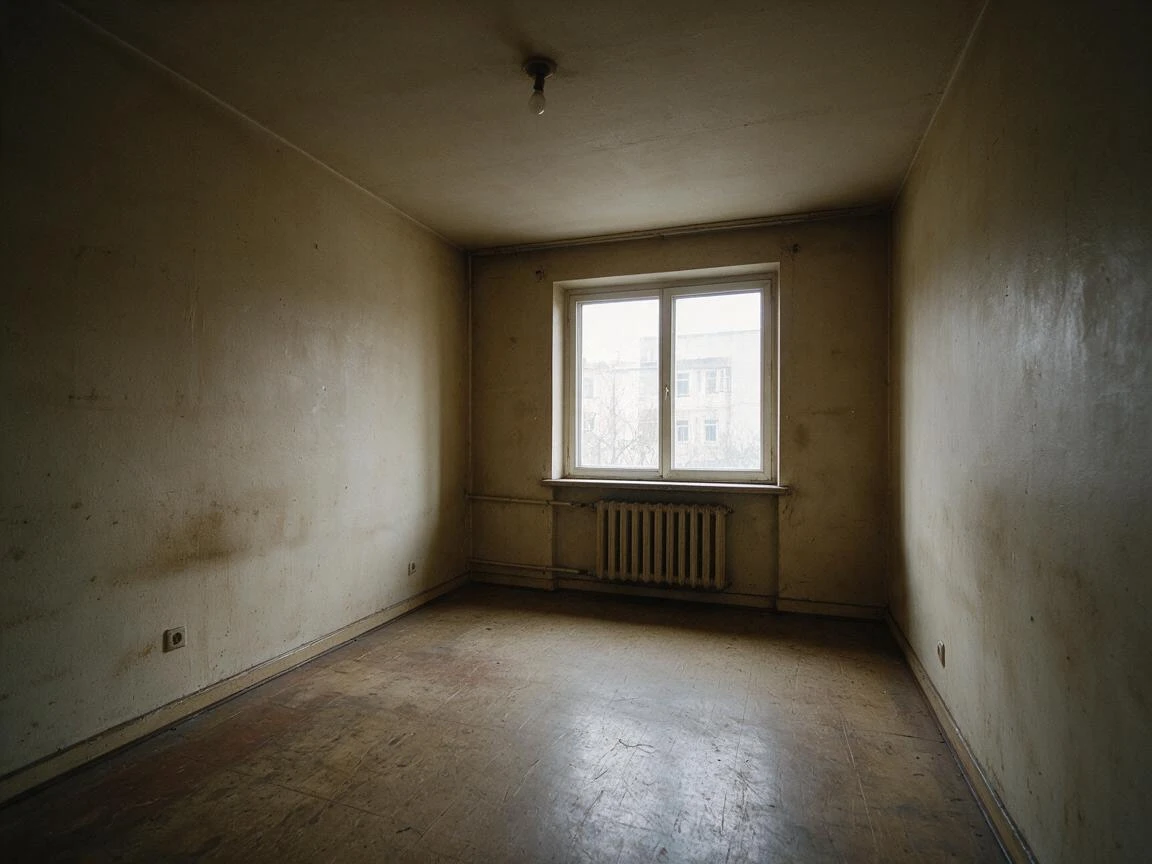
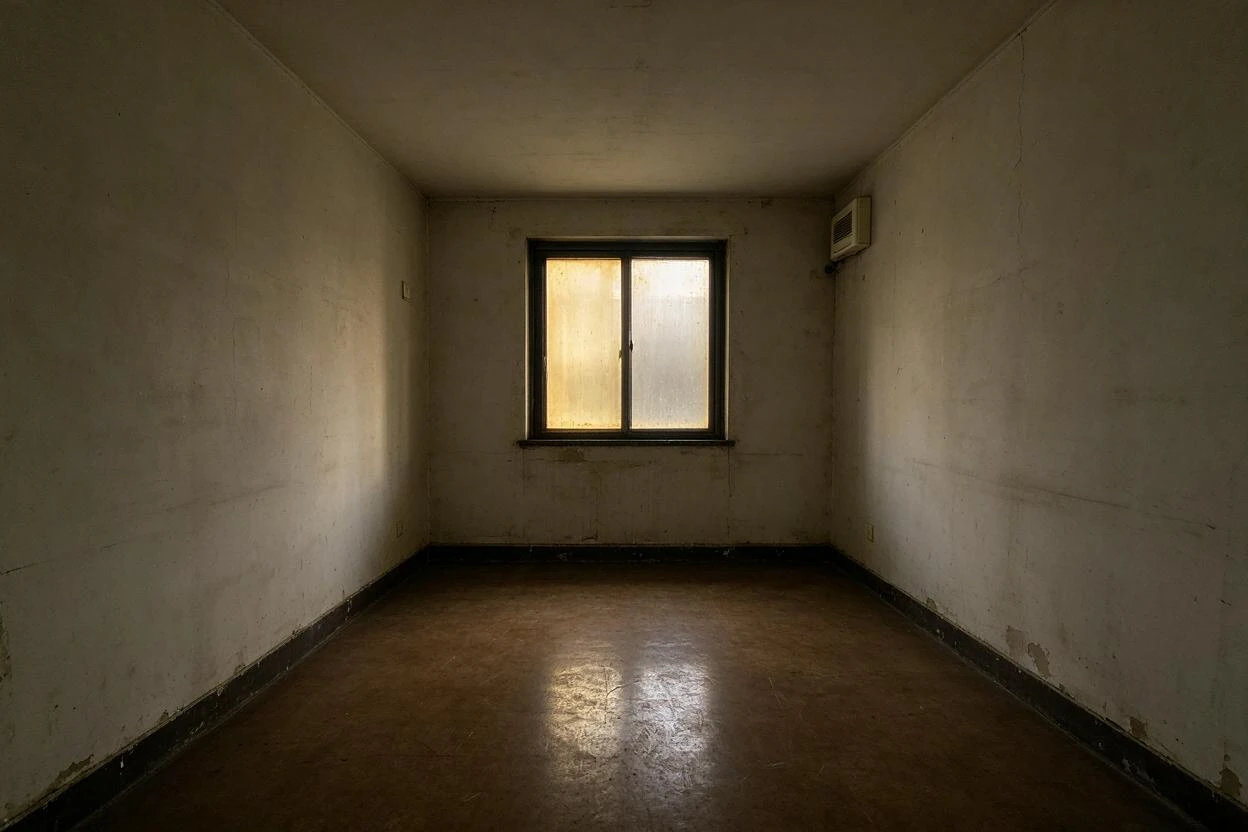
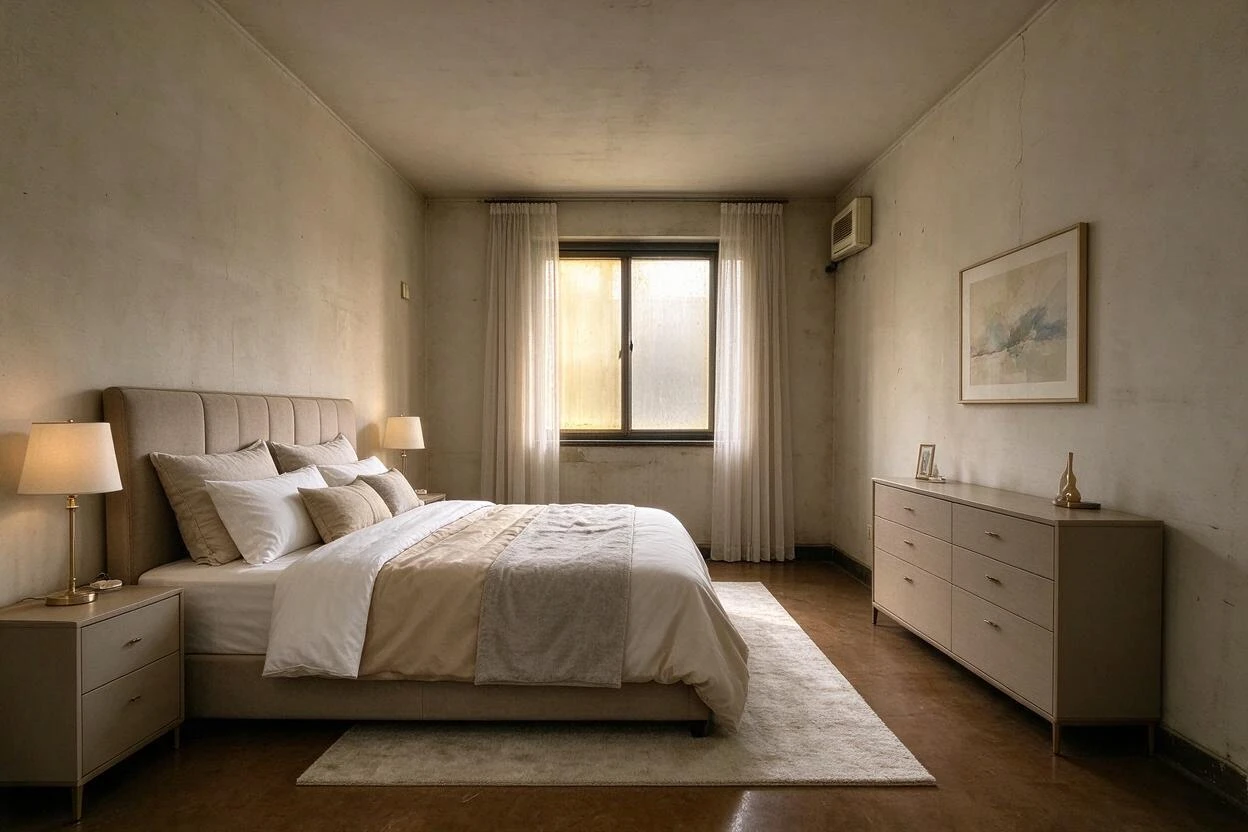
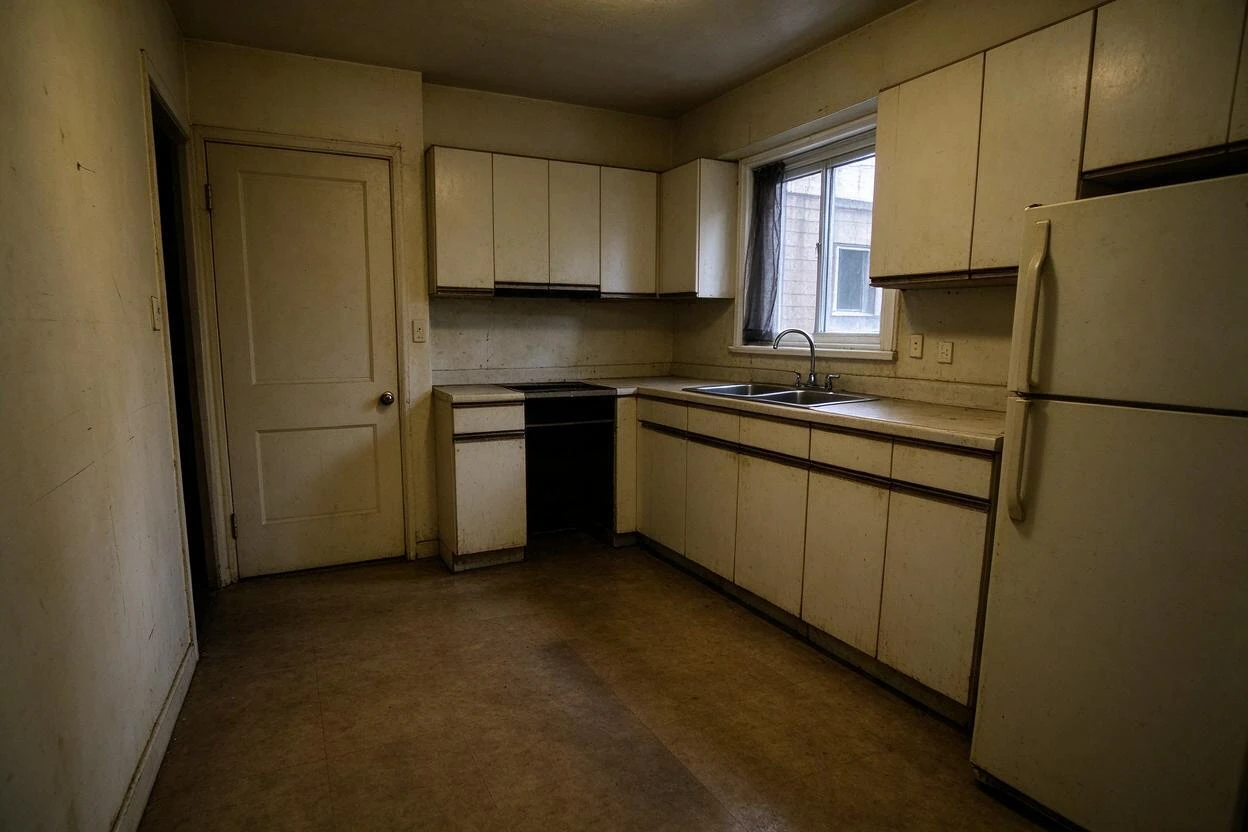
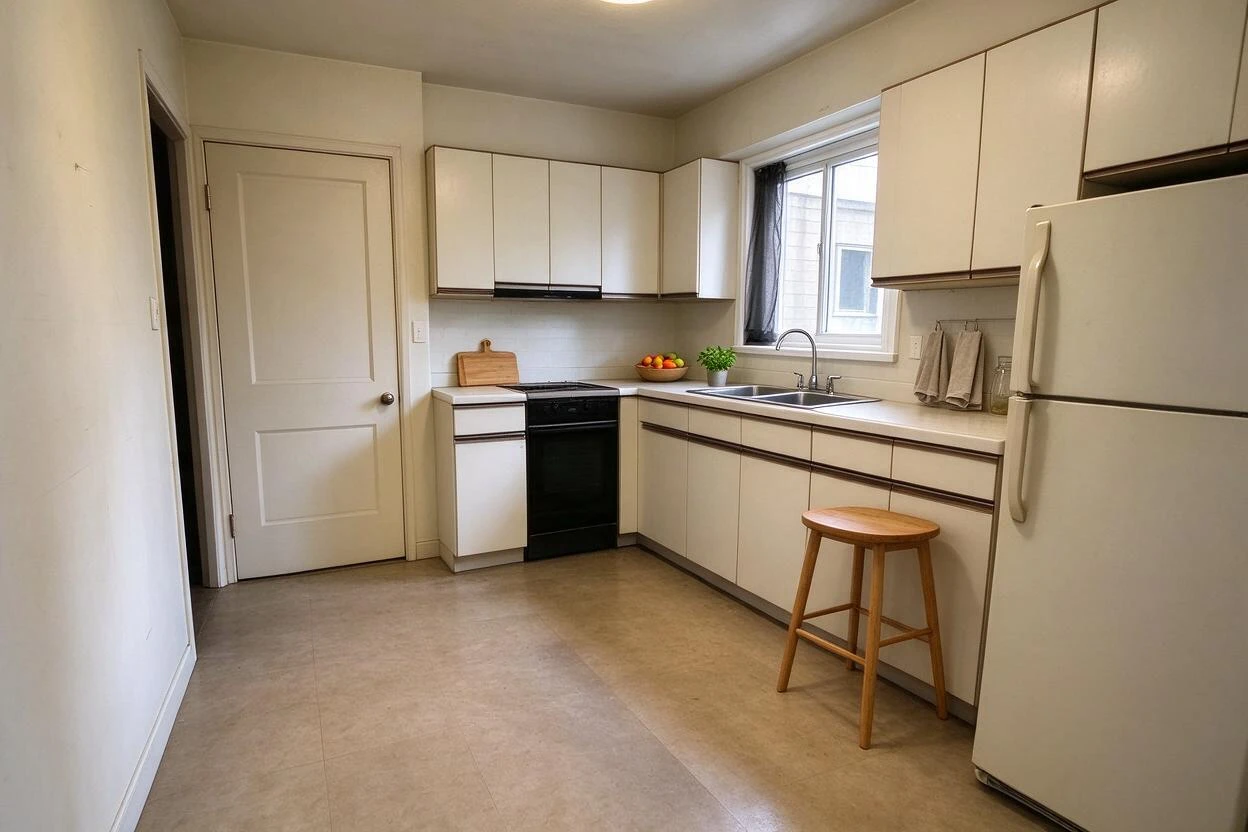
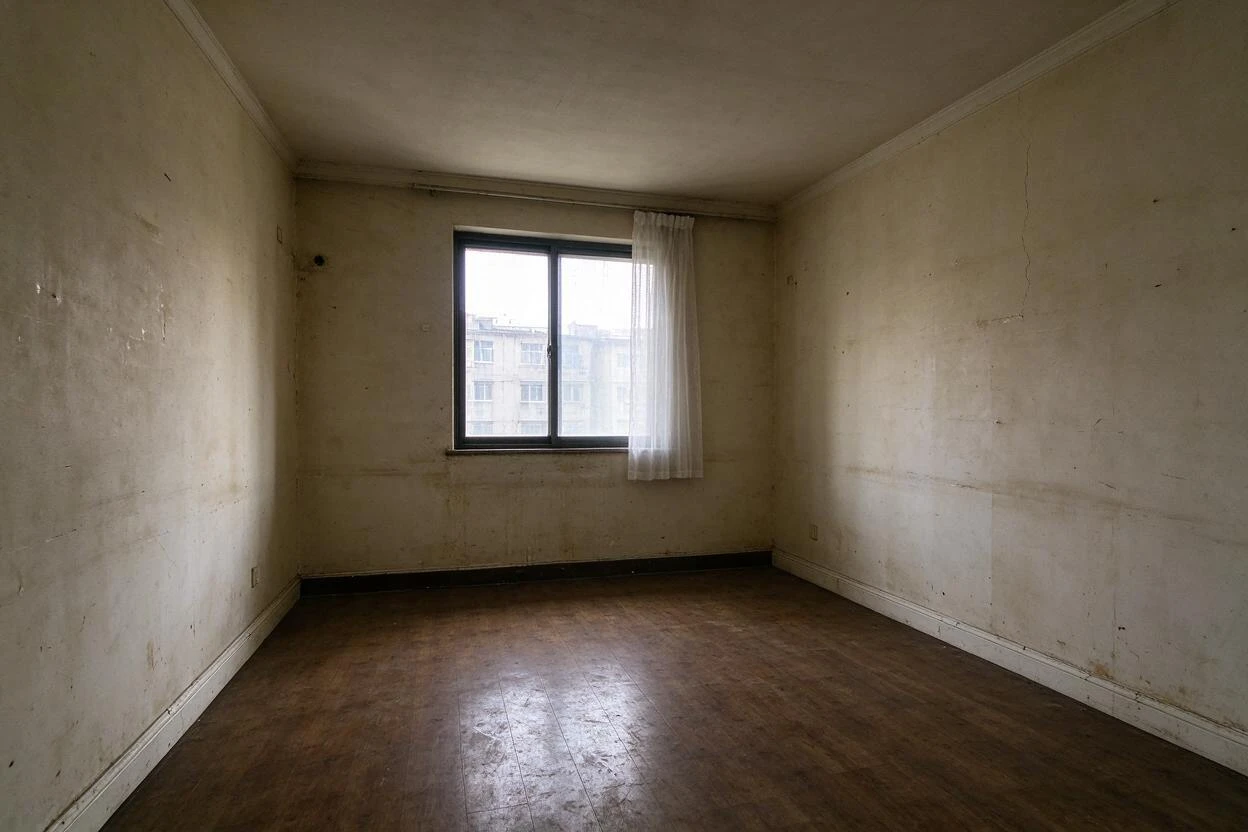
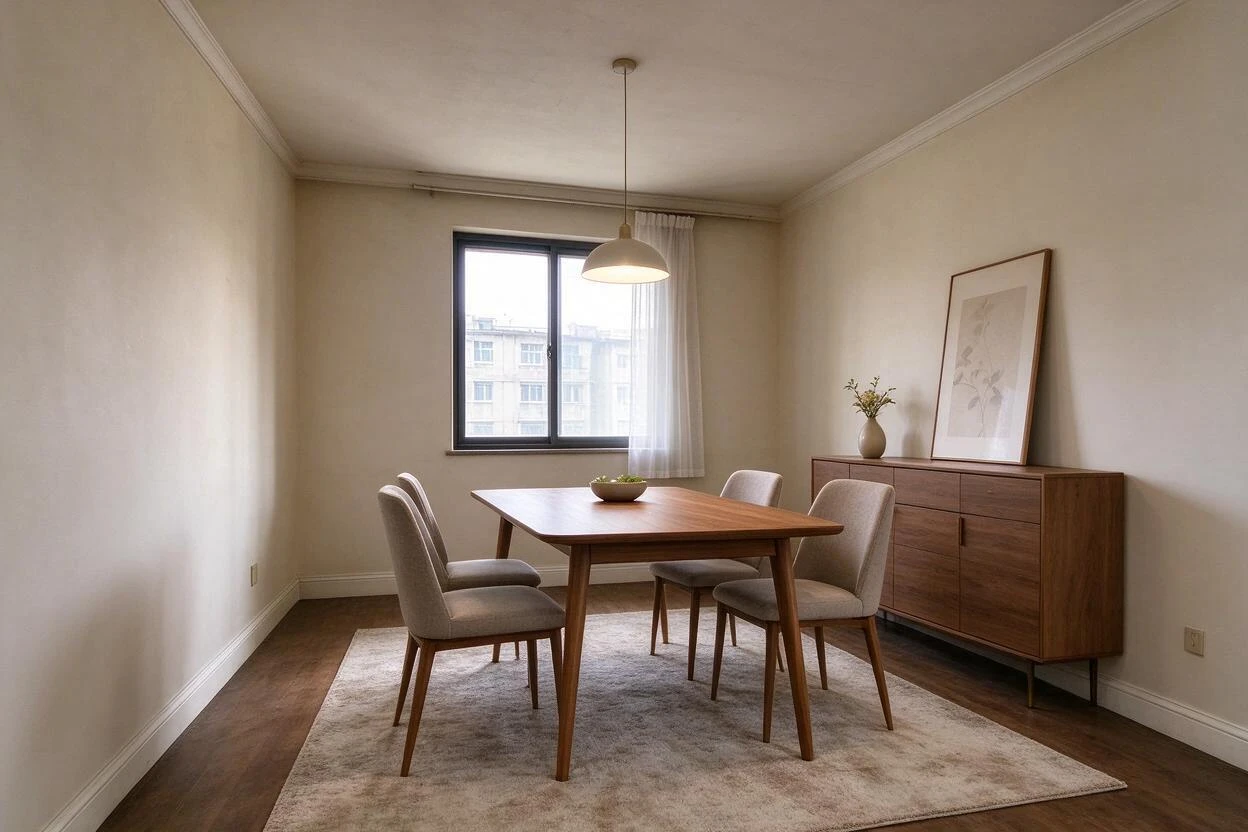
Image Enhancement Before and After Results
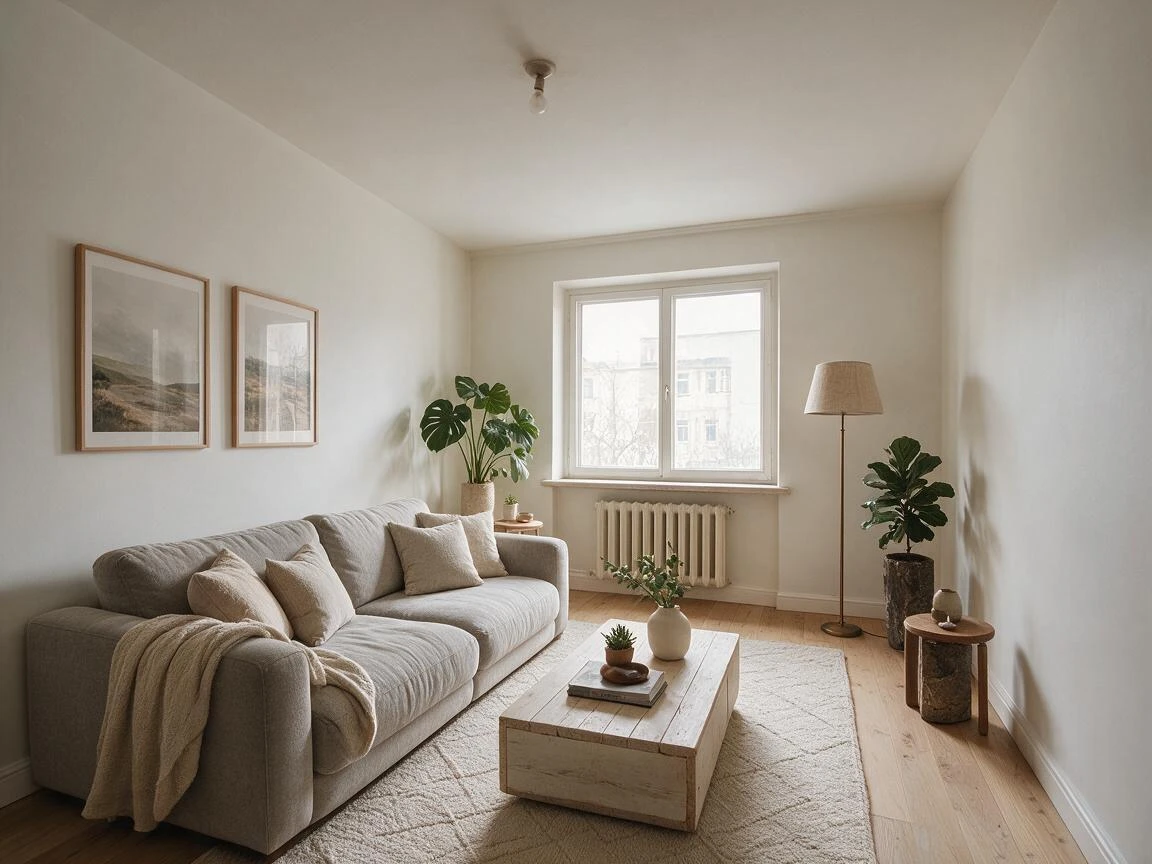
Drag each slider to compare the original photo with the AI result — every pair below was generated from a real room photo.
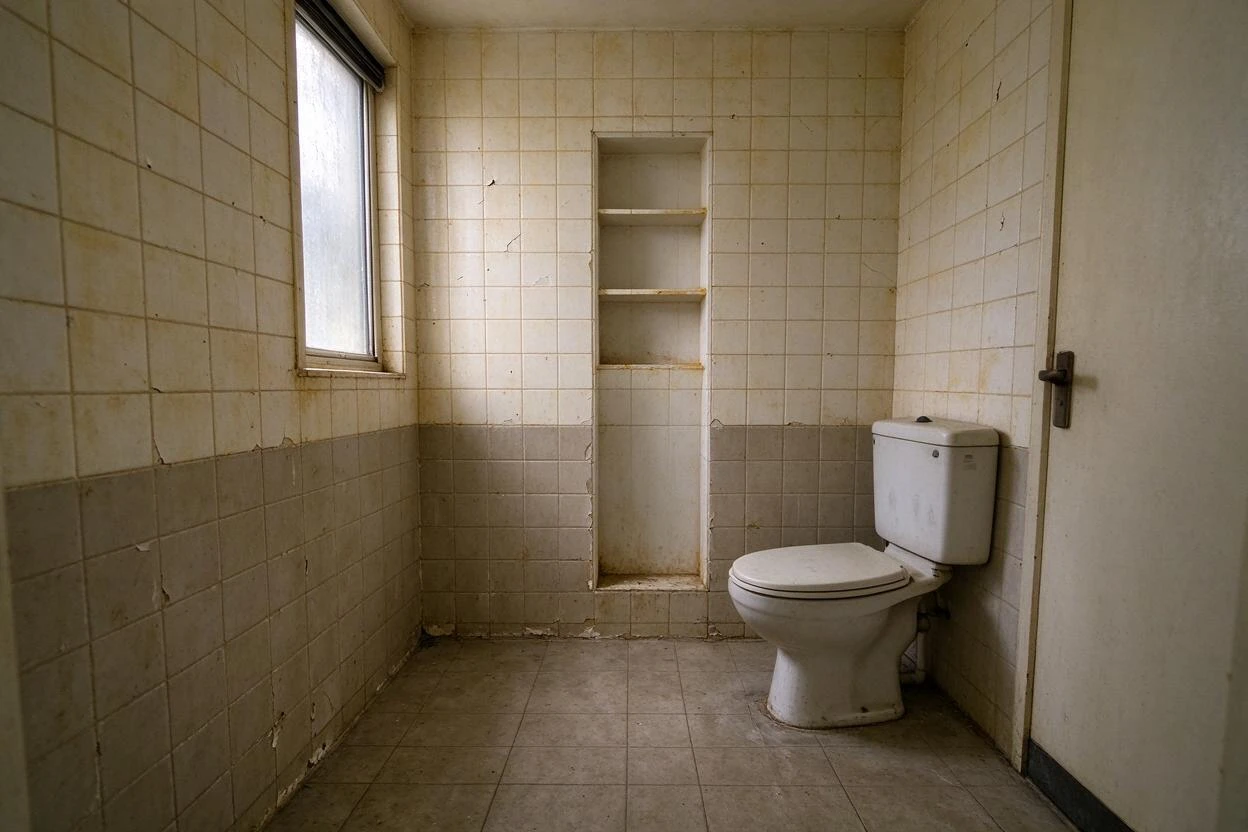
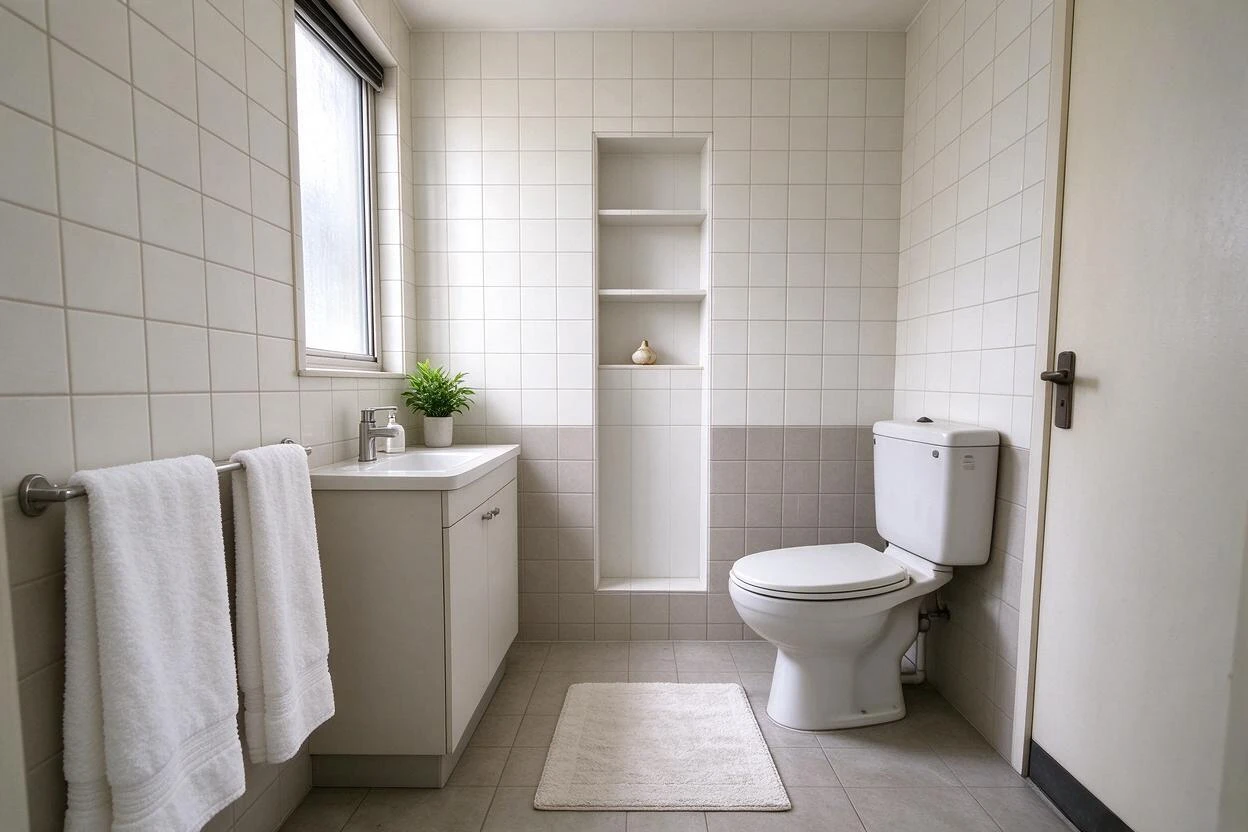
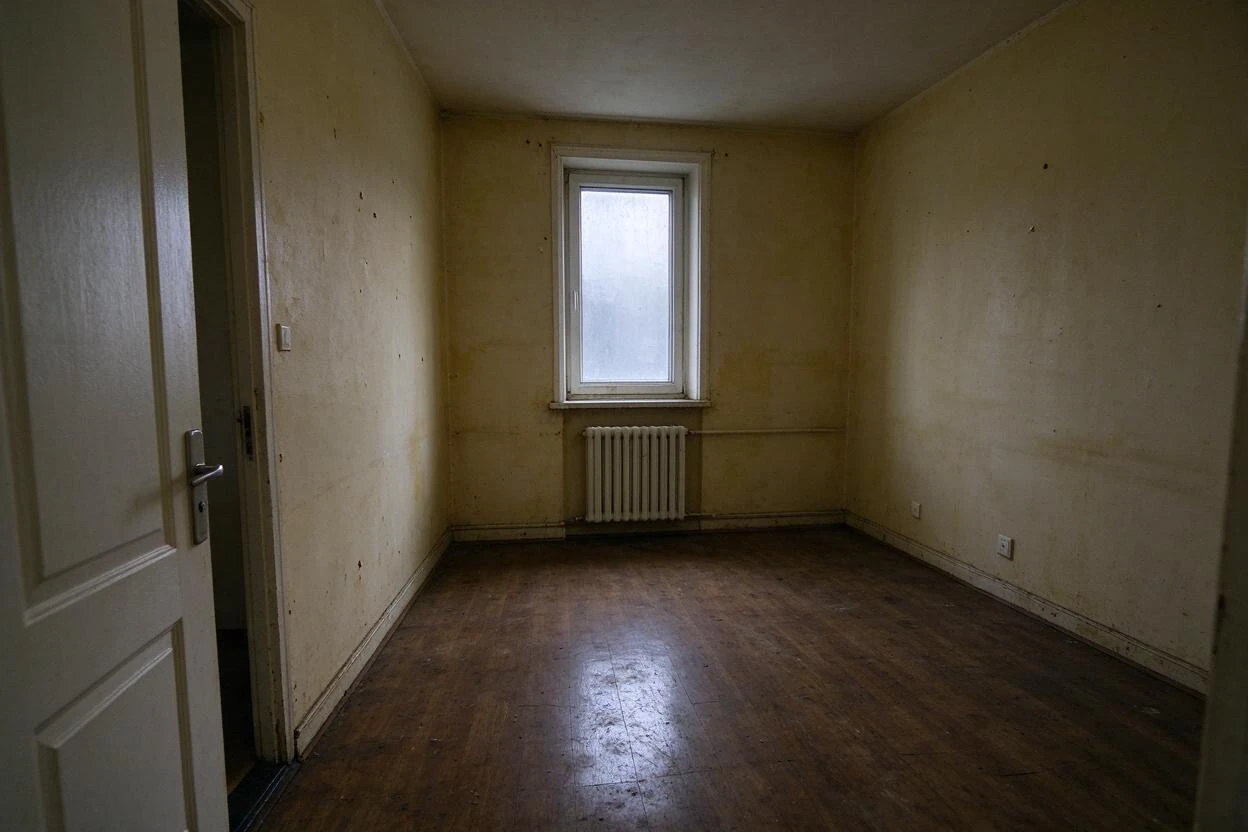
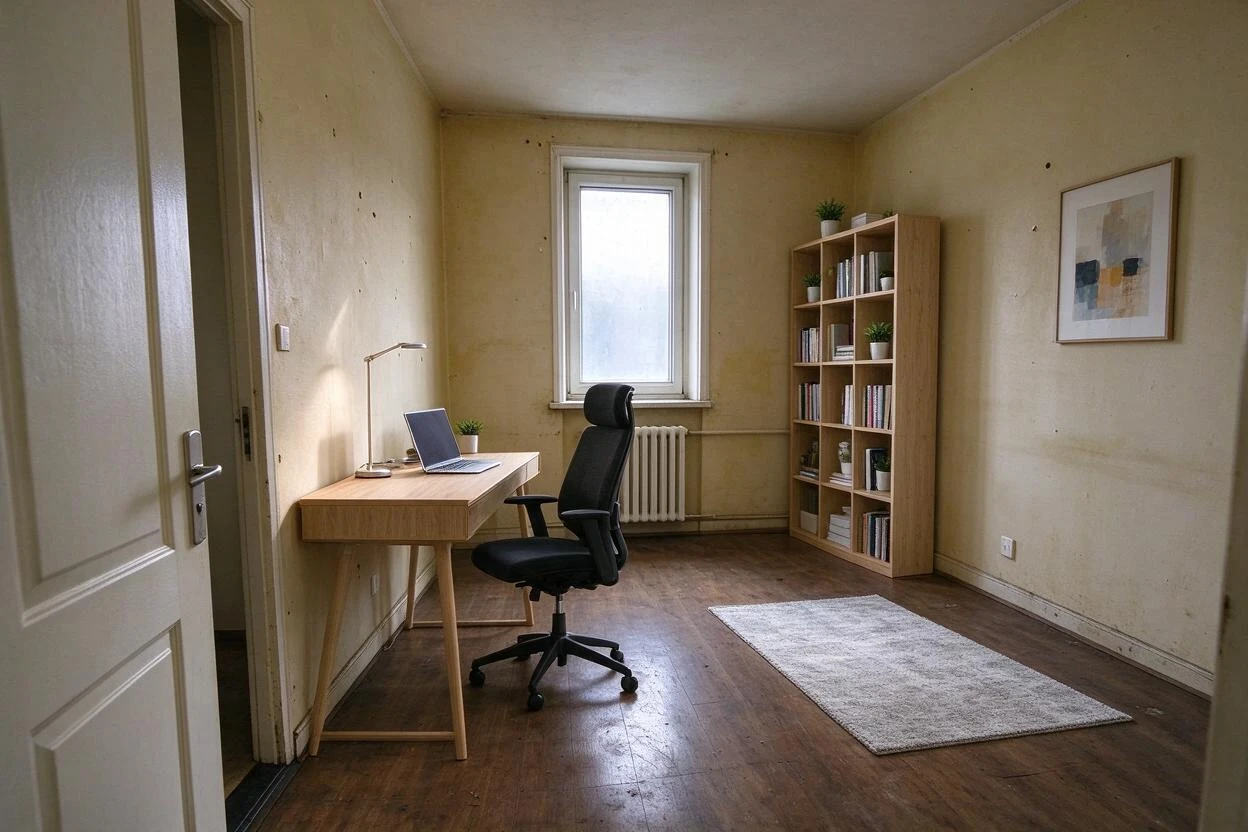
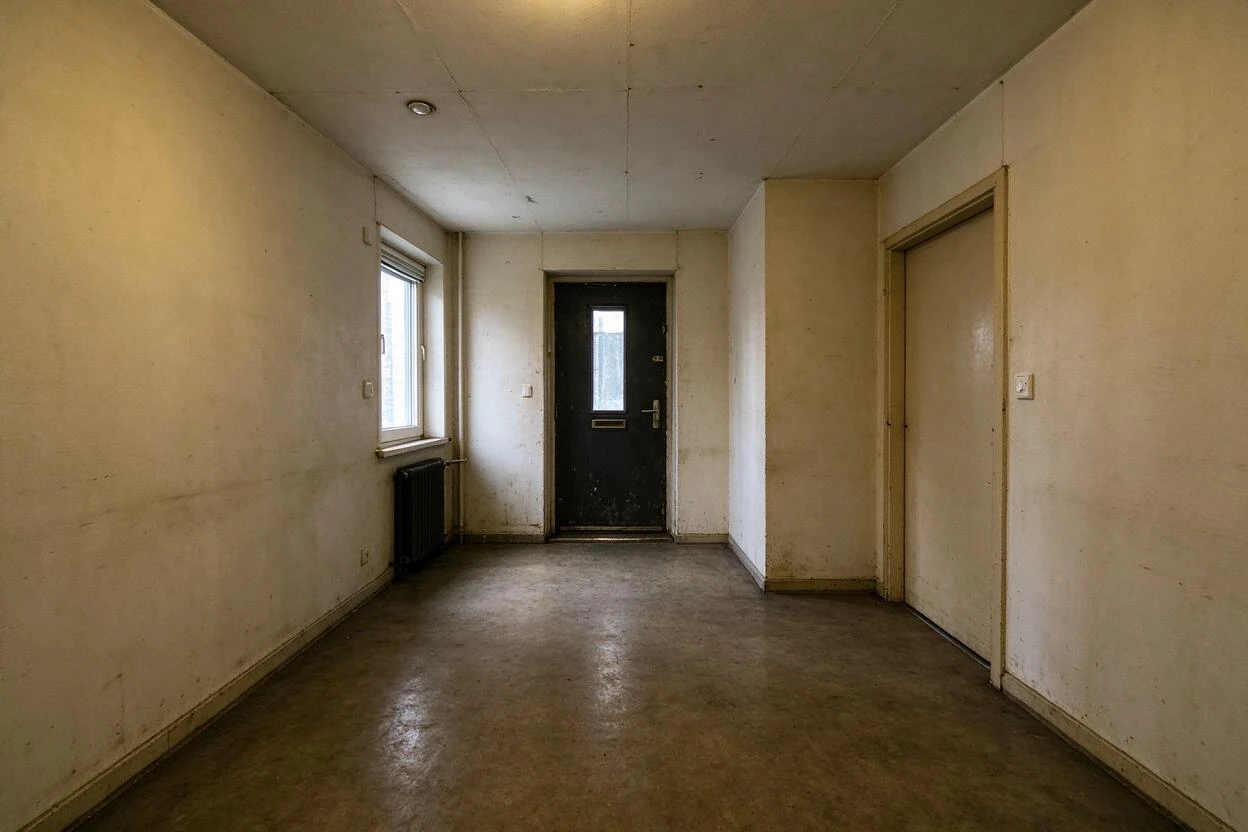
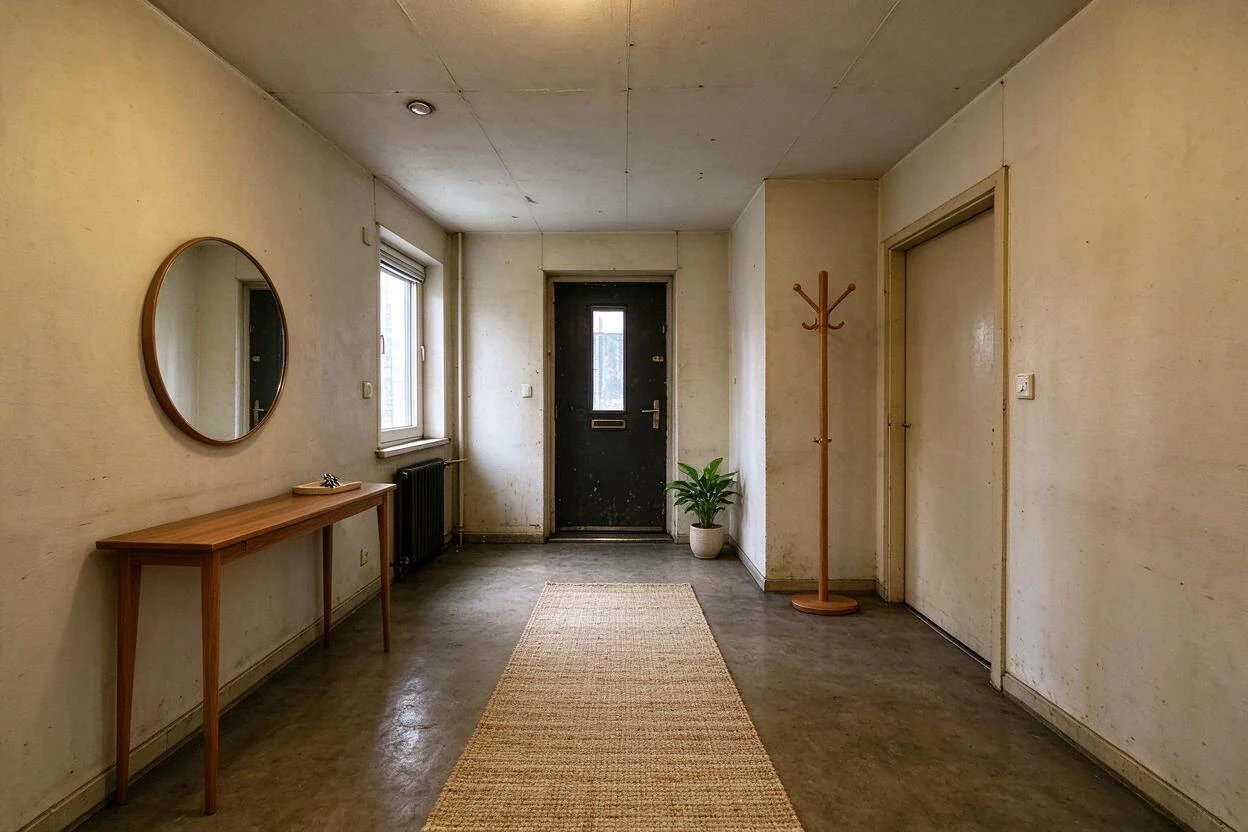
Showing 7 of 7 transformations
These image enhancement before and after examples were created with Goodesign: one photo in, a share-ready render out in about a minute.
07
FAQ
Will it look over-edited?
No — the engine targets natural correction; you review before download.
Can it fix white balance?
Yes — yellow and blue casts correct to neutral daylight tones.
Does it change the room?
No — structure and objects are untouched; only light and color are corrected.
Can I batch a whole listing?
Yes — apply one look across the gallery for consistency.
Does it upscale resolution too?
That's the upscale tool; enhancement corrects tone, not size.
Is it good for MLS photos?
Yes — corrected photos are standard practice with your MLS's disclosure rules.
08
Related tools
Ready to see your room transformed?
Five free credits. No credit card. Your first render in about a minute.