
Solution
Change Counters, Backsplash, and Flooring — Without the Demo
Render new finishes on the surfaces you're actually replacing: kitchen counters, backsplash, floors, built-ins.
Free 5 credits · No card required
Try it on your own photo
Free plan includes 5 credits · your photo’s geometry stays locked · results save to your account
1 · Upload your photo
The room photo from your listing or phone — straight-on or corner view works best.
2 · Fine-tune (optional)
Your photo’s camera angle and structure always stay locked — only the described edit happens.
Upload a photo to enable generation.
3 · Your images
01
Why restyle surfaces matters
Renovators
Finish samples never look like the finished room under your light.
Agents
A dated kitchen reads as a $50K problem; restyled, it reads as a weekend.
Designers
Clients commit faster when surfaces render in context.
02
How it works
From upload to download — most renders finish in about a minute.
Upload
A straight-on photo of the room or surface run.
Mask
Counters, splash, and floor mask automatically.
Choose
Name finishes: honed marble, zellige tile, wide-plank oak.
Render
New surfaces land with the room's real lighting.
Refine
Change one surface at a time; compare options.
Download
Save options for suppliers and quotes.
03
Prompt guide
Do this
- One surface per pass: counters first, then splash.
- Name material and finish: "honed, not polished".
- Daylight photos read material texture best.
Avoid this
- Changing cabinets in the same pass as counters.
- Ultra-trendy finishes you'd tire of in a year.
- Angled phone shots — go straight-on.
“Replace the counters with honed white marble; cabinets and splash stay.”
“Preview zellige tile backsplash in a soft green.”
“Show the floor as wide-plank natural oak.”
04
Built for your role
Renovators
- Material decisions in your light
- Supplier conversations start aligned
- Avoid expensive finish regret
Agents
- Kitchens and baths photograph current
- Cosmetic story without renovation claims
- Faster sales on dated stock
Designers
- Finish boards live in the room
- Client options without sample chaos
- Fewer revision cycles
05
Under the hood
- Surface masks follow edges — grout lines and transitions respected.
- Material texture renders with the scene's reflections.
- Cabinet boxes are preserved; fronts can restyle separately.
- Renders support decisions; order physical samples before ordering materials.
Selling products online? Try AI Product Scenes →
06
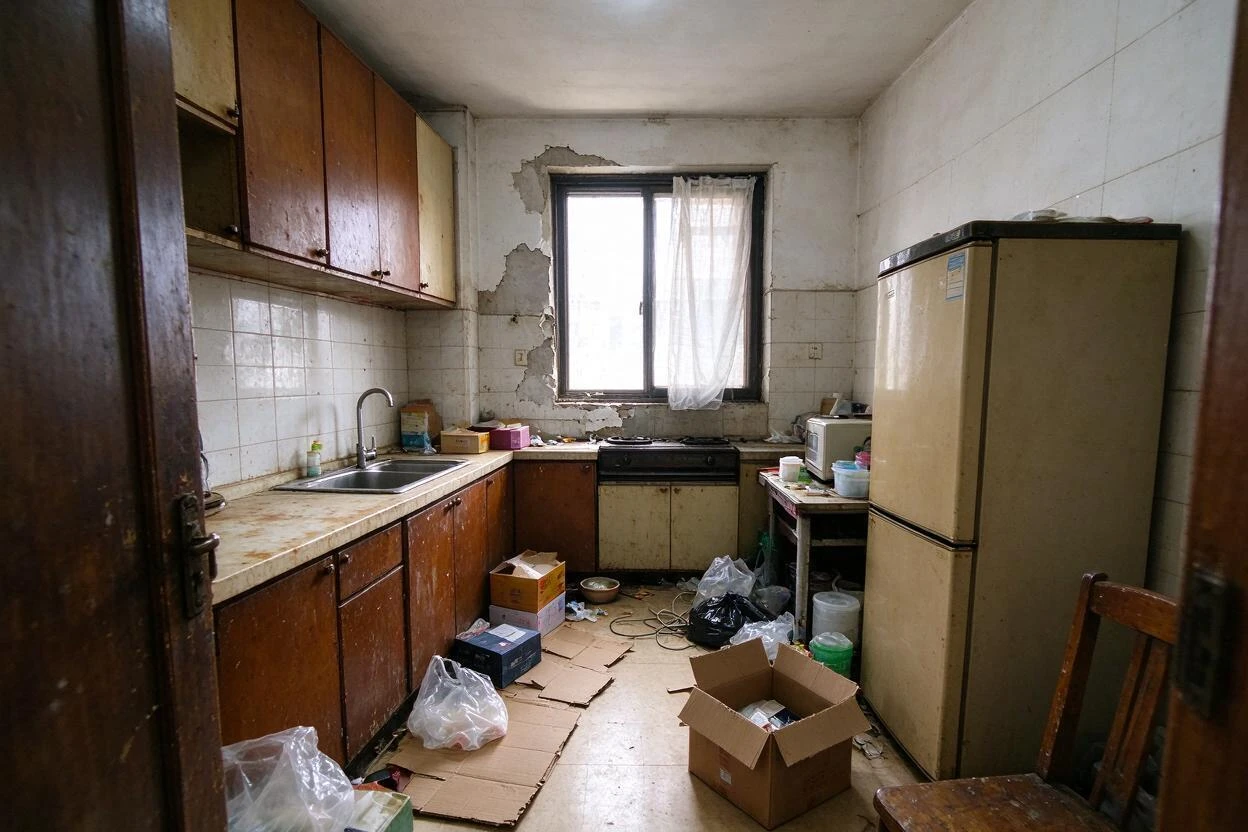
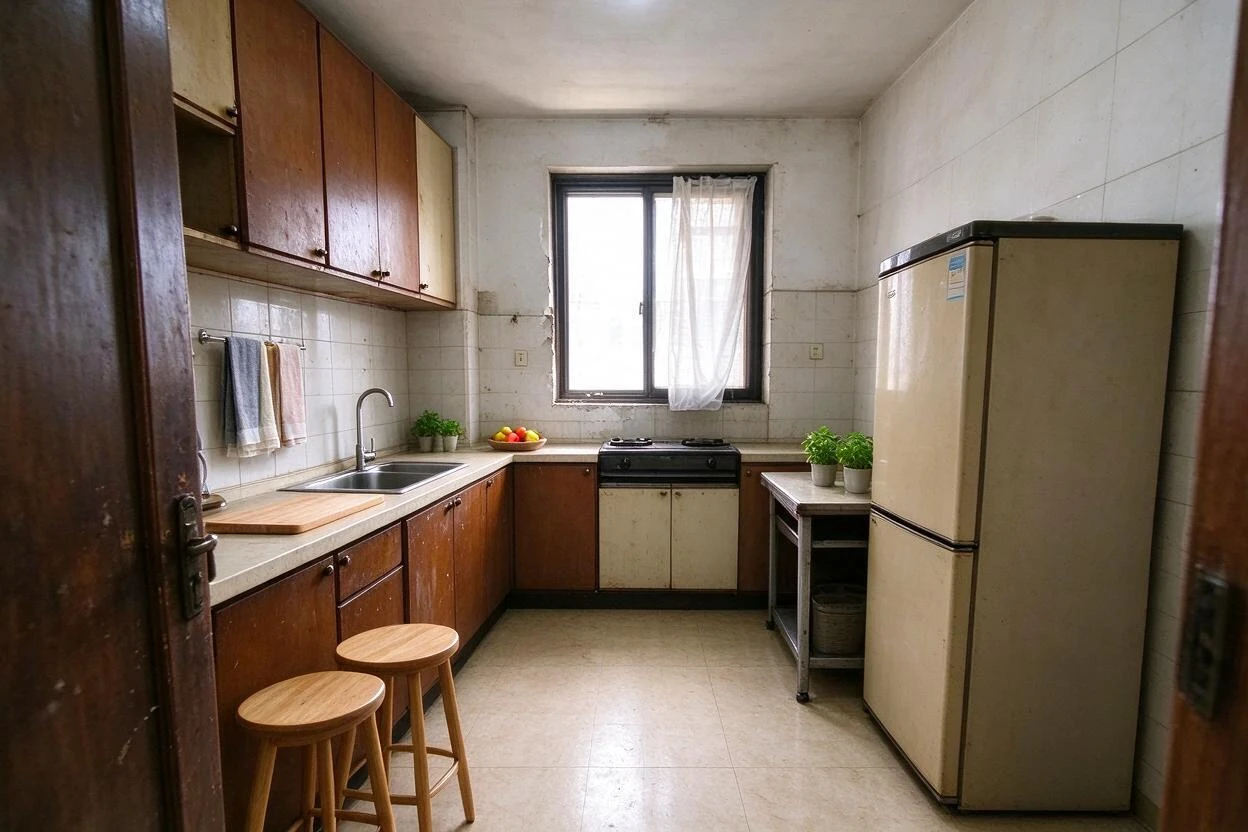
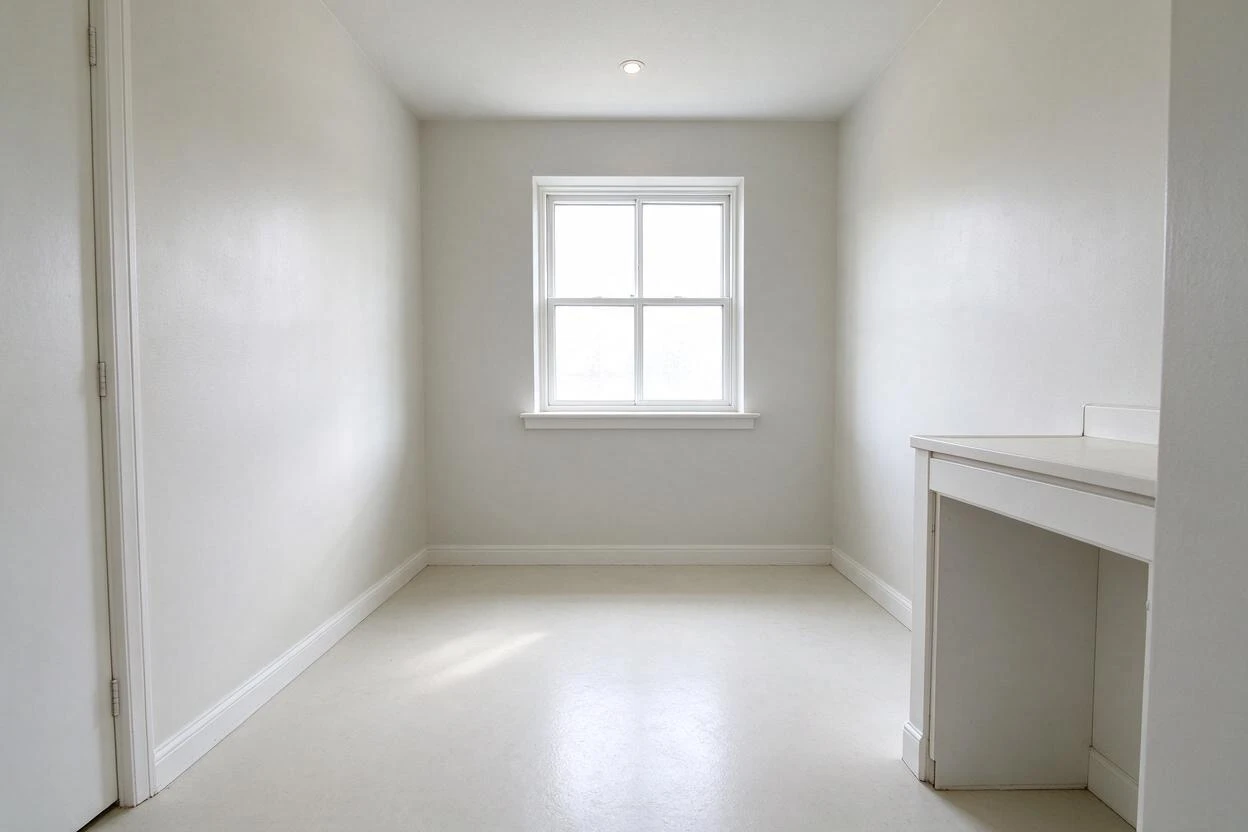
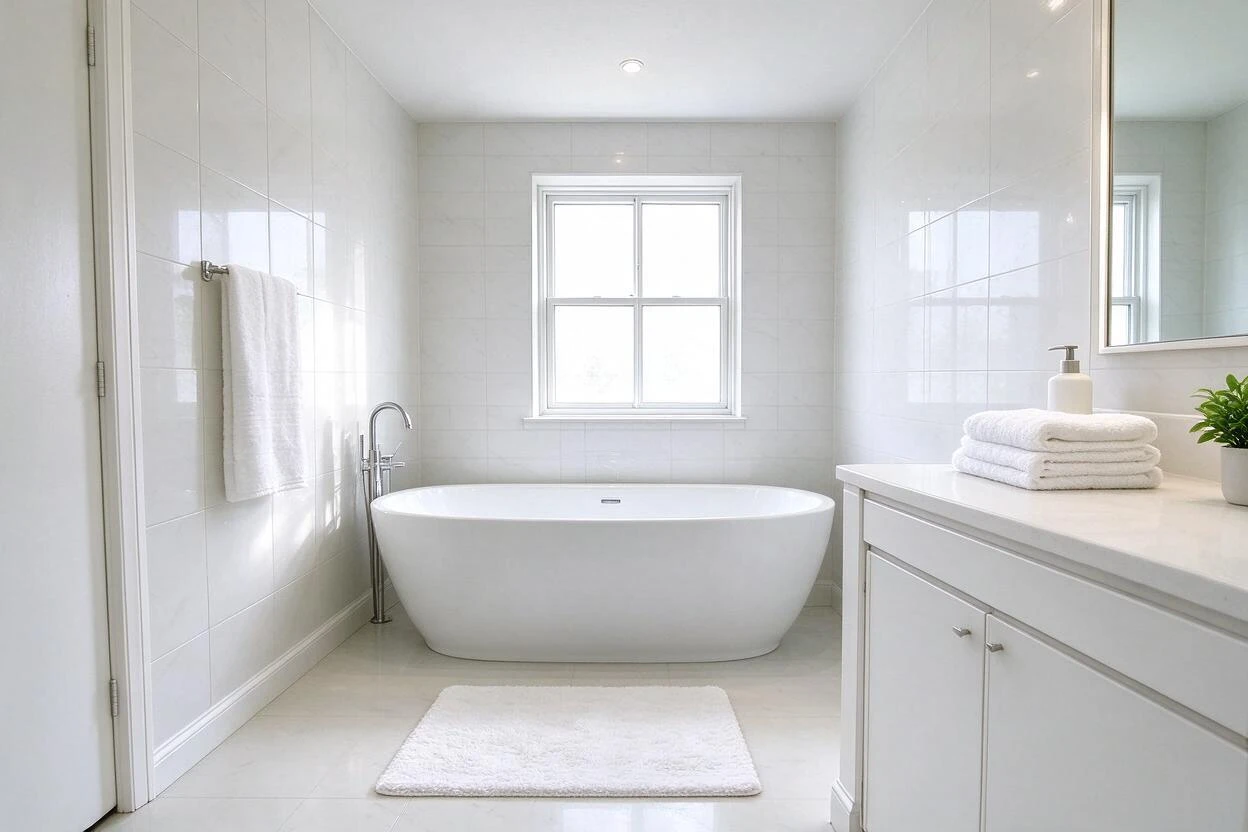
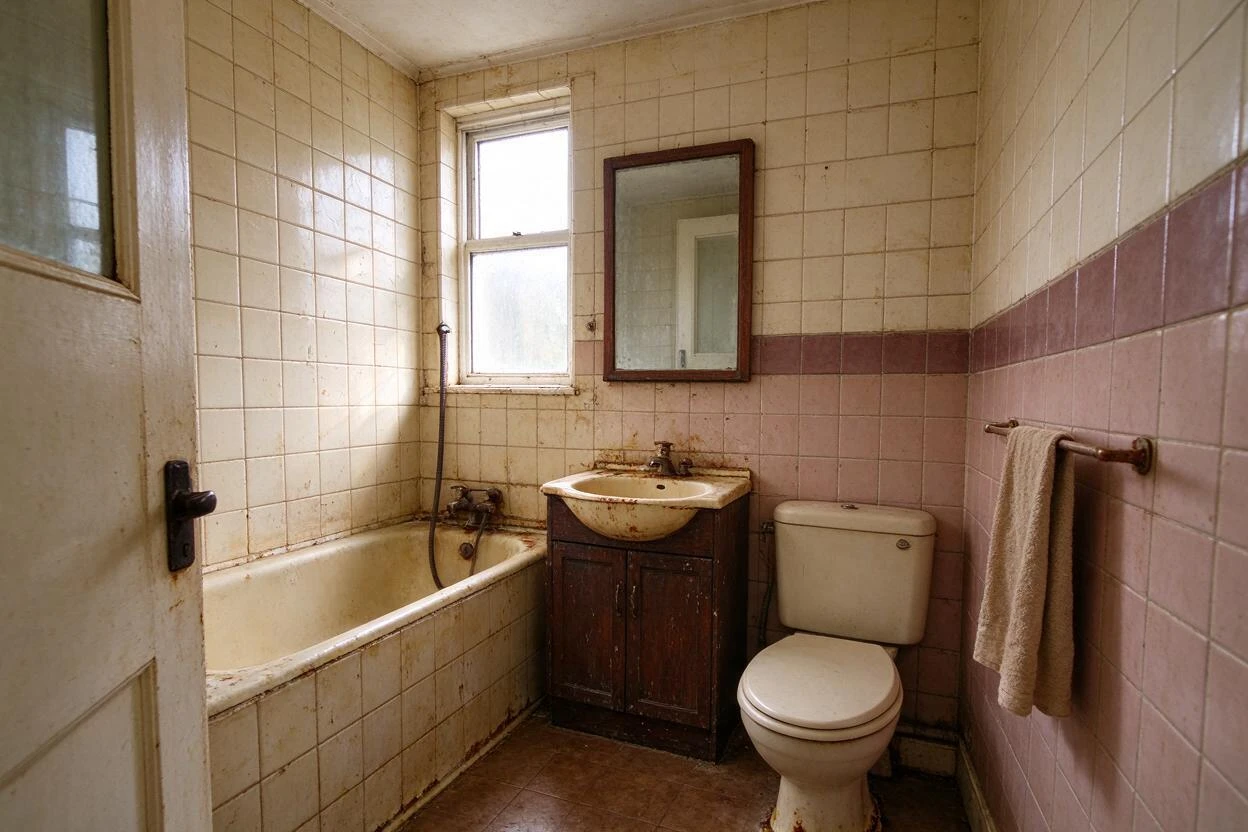
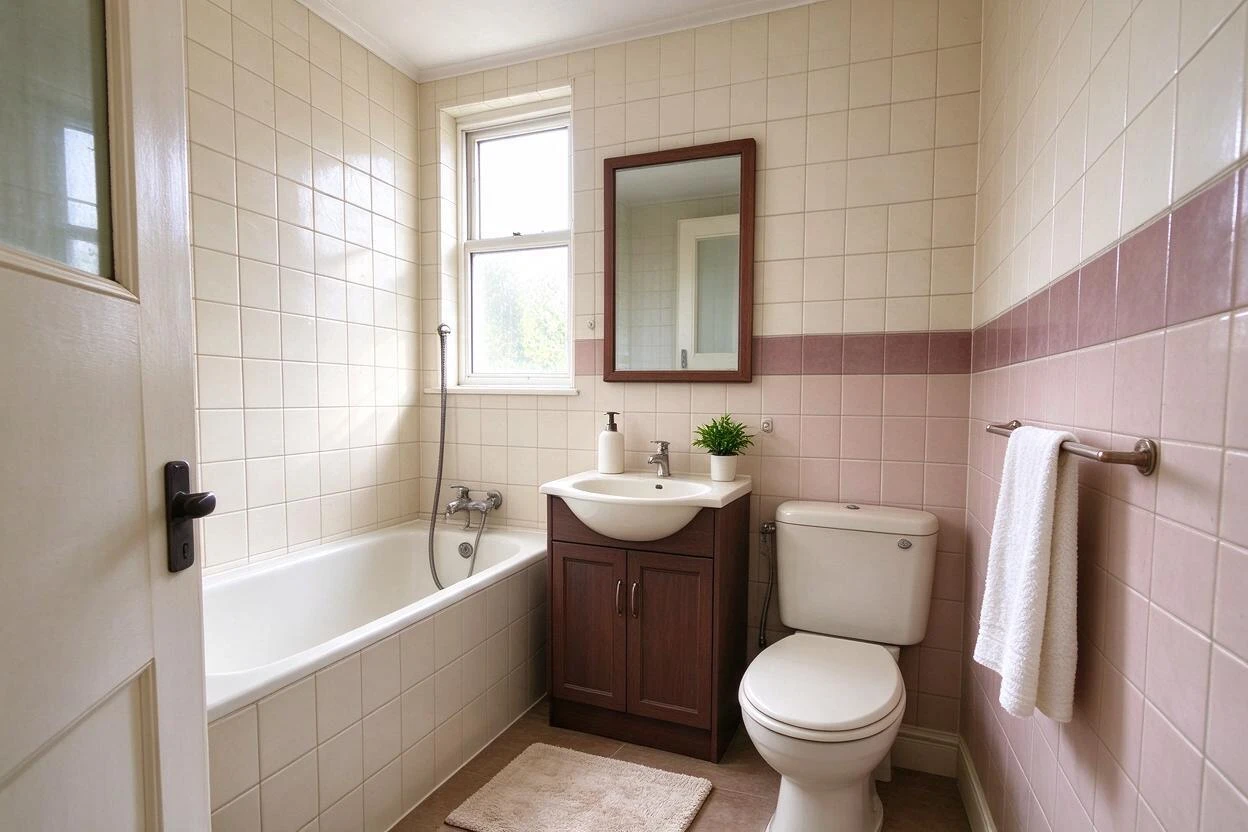
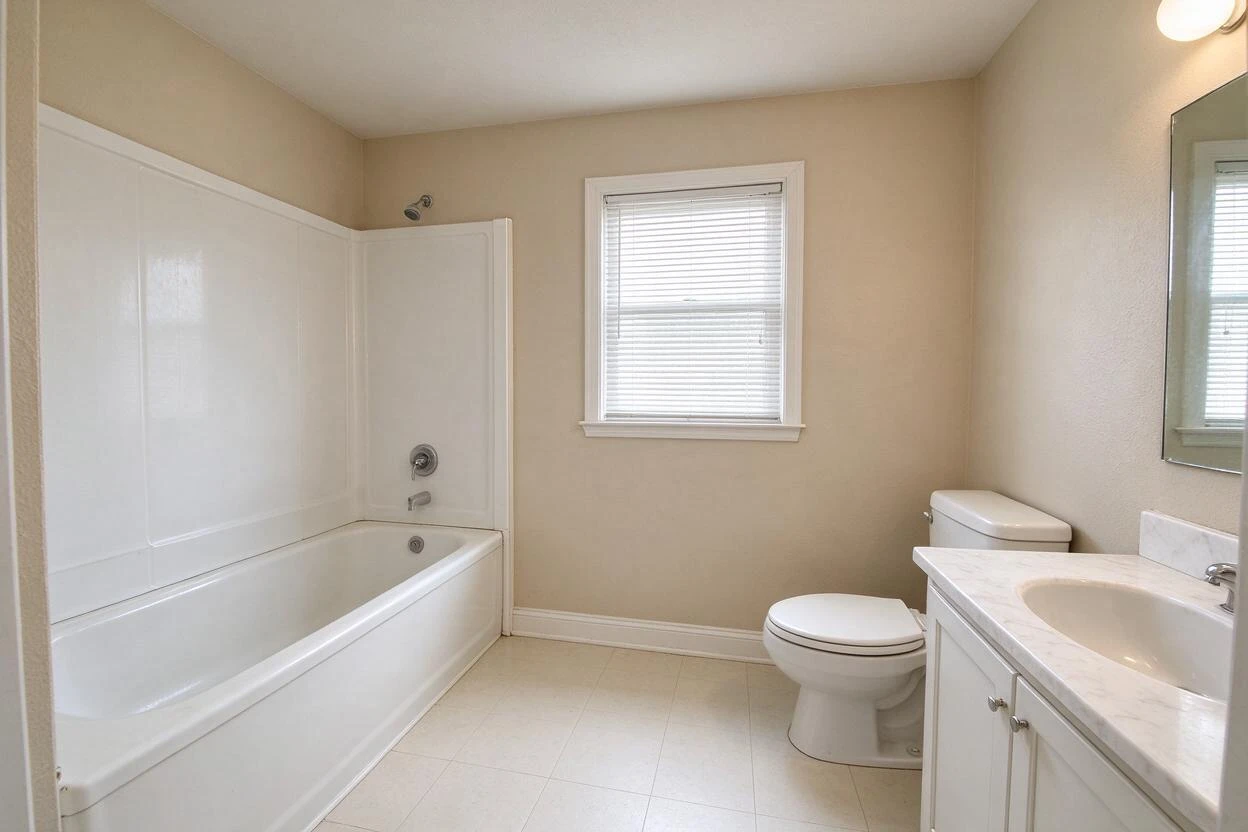
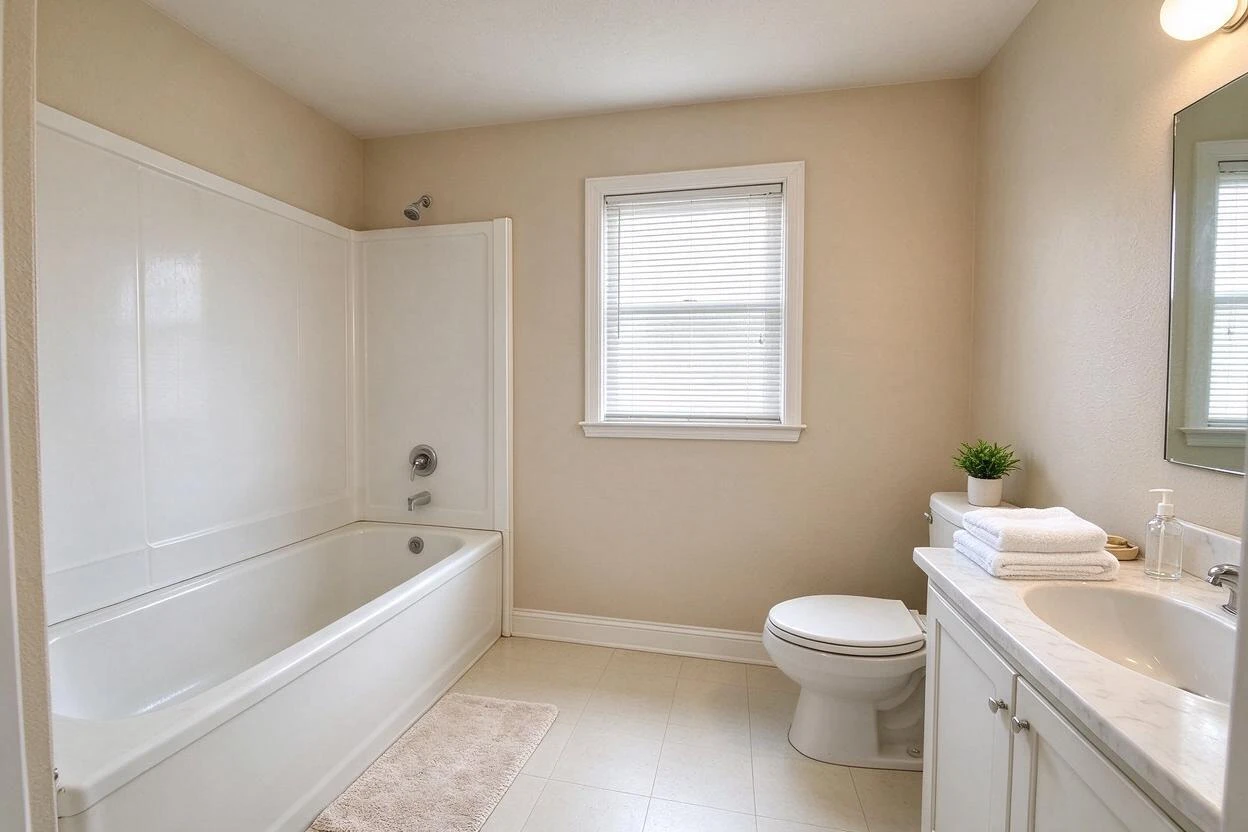
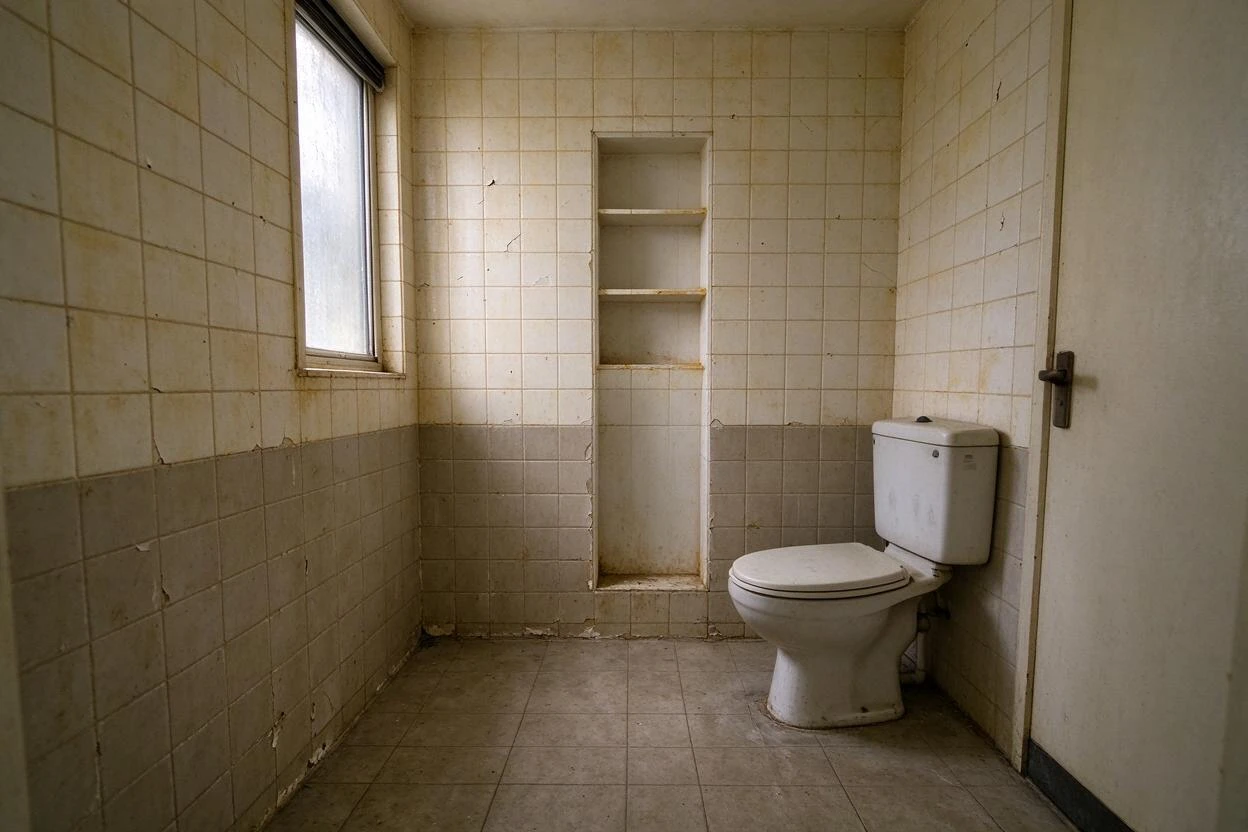
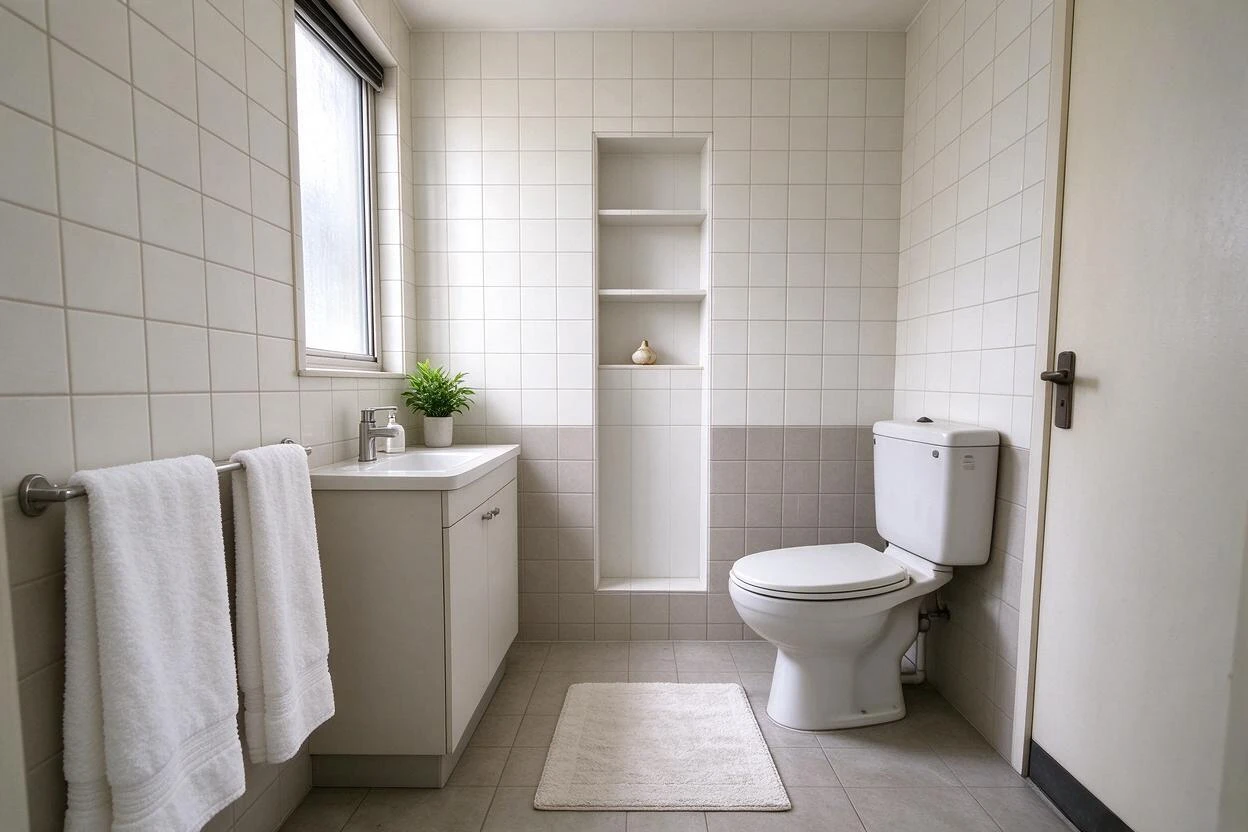
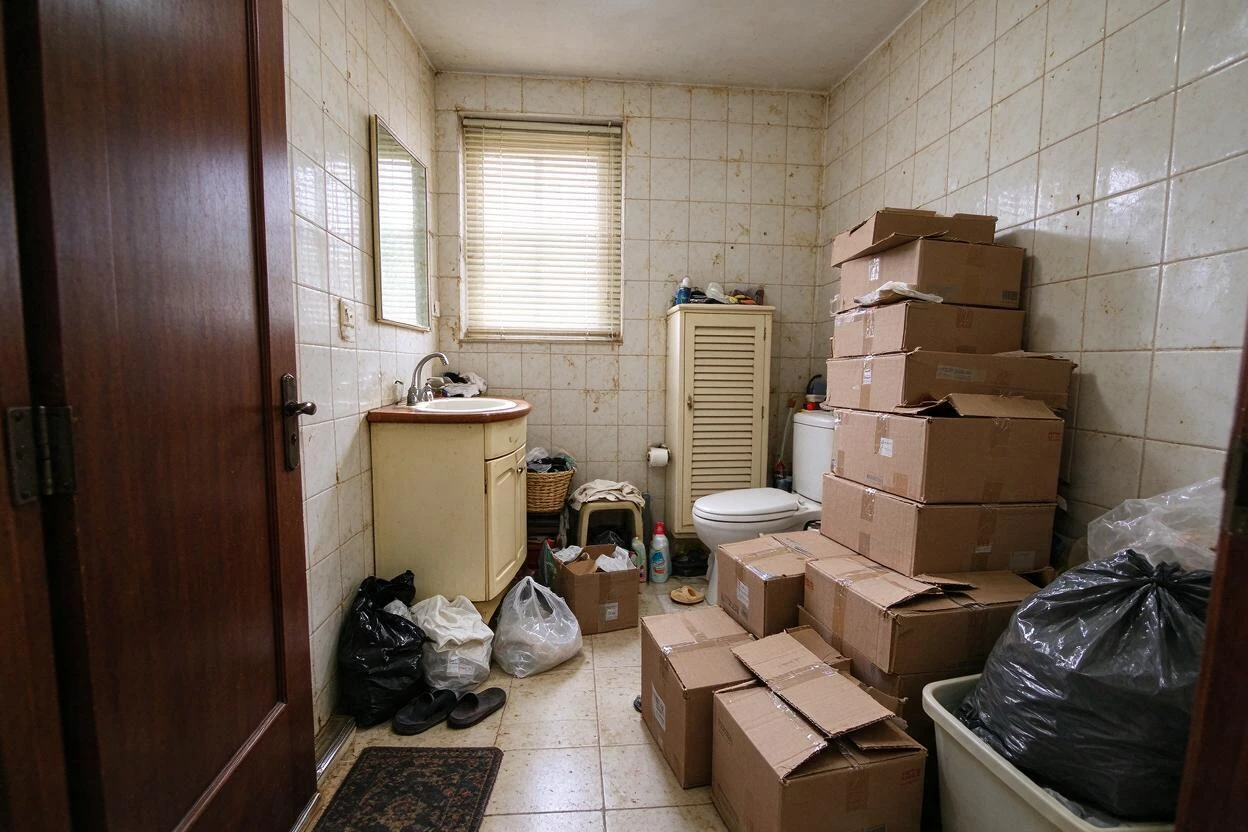
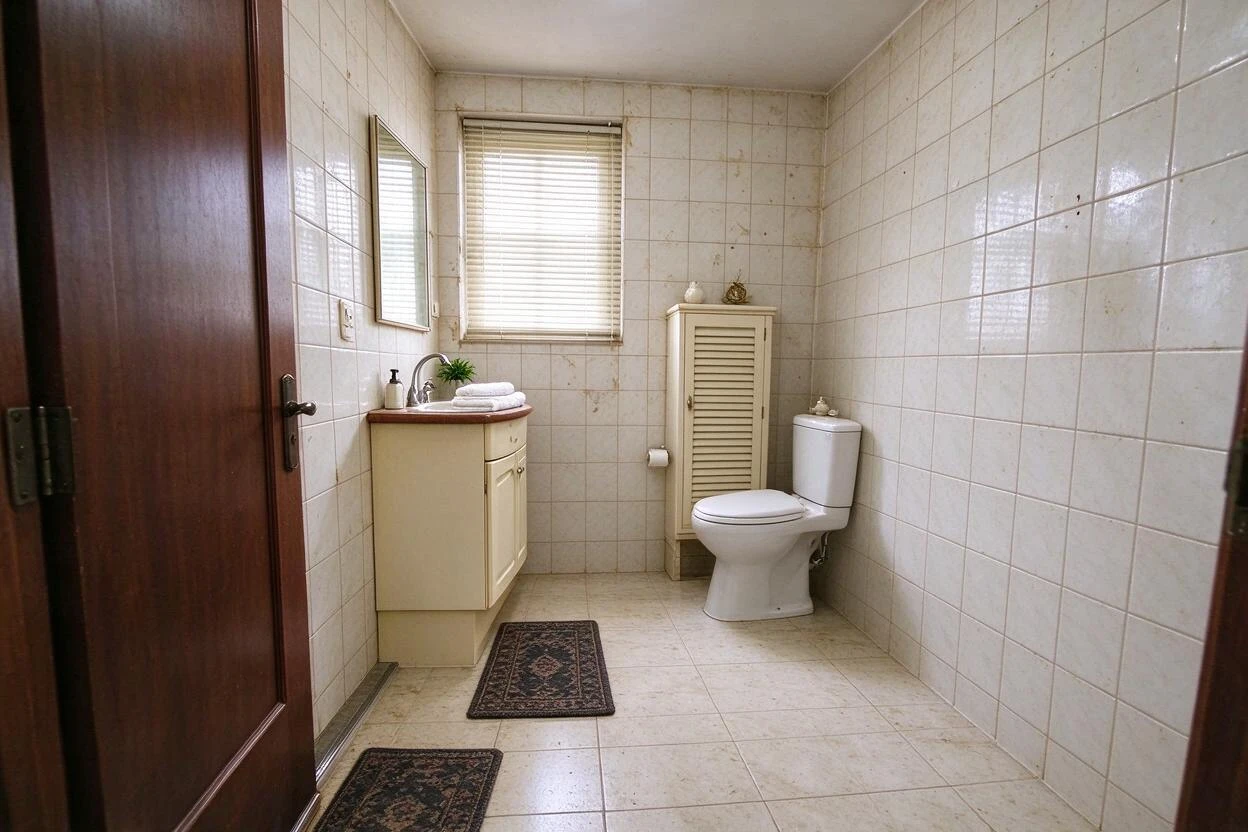
Restyle Surfaces Before and After Results
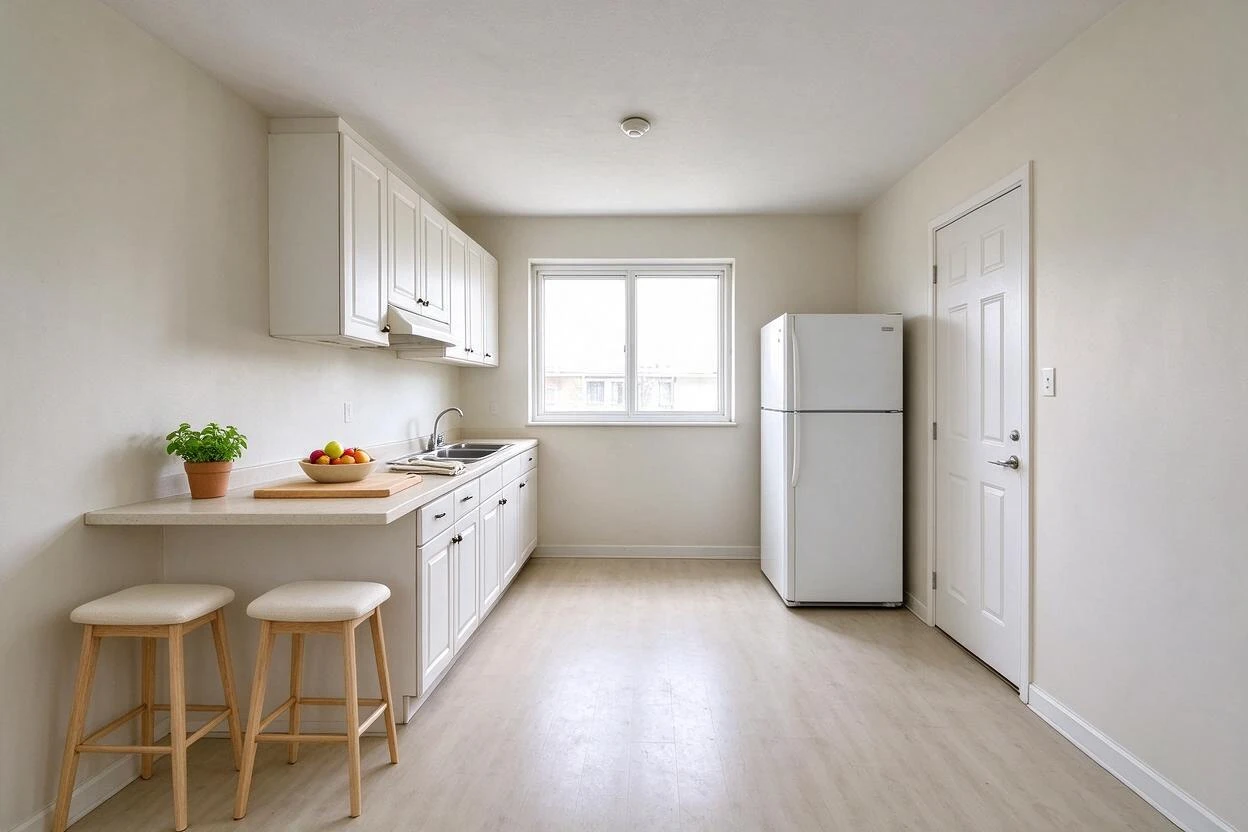
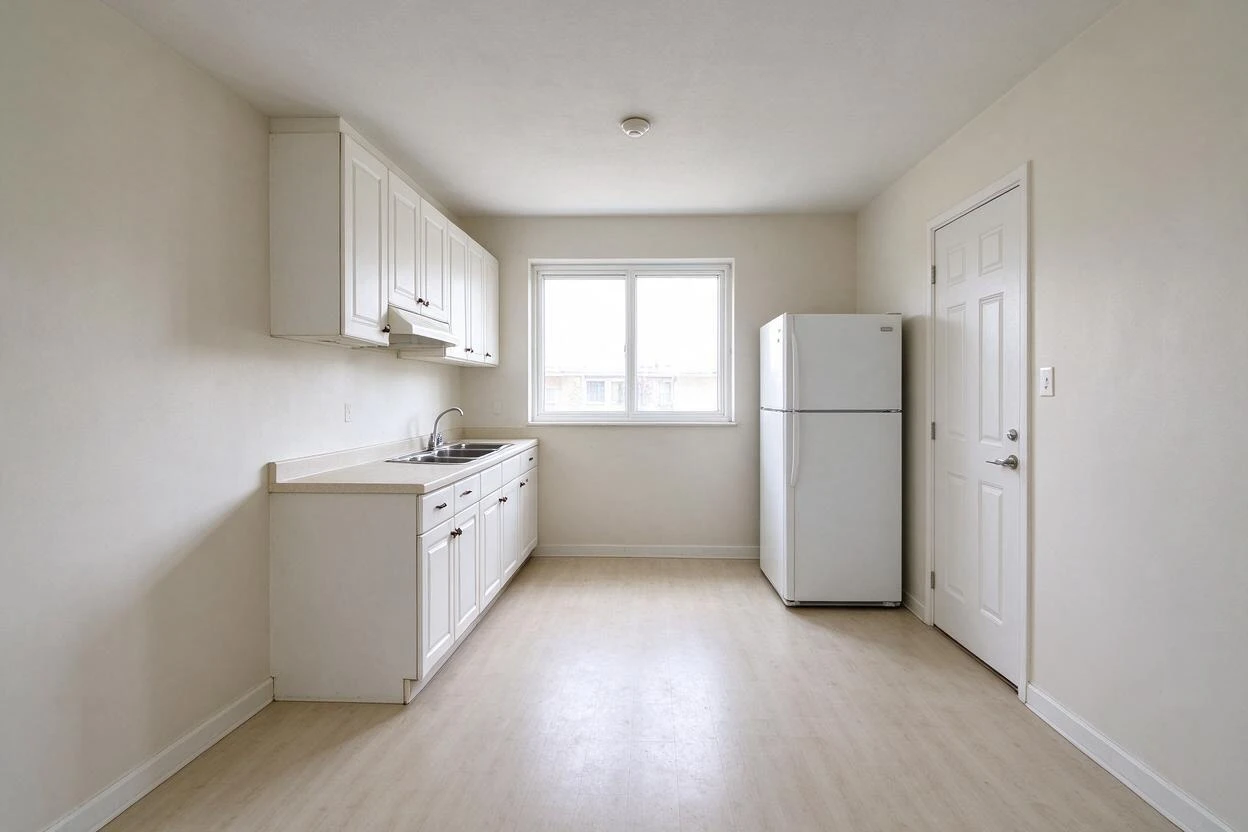
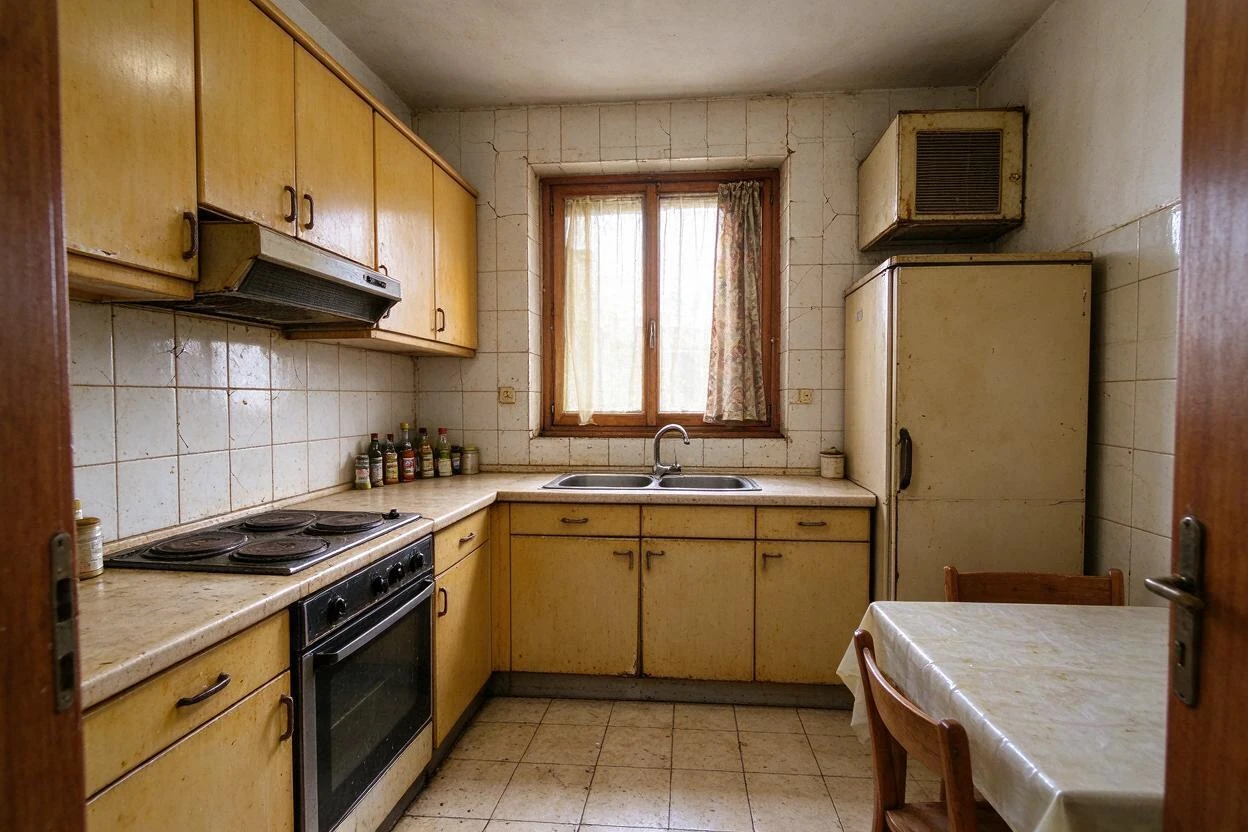
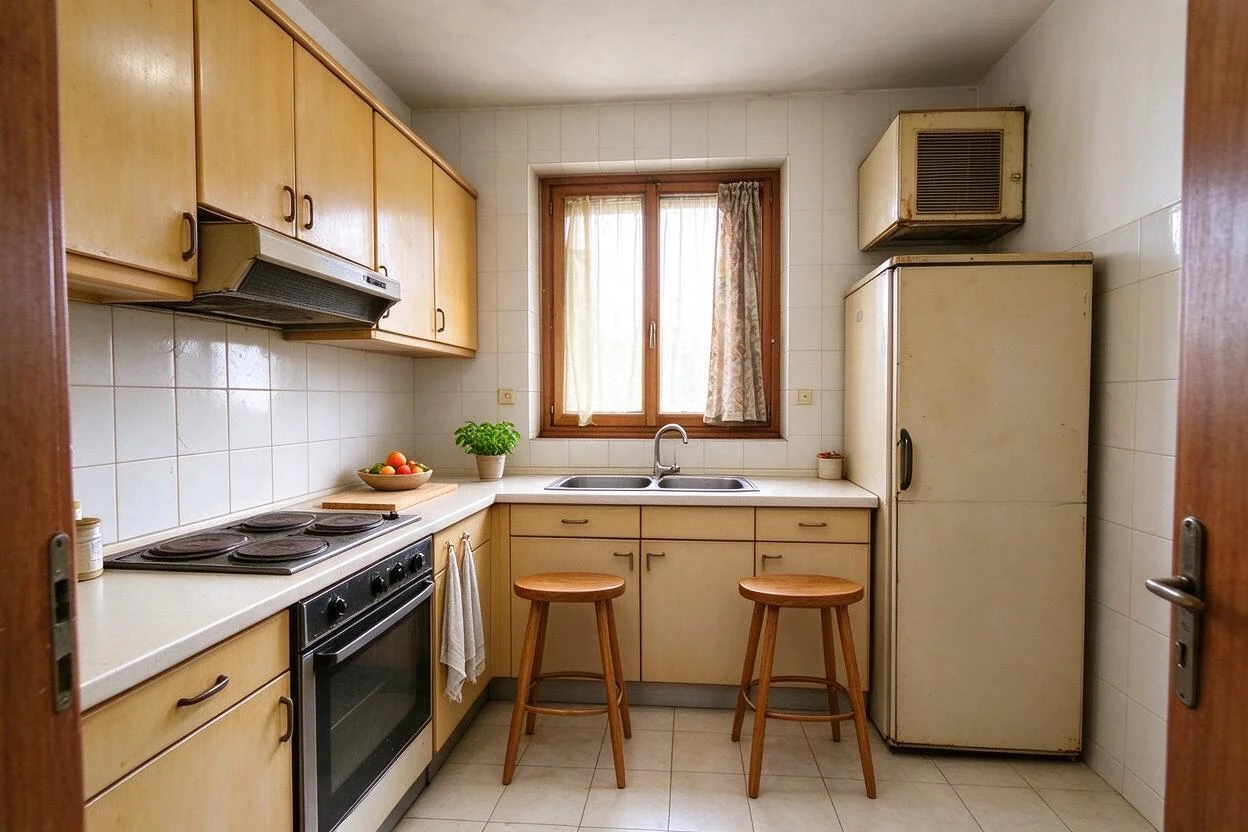
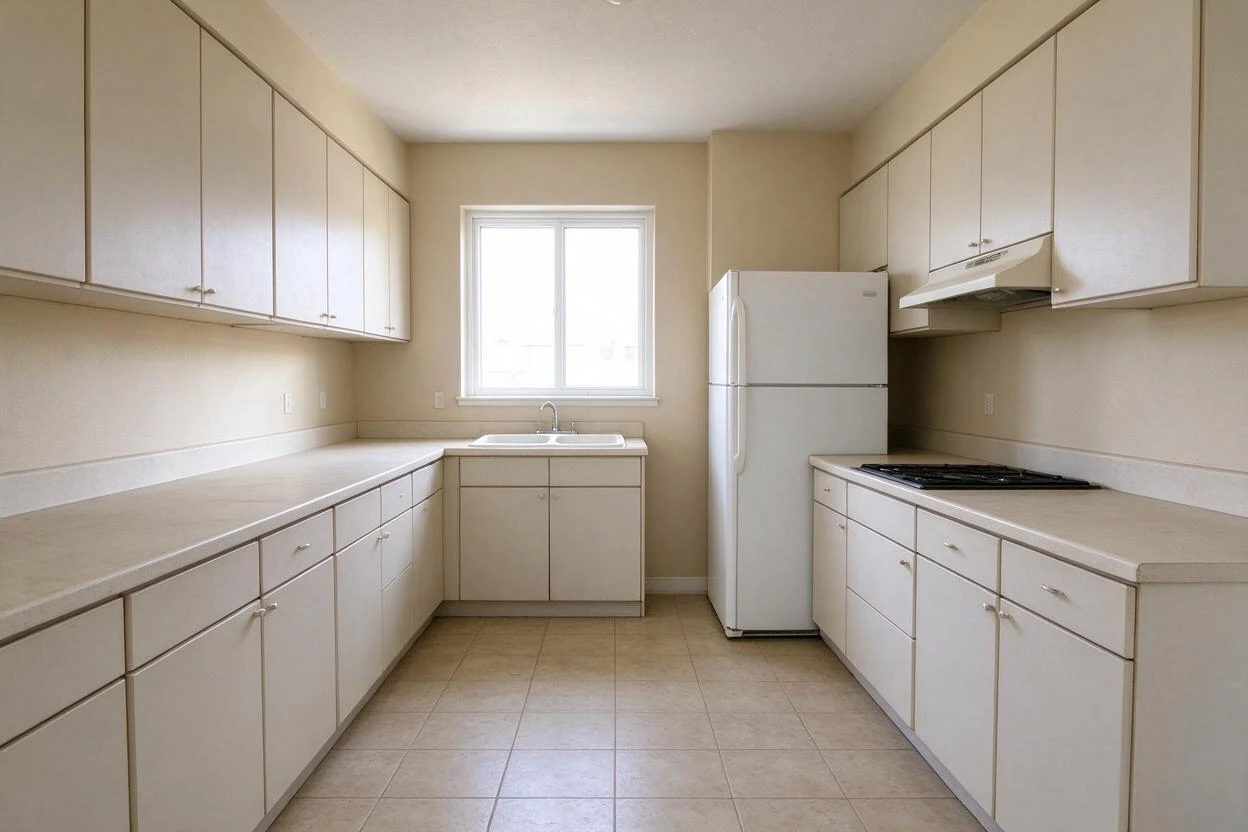
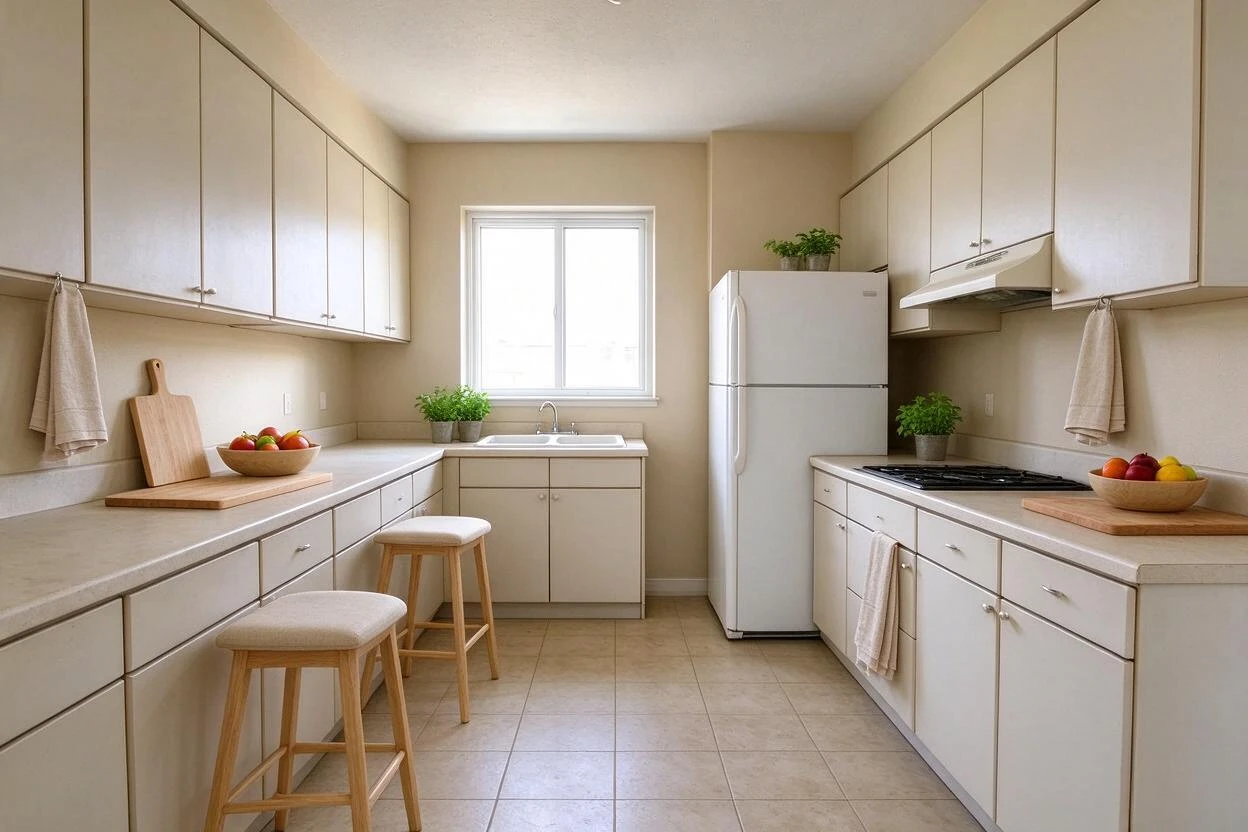
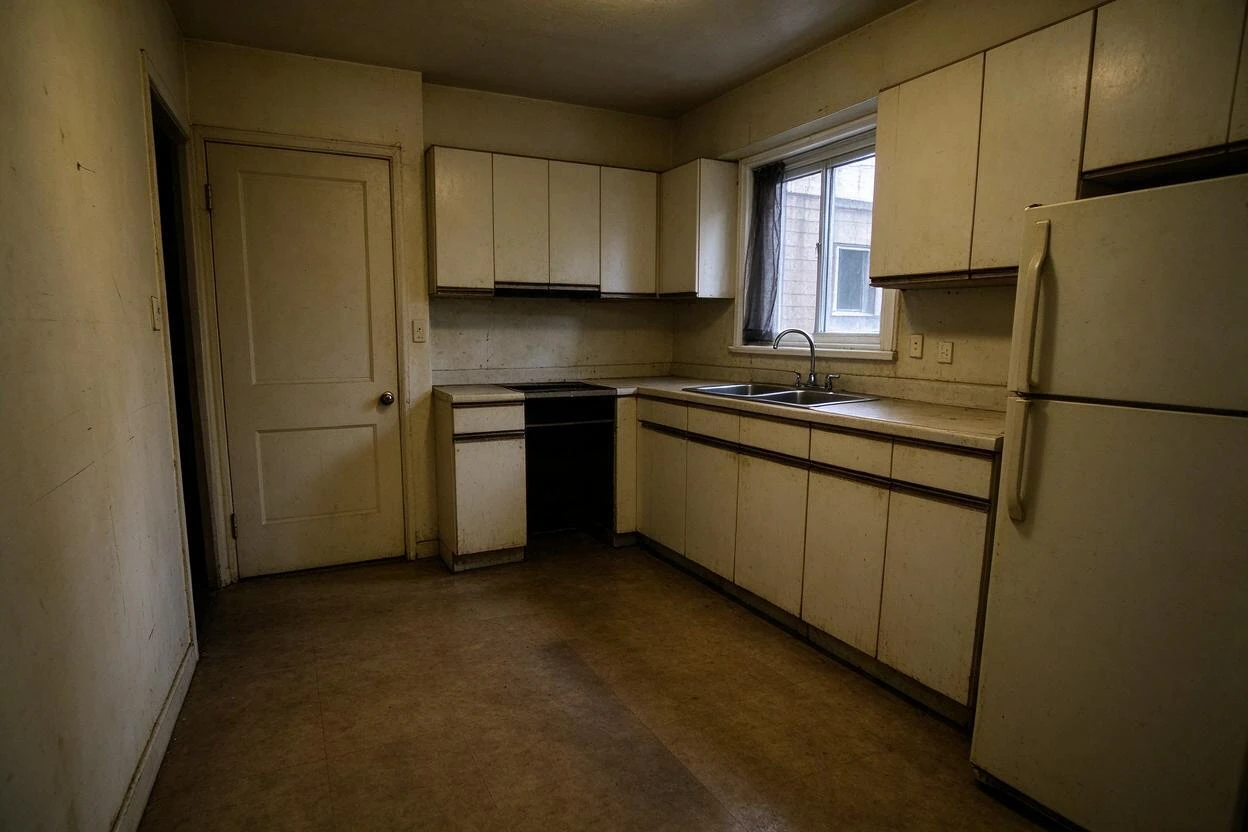
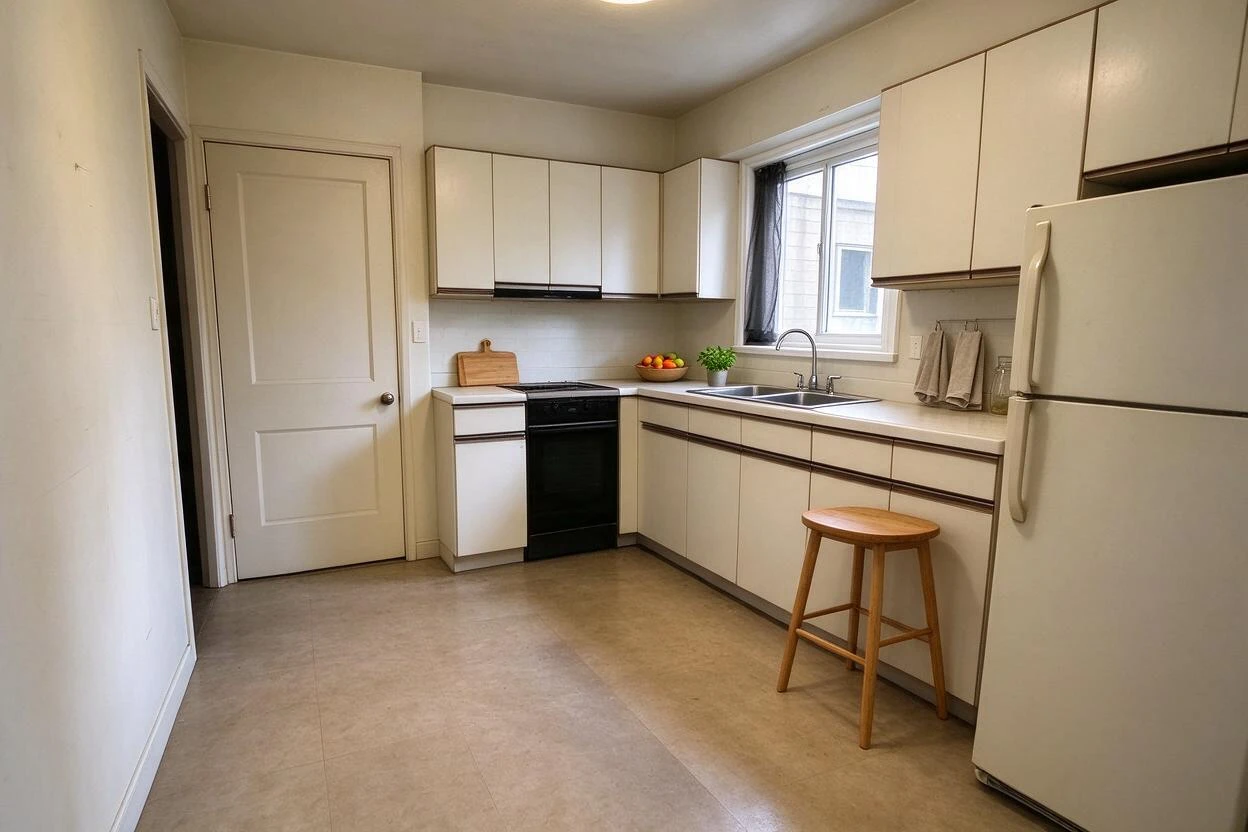
Drag each slider to compare the original photo with the AI result — every pair below was generated from a real room photo.
Showing 10 of 10 transformations
These restyle surfaces before and after examples were created with Goodesign: one photo in, a share-ready render out in about a minute.
07
FAQ
Can I change cabinets and counters together?
Better one at a time — combined passes blur edge decisions.
Does it handle tile patterns?
Yes — zellige, subway, and pattern tile render with layout.
Will the room's lighting stay true?
Yes — reflections and shading come from your photo.
Is this accurate enough to order from?
It's directionally accurate; order physical samples of your finalist.
Can it do floors alone?
Yes — flooring-only changes work well.
Does it work in bathrooms?
Yes — vanities, splash, and wall tile are common uses.
08
Related tools
Ready to see your room transformed?
Five free credits. No credit card. Your first render in about a minute.