
Solution
AI Virtual Staging for Empty & Dated Rooms
Turn an empty or dated room photo into a furnished, listing-ready space in about a minute — walls and windows untouched.
Free 5 credits · No card required
Try it on your own photo
Free plan includes 5 credits · your photo’s geometry stays locked · results save to your account
1 · Upload your photo
The room photo from your listing or phone — straight-on or corner view works best.
2 · Fine-tune (optional)
Your photo’s camera angle and structure always stay locked — only the described edit happens.
Upload a photo to enable generation.
3 · Your images
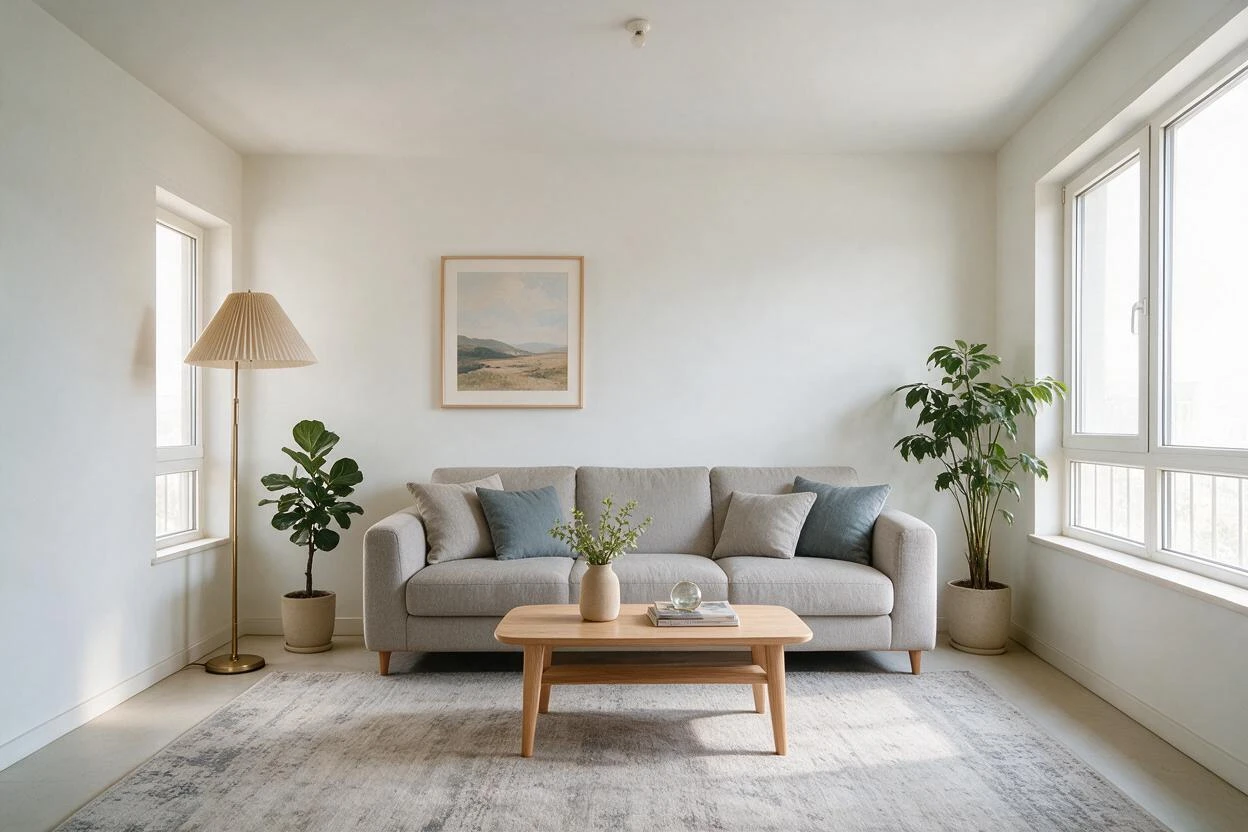
01
Why virtual staging matters
Home sellers
An empty room photographs cold. Buyers scroll past listings they can't picture themselves in.
Real estate agents
Physical staging costs thousands per property and takes weeks to schedule.
Designers
Clients can't visualize a concept from a floor plan or mood board alone.
02
How it works
From upload to download — most renders finish in about a minute.
Upload
Add one or more room photos — empty, dated, or cluttered.
Analyze
The AI reads the room: layout, proportions, lighting direction.
Direct
Pick a style or describe what you want in plain words.
Transform
Furniture, rugs, and decor are rendered into your actual room.
Refine
Ask for changes: swap the sofa, warm the lighting, restage.
Download
Export a high-resolution image ready for listings or decks.
03
Prompt guide
Do this
- Start with an action verb: "Stage this living room in…"
- Name a style and 2–3 anchor pieces: oak coffee table, linen sofa.
- Say what must stay: keep the wall color and window views unchanged.
Avoid this
- Vague vibes only: "make it look nice."
- Asking to move walls, windows, or doors — structure stays fixed.
- Stacking five styles in one prompt; pick one direction per run.
“Stage this living room in a warm modern style — linen sofa, oak coffee table, brass floor lamp. Keep the windows and wall color as they are.”
“Furnish this empty bedroom for a young family: light oak crib corner, reading chair, soft neutral rug.”
“Restage this dated den as a bright home office with built-in shelving along the existing wall.”
04
Built for your role
Home sellers
- List faster with rooms buyers can feel
- Skip physical staging costs
- Test two styles before committing
Agents
- Stage whole listings in one afternoon
- Consistent style across every photo
- Disclosure-ready: label as virtually staged
Designers
- Pitch concepts inside the client's own room
- Iterate live in client meetings
- Export presentation-grade images
05
Under the hood
- Reads architecture: walls, windows, ceiling lines stay fixed.
- Respects light direction and shadow behavior in the original photo.
- Keeps furniture scale honest to the room's real proportions.
- Occasional artifacts happen — one quick regeneration usually fixes it.
Selling products online? Try AI Product Scenes →
06
Virtual Staging Before and After Results
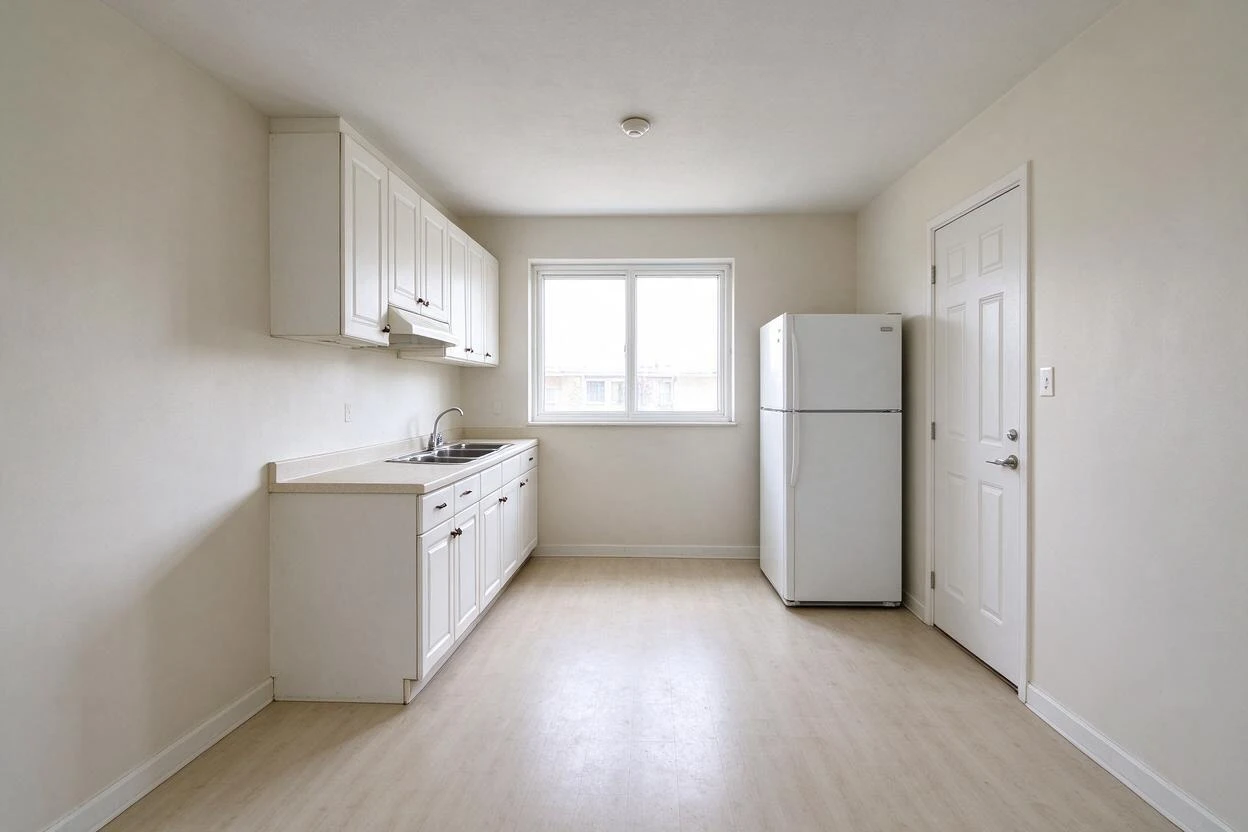
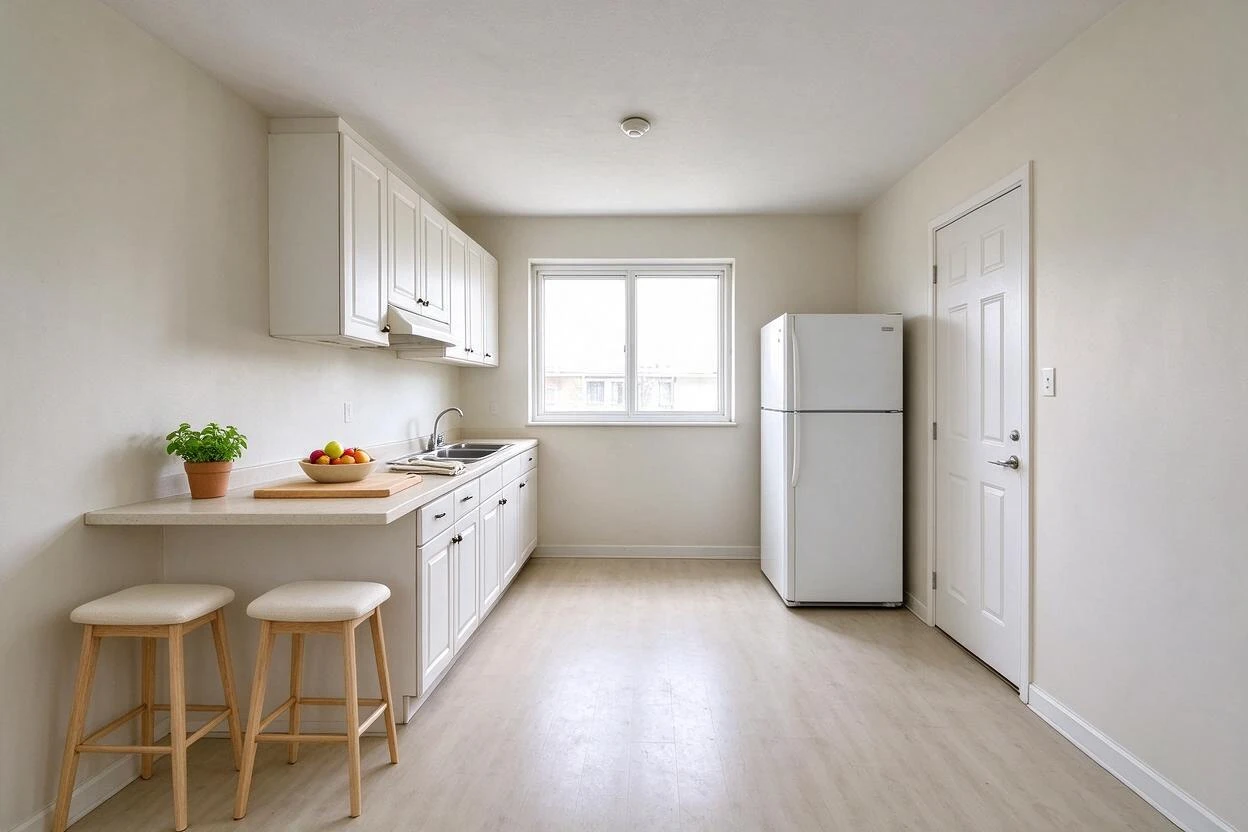
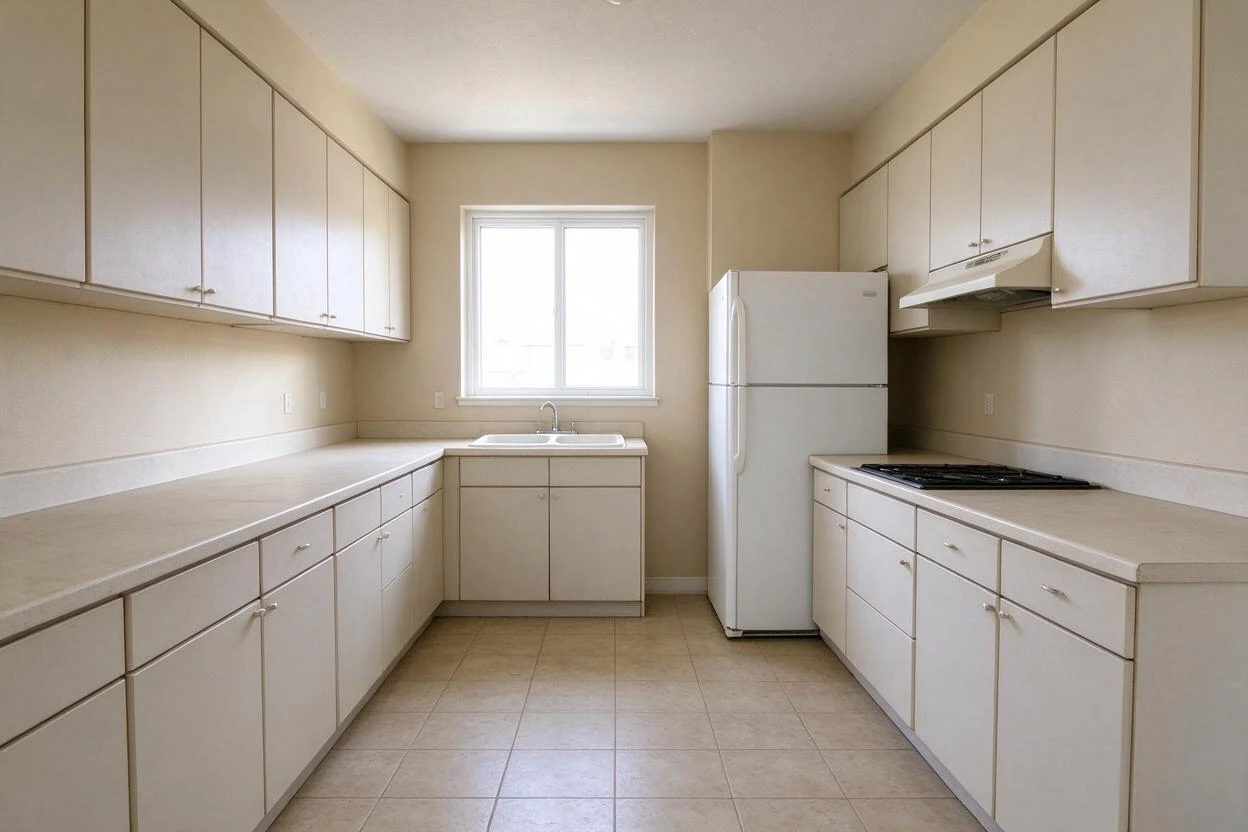
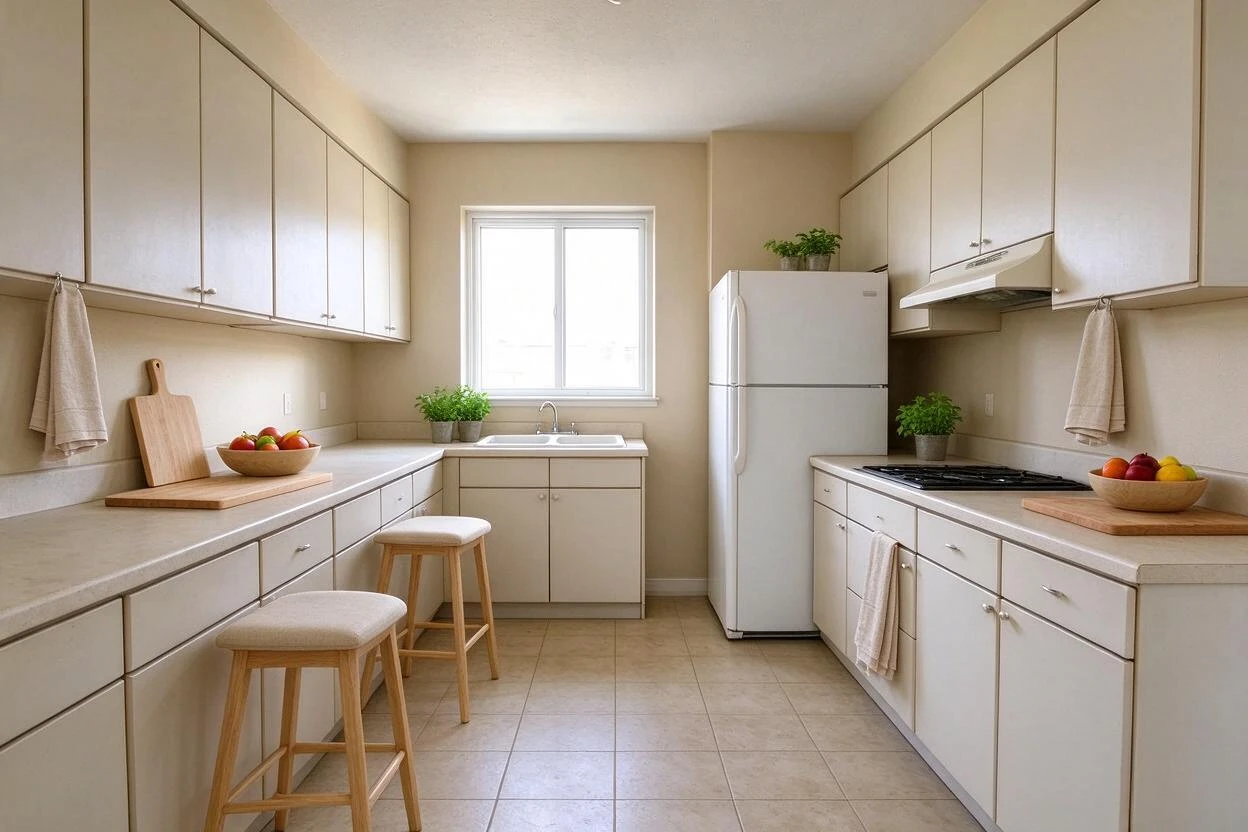
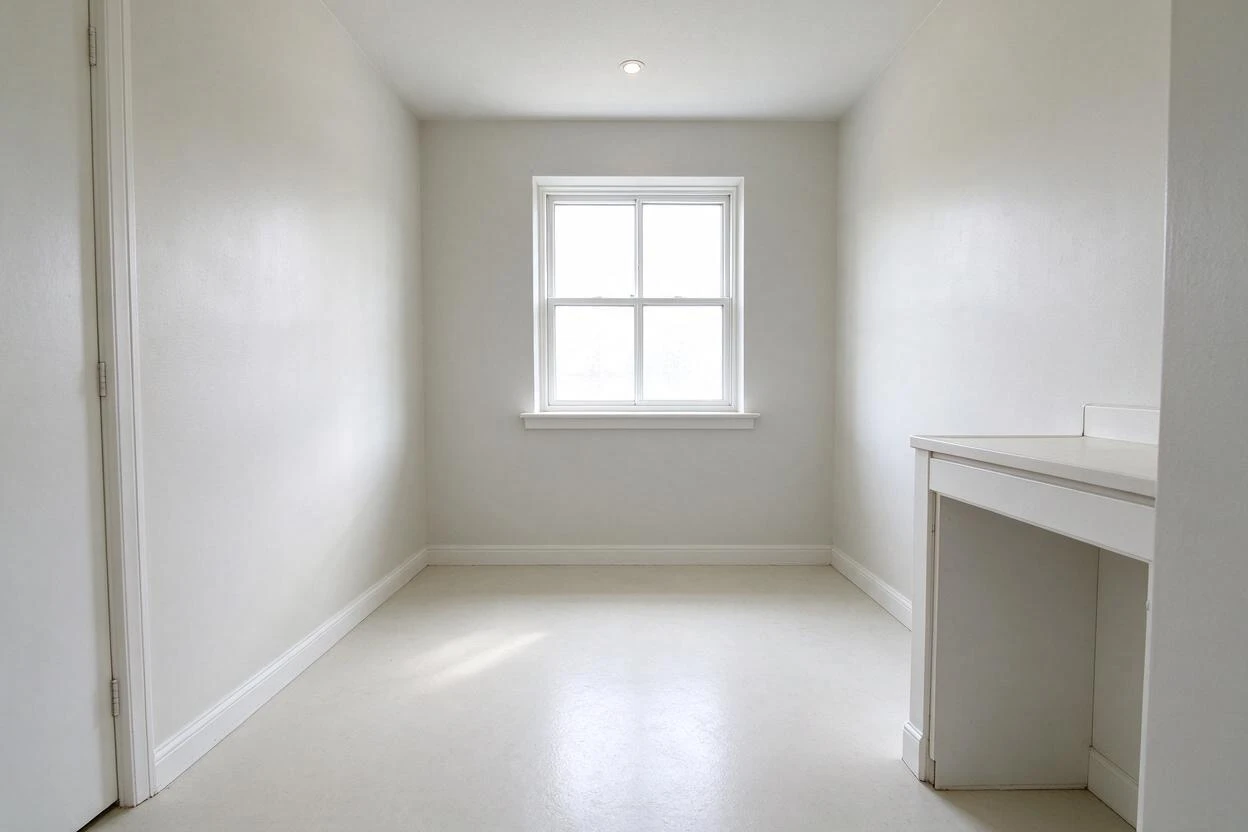
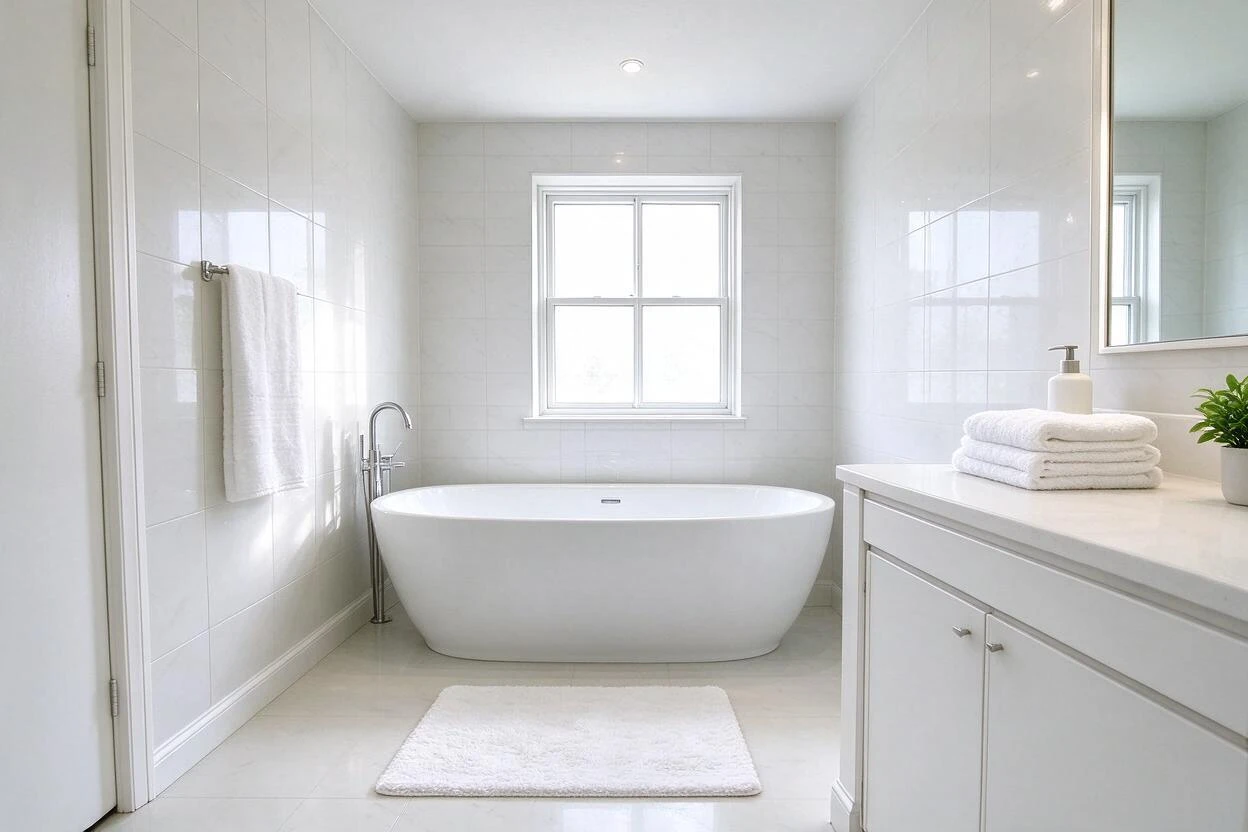
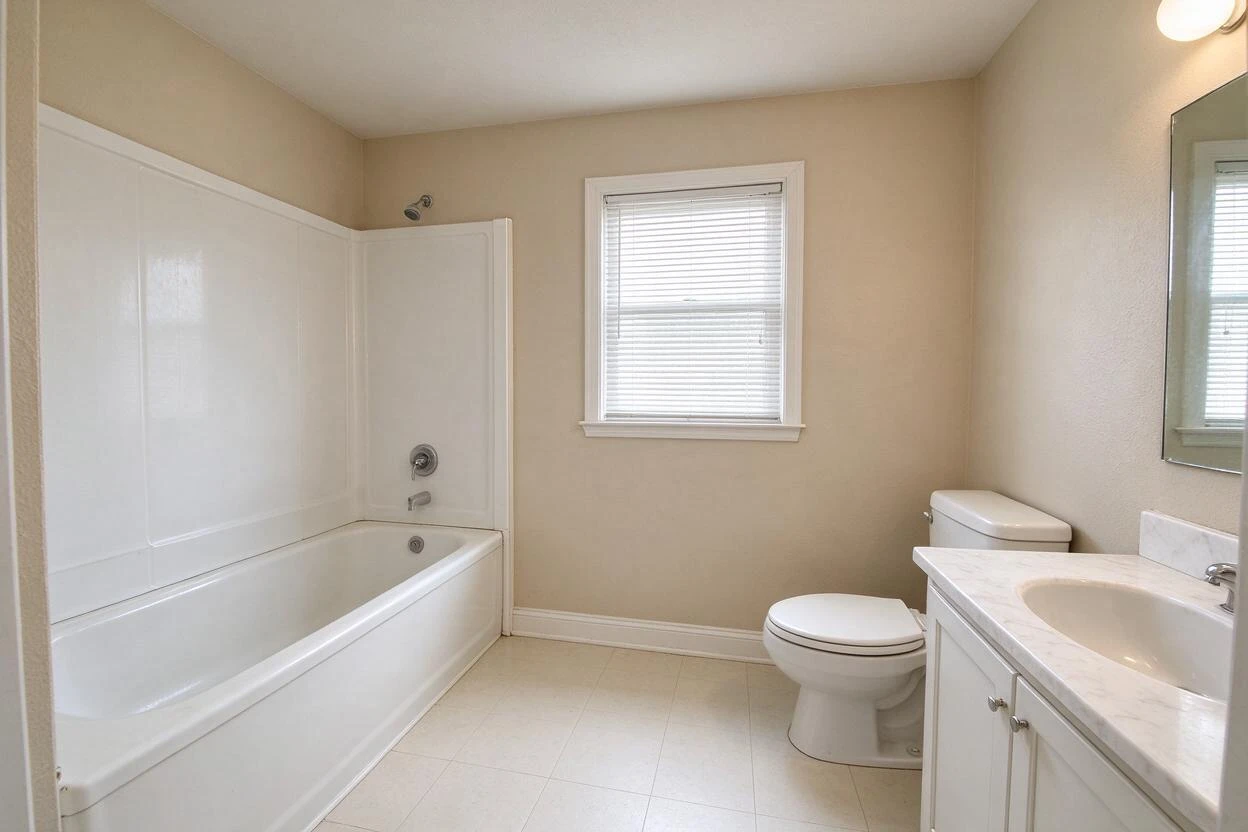
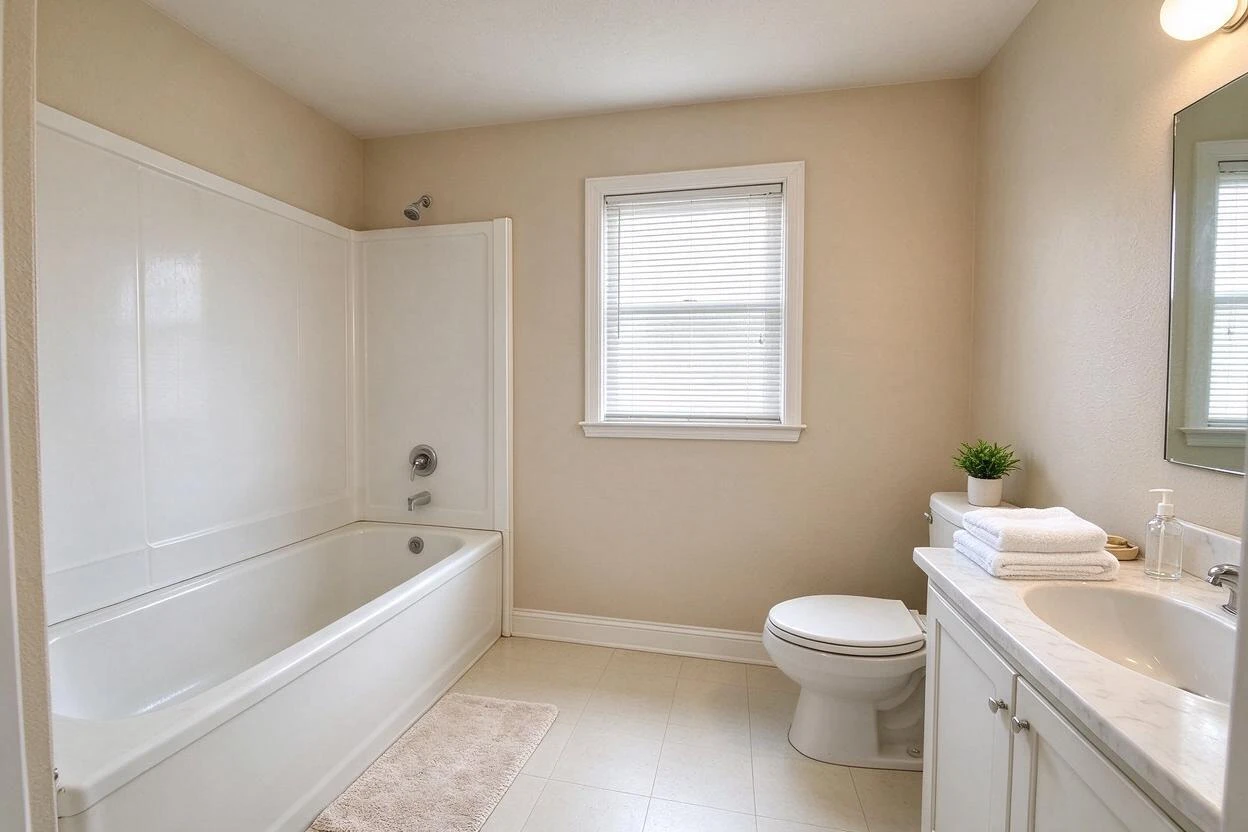
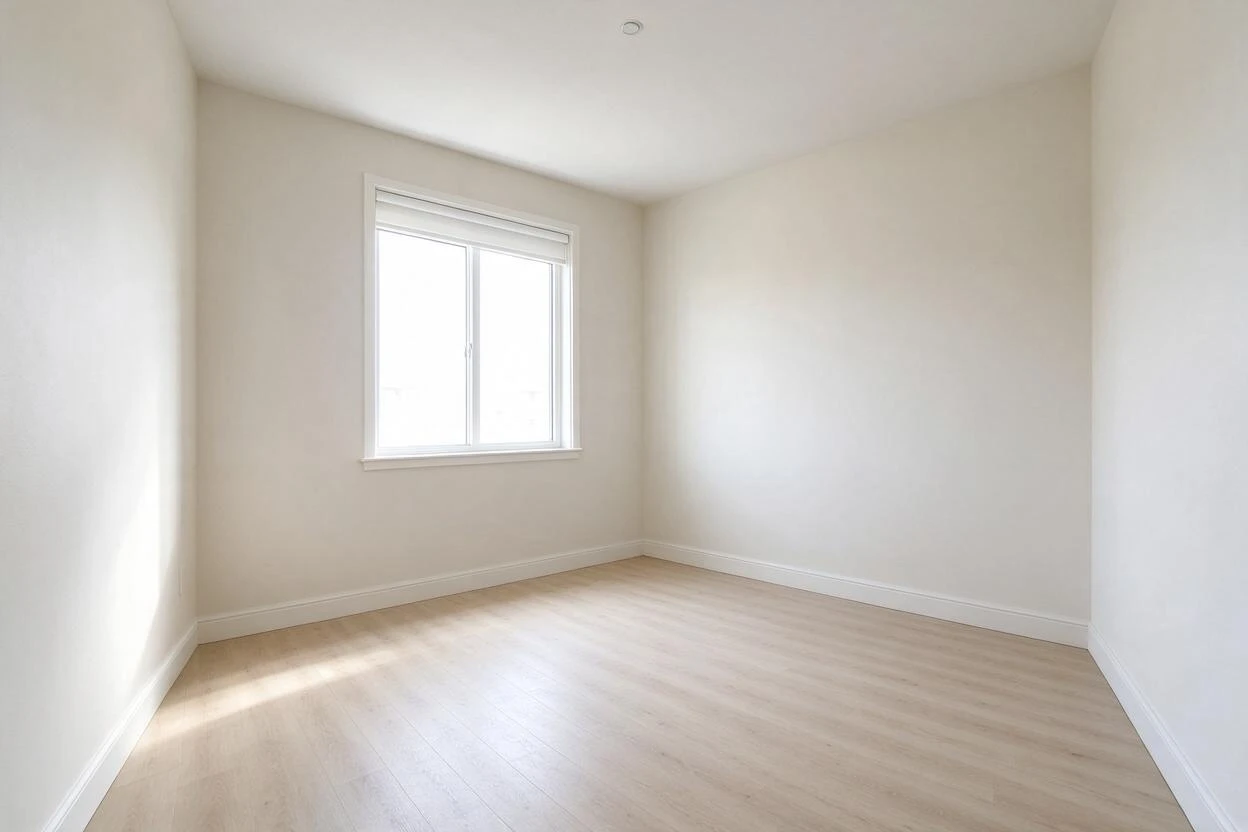
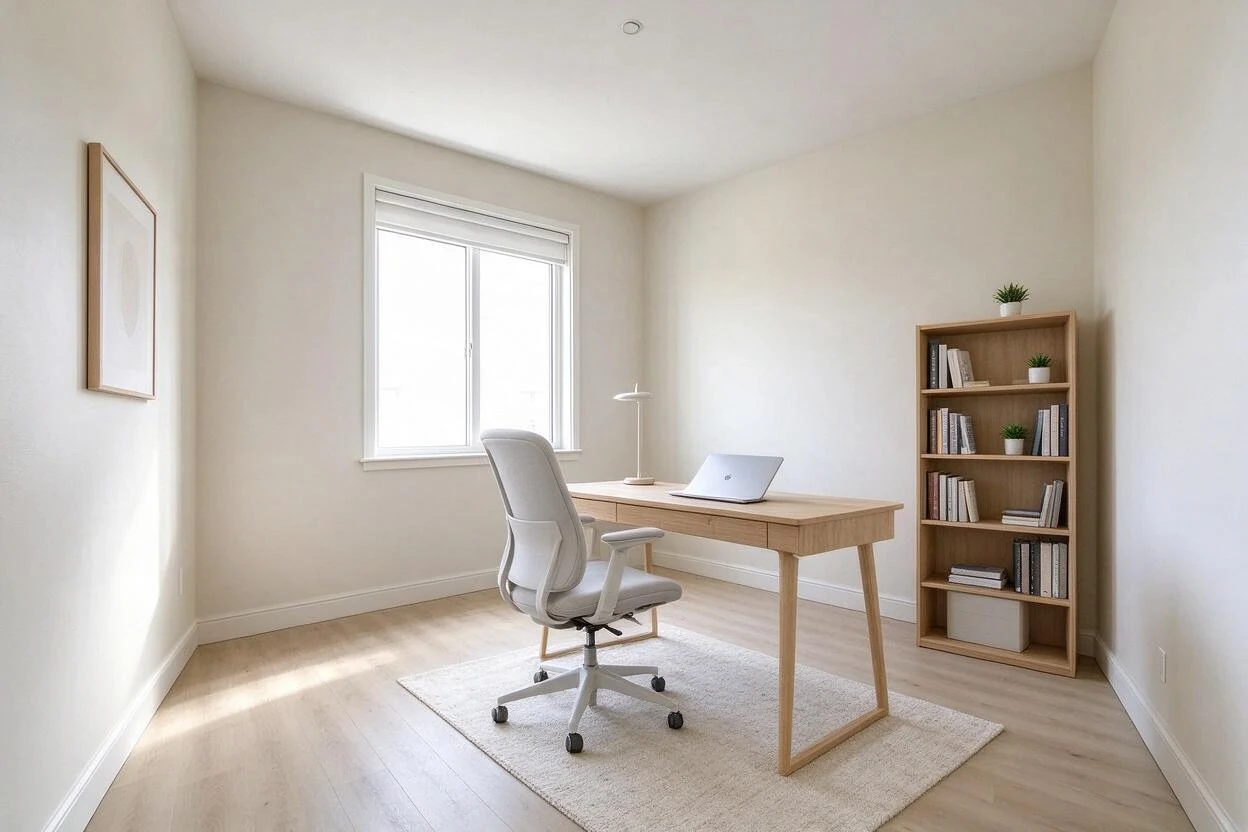
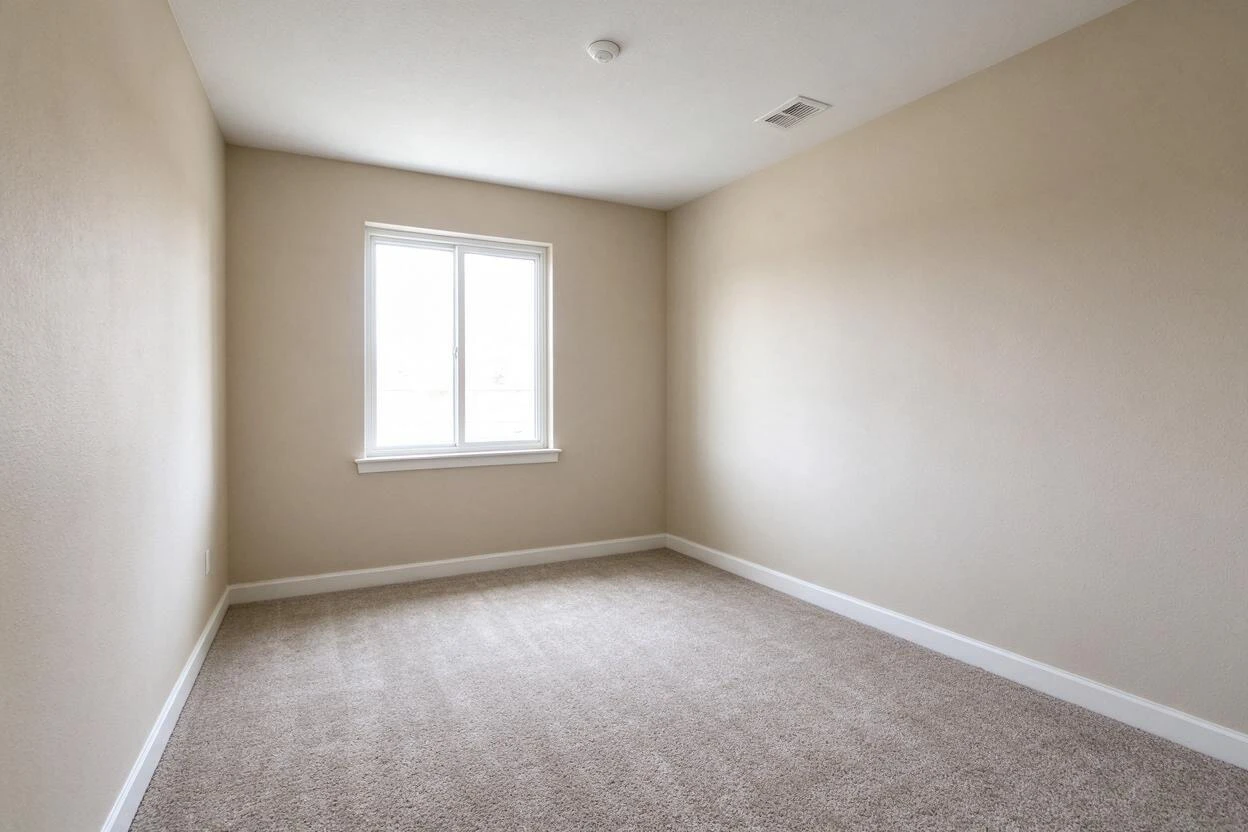
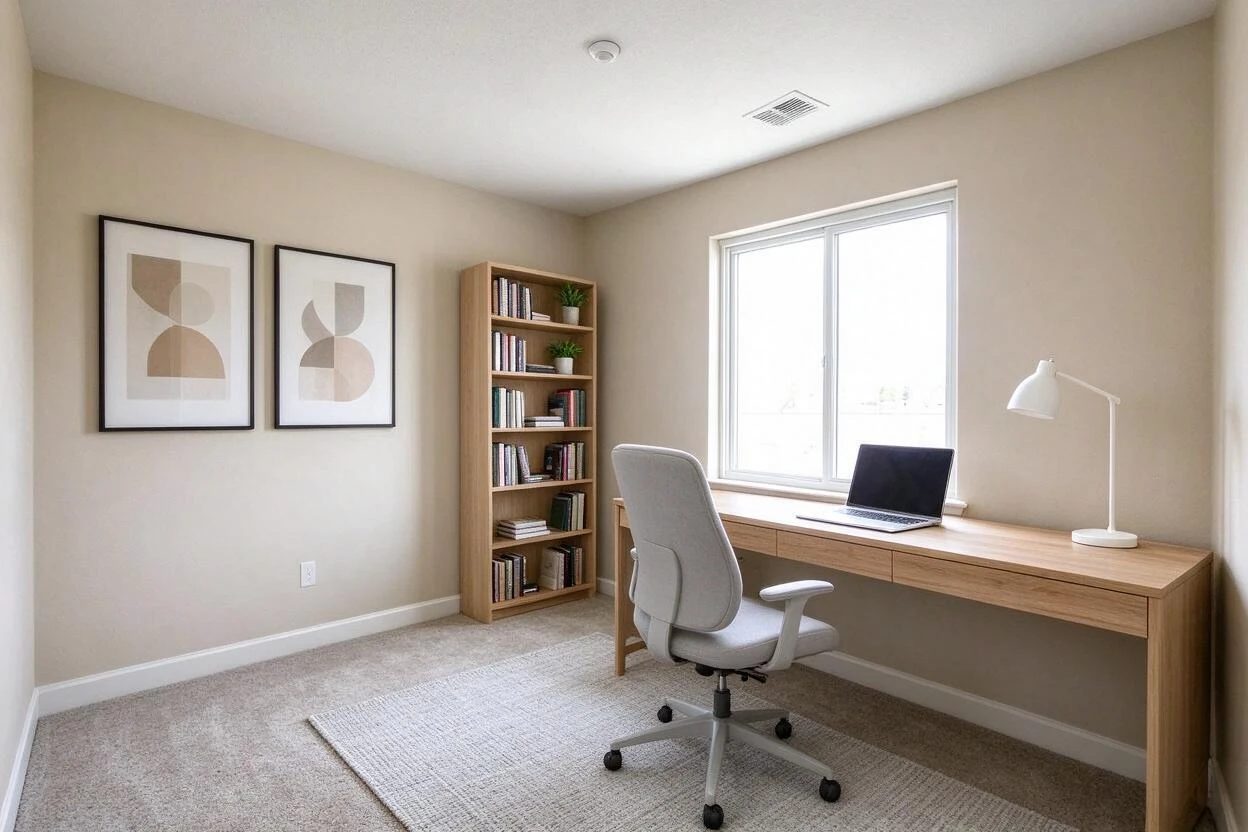
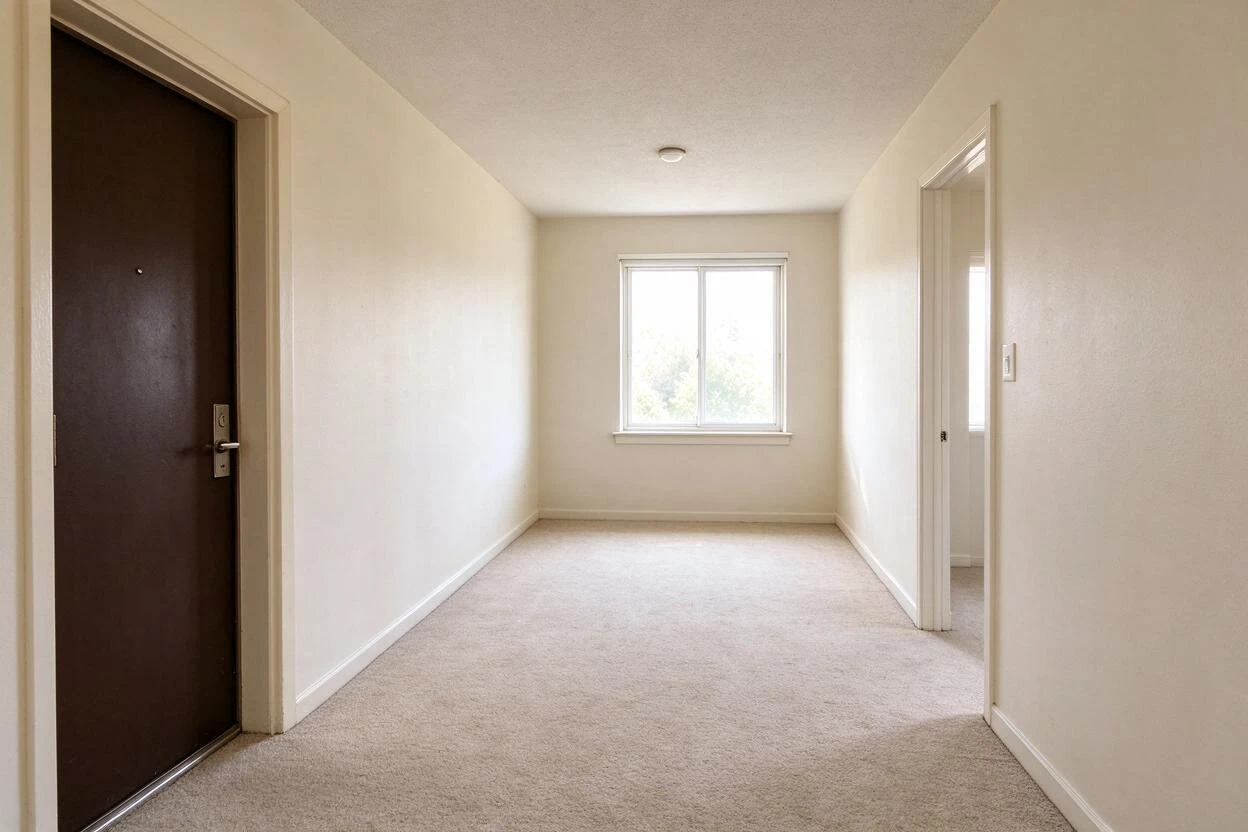
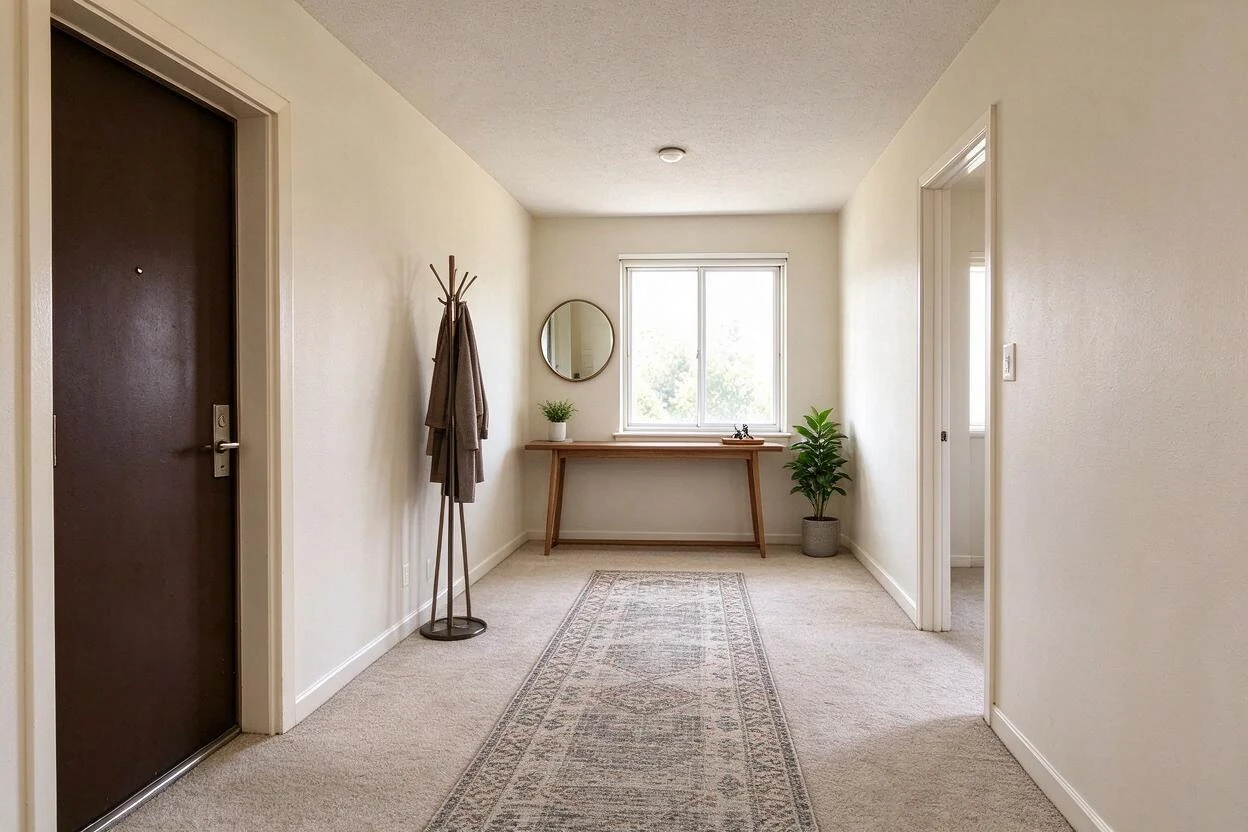
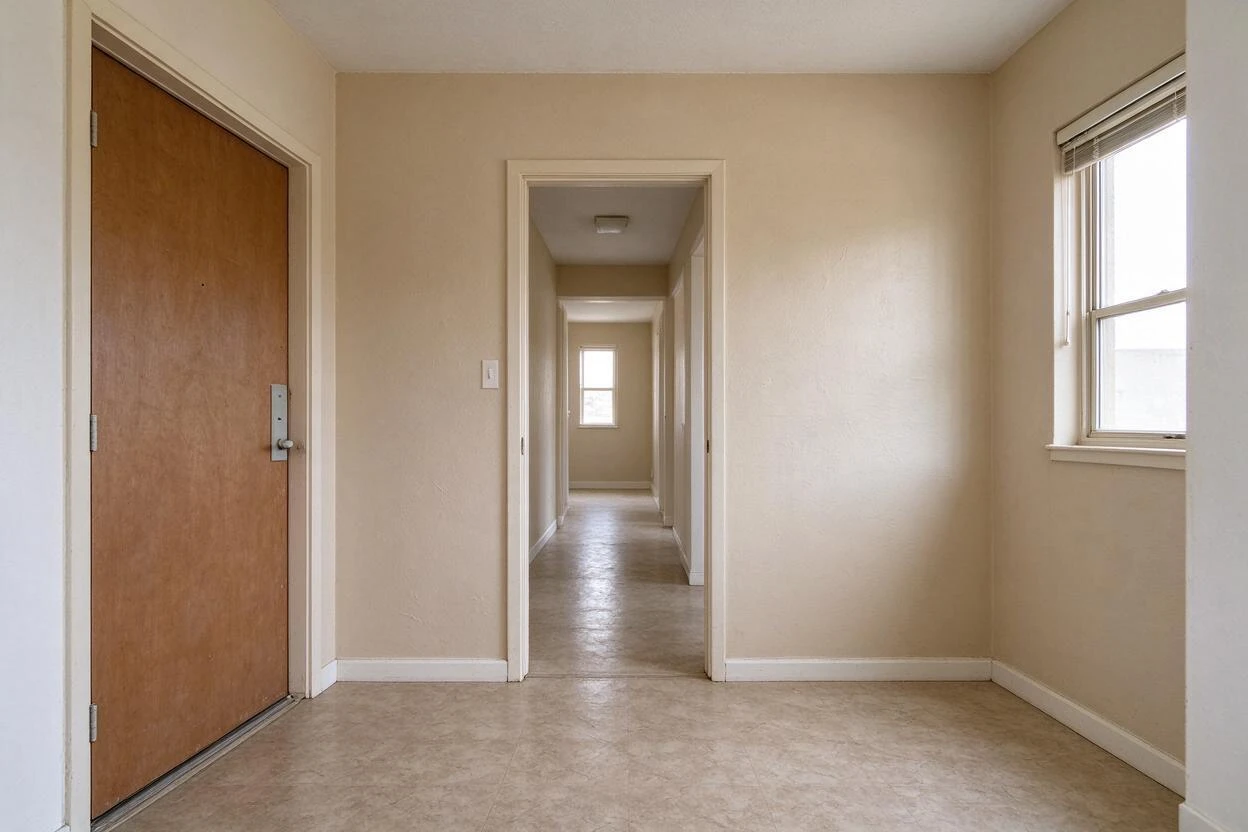
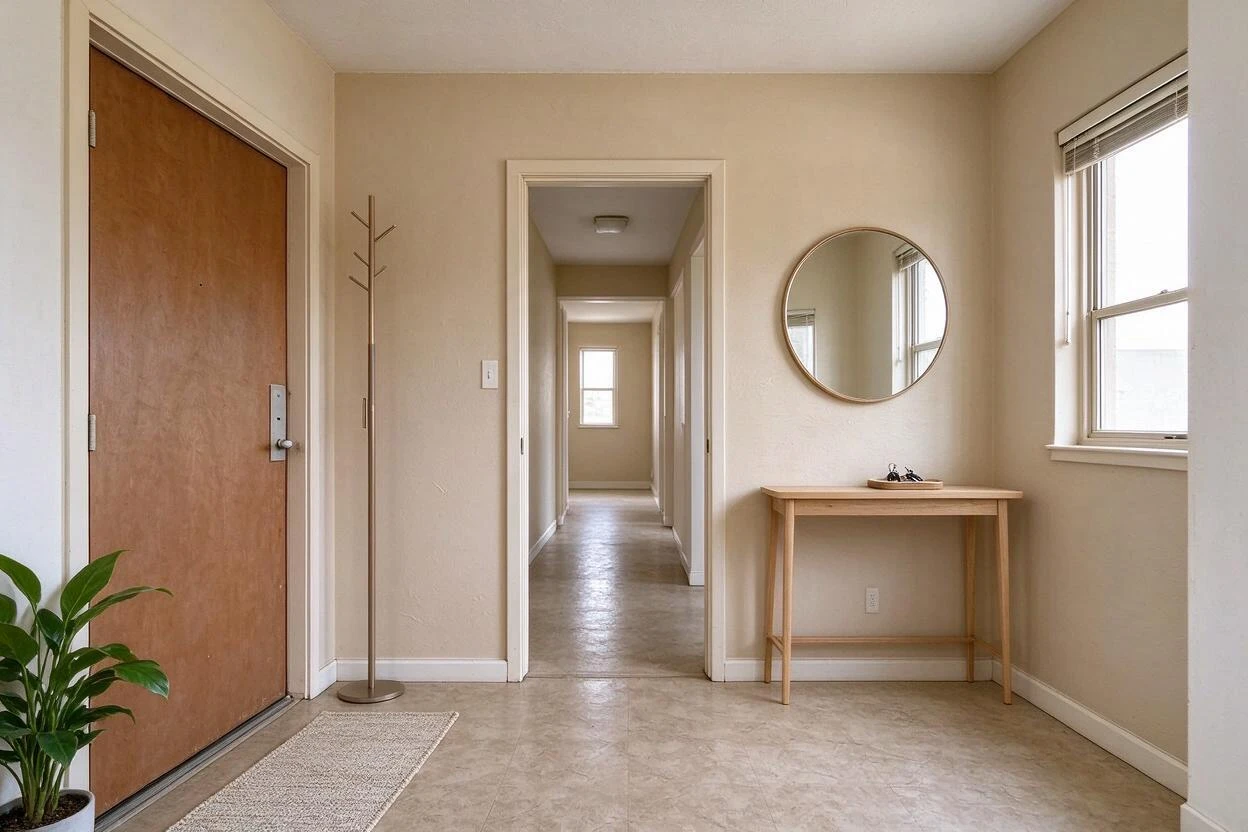
Drag each slider to compare the original photo with the AI result — every pair below was generated from a real room photo.
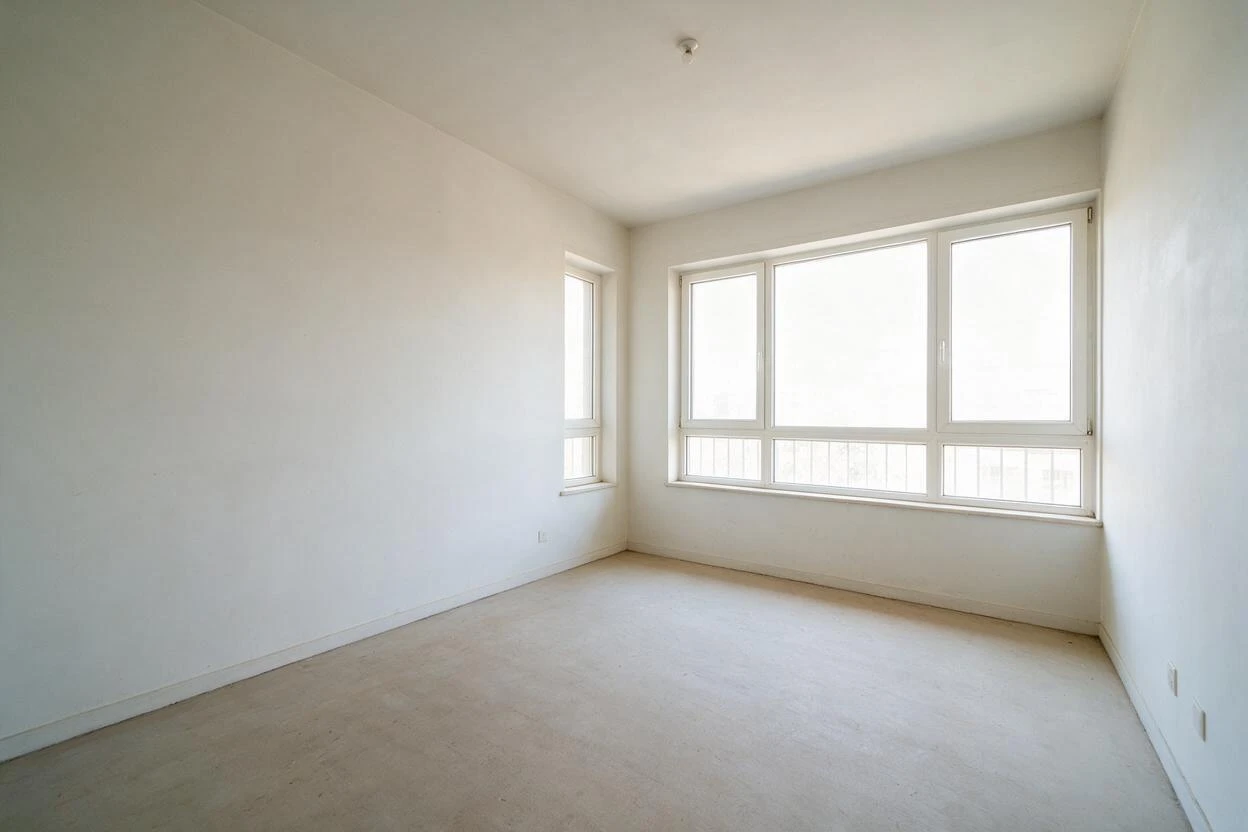
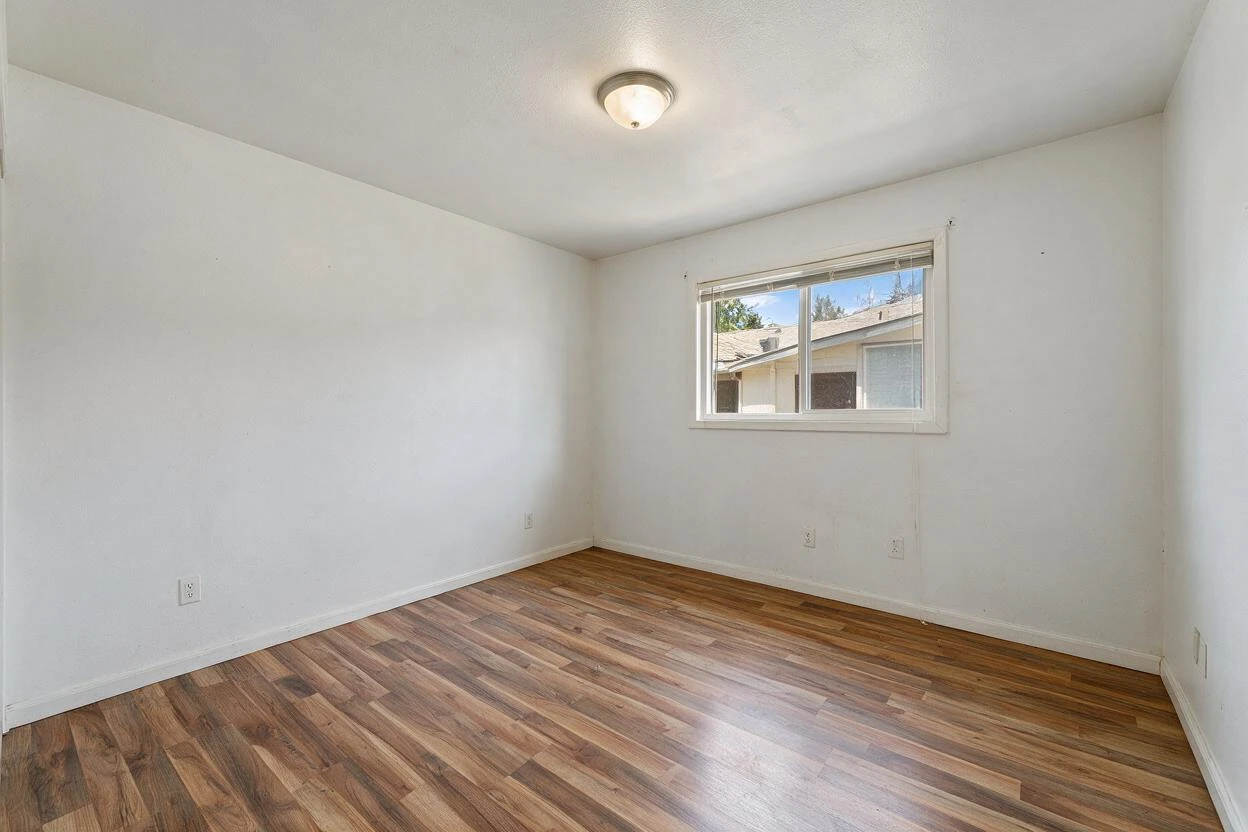
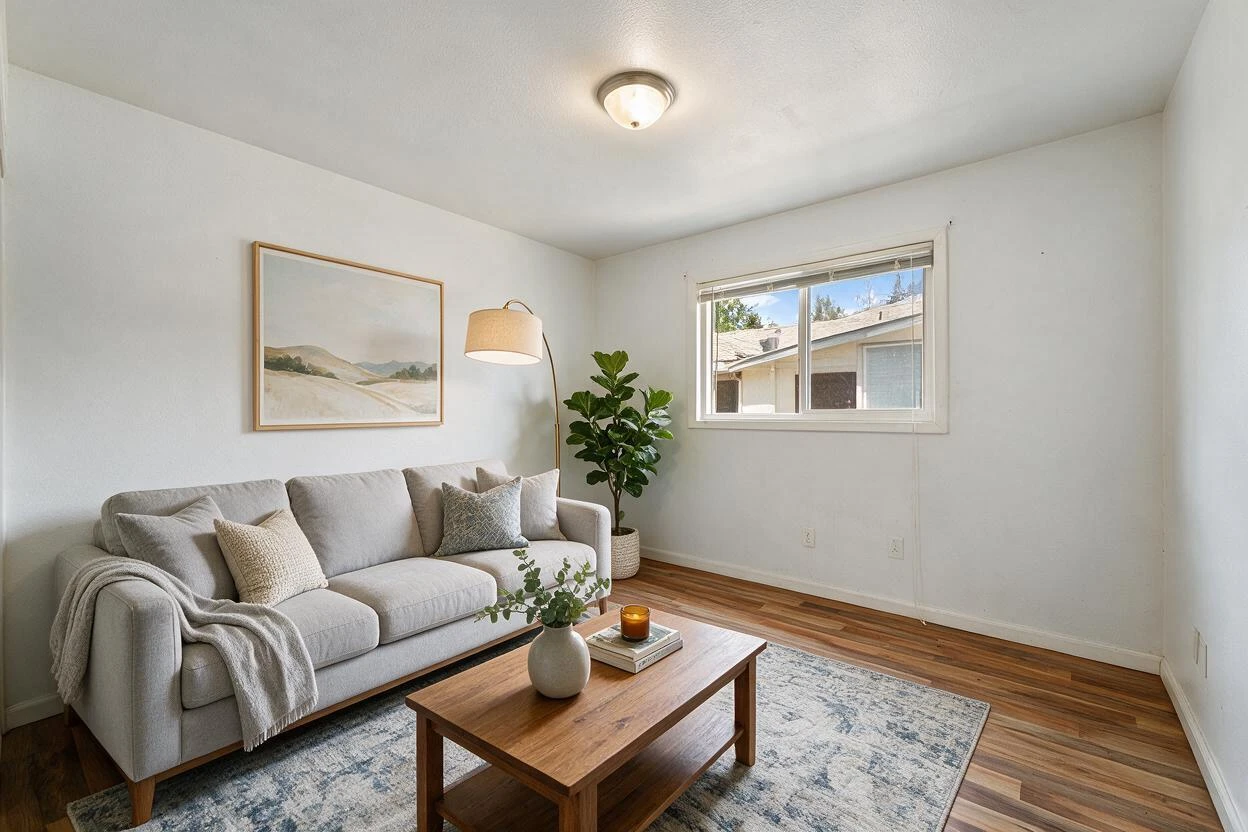
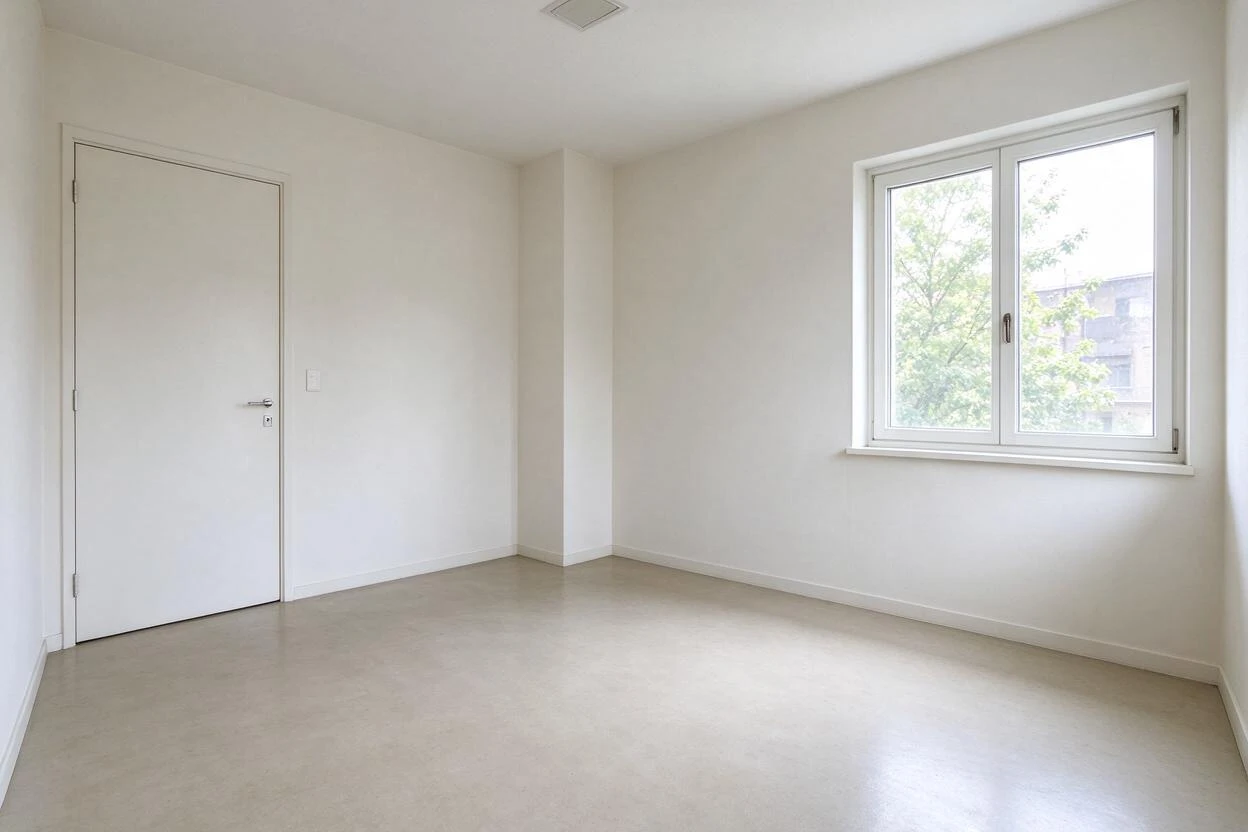
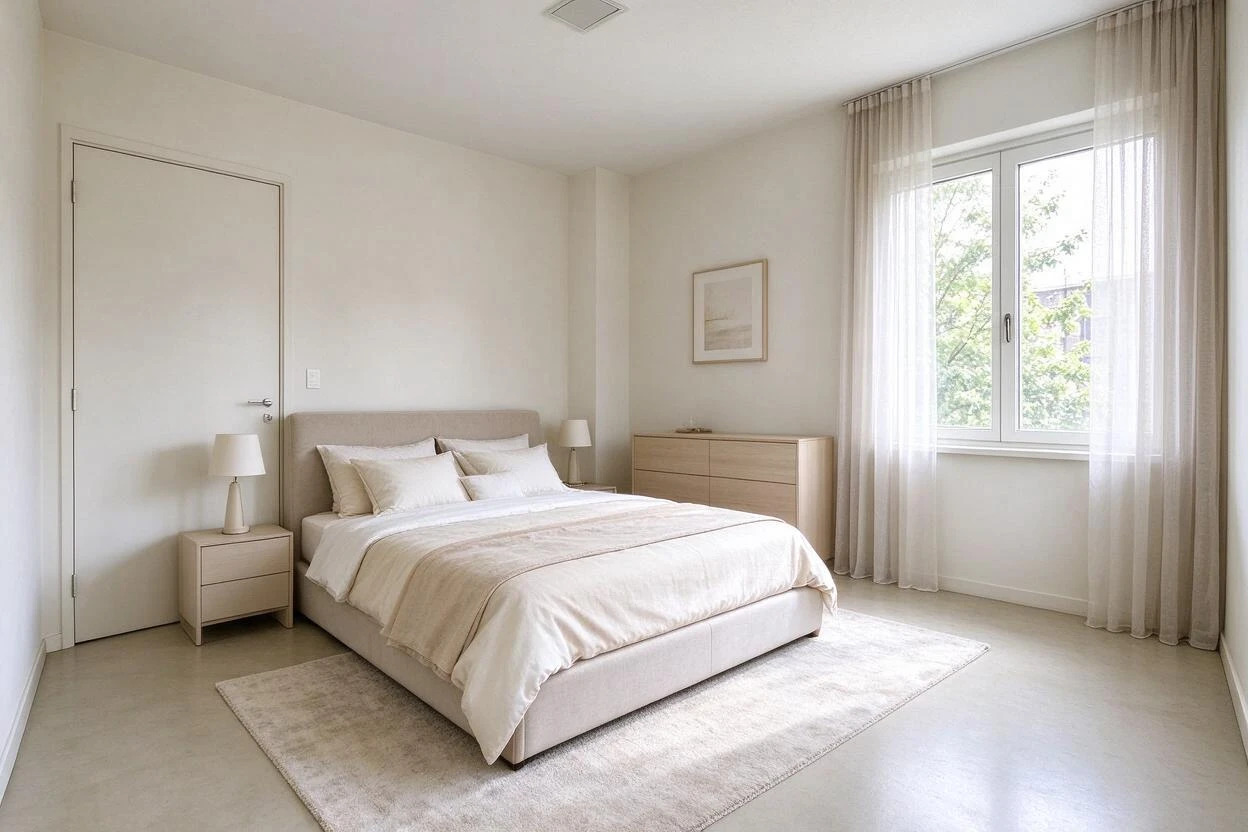
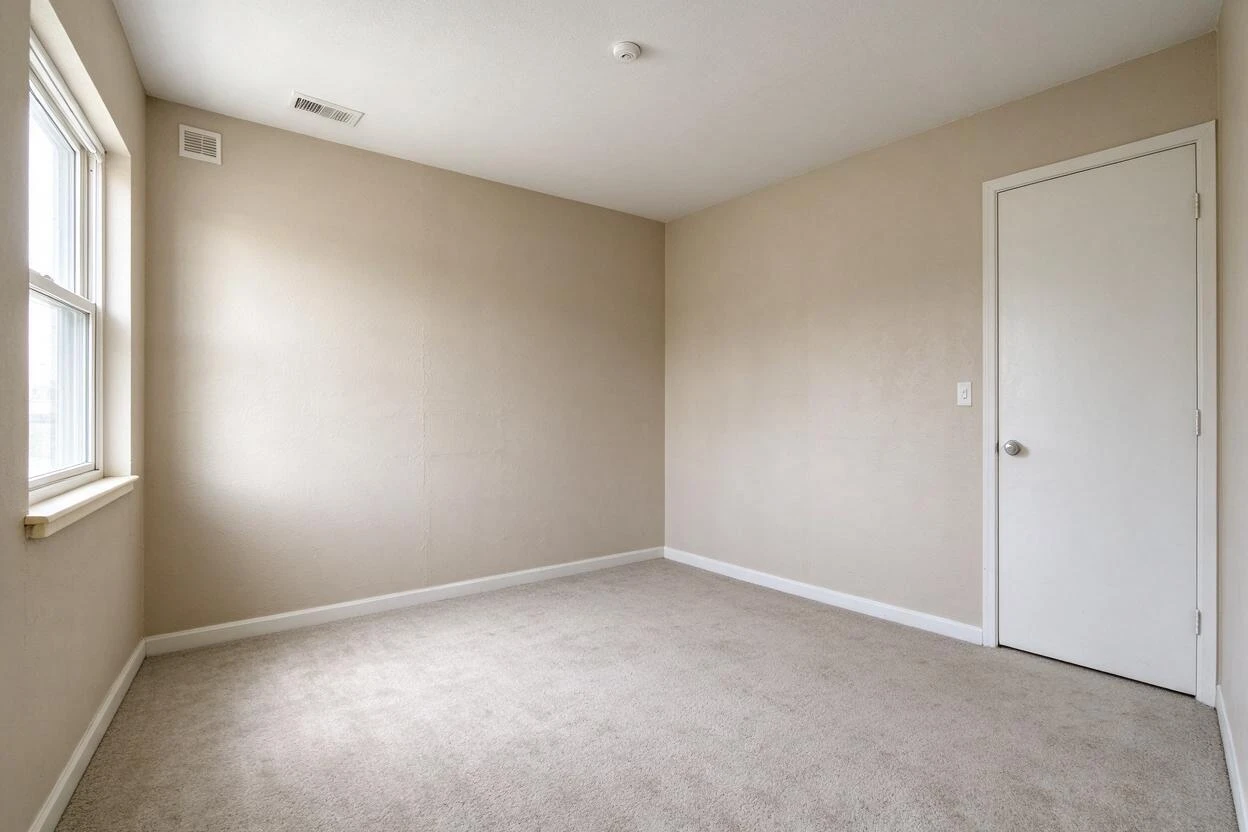
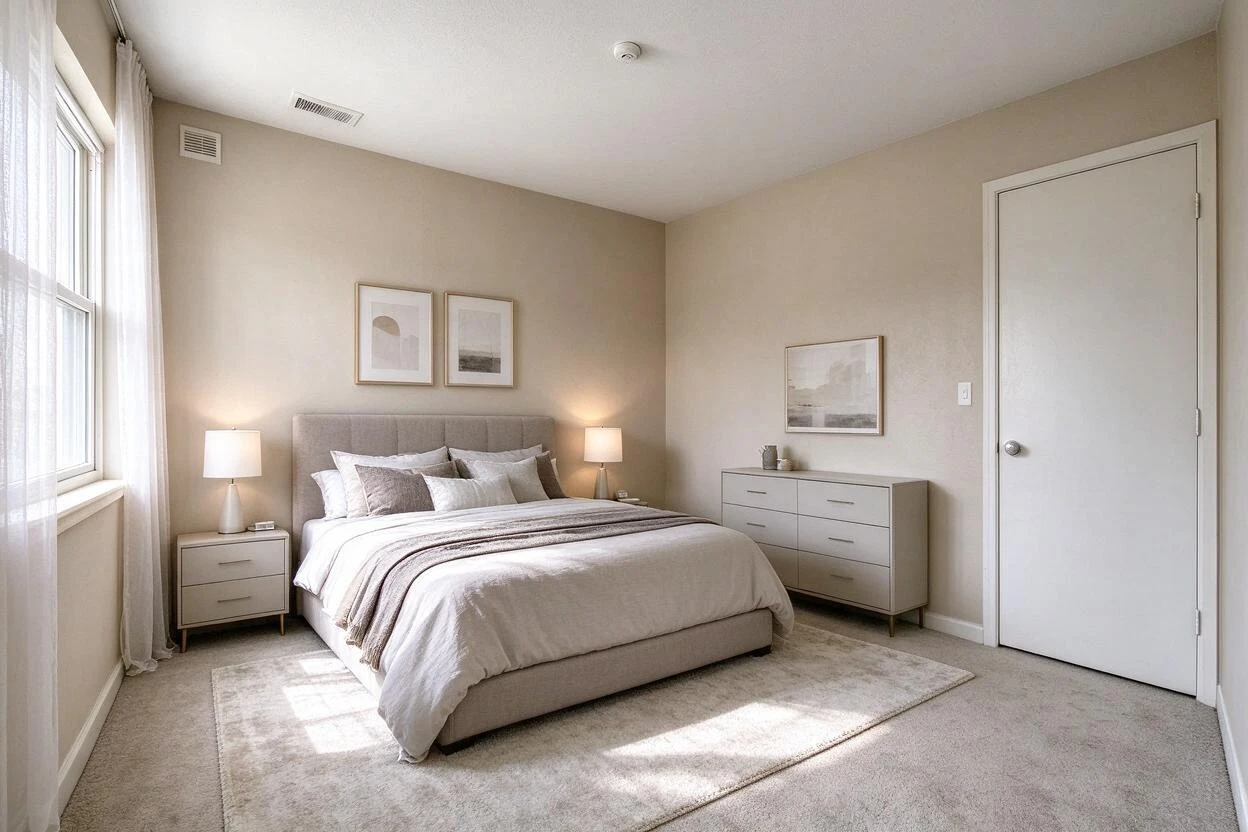
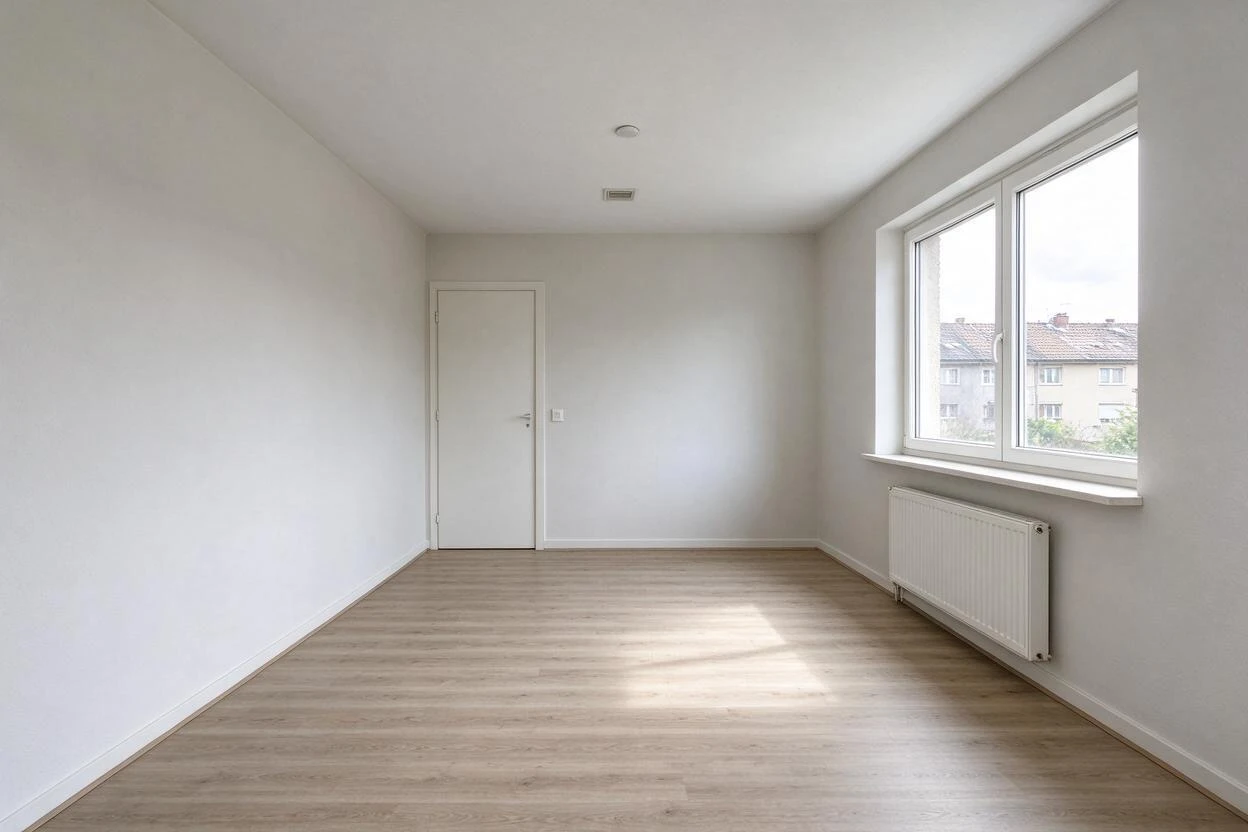
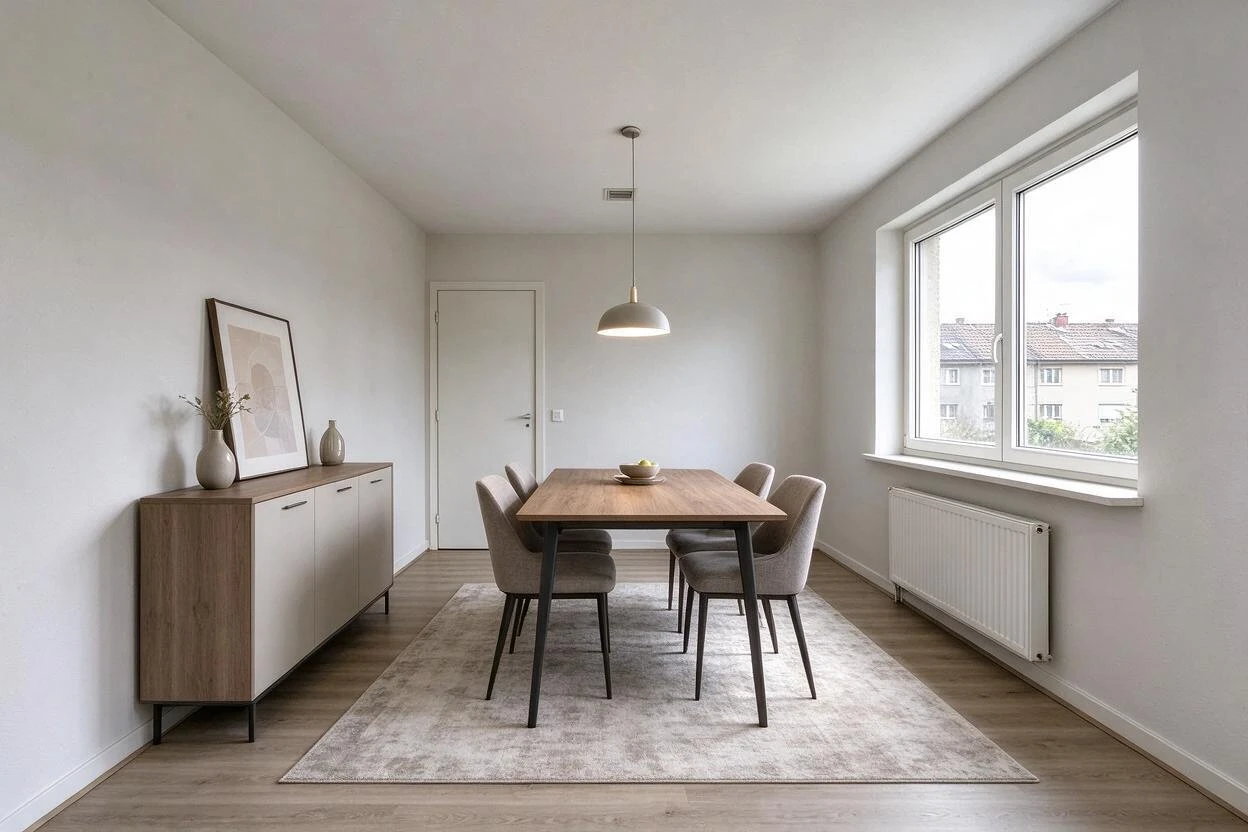
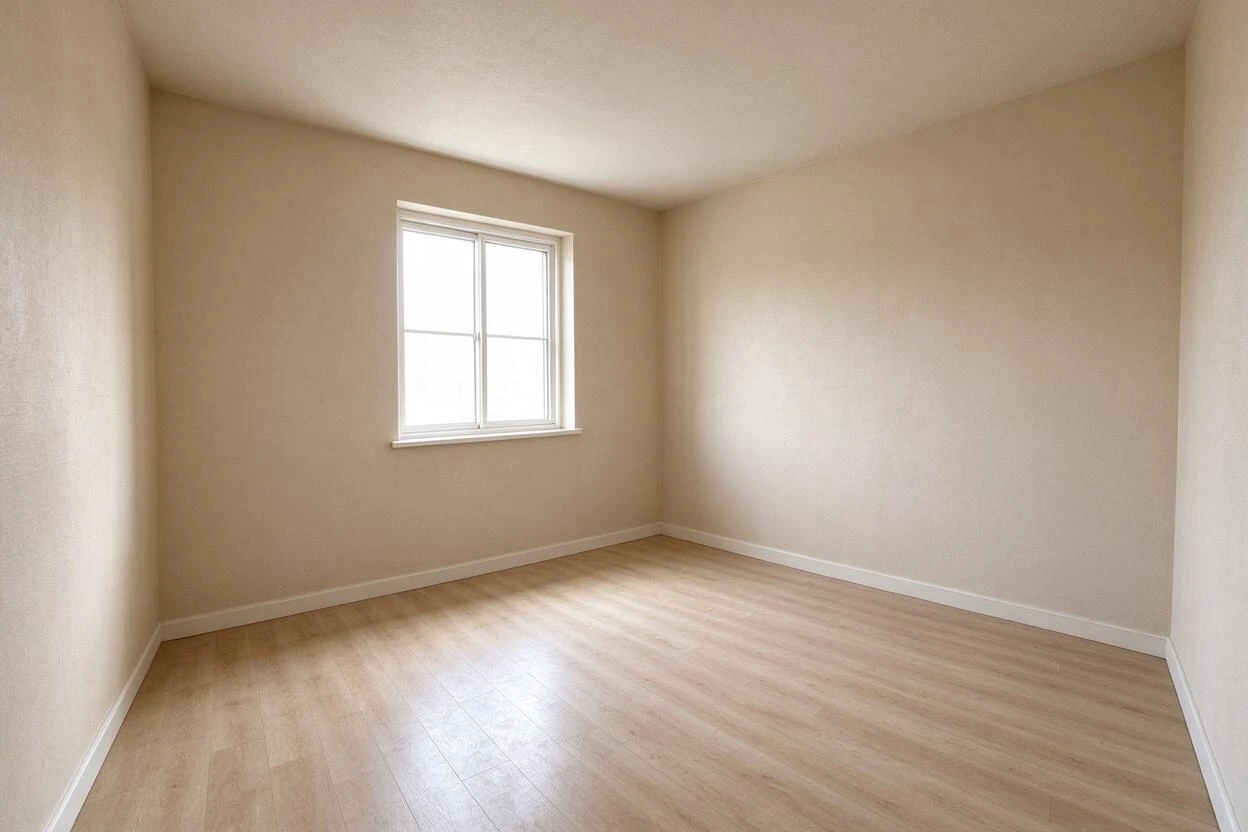
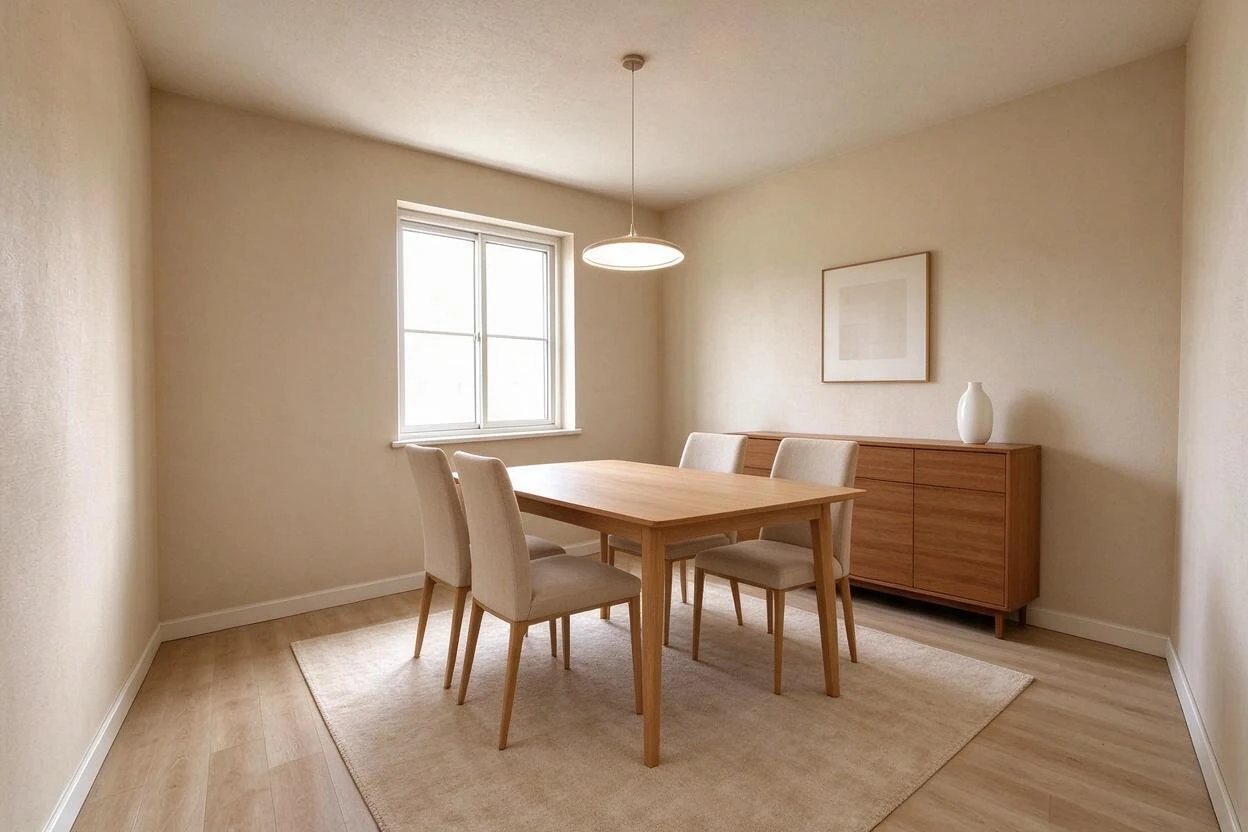
Showing 14 of 14 transformations
These virtual staging before and after examples were created with Goodesign: one photo in, a share-ready render out in about a minute.
07
FAQ
Is virtual staging allowed on MLS listings?
Yes, in most markets — with a standard "virtually staged" disclosure on the listing. Check your local MLS rules; the disclosure is your responsibility as the lister.
Can it remove existing furniture first?
Yes. Upload the room as-is; ask for decluttering or a full empty-out before staging.
Will the walls, windows, or layout change?
No. Structure stays fixed by default — only furnishings, decor, and lighting change.
How long does one staging take?
Most renders complete in about a minute; refinement passes take seconds each.
How many variations can I make?
As many as your plan's credits allow — each generation is one credit, free accounts start with five.
Do I own the output images?
Yes. Generated images are yours to use, including in listings and marketing.
08
Related tools
Ready to see your room transformed?
Five free credits. No credit card. Your first render in about a minute.