
Solution
Turn Small, Soft Photos into Sharp, Printable Images
Upscale low-resolution photos up to print size — detail reconstructed, not just stretched.
Free 5 credits · No card required
Try it on your own photo
Free plan includes 5 credits · your photo’s geometry stays locked · results save to your account
1 · Upload your photo
The low-resolution or soft photo you want crisped up.
2 · Fine-tune (optional)
Your photo’s camera angle and structure always stay locked — only the described edit happens.
Upload a photo to enable generation.
3 · Your images
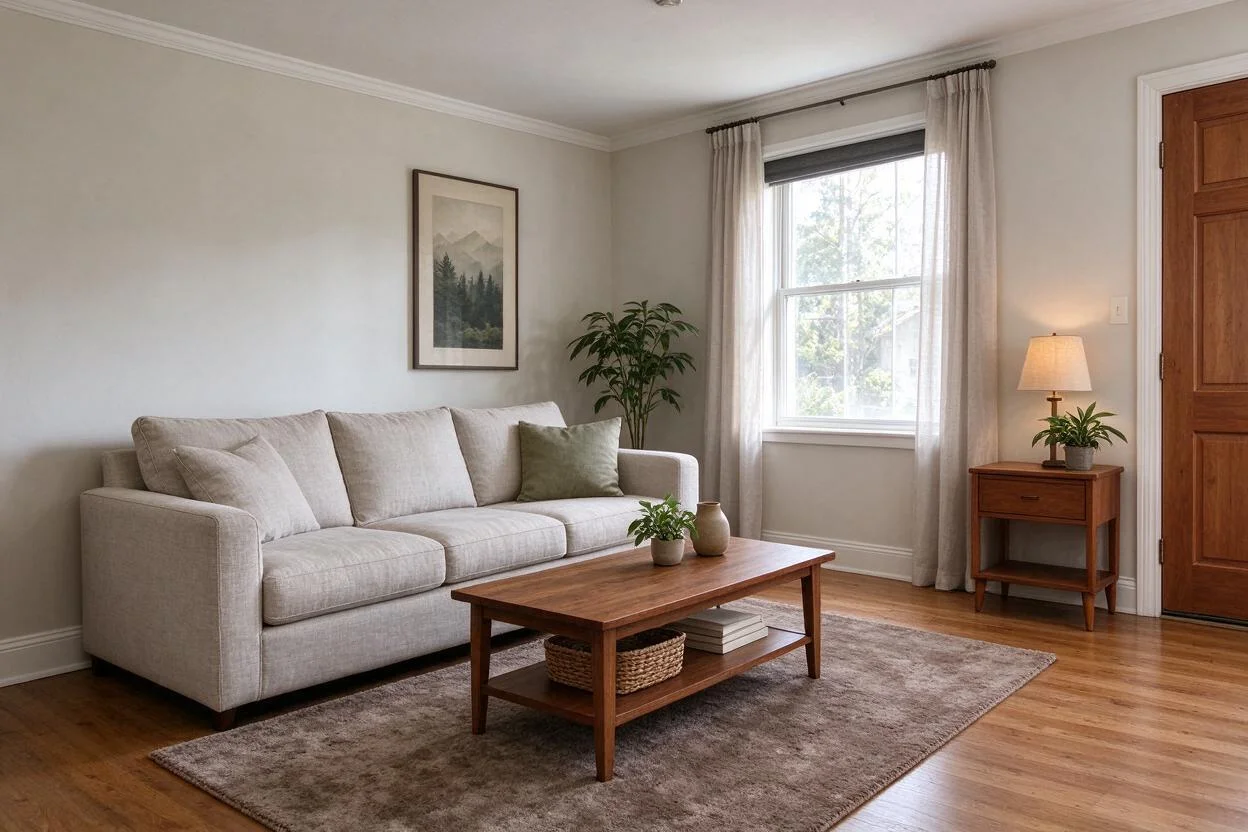
01
Why image upscale matters
Agents
The only good photo of the listing is 800px wide.
Homeowners
Old family-home photos are too small to print or frame.
Designers
Client-supplied images are too soft for decks.
02
How it works
From upload to download — most renders finish in about a minute.
Upload
The small or soft source image.
Analyze
Resolution and compression artifacts are measured.
Upscale
Detail is reconstructed at 2–4× the original.
Review
Check faces and text — the usual soft spots.
Refine
Re-run at higher factor if needed.
Download
Export the enlarged image.
03
Prompt guide
Do this
- Say the target: "4× for print".
- Start from the largest version you have.
- Upscale once; avoid stacking passes.
Avoid this
- Expecting detail that was never captured.
- Heavy screenshots of screenshots.
- Asking to change content — this only enlarges.
“Upscale this listing photo 4× for a print flyer.”
“Enlarge this old house photo 2× and reduce the noise.”
“Make this 800px web image presentation-ready.”
04
Built for your role
Agents
- Legacy photos become usable
- Print-ready flyers from web-size images
- No reshoot dependency
Homeowners
- Old photos framed at real size
- Family homes preserved sharper
- One click, no software
Designers
- Client images that survive projection
- Clean deck assets
- Fewer 'do you have a larger version?' loops
05
Under the hood
- Detail reconstruction adds plausible texture, not invented objects.
- Faces and straight lines get conservative treatment.
- Compression artifacts (JPEG blocks) are cleaned during upscale.
- Garbage in, garbage out: source quality caps the result.
Selling products online? Try AI Product Scenes →
06
FAQ
How much can it enlarge?
2–4× with usable quality depending on the source; beyond that, gains get soft.
Will faces look natural?
Faces are treated conservatively to avoid the plastic look.
Does it fix blur?
Mild softness improves; heavy motion blur can't be fully recovered.
Can I upscale screenshots?
Yes — one pass helps; stacked screenshots have limits.
Is it print quality?
At 2–4× from a decent source, yes for flyers and small prints.
Does it add or remove anything?
No — it enlarges and sharpens; content stays the same.
07
Related tools
Ready to see your room transformed?
Five free credits. No credit card. Your first render in about a minute.