Solution
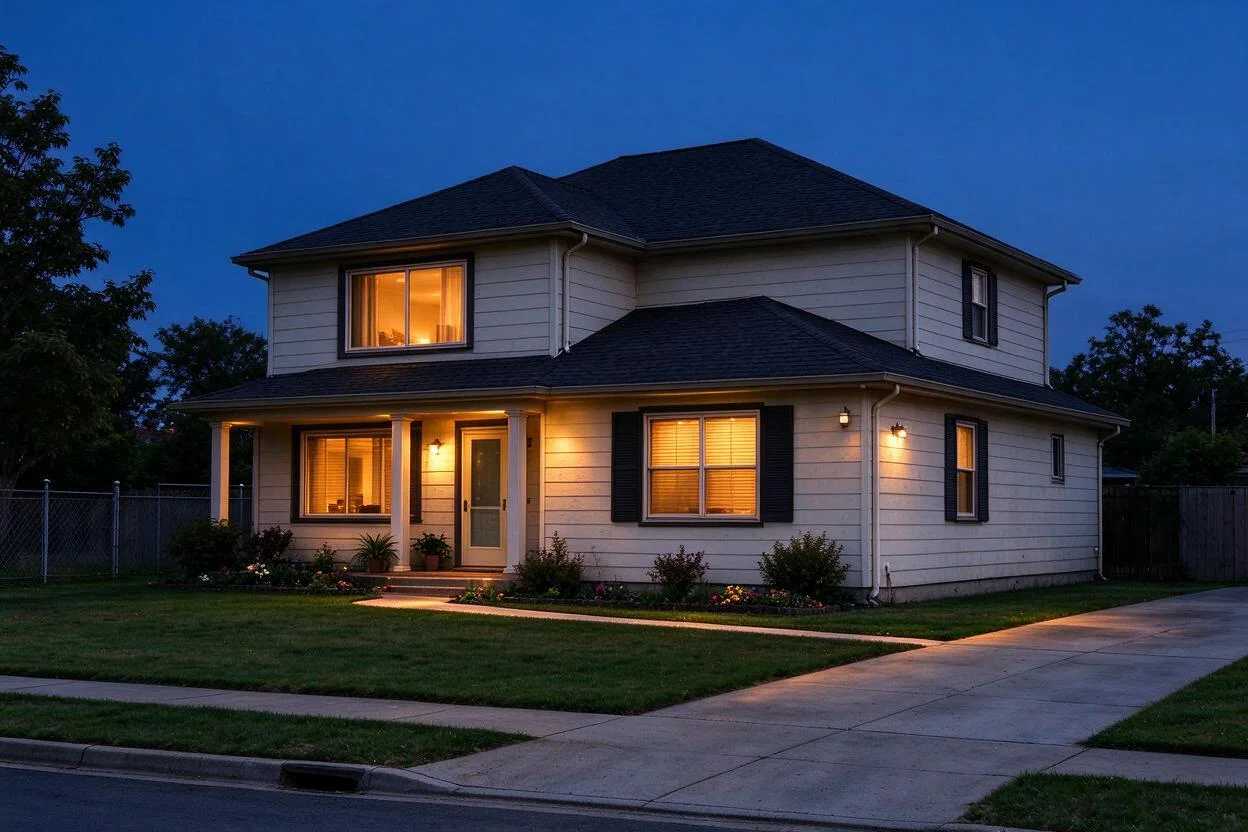
Turn Daylight Photos into Golden-Hour Dusk Shots
Same house, twilight magic: warm interior glow, deep blue sky, landscape lights on — the listing shot that stops buyers mid-scroll.
Free 5 credits · No card required


Try it on your own photo
Free plan includes 5 credits · results save to your account
Step 3
Sign in to generate — it’s free
Sign inCreate free accountUpload your photo and get one image per credit. Run it again for another take.
Why day to dusk matters
- Agents
- Twilight shoots cost extra and depend on weather and timing.
- Photographers
- You can't schedule golden hour for every listing.
- Homeowners
- Your listing photos compete against professionally shot twilights.
How it works
From upload to download — most renders finish in about a minute.
Upload
An exterior daytime photo.
Analyze
Sky, windows, and landscape lights are mapped.
Convert
Sky deepens to dusk blue; windows glow warm.
Refine
Dial glow intensity; add garden path lights.
Compare
Flip original vs. dusk to check realism.
Download
Export the twilight version at full resolution.
Prompt guide
Do this
- Say the mood: "warm family evening glow".
- Ask for specifics: "pool lights on, path lights lit".
- Shoot from the house's best angle first.
Avoid this
- Harsh noon shadows — morning shots convert better.
- Asking to add people or cars.
- Over-glowing every window; subtle reads real.
“Convert to dusk with warm interior glow and subtle landscape lighting.”
“Make it twilight: deep blue sky, kitchen and porch lights on.”
“Evening mood with pool lights glowing and garden path lights lit.”
Built for your role
Agents
- Twilight hero shot for every listing
- No weather or timing dependency
- Stand out in grid search results
Photographers
- Add dusk delivery to your packages
- Rescue overcast shoot days
- Keep creative control of glow levels
Homeowners
- Listing looks premium
- Zero reshoot cost
- The house at its most inviting
Under the hood
- Sky replacement preserves horizon and rooflines.
- Window glow is masked per-pane with interior warmth.
- Landscape lighting respects fixture positions in the photo.
- MLS use requires a standard photo-editing disclosure.
Selling products online?Try AI Product Scenes
FAQ
Is a dusk conversion allowed on MLS?
Yes with the standard editing disclosure your MLS requires — it's an enhanced photo, not a misrepresentation, when disclosed.
Which photos convert best?
Clear daytime exteriors shot at or near chest height with visible windows.
Can I control the glow strength?
Yes — subtle to full evening warmth is adjustable in refinement.
Will the sky look natural?
The engine keeps horizon, rooflines, and cloud structure; deep-blue dusk reads natural.
Can landscape lights be added?
Yes — path and garden lights can be lit where fixtures exist in the photo.
Can I combine with sky replacement?
Yes — dusk conversion composes with sky and lawn enhancements.
Related tools
Sky Replacement
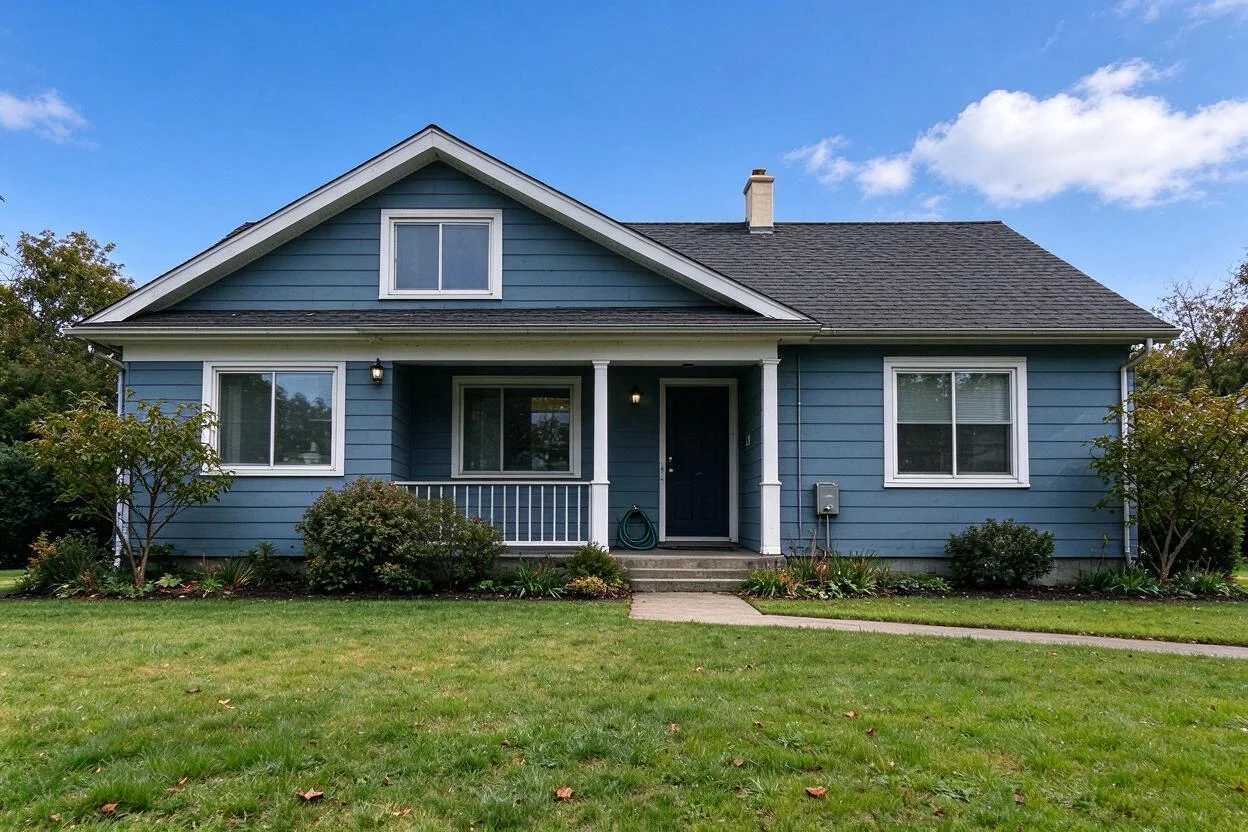
Overcast shoot day? Swap in a believable blue sky while keeping rooflines, reflections, and light physics intact — no reshoot needed.
Add a Pool
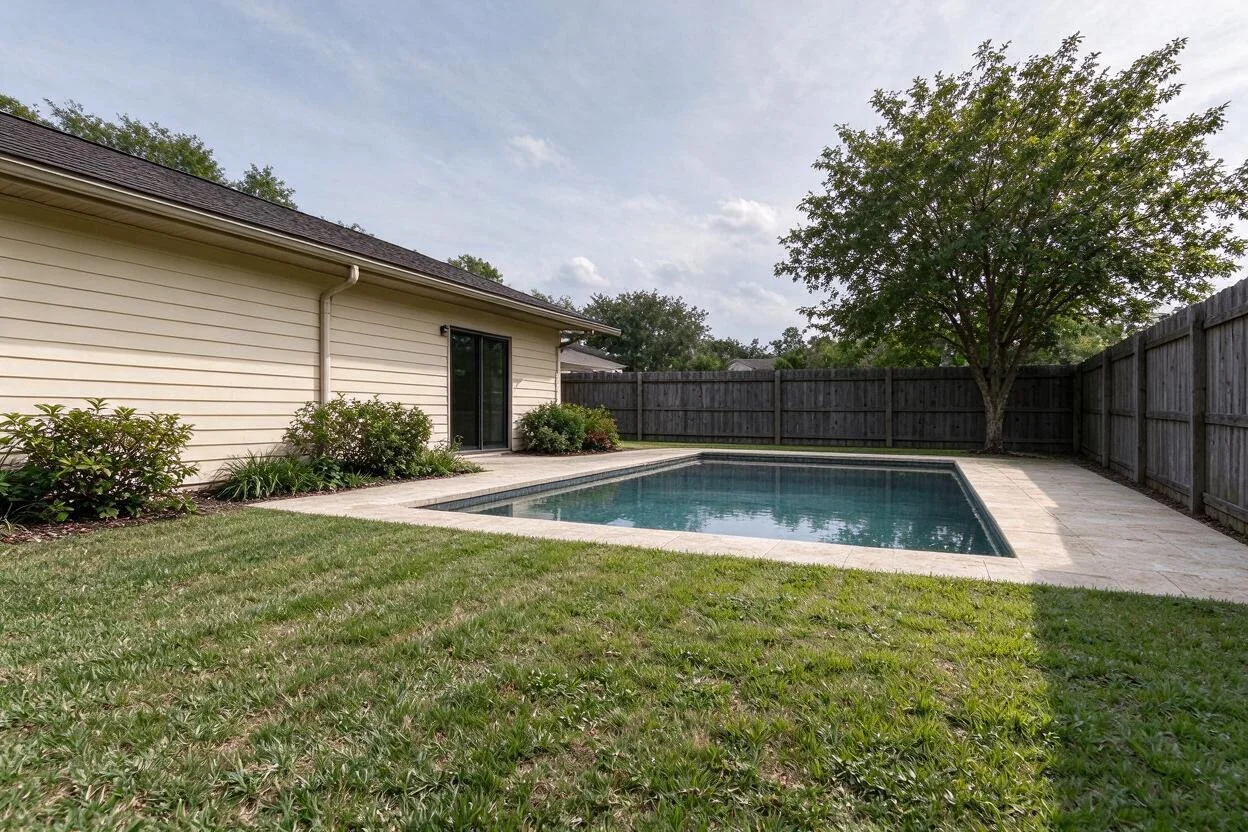
Render a realistic pool — or upgrade the one you have — into your actual backyard, with honest reflections and lighting.
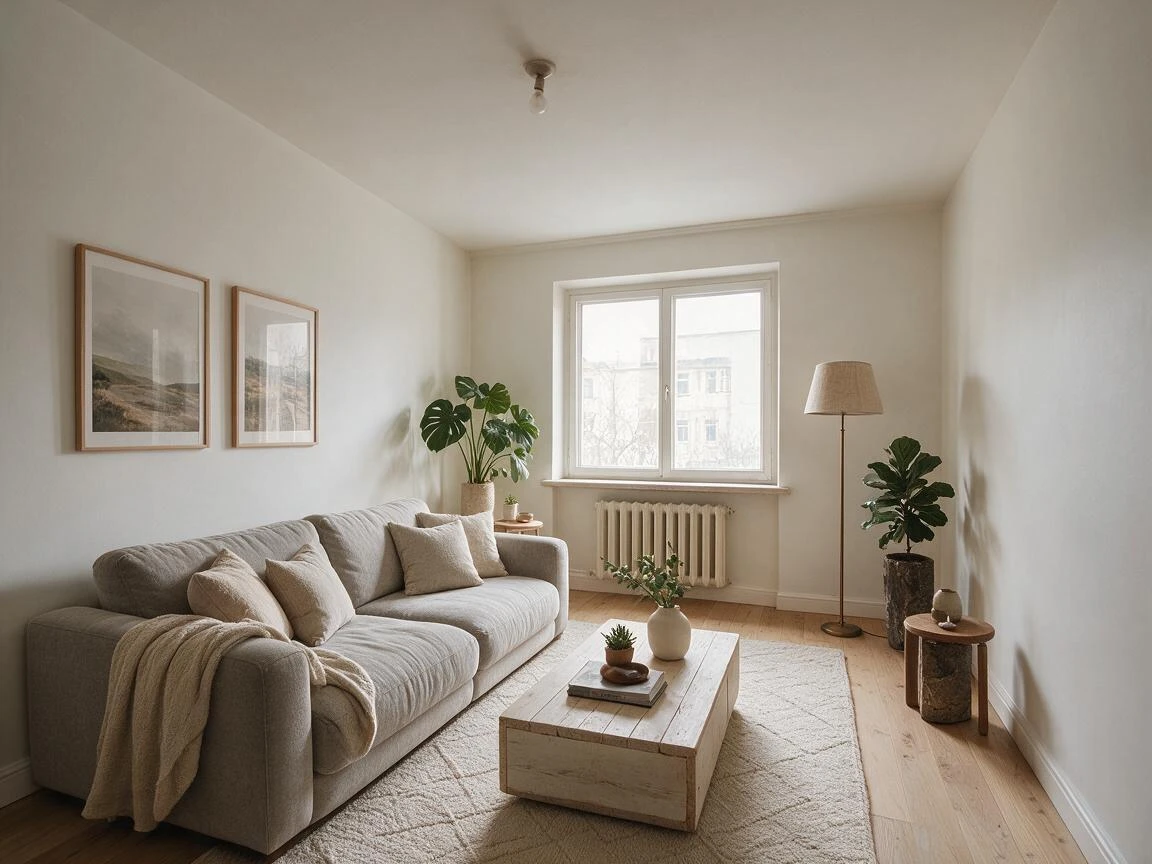
Image Enhancement
Fix dark, yellow, or blurry listing photos in one pass — natural results, no halos or over-editing. Built for real estate sets. Try it free on one photo.
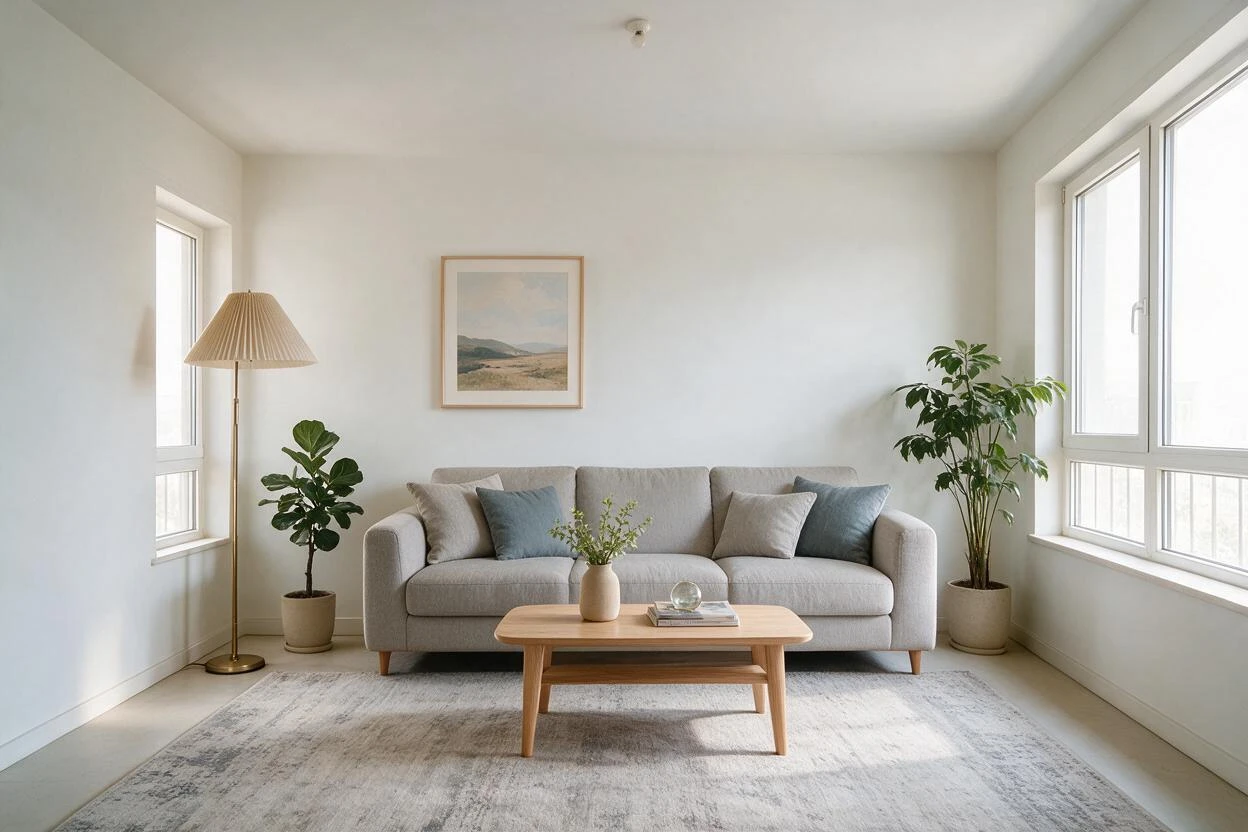
Virtual Staging
Stage an empty or dated room photo in about a minute. The AI aims to preserve the room’s structure while adding furnishings. 5 free credits, from $14/mo.
Related reading
Ready to see your room transformed?
Five free credits. No credit card. Your first render in about a minute.