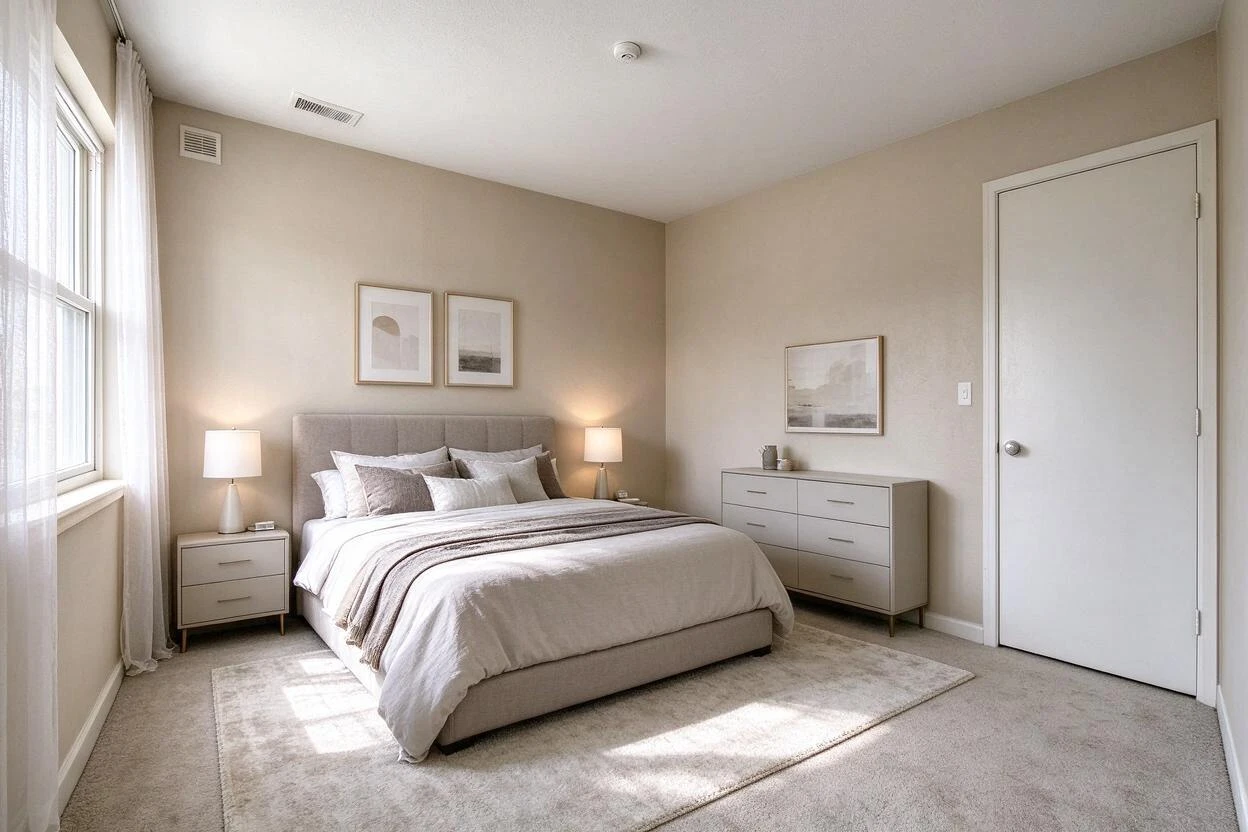
Redesign any room from one photo.
Upload a room photo, pick a style or describe what you want, and get a photorealistic redesign in about a minute.
No card required · Full AI quality on the free tier


Living roomVirtual staging before and after: turning an empty living room into a warm, fully furnished space buyers can picture themselves in
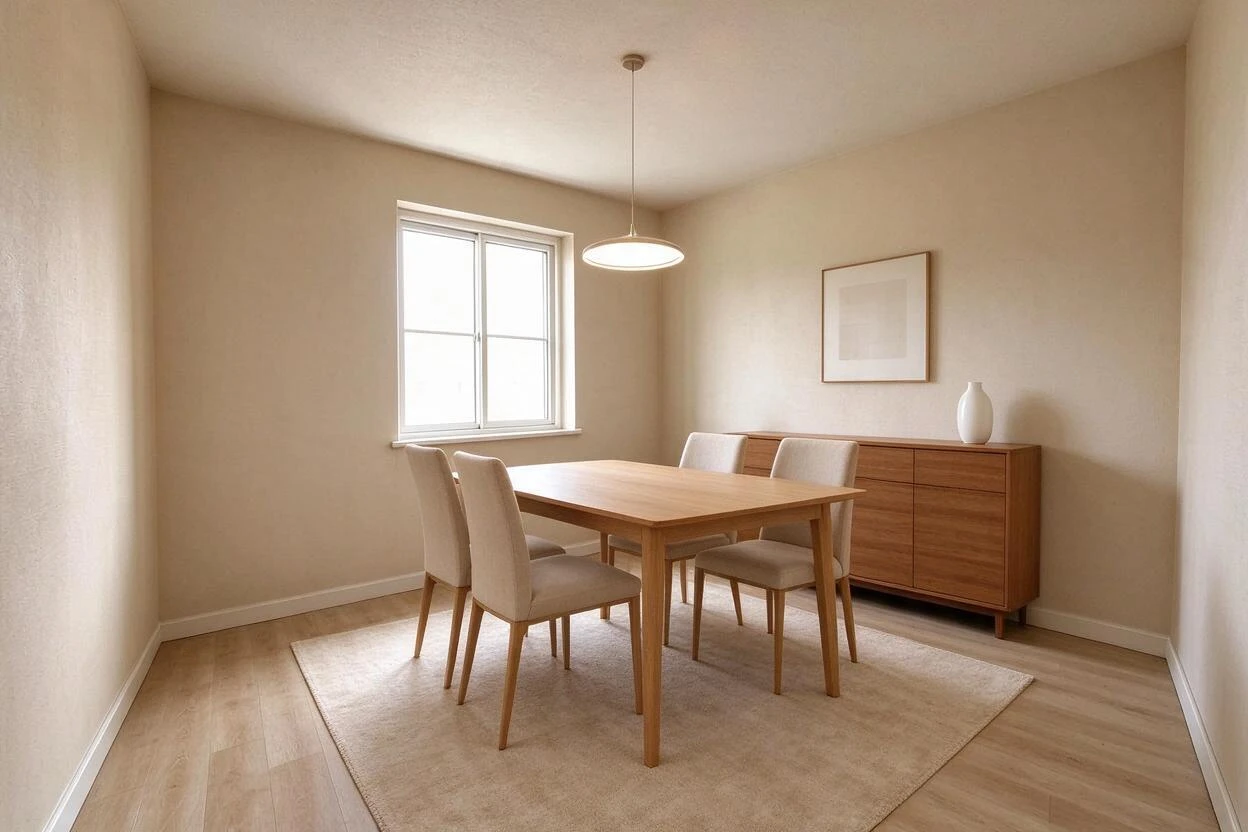
AI interior design · Virtual staging
- Designed to preserve the room
- The AI aims to preserve walls, windows, and layout while making the changes you request. Compare the result with the original photo.
- Conversation, not knobs
- “Make the sofa darker. Add a reading chair.” Refine in plain words until it's right.
- Decisions, not vibes
- See the result in your actual room, then decide — before you spend a dollar on furniture.
What can it do?
20 live tools, one engine — start with the job you have today.
Interior & Staging
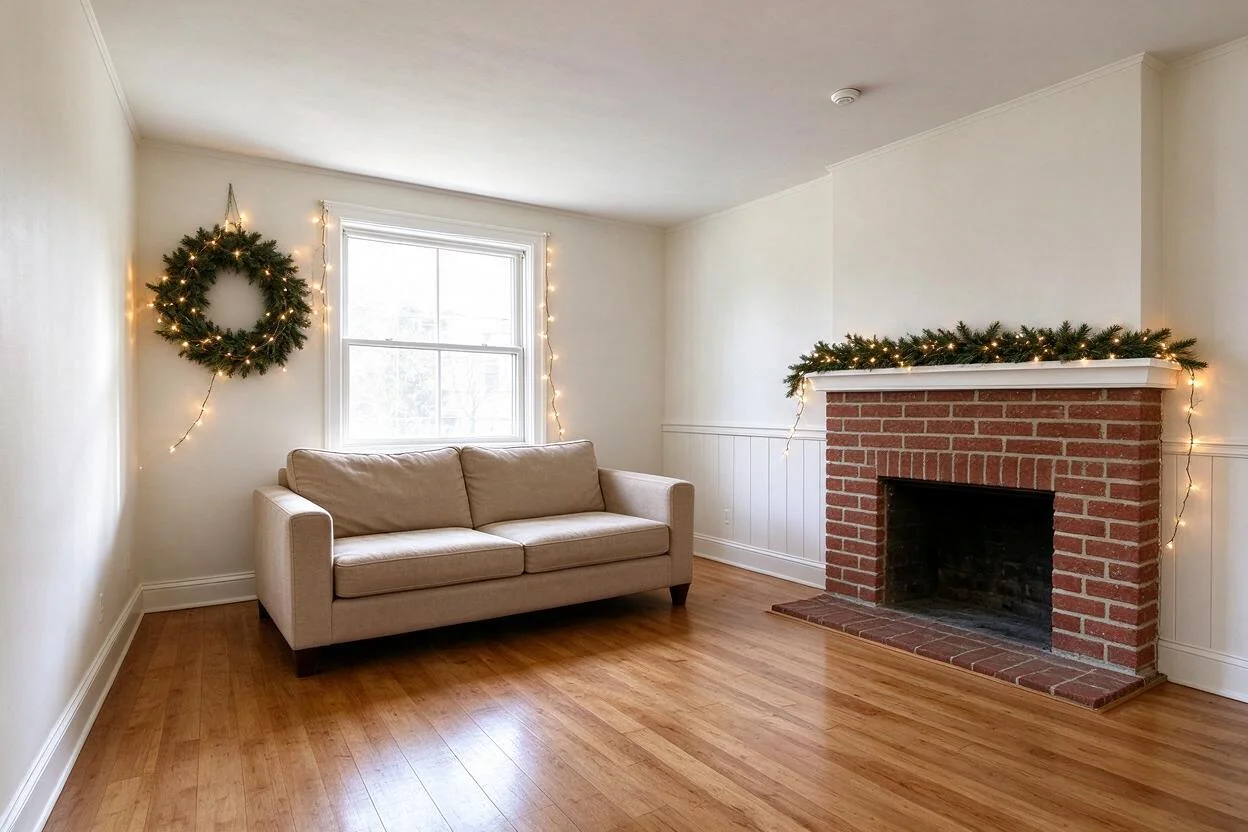
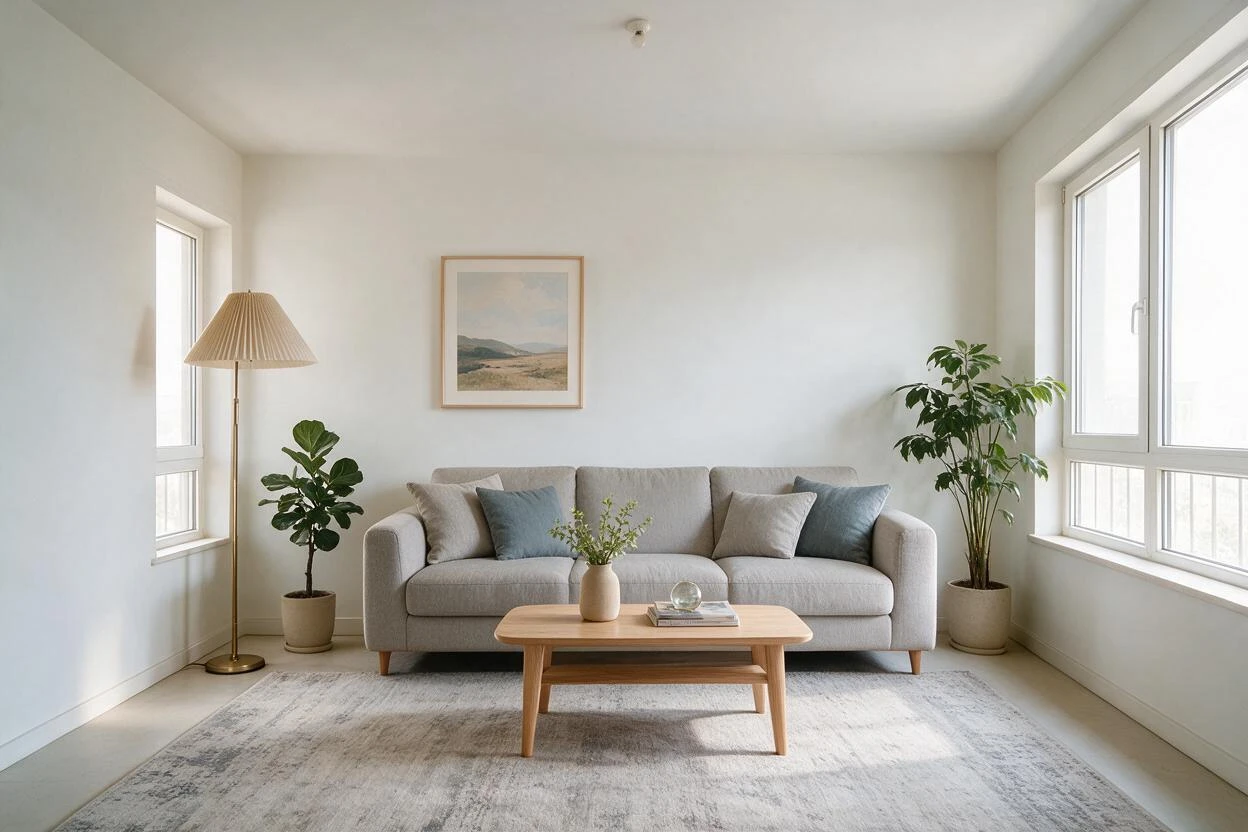 Virtual StagingStage an empty or dated room photo in about a minute. The AI aims to preserve the room’s structure while adding furnishings. 5 free credits, from $14/mo.
- Empty Your SpaceUpload a cluttered or furnished room and get a clean, empty version in about a minute — then restage it from scratch in any style. 5 free credits.
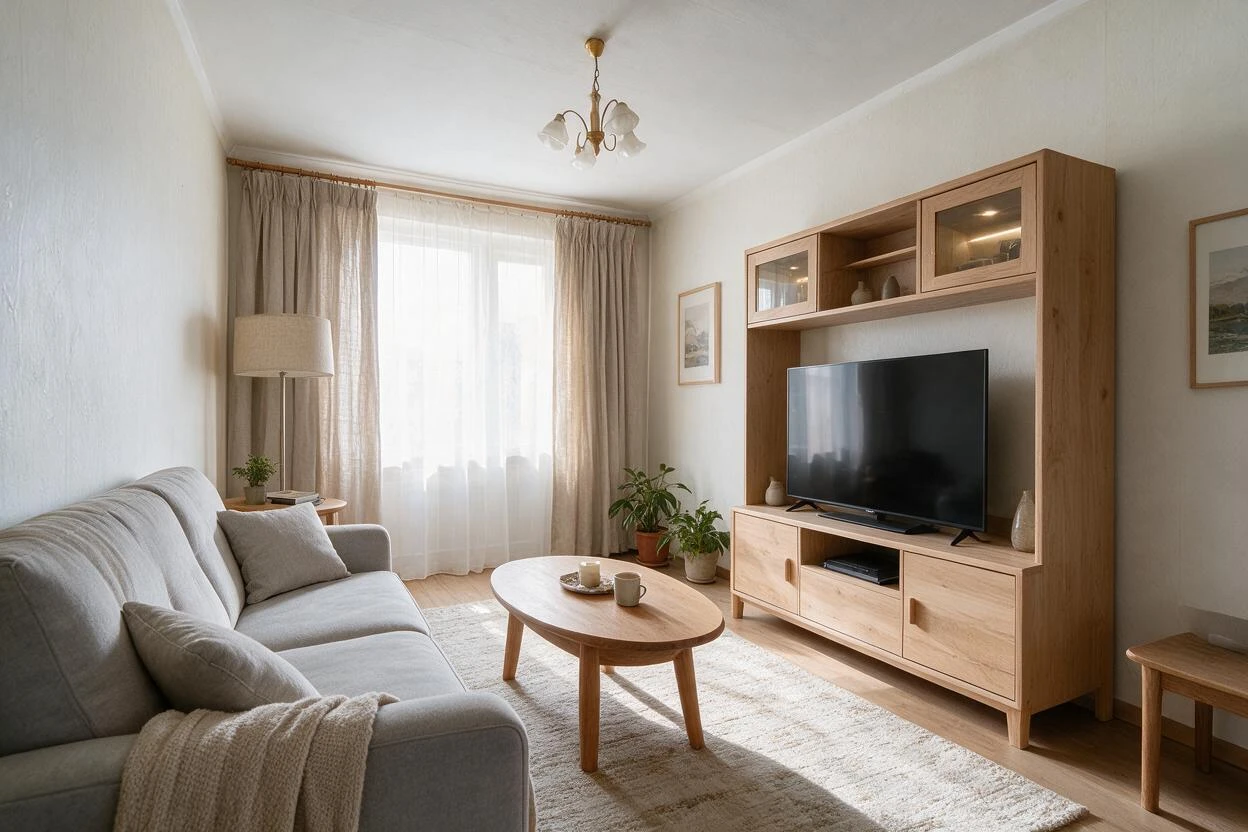 Redesign Furnished RoomsKeep the room you have, see it restyled. Swap textiles, decor, and mood on top of your existing photo — structure untouched.
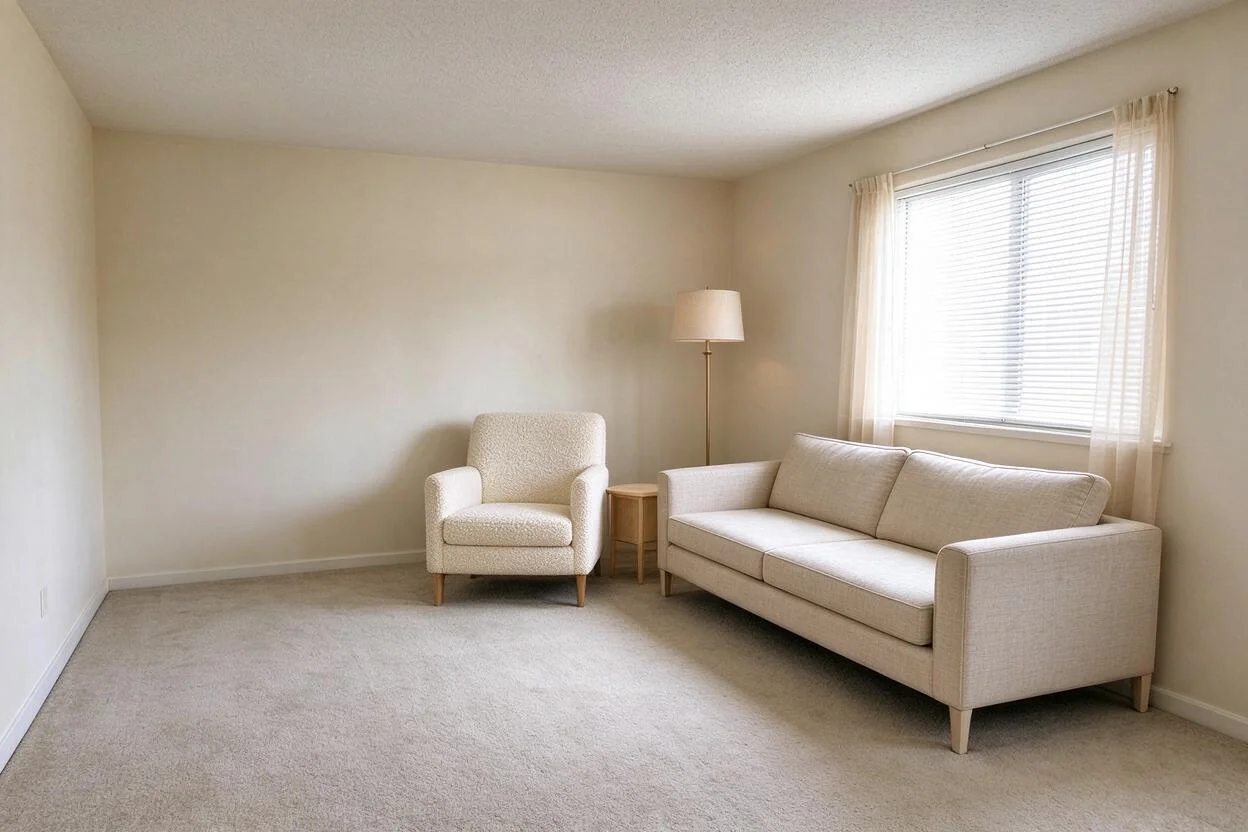 Add FurniturePlace a sofa, a reading chair, or a full set into your photo with honest scale — see the finished room before anything ships to your door.
- Swap FurniturePoint at a piece in your photo, describe its replacement, and see the swap in place with scale and layout intact — one change at a time.
- Furniture FaceliftKeep the silhouette you love, change the skin: new fabric, color, and wood tone render on your actual piece before you spend a cent.
Renovation & Finishes
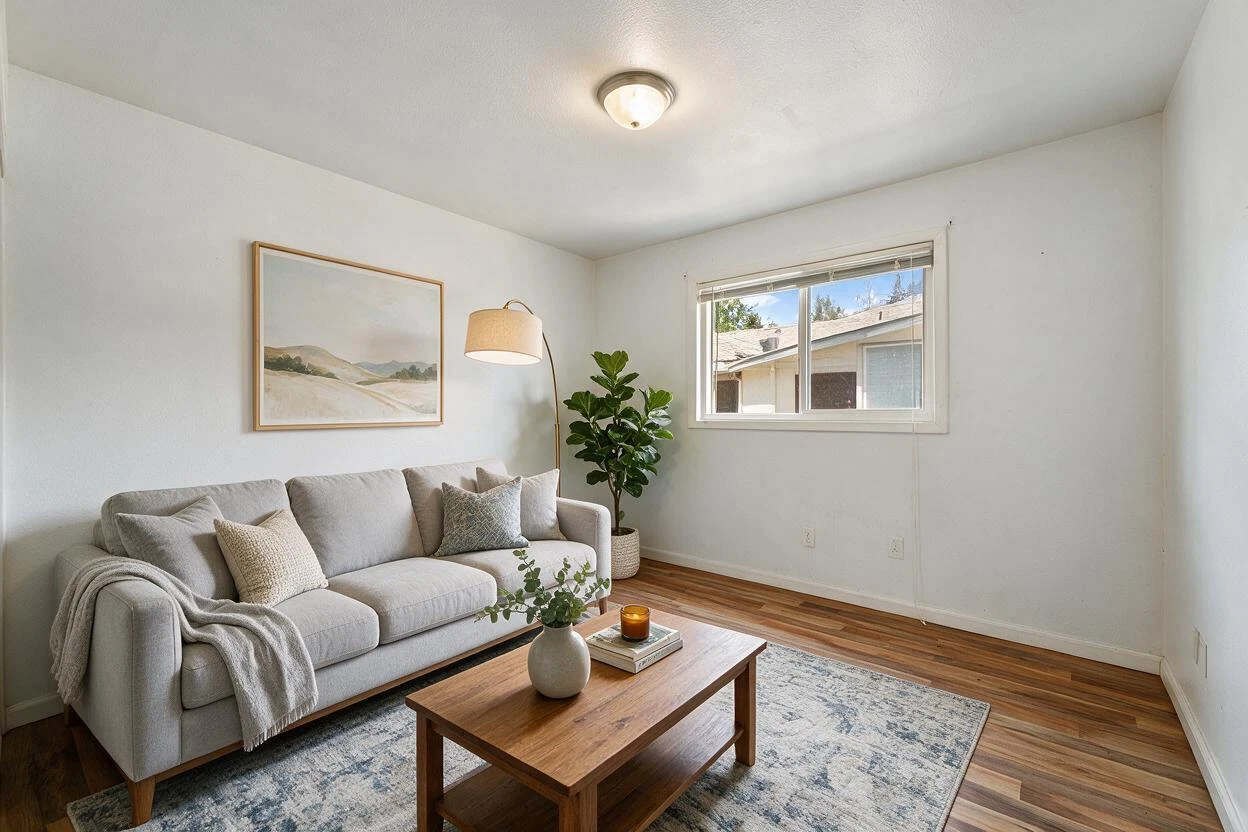 Interior RenovationSee the renovated version of a tired interior — new finishes, an opened-up feel, updated lighting — on your real photo, before you hire anyone.
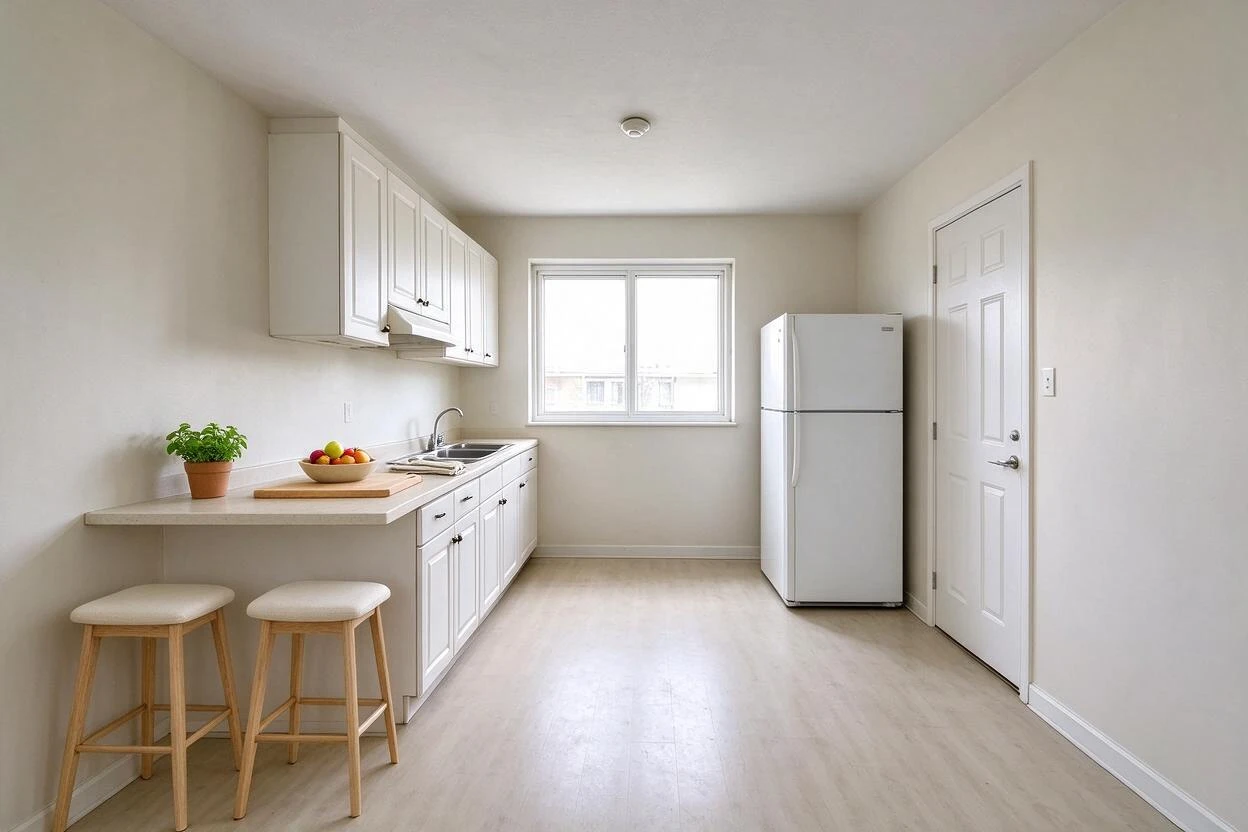 Restyle SurfacesRender new finishes on the surfaces you're actually replacing: kitchen counters, backsplash, floors, built-ins — before you order samples.
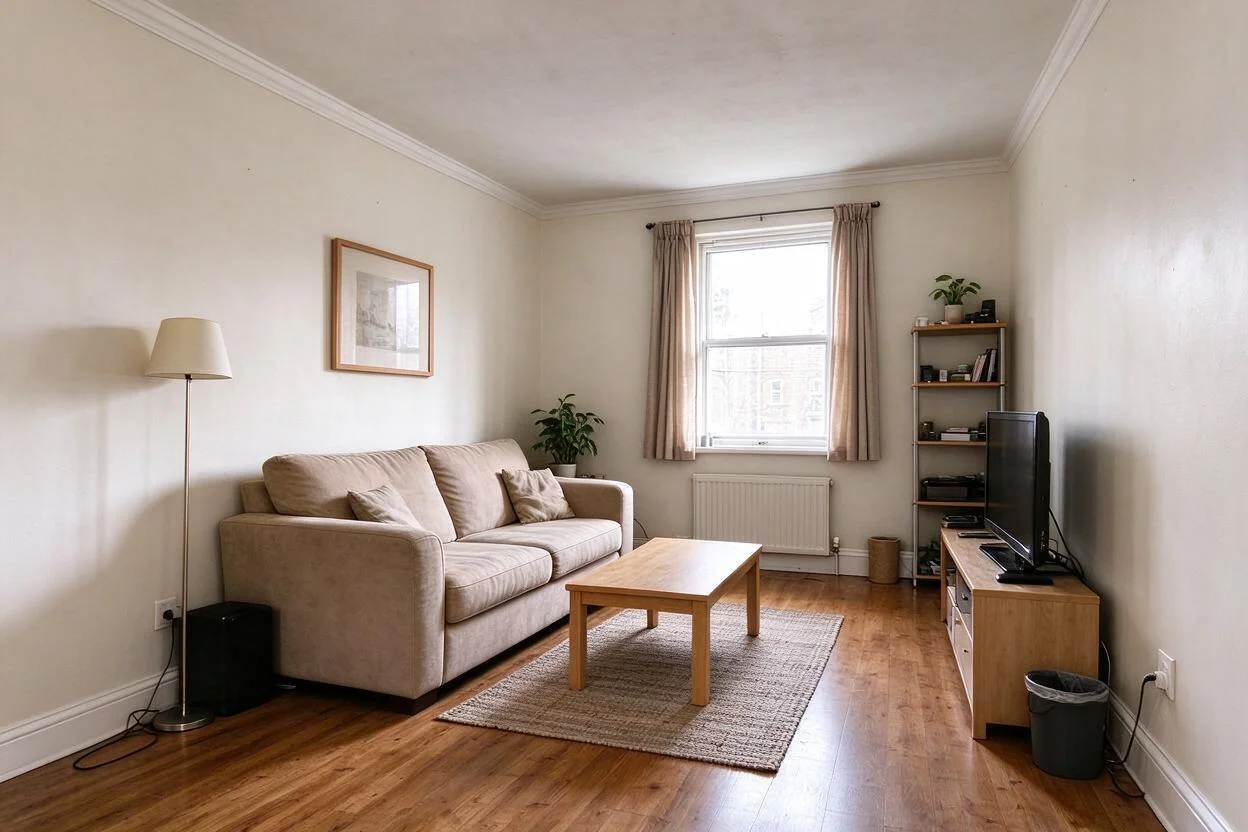 Repaint WallsSee any paint color on your actual walls — including brand-name matches — with lighting and shadows kept true. Upload one photo and try 5 colors free.
Exterior & Yard
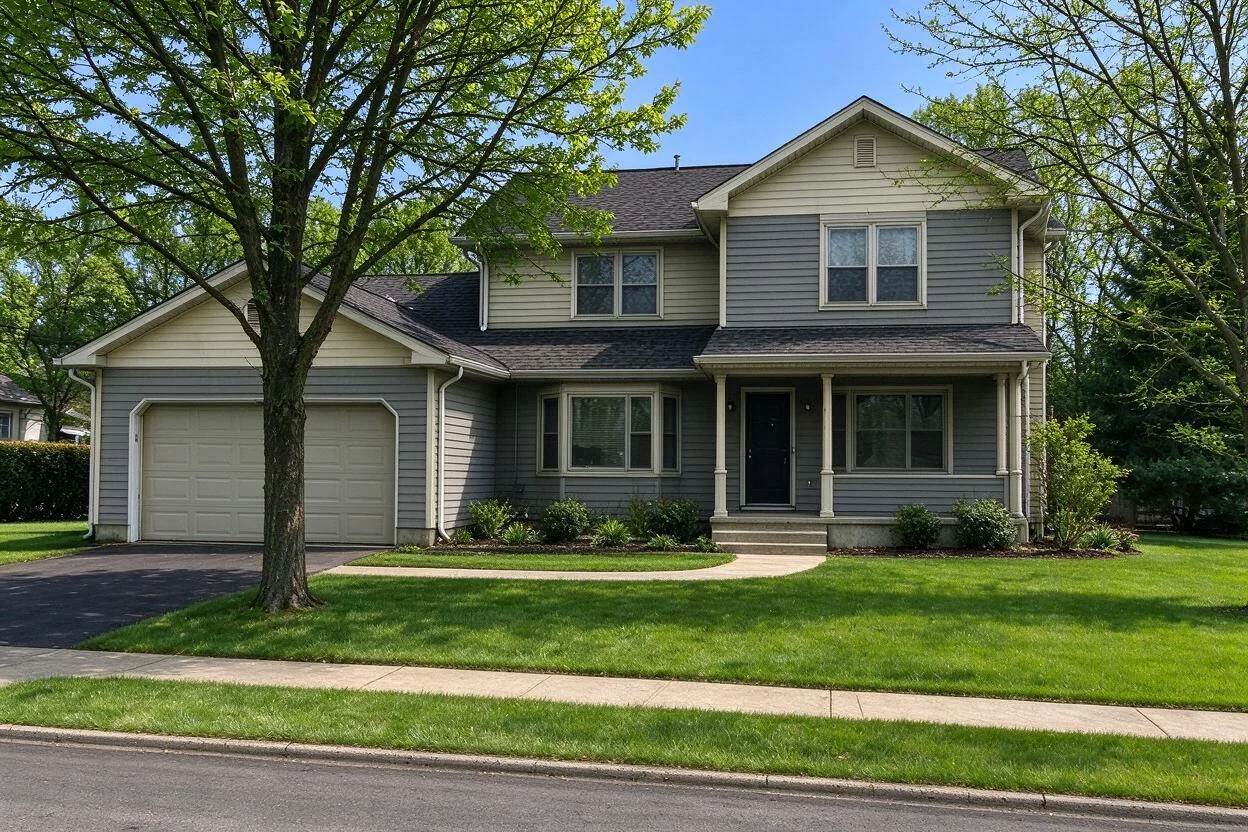
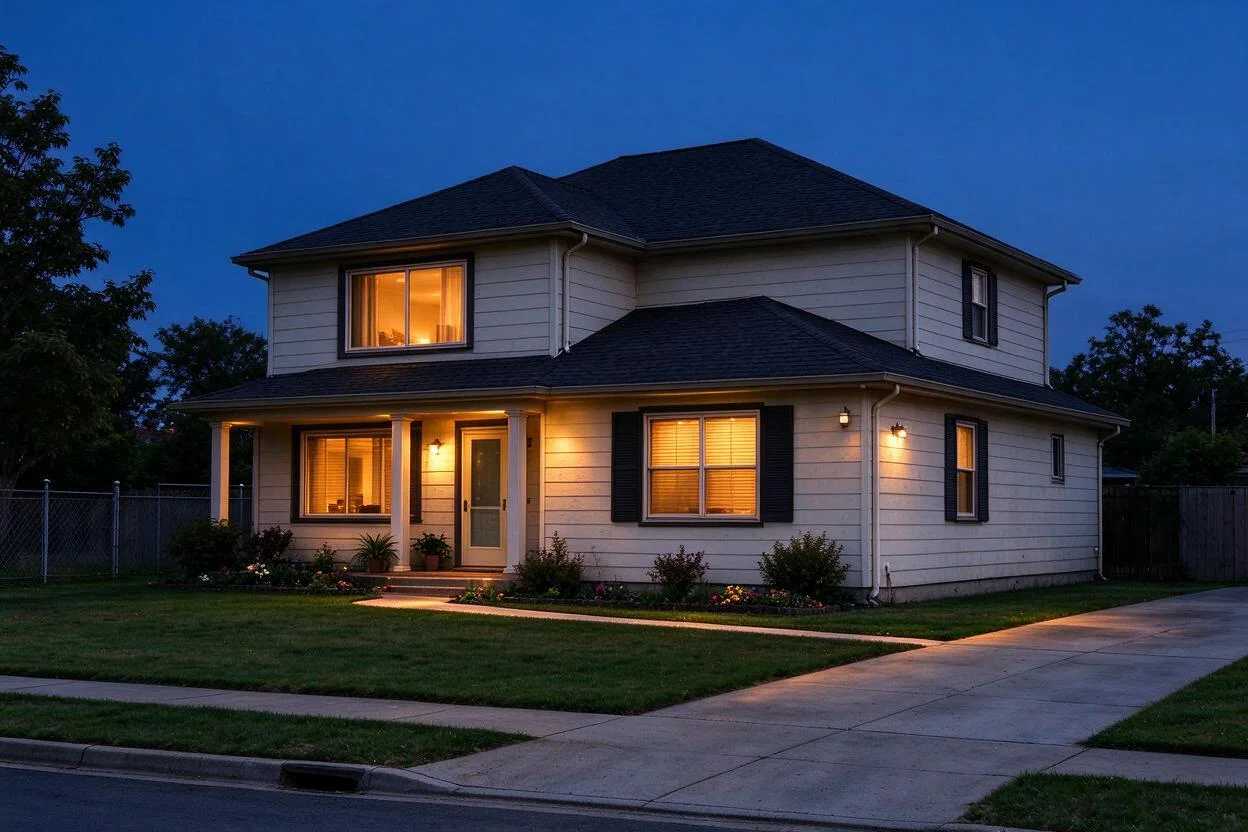 Day to DuskSame house, twilight magic: warm interior glow, deep blue sky, landscape lights on — the listing shot that stops buyers mid-scroll.
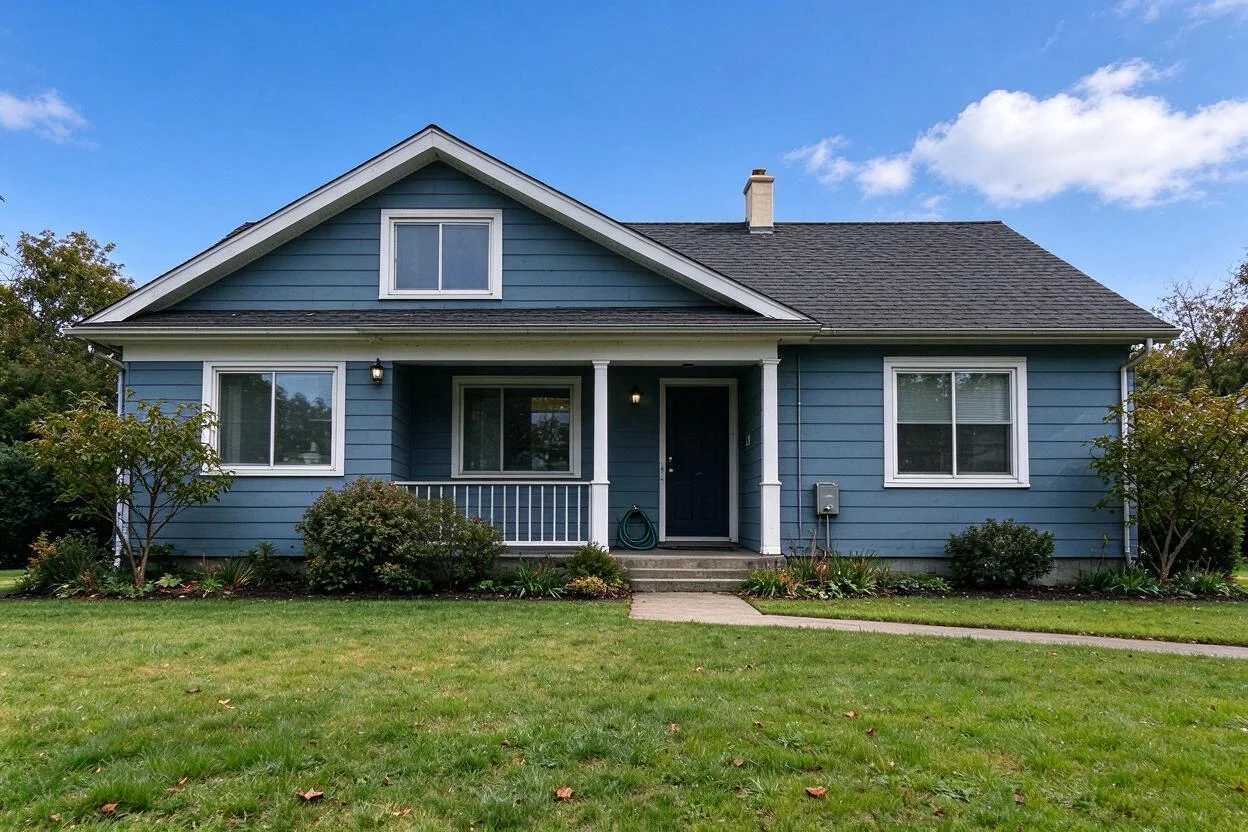 Sky ReplacementOvercast shoot day? Swap in a believable blue sky while keeping rooflines, reflections, and light physics intact — no reshoot needed.
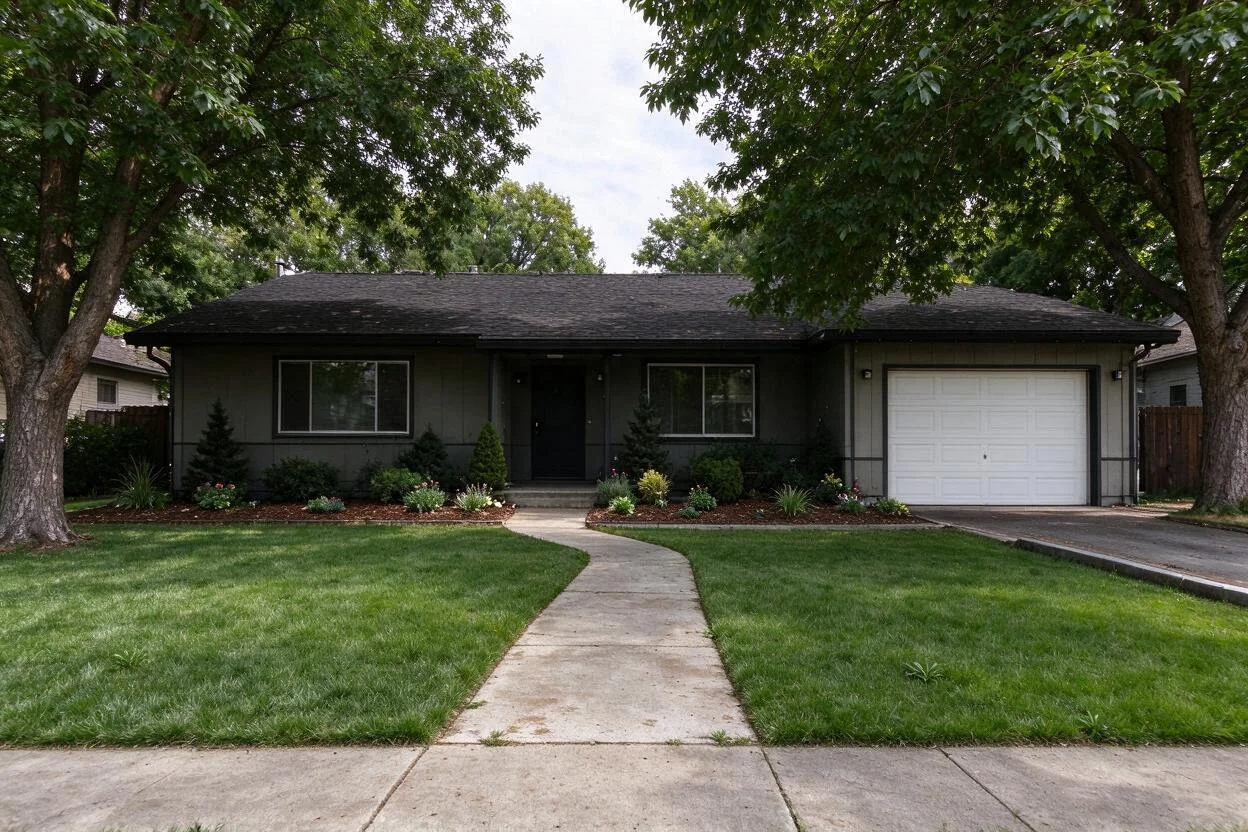 Lawn ReplacementSee a healthy, even lawn on your actual yard before spending a season or a fortune on grass, sod, or a landscaper's quote.
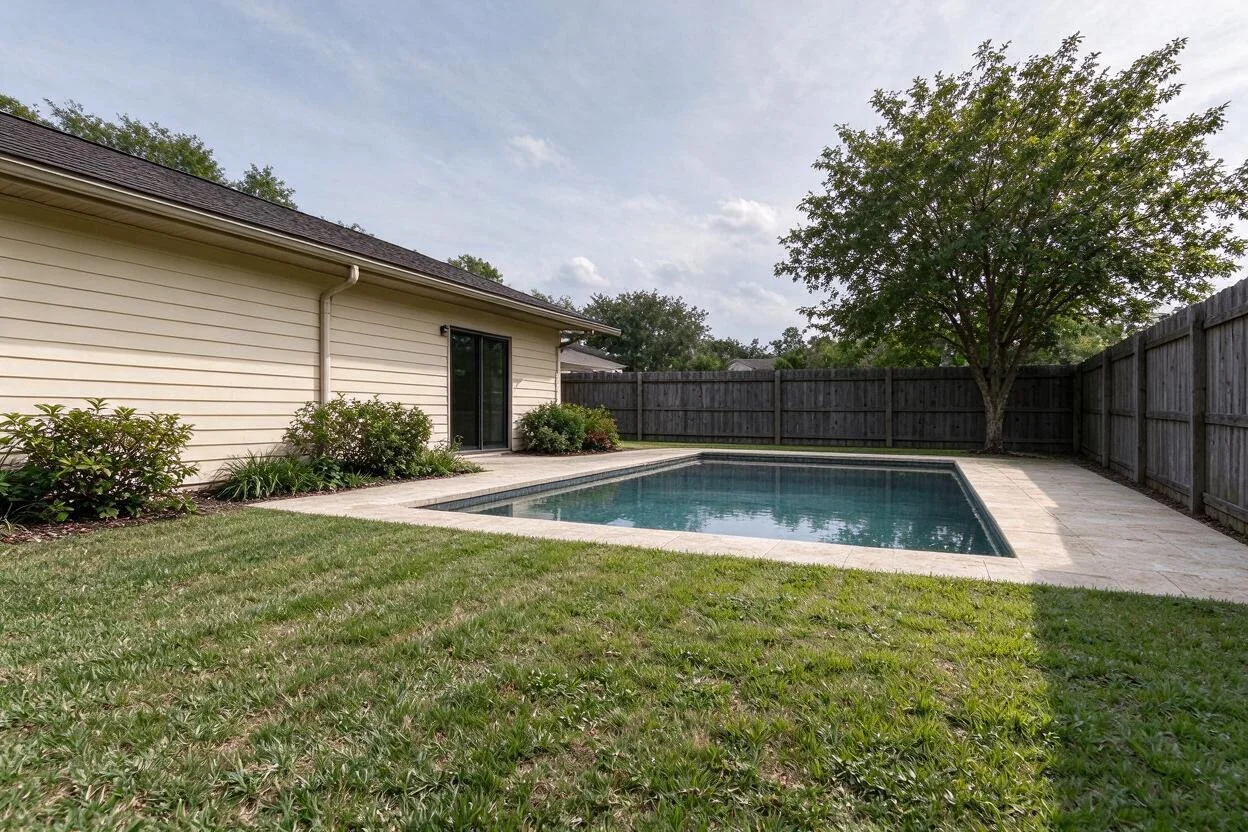 Add a PoolRender a realistic pool — or upgrade the one you have — into your actual backyard, with honest reflections and lighting.
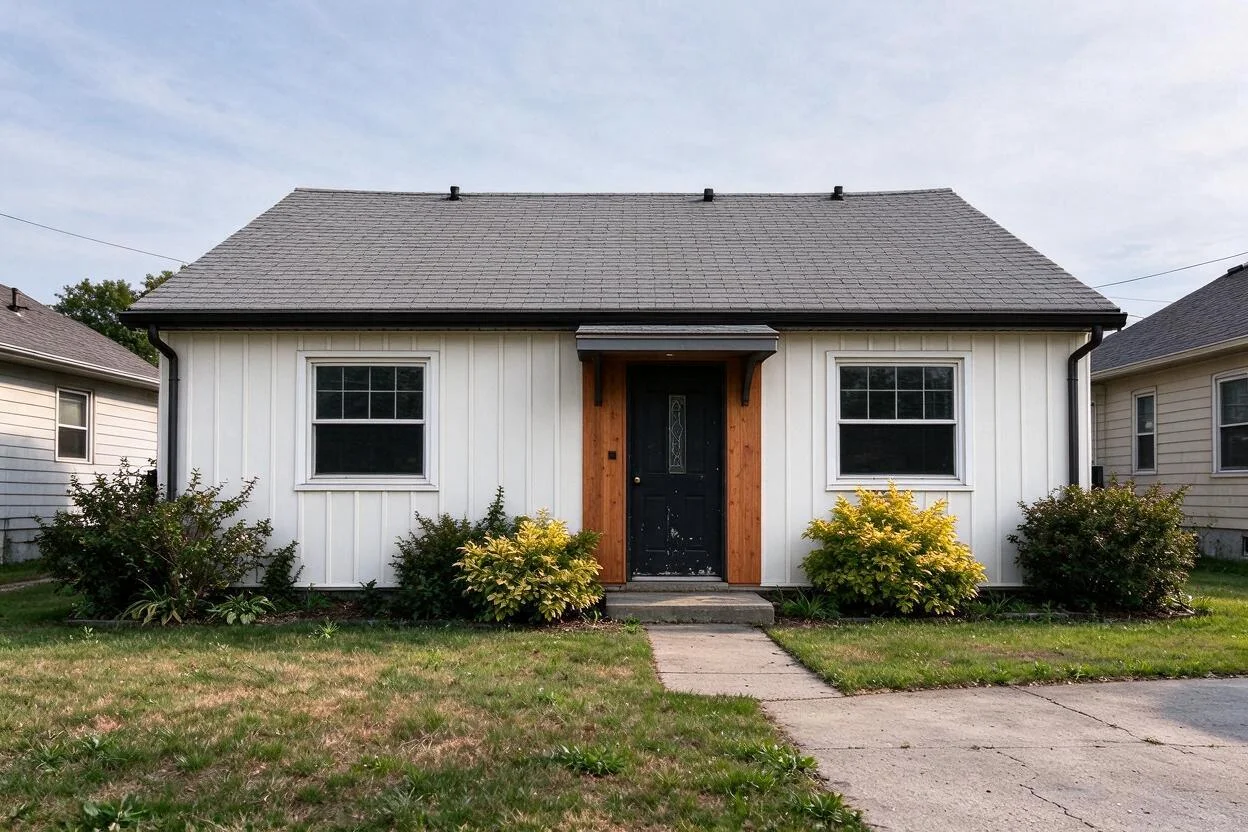 Exterior RenderingRe-clad, repaint, and re-light a house or small building in photoreal renders — before you spend a dollar on a single contractor quote.
Photo Cleanup
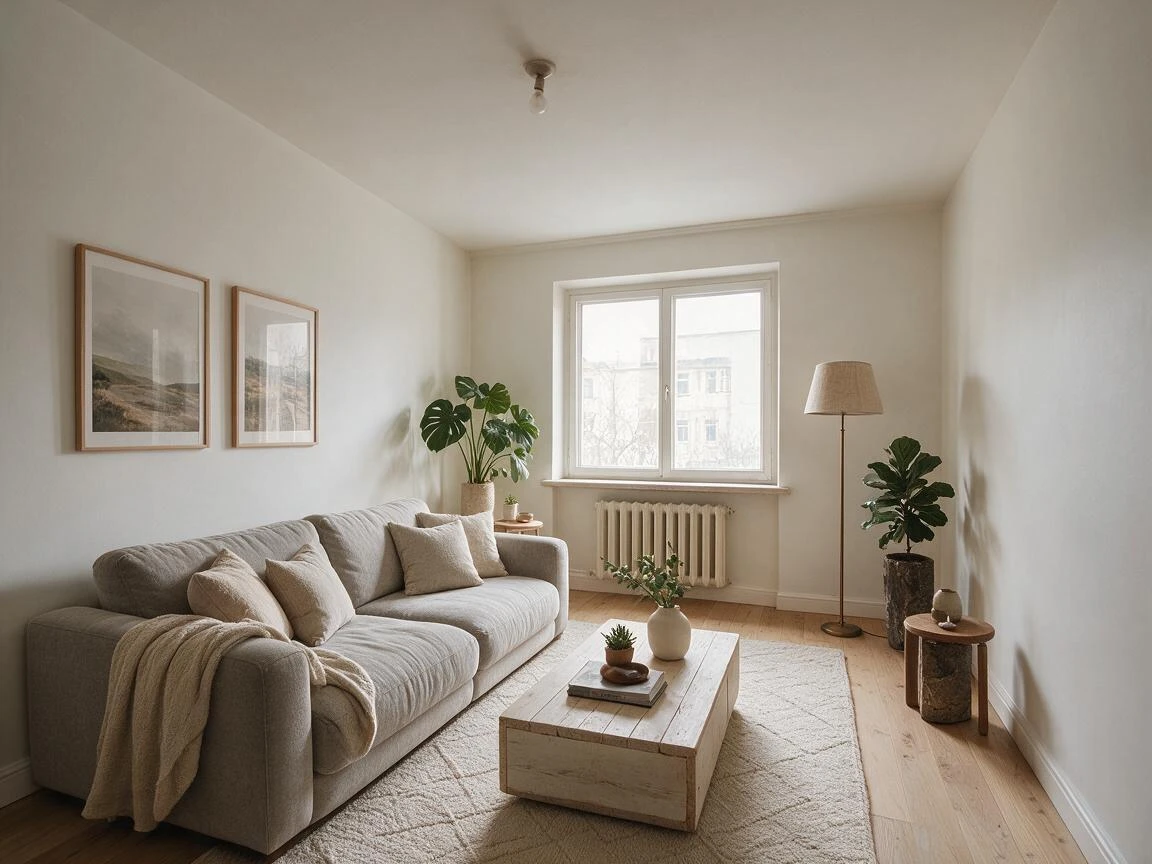 Image EnhancementFix dark, yellow, or blurry listing photos in one pass — natural results, no halos or over-editing. Built for real estate sets. Try it free on one photo.
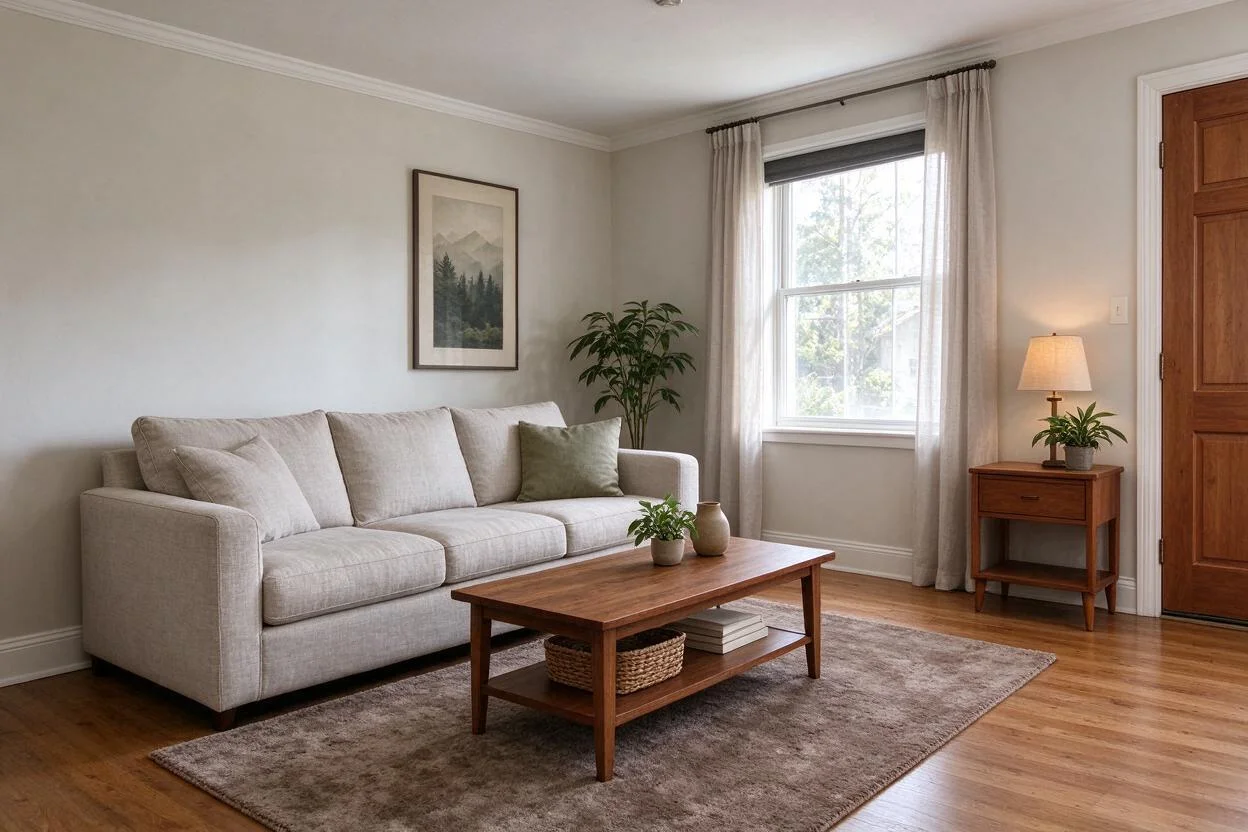 Image UpscaleTurn a small, soft phone photo into a sharp image that holds up in print and on the MLS at full size — without the plastic look. Try 5 images free.
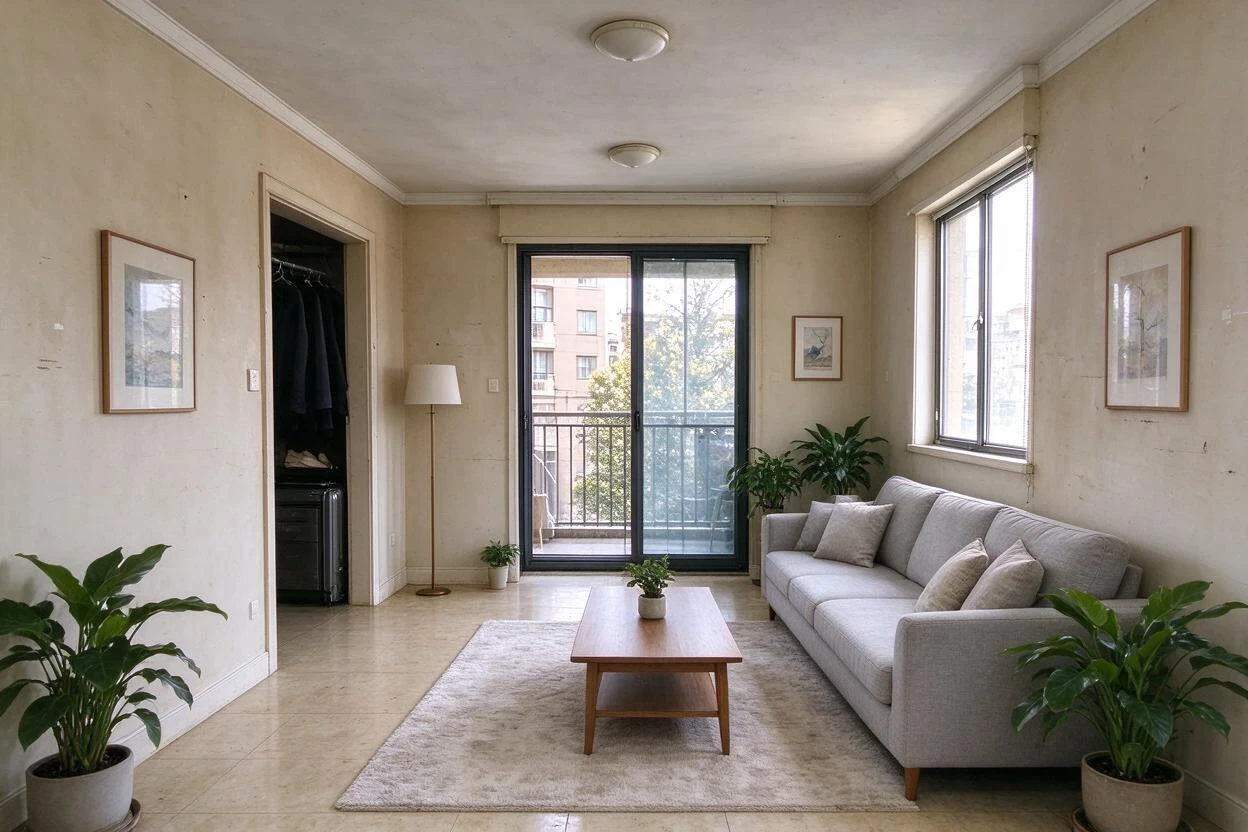 Object RemovalTrash cans, cables, the seller's dog — select it and it's gone, with the background rebuilt so naturally no one spots the edit.
Seasonal
Product Shots
Three steps
Upload a photo
Any room — empty, furnished, or cluttered.
Say what you want
Pick a style or type it in plain words.
Refine and download
Adjust until it's right, then save in high resolution.
What our first users say
From upload to finished render was about a minute. I compared options the same afternoon instead of waiting on concept boards. Walls, windows, and layout untouched — just new finishes and colors — and the result matched what’s actually doable in my place.
 Sarah M.Homeowner
Empty rooms photograph cold. Virtual staging turned them into furnished, listing-ready shots in about a minute. My listings finally look lived-in online.
 David K.Real estate agent
“Make the sofa darker. Add a reading chair.” That’s literally all I typed. Four rounds of refinement, then I downloaded. No learning curve, no parameter jungle.
 Emily R.Renter
I rendered the full design before buying a single piece of furniture and killed two options I was about to order. The preview caught what my eyes hadn’t. One star off because the queue occasionally backs up at peak hours.
 Michael B.Furnishing a new home
FAQs
What is Goodesign?
Goodesign is an AI interior design platform. Upload a photo of any room and get photorealistic makeovers, virtual staging, decluttering, and outdoor transformations — guided by plain-language instructions.
How do I get started?
Create a free account (no card needed) and click the verification link we email you — the five free credits are added after verification. Then upload a room photo, describe the result you want, and your first render usually arrives in 15–30 seconds.
What can Goodesign design?
Virtual staging for empty rooms, restyling furnished rooms, decluttering, object removal, wall repaints, lawn and pool upgrades, sky replacement, day-to-dusk conversion, plus photo enhancement and upscaling.
What happens after my free credits run out?
You can still explore your gallery and past results. To generate more, upgrade to a paid plan — the free tier uses the same AI as every paid plan.
How does pricing work?
Plans are monthly credit bundles: 1 credit = 1 image. Choose the bundle that matches your volume, from 30 to 1,200 credits per month, starting at $14/mo.
Ready to see your room transformed?
Five free credits. No credit card. Your first render in about a minute.