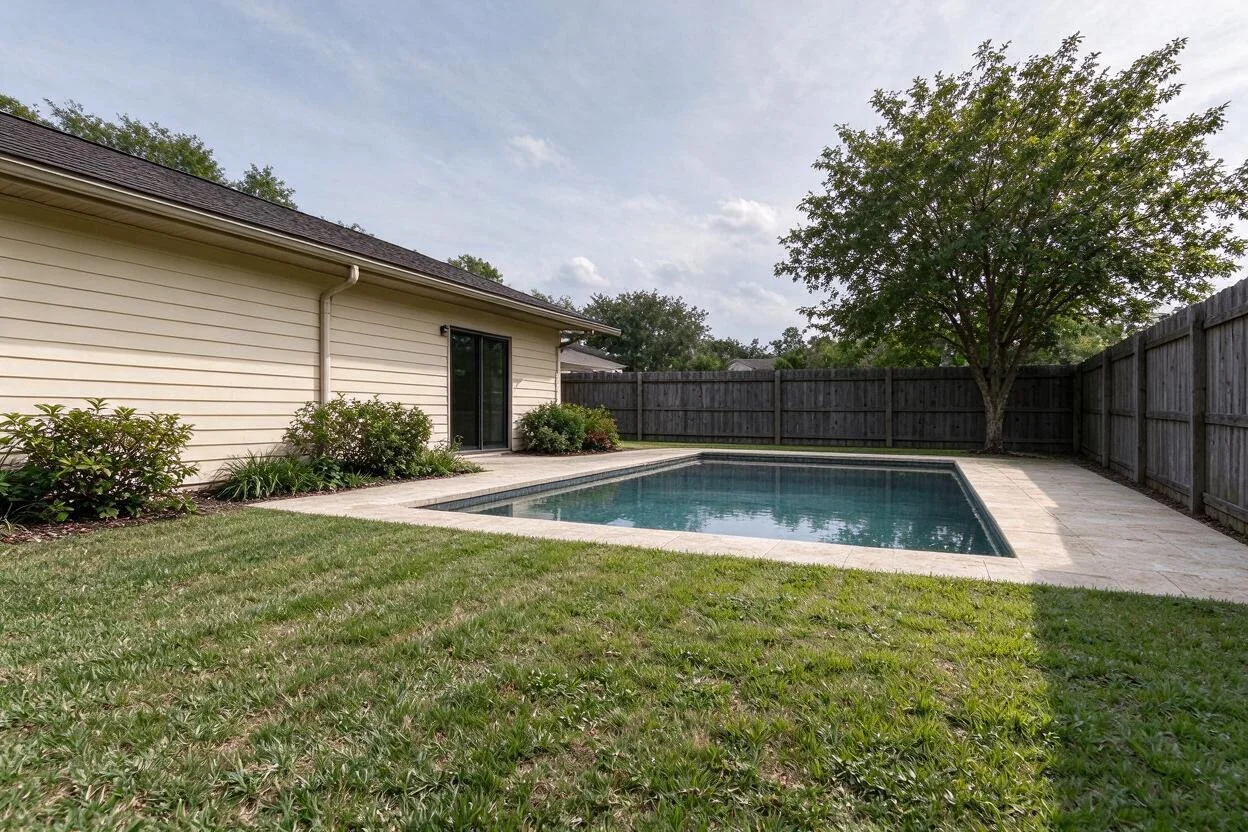
Solution
See a Pool in Your Yard Before You Dig
Render a realistic pool — or upgrade the one you have — into your actual backyard, with honest reflections and lighting.
Free 5 credits · No card required


Try it on your own photo
Free plan includes 5 credits · results save to your account
Step 3
Sign in to generate — it’s free
Sign inCreate free accountUpload your photo and get one image per credit. Run it again for another take.
Why add a pool matters
- Homeowners
- An in-ground pool is six figures; you want to see it first.
- Agents
- Homes with pool potential don't show it in photos.
- Contractors
- Clients sign faster when they can see the finished yard.
How it works
From upload to download — most renders finish in about a minute.
Upload
A wide shot of the backyard or existing pool.
Place
Pick the spot: rectangular lap pool, freeform lagoon, spa.
Render
Water lands with real reflections and depth cues.
Refine
Adjust size, coping, deck material, lighting.
Compare
Flip original vs. rendered to sanity-check scale.
Download
Export for family votes or contractor chats.
Prompt guide
Do this
- Say the type: "rectangular lap pool along the fence".
- Add deck context: "light travertine surround".
- Shoot wide from an upper floor if possible.
Avoid this
- Pools bigger than the yard — keep scale honest.
- Night photos; daylight renders pool water best.
- Asking for waterfalls and grottos in pass one.
“Add a rectangular lap pool along the back fence with a light stone deck.”
“Upgrade the existing pool with a dark blue finish and travertine coping.”
“Freeform pool with a small spa on the left side; keep the oak tree.”
Built for your role
Homeowners
- Decide the biggest backyard upgrade with your eyes
- Test shapes and placements
- Walk contractors in with a shared picture
Agents
- Show pool potential on raw yards
- Market the lifestyle the yard allows
- Faster buyer imagination
Contractors
- Visual proposals that close
- Fewer revision cycles
- Set expectations before excavation
Under the hood
- Water rendering uses scene lighting for true reflections.
- Pool geometry respects yard scale and sightlines.
- Existing pools can be re-finished without changing shape.
- Structural advice is out of scope — renders are for visualization.
Selling products online?Try AI Product Scenes
FAQ
Can it upgrade an existing pool?
Yes — new finish, coping, and lighting render on your current pool's shape.
How accurate is the scale?
Renders respect the yard's perspective; always confirm dimensions with a contractor.
Does it include decks and landscaping?
Deck materials and basic landscaping can render alongside the pool.
Can I try multiple placements?
Yes — each placement is its own generation; compare side by side.
Is this a construction plan?
No — it's visualization. Engineering and permits are for your contractor.
Which photos work best?
Wide daylight shots from an elevated angle show the yard's full shape.
Is a virtually added pool allowed on MLS listings?
Yes — with a standard "virtually added" disclosure on the listing. Check your local MLS rules; disclosure requirements are the lister's responsibility.
Related tools
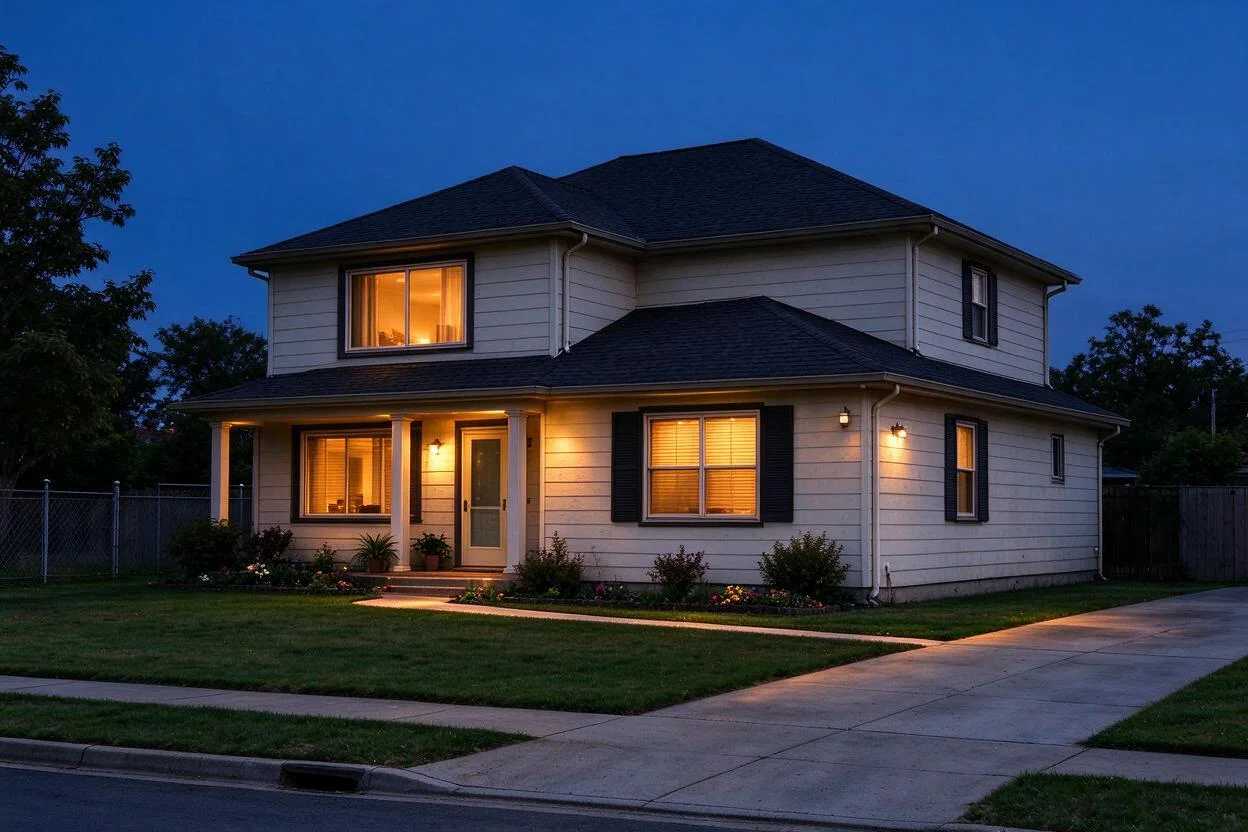
Day to Dusk
Same house, twilight magic: warm interior glow, deep blue sky, landscape lights on — the listing shot that stops buyers mid-scroll.
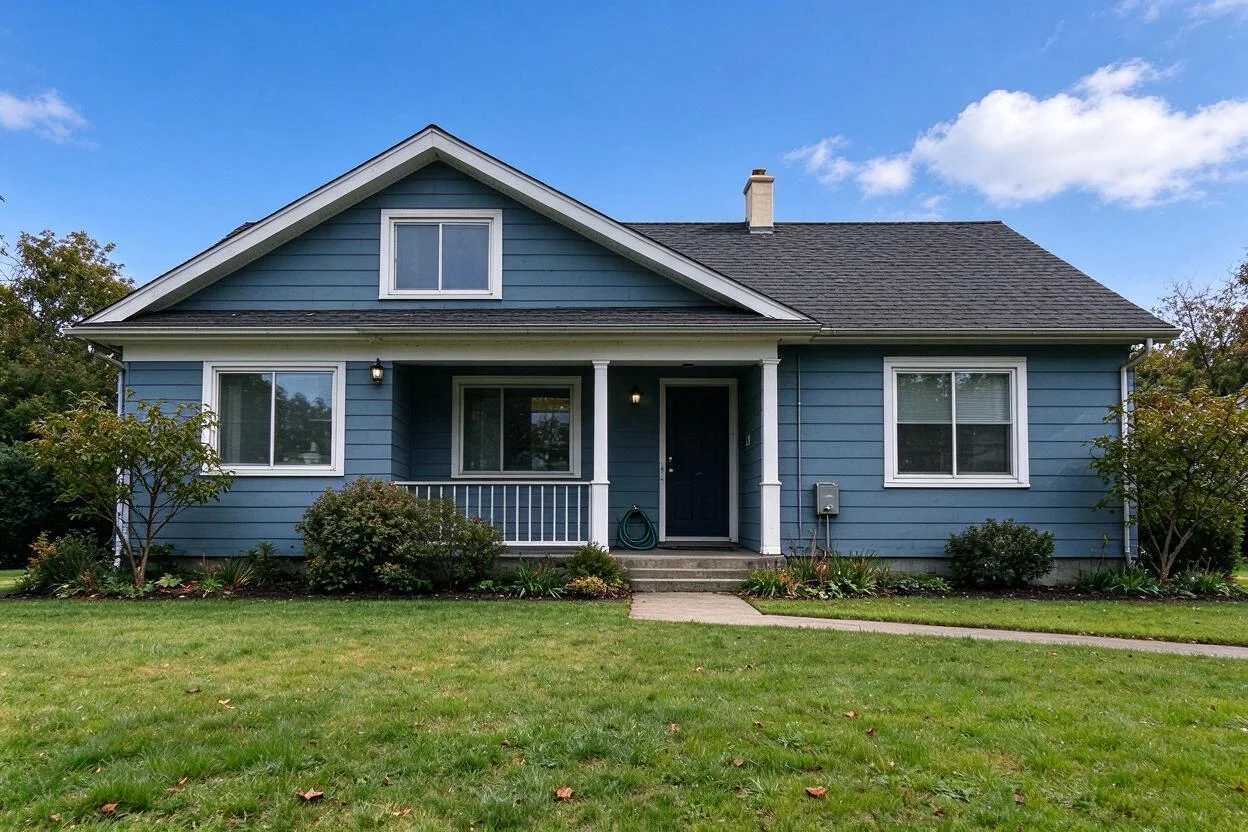
Sky Replacement
Overcast shoot day? Swap in a believable blue sky while keeping rooflines, reflections, and light physics intact — no reshoot needed.
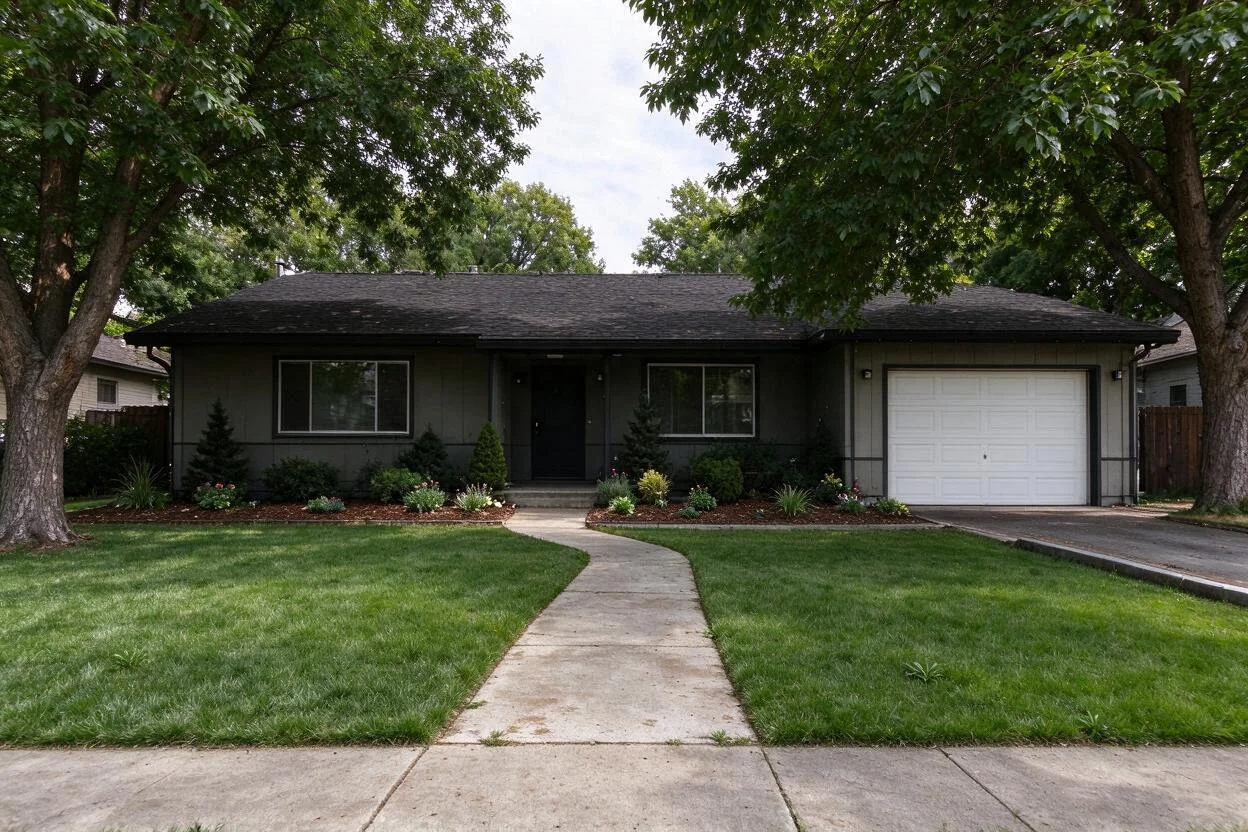
Lawn Replacement
See a healthy, even lawn on your actual yard before spending a season or a fortune on grass, sod, or a landscaper's quote.
Seasonal Reset
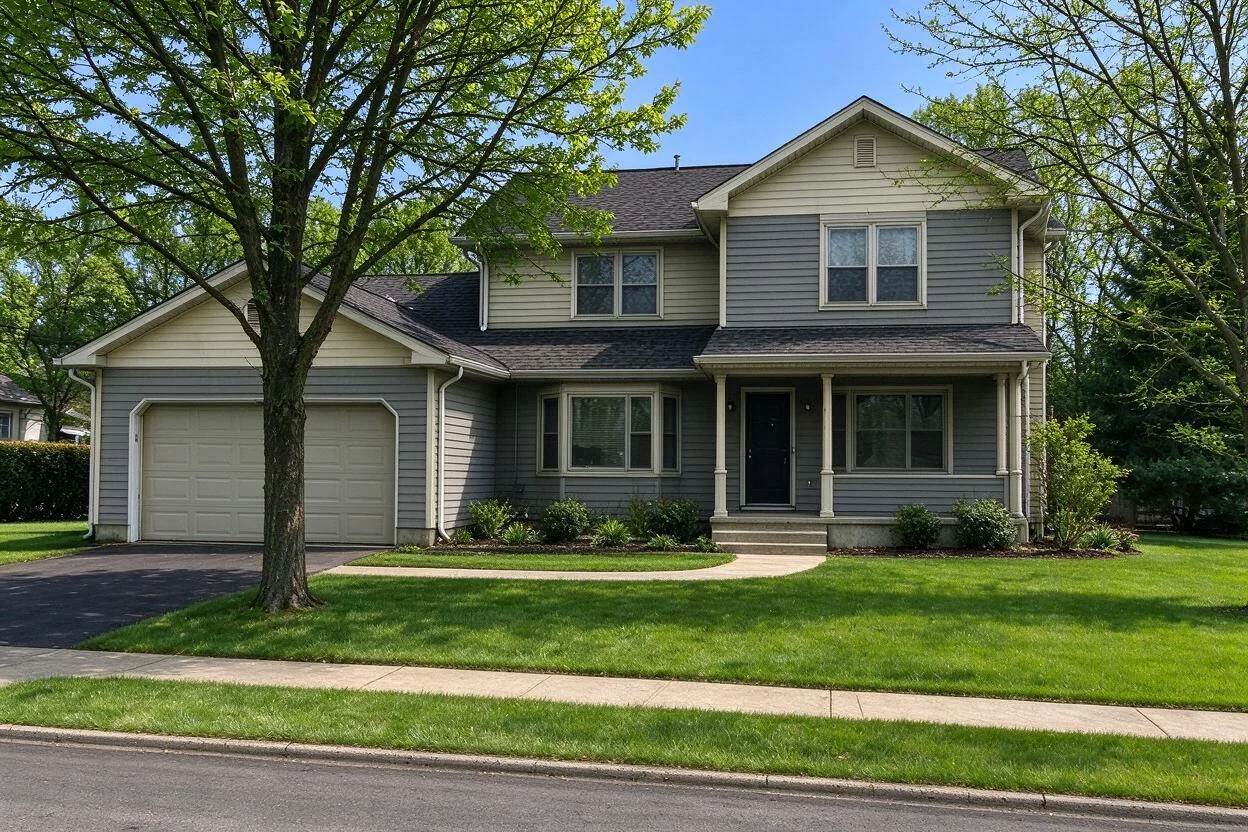
Snowy driveway in the listing photo? Render the same house in early summer — green lawn, leafy trees, clear sky — from one winter shot.
Ready to see your room transformed?
Five free credits. No credit card. Your first render in about a minute.