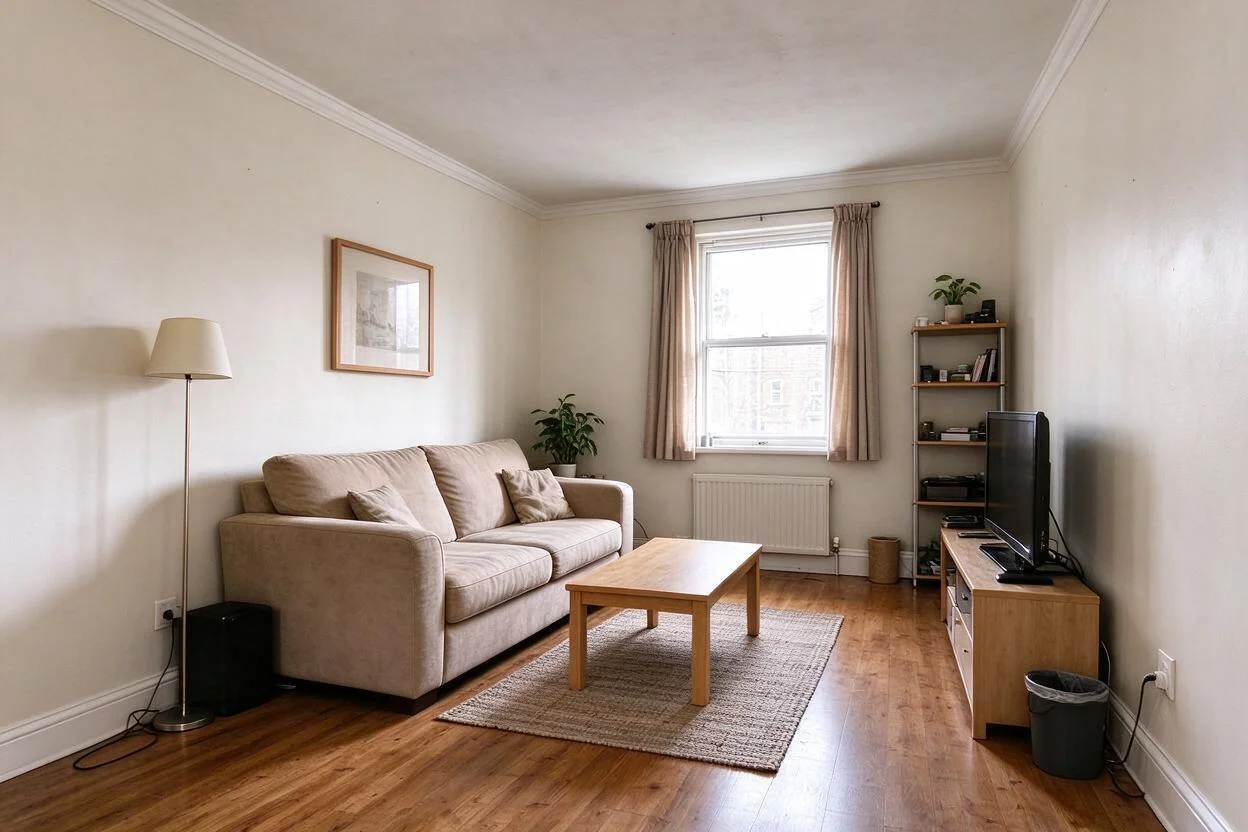
Solution
AI wall color changer: see paint on your own wall
See any paint color on your actual walls — including brand-name matches — with lighting and shadows kept true. Upload one photo and try 5 colors free.
Free 5 credits · No card required


Try it on your own photo
Free plan includes 5 credits · results save to your account
Step 3
Sign in to generate — it’s free
Sign inCreate free accountUpload your photo and get one image per credit. Run it again for another take.
Why repaint walls matters
- Painters
- A wrong gallon is a weekend lost and money sunk.
- Homeowners
- Swatches lie. The same paint reads different in every light.
- Agents
- A fresh neutral coat photographs better — but which neutral?
How it works
From upload to download — most renders finish in about a minute.
Upload
A straight-on photo of the room or wall.
Mask
Walls are detected automatically; exclude what you want untouched.
Color
Name a color, a brand match, or upload a swatch photo.
Render
The color lands with real lighting and shadow falloff.
Compare
Run neighbors side by side: greige vs. warm white.
Download
Save previews to pick with confidence.
Prompt guide
Do this
- Name finishes: matte, eggshell, satin.
- Give brand matches: "similar to a warm greige".
- Say which walls: "accent wall only".
Avoid this
- Ultra-saturated showpiece colors you'd never buy.
- Asking to repaint furniture in the same pass.
- Night photos — daylight shots render truer.
“Paint the walls a soft warm white with a matte finish; keep the trim and ceiling as is.”
“Preview a muted sage green on the fireplace wall only.”
“Repaint all walls to a light greige similar to popular warm neutrals.”
Built for your role
Painters
- Close color decisions on-site
- Fewer costly repaint callbacks
- Client sign-off before the first coat
Homeowners
- See it in your light, not a catalog
- Test four colors for the price of zero gallons
- Commit with confidence
Agents
- Pick the photographing neutral
- Preview accent walls that add warmth
- Refresh listing photos' feel pre-shoot
Under the hood
- Wall segmentation separates paintable surfaces from trim and objects.
- Color is applied with lighting-aware shading, not flat fill.
- Brand-name matching works via color family, not exact formula.
- Textured walls (brick, paneling) repaint with texture kept.
Selling products online?Try AI Product Scenes
FAQ
Can you match a specific brand color?
You can name a brand and color family — expect a close visual match, then verify with a physical sample before buying.
Does it handle accent walls?
Yes — single-wall, two-tone, and full-room repaints all work.
Will the ceiling or trim change?
Only if you ask. Say what stays and it stays.
How real are the colors?
Lighting-aware, so relative tones read true; always confirm final choice with a physical swatch.
Does it work on textured surfaces?
Yes — texture is preserved; only the color changes.
Can I compare several colors?
Yes — run each as its own generation and compare side by side.
Are virtually repainted walls allowed on MLS listings?
Yes — with a standard "repainted" disclosure on the listing. Check your local MLS rules; disclosure requirements are the lister's responsibility.
Related tools
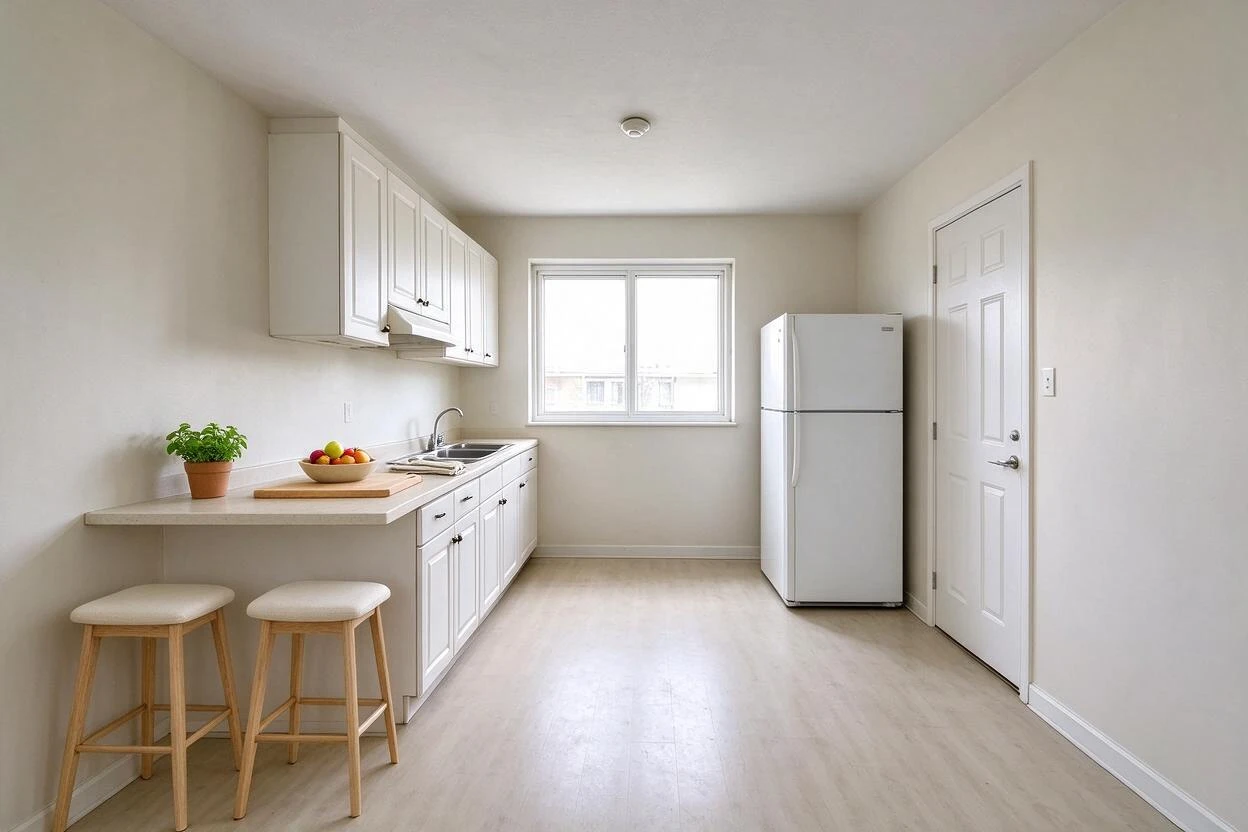
Restyle Surfaces
Render new finishes on the surfaces you're actually replacing: kitchen counters, backsplash, floors, built-ins — before you order samples.
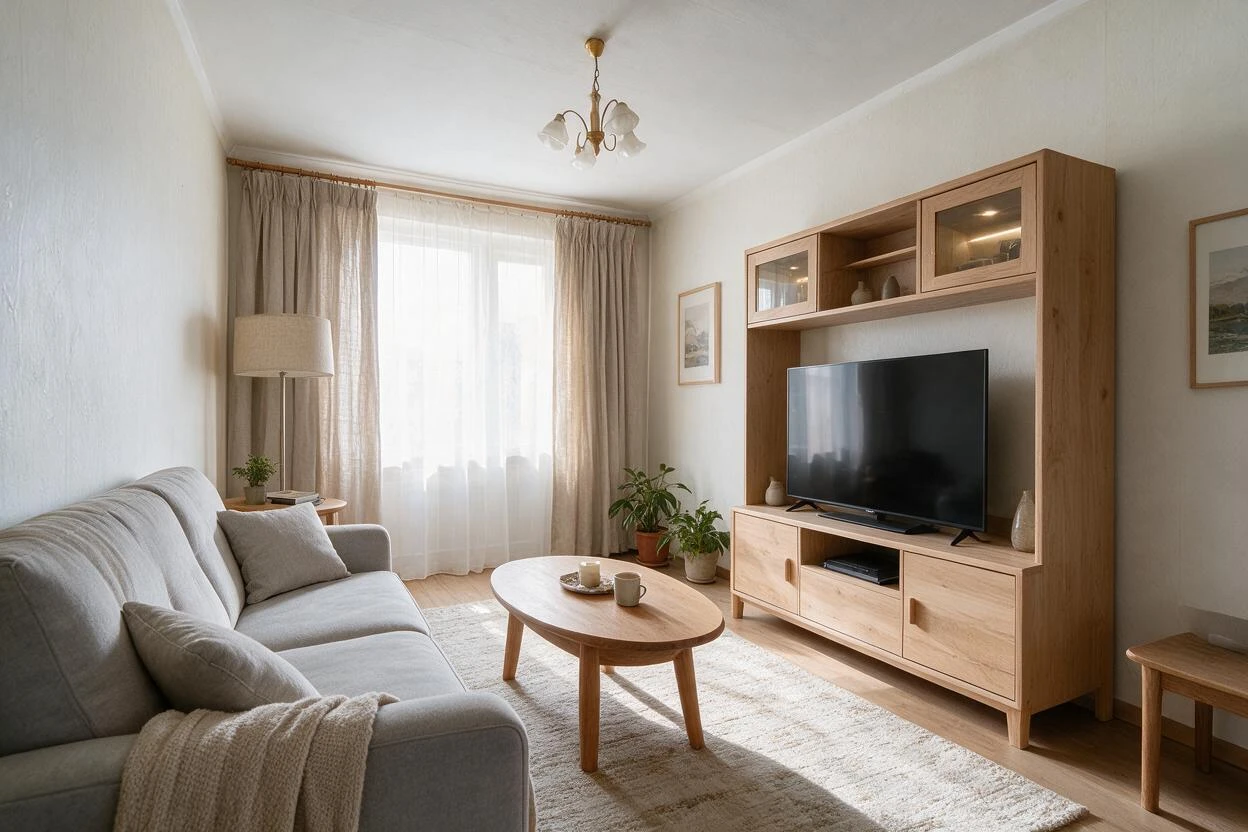
Redesign Furnished Rooms
Keep the room you have, see it restyled. Swap textiles, decor, and mood on top of your existing photo — structure untouched.
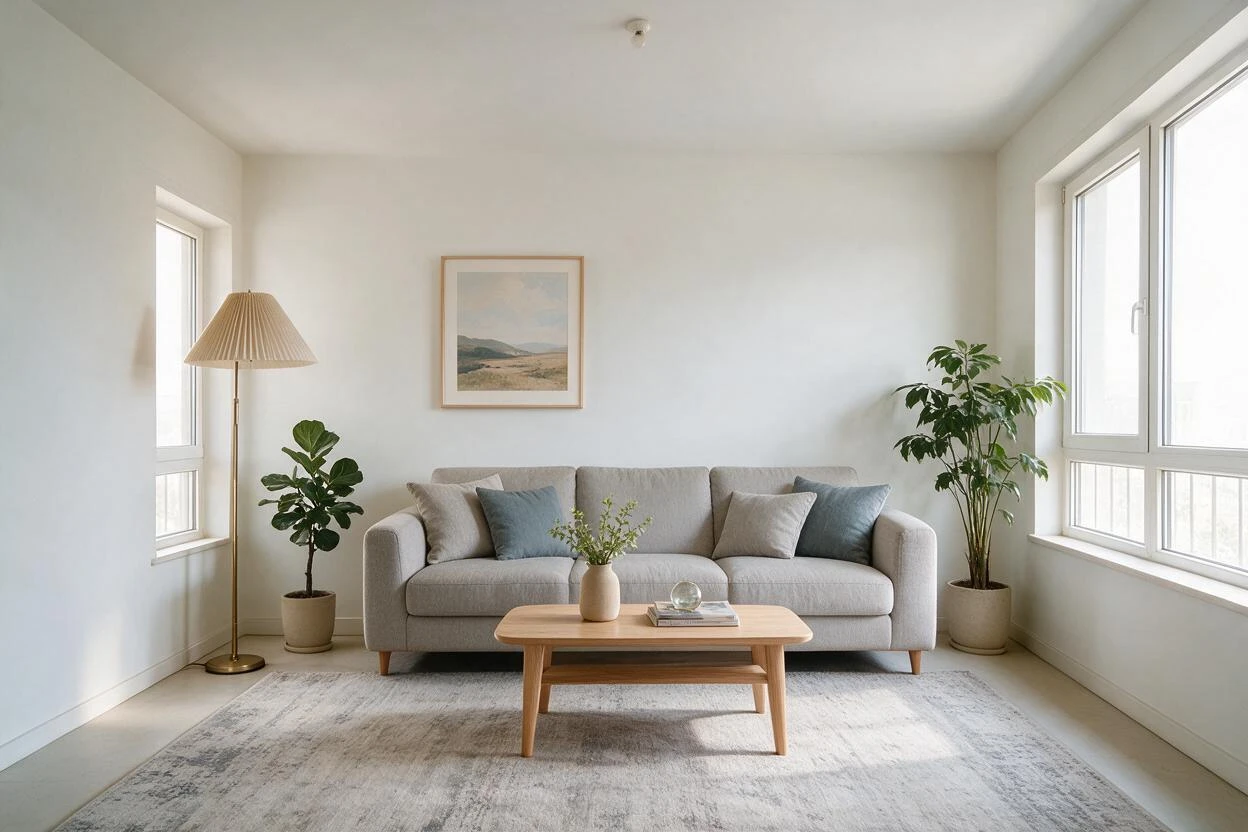
Virtual Staging
Stage an empty or dated room photo in about a minute. The AI aims to preserve the room’s structure while adding furnishings. 5 free credits, from $14/mo.
Image Enhancement
Fix dark, yellow, or blurry listing photos in one pass — natural results, no halos or over-editing. Built for real estate sets. Try it free on one photo.
Related reading
Ready to see your room transformed?
Five free credits. No credit card. Your first render in about a minute.