
One product photo in,four scenesout
Upload the white-background shot you already have. Pick a ready scene — or write your own prompt — and get a catalog-ready image with your product kept pixel-identical. One credit each; run it again for another take.
- Your product never gets redesigned — geometry, colors and pattern are locked
- Presets in one click, or any scene you can describe in words
- One scene per credit, downloadable and ready to list — run it again for another take
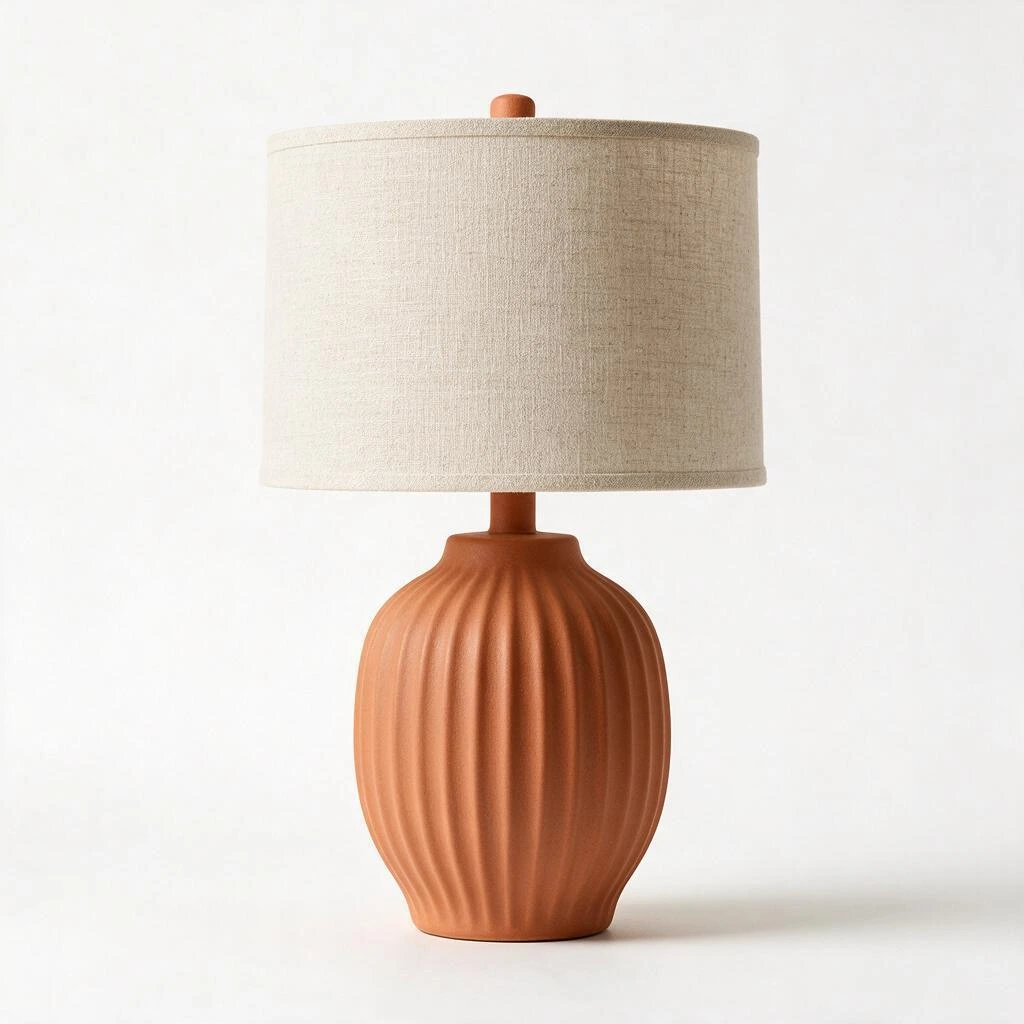
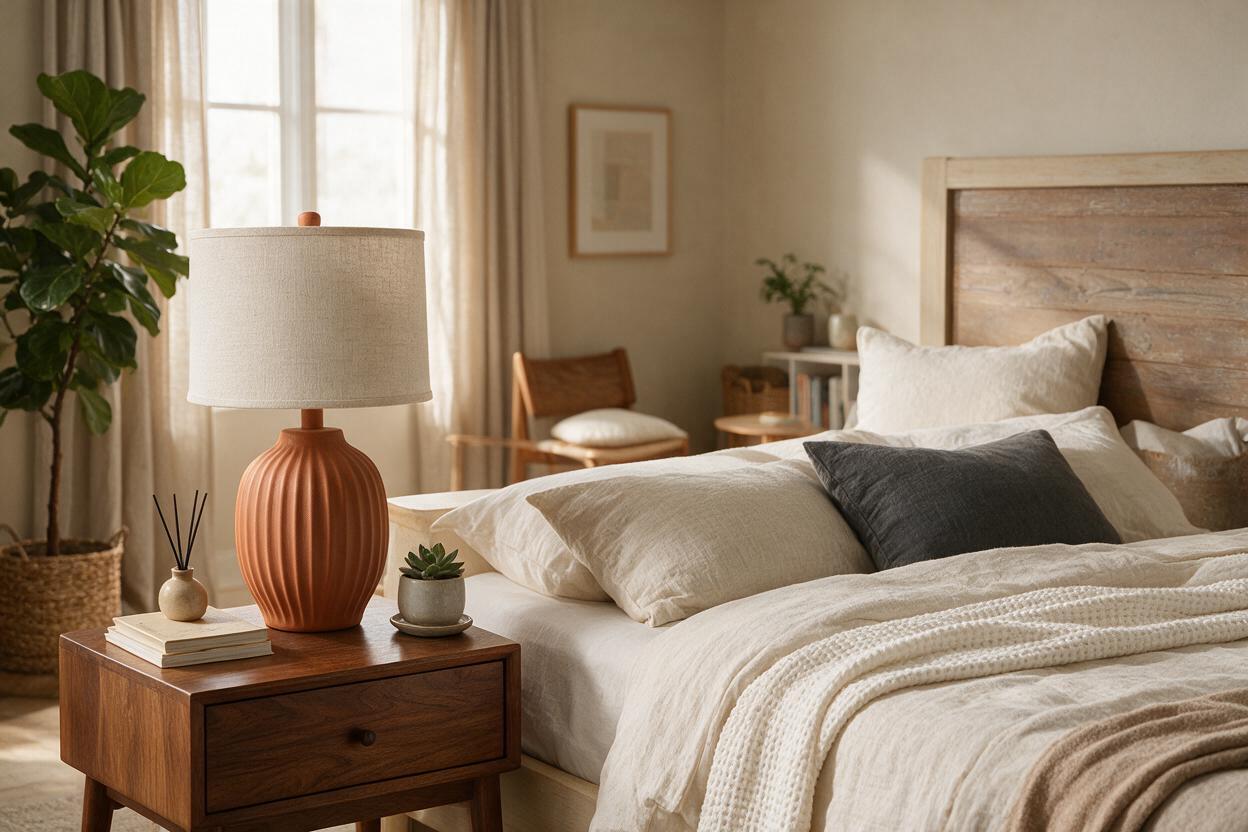
Real example — same lamp, only the world around it changed.
1 · Upload your product photo
The white-background shot from your store — we keep the product pixel-identical and rebuild everything around it.
2 · Describe the scene
Sign in to generate — it’s free
The free plan includes 5 credits (5 images). No card required.
3 · Your 4 scenes
How it works
1
Upload your product
Start from the white-background photo you already use on your store — JPG, PNG or WebP up to 10 MB.
2
Pick a scene — or write one
Quick picks: room, spot and style. Or switch to “My own prompt” and describe any scene in your own words.
3
Download and list
About 30 seconds later your catalog-ready image is ready to download. Your product keeps its exact look; only the world around it changes.
Designing rooms rather than products? Explore all 19 home & listing tools →
FAQ
Will the AI change my product?
No. Every generation enforces strict product fidelity: the model must preserve your product's exact geometry, color and pattern and place it naturally into the scene — it stages the world around your product, it never redraws the product.
What photos work best?
A clean white-background catalog shot with the whole product visible. JPG, PNG or WebP up to 10 MB. Avoid heavy shadows, hands holding the product, or props you don't want to keep.
Can I write my own scene instead of using the presets?
Yes — switch to “My own prompt” in step 2 and describe any scene in your own words, e.g. “a cozy Christmas living room with a fireplace” or “a marble kitchen countertop with morning coffee”. Your description overrides the presets; the product-fidelity rules always stay on.
How much does it cost?
One credit equals one image. Every account starts with 5 free credits — no card required. When you need more, paid plans start at $14/mo on the pricing page.
Where do my scenes go?
Renders you create while signed in are saved to your account — see them any time under My designs. Each scene downloads as a ready-to-upload catalog image.
Put your products in their future homes
Upload one white-background photo and get a catalog-ready scene per credit. Start with 5 free credits — no card required.