
Solution
Turn a Tired Lawn into a Green One — Digitally First
See a healthy, even lawn on your actual yard before spending a season or a fortune on grass.
Free 5 credits · No card required
Try it on your own photo
Free plan includes 5 credits · your photo’s geometry stays locked · results save to your account
1 · Upload your photo
The yard or garden photo — whole outdoor space in frame.
2 · Fine-tune (optional)
Your photo’s camera angle and structure always stay locked — only the described edit happens.
Upload a photo to enable generation.
3 · Your images
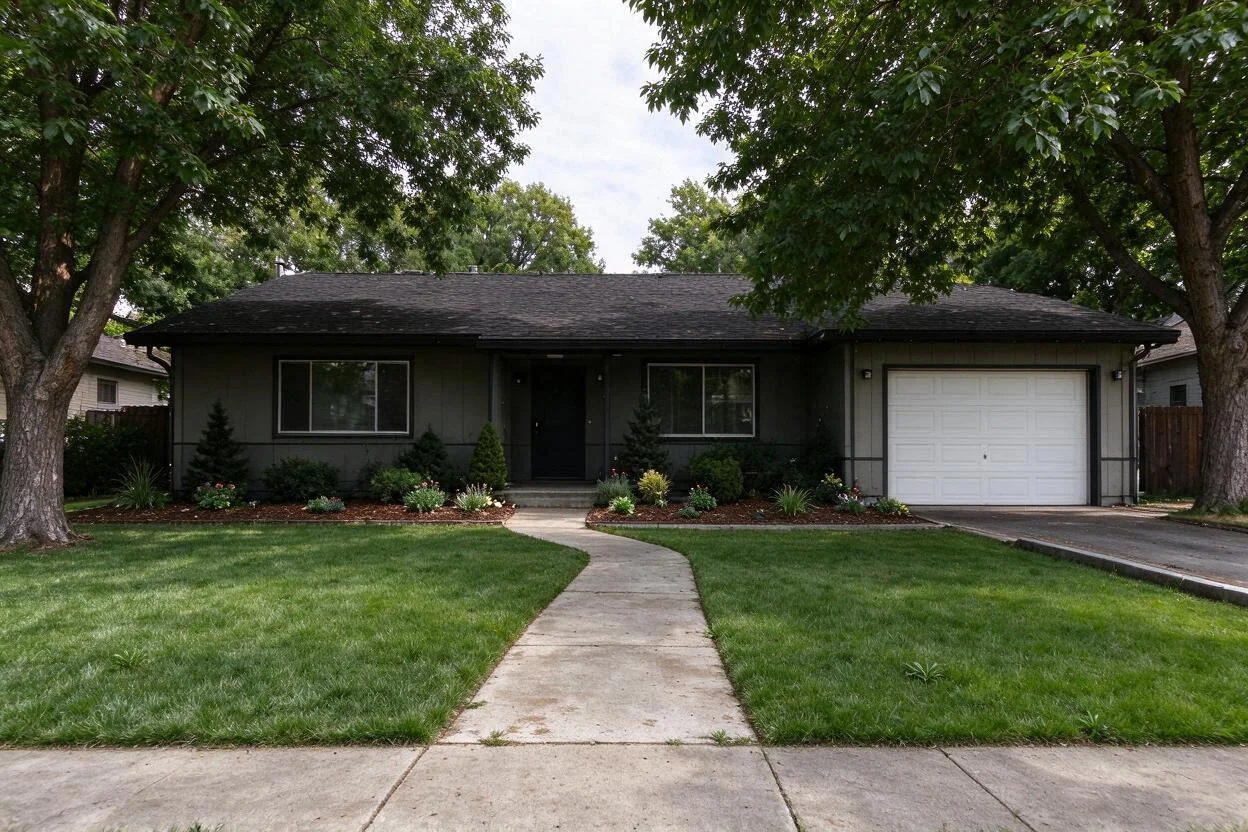
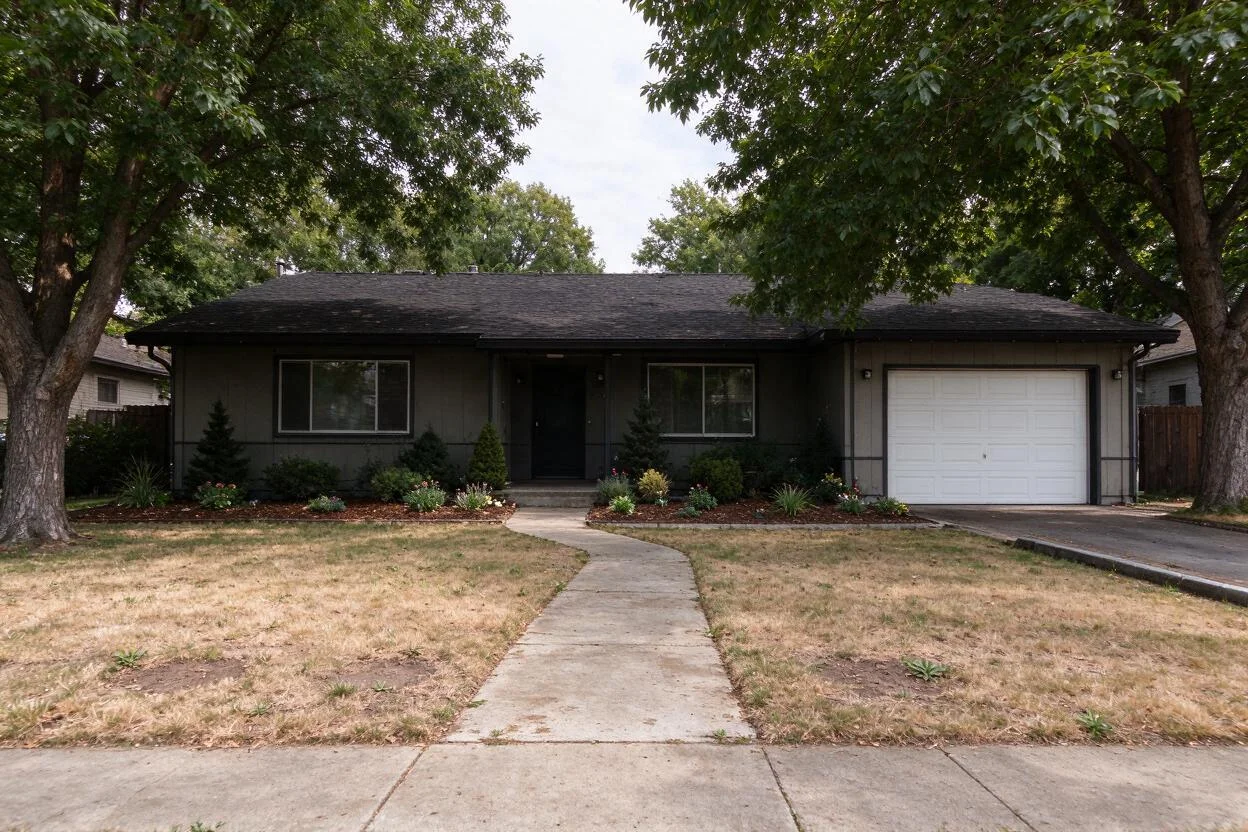
01
Why lawn replacement matters
Homeowners
Reseeding is a season-long gamble; sod is expensive and might not suit the yard.
Agents
A patchy lawn drags down every exterior photo of an otherwise good listing.
Landscapers
Clients hesitate on turf and reseed quotes they can't picture.
02
How it works
From upload to download — most renders finish in about a minute.
Upload
A daylight photo of the yard showing the lawn.
Mask
Grass areas are detected; beds and hardscape stay untouched.
Choose
Pick the look: even green, drought-tolerant mix, or premium turf.
Render
The new lawn lands with the yard's real lighting.
Compare
Flip original vs. preview to sanity-check the look.
Download
Save previews for family votes or landscaper quotes.
03
Prompt guide
Do this
- Say the finish: "even medium-green lawn".
- Keep beds and paths out of it: "only the grass area changes".
- Shoot in even daylight — glare hides texture.
Avoid this
- Neon-green lawns that don't exist in nature.
- Asking to redesign the patio in the same pass.
- Wet-season photos with mud patches — wait for a dry day.
“Replace the patchy lawn with an even, medium-green yard; keep the beds and path as they are.”
“Preview a drought-tolerant front lawn with a slightly wilder, meadow-like finish.”
“Make the backyard turf look freshly laid and evenly green.”
04
Built for your role
Homeowners
- Choose between seed, sod, and turf with your eyes
- Avoid a wasted season
- Align the household before spending
Agents
- Exteriors stop apologizing for the yard
- Curb appeal in one pass
- Disclosure-friendly standard edit
Landscapers
- Quotes clients can see
- Fewer change orders
- Close turf jobs faster
05
Under the hood
- Grass segmentation keeps beds, trees, and paving untouched.
- Blade-level texture is reconstructed, not flat color fill.
- Shading follows the scene's sun direction.
- Composes with sky replacement and dusk conversion.
Selling products online? Try AI Product Scenes →
06
FAQ
Will paths and flower beds change?
No — only the grass area is replaced; everything else stays as photographed.
Can it show artificial turf?
Yes — even synthetic looks render well; name the finish you're considering.
How real does it look?
Blade-level texture and scene-true shading; use it to choose, then confirm with samples.
Does it work on small lawns?
Yes — front stoops and courtyards work as well as full yards.
Is it MLS-usable?
Yes with your MLS's standard enhanced-photo disclosure.
Can I combine with pool previews?
Yes — lawn and pool renders compose in the same session.
07
Related tools
Ready to see your room transformed?
Five free credits. No credit card. Your first render in about a minute.