Solution
Show Any Exterior in Peak Season — Whatever the Calendar Says
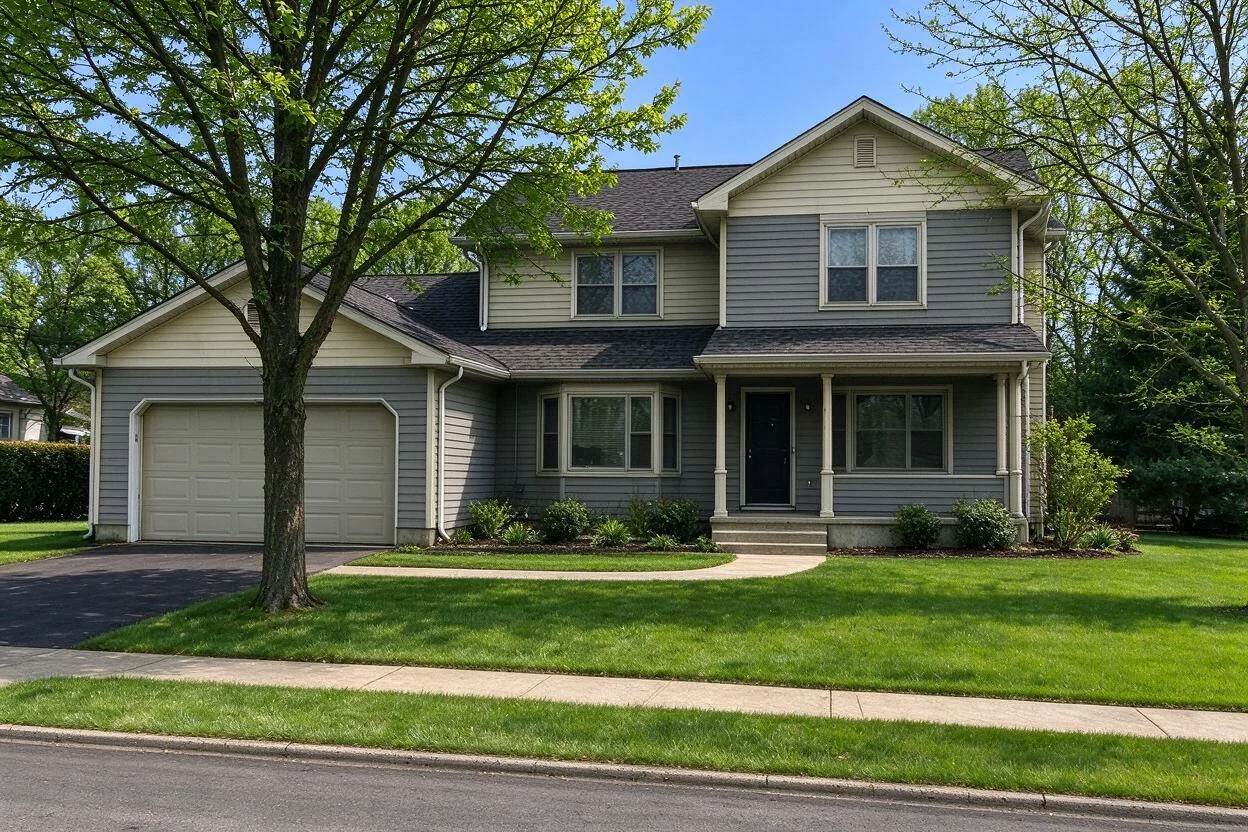
Snowy driveway in the listing photo? Render the same house in early summer — green lawn, leafy trees, clear sky — from one winter shot.
Free 5 credits · No card required


Try it on your own photo
Free plan includes 5 credits · results save to your account
Step 3
Sign in to generate — it’s free
Sign inCreate free accountUpload your photo and get one image per credit. Run it again for another take.
Why seasonal reset matters
- Agents
- Great homes photographed in the dead of winter look lifeless.
- Homeowners
- Your listing competes against last summer's photos.
- Property managers
- Marketing calendars can't wait for spring.
How it works
From upload to download — most renders finish in about a minute.
Upload
An exterior photo in off-season condition.
Analyze
Snow, bare trees, and dead lawn are mapped.
Choose
Pick the target season: early summer, spring bloom, autumn, or a fresh-snow winter.
Render
Vegetation and ground cover update to match.
Refine
Tune lawn tone and tree density.
Download
Export the in-season version.
Prompt guide
Do this
- Say the target: "early summer, lawn just mowed".
- Keep the house itself untouched: "only the landscape changes".
- Higher-angle shots convert best.
Avoid this
- Asking for people or vehicles.
- Target seasons that contradict the light (deep winter light, summer green reads odd).
- Combining with heavy dusk conversion in one pass.
“Convert to early summer: green lawn, full leaves, clear sky; house stays as is.”
“Make it spring with blooming borders along the path.”
“Reset to autumn with warm foliage and a neat lawn.”
Built for your role
Agents
- List in any season with peak-season photos
- Winter listings stop underperforming
- One pass per exterior
Homeowners
- Your home seen at its best
- No waiting for the season
- Disclosure-simple edit
Property managers
- Marketing assets off-season
- Portfolio-wide consistency
- Fast turnaround
Under the hood
- Vegetation is re-rendered per season with plausible density.
- Snow and ground cover lift cleanly from hardscape.
- House structure and light stay as photographed.
- MLS use follows your enhanced-photo disclosure rules.
Selling products online?Try AI Product Scenes
FAQ
Does the house itself change?
No — only landscape, ground cover, and sky-adjacent vegetation.
Which conversions work best?
Winter-to-summer is the classic; autumn-to-spring also renders well.
Is it allowed on listings?
Yes with the standard enhanced-photo disclosure your platform requires.
Can I choose autumn instead of summer?
Yes — spring, summer, and autumn targets all work.
Does it fix dead lawns too?
Yes — that composes naturally with the seasonal reset.
How does it handle evergreens?
Evergreens stay; deciduous trees update by season.
Related tools
Lawn Replacement
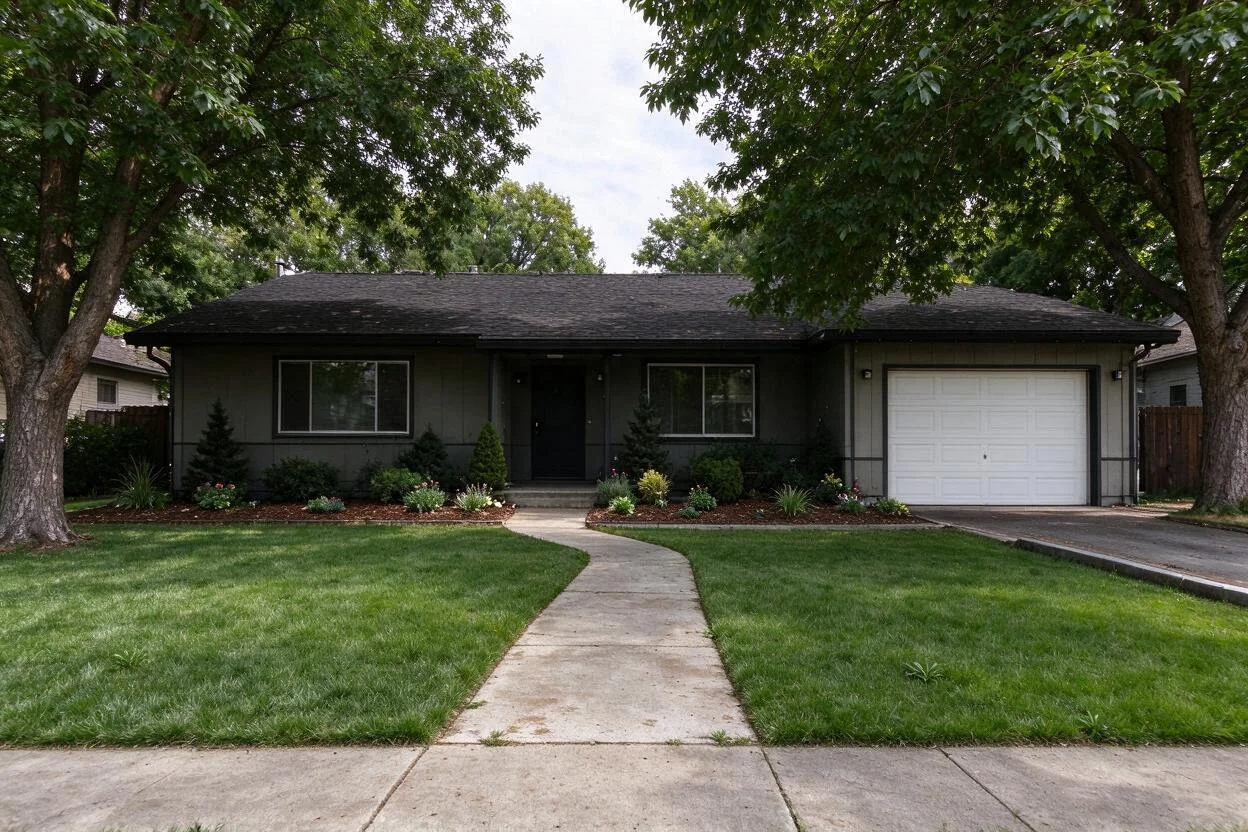
See a healthy, even lawn on your actual yard before spending a season or a fortune on grass, sod, or a landscaper's quote.
Sky Replacement
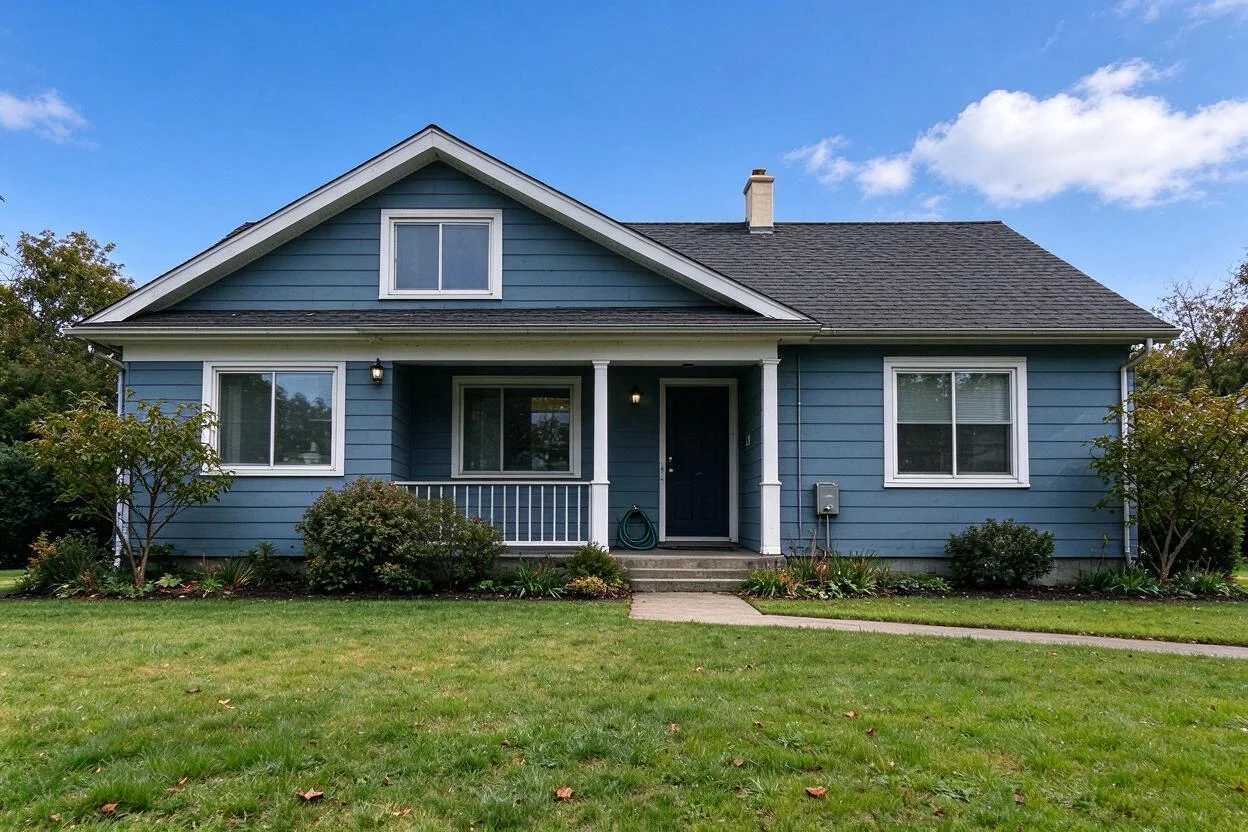
Overcast shoot day? Swap in a believable blue sky while keeping rooflines, reflections, and light physics intact — no reshoot needed.
Day to Dusk
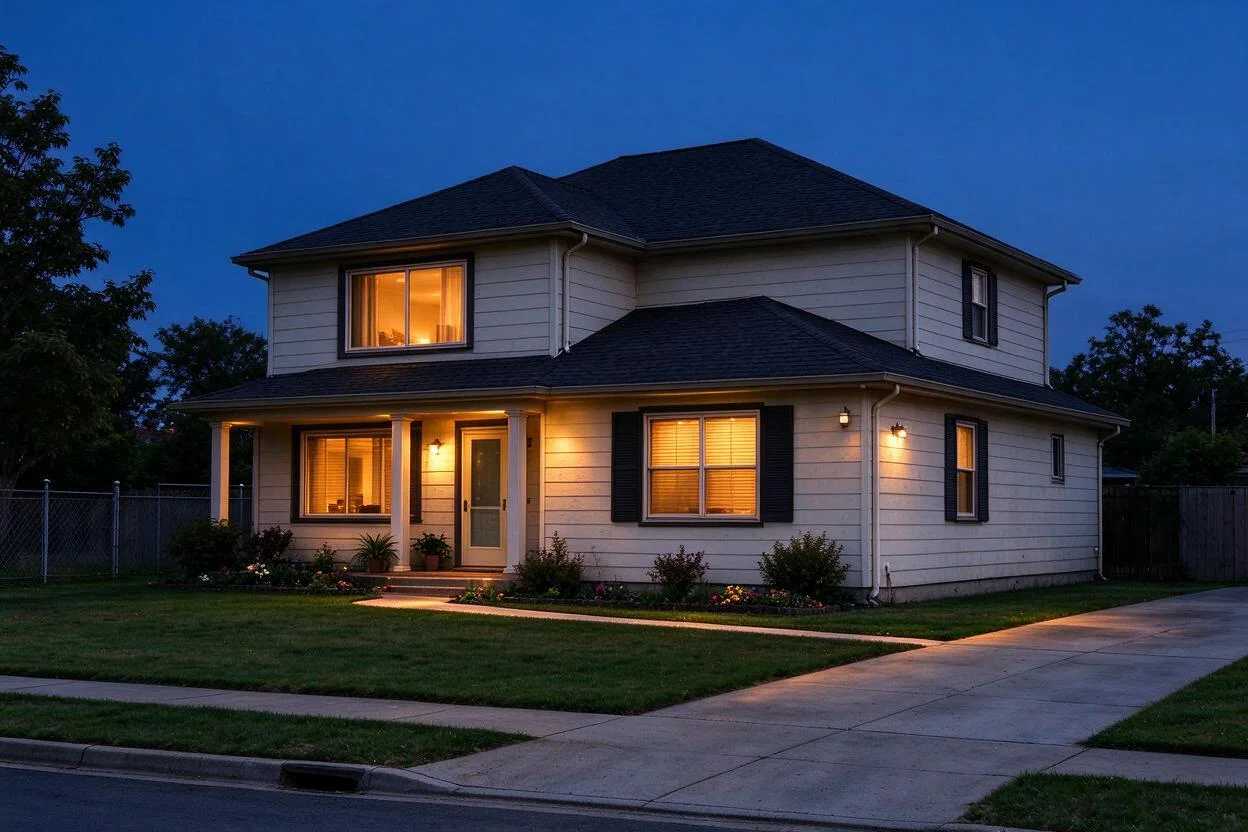
Same house, twilight magic: warm interior glow, deep blue sky, landscape lights on — the listing shot that stops buyers mid-scroll.
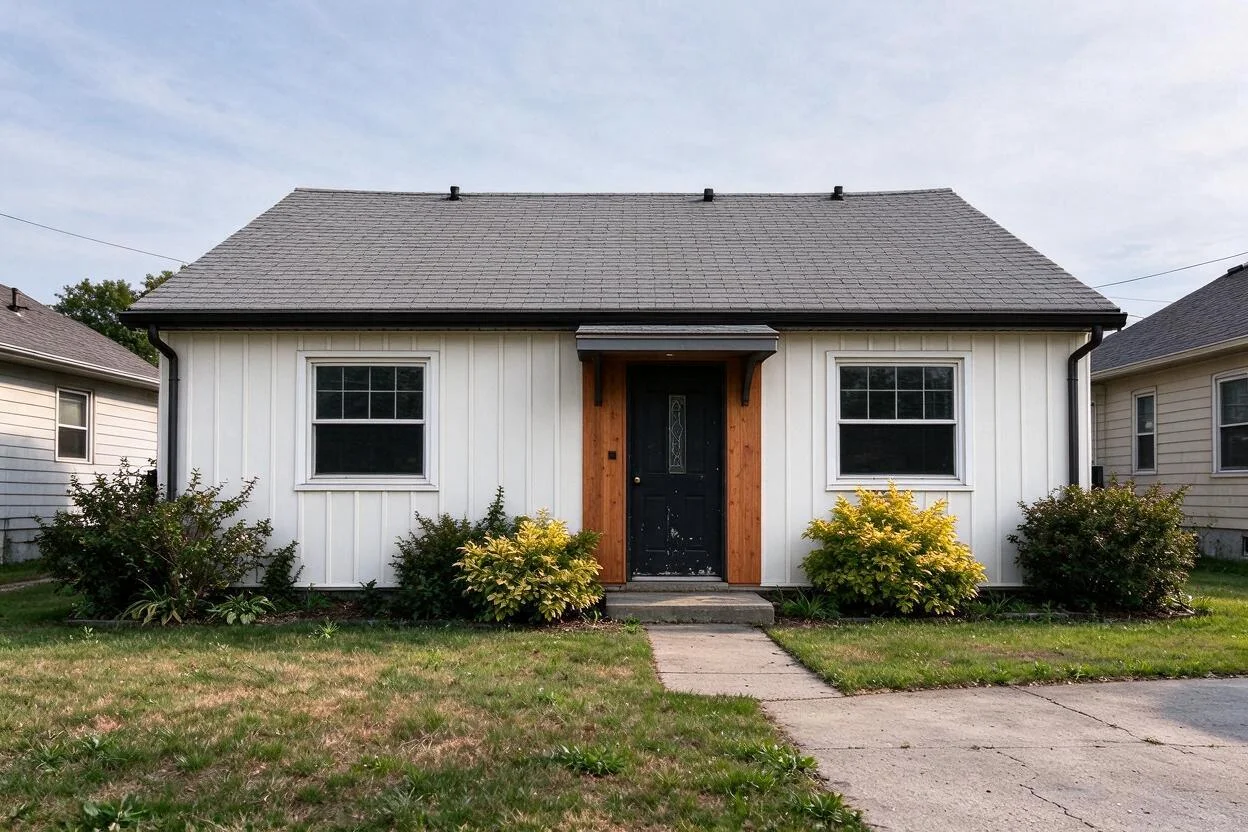
Exterior Rendering
Re-clad, repaint, and re-light a house or small building in photoreal renders — before you spend a dollar on a single contractor quote.
Ready to see your room transformed?
Five free credits. No credit card. Your first render in about a minute.