
Solution
Redesign a Furnished Room Without Moving a Thing
Keep the room you have, see it restyled. Swap textiles, decor, and mood on top of your existing photo — structure untouched.
Free 5 credits · No card required
Try it on your own photo
Free plan includes 5 credits · your photo’s geometry stays locked · results save to your account
1 · Upload your photo
The room photo from your listing or phone — straight-on or corner view works best.
2 · Fine-tune (optional)
Your photo’s camera angle and structure always stay locked — only the described edit happens.
Upload a photo to enable generation.
3 · Your images
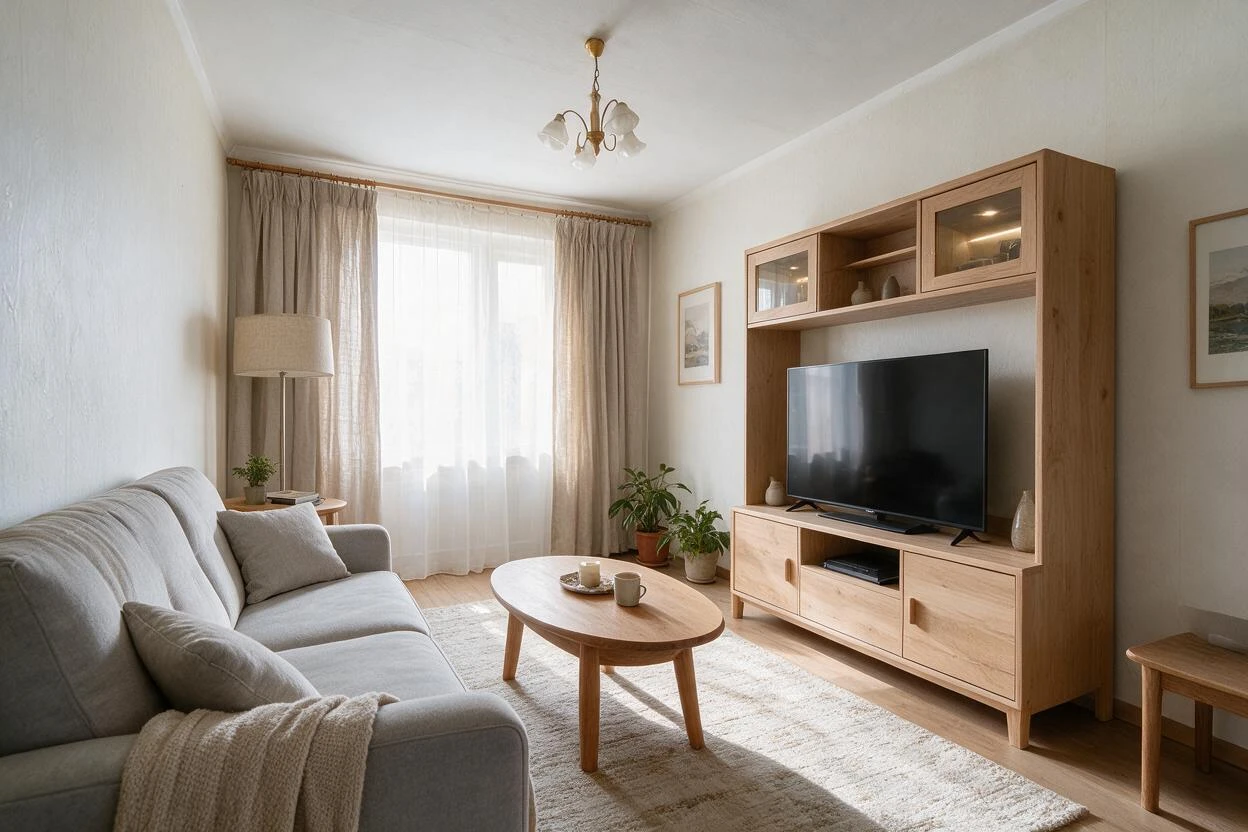
01
Why redesign furnished rooms matters
Homeowners
You like your layout but the room feels stuck in 2015.
Agents
Occupied listings need a refresh without asking sellers to buy furniture.
Designers
Clients want options on top of what they already own.
02
How it works
From upload to download — most renders finish in about a minute.
Upload
Photo of the furnished room as it lives today.
Analyze
Existing pieces are recognized and kept as anchors.
Direct
Describe the new direction: colors, textiles, mood.
Transform
Decor and finishes restyle around your furniture.
Refine
Tune item by item: rug darker, pillows off-white.
Download
Save the restyled version in high resolution.
03
Prompt guide
Do this
- Anchor on what stays: "keep the sofa and layout".
- Describe finishes, not brands: "walnut and brushed brass".
- One direction per run: coastal OR industrial, not both.
Avoid this
- Expecting furniture replacement — that's the swap tool.
- Vague mood words without any finish detail.
- Changing room geometry; it stays fixed.
“Keep the sofa and layout; restyle with warm terracotta textiles, rattan accents, and a jute rug.”
“Refresh this living room to light Scandinavian: off-white curtains, pale wood side table, greenery.”
“Restyle the bedding and curtains to a boutique-hotel look; keep the headboard.”
04
Built for your role
Homeowners
- Try three styles before buying a single pillow
- Keep pieces you love
- Decide with your own room, not a catalog
Agents
- Occupied listings look intentional
- Zero furniture rental
- Fast turnaround before photo day
Designers
- Options decks in minutes
- Work on top of client inventory
- Close the gap between mood board and reality
05
Under the hood
- Recognizes existing furniture and preserves silhouettes.
- Applies material and color changes at surface level.
- Lighting mood shifts stay physically plausible.
- Structure — walls, windows, layout — is never altered.
Selling products online? Try AI Product Scenes →
06
Redesign Furnished Rooms Before and After Results
Drag each slider to compare the original photo with the AI result — every pair below was generated from a real room photo.
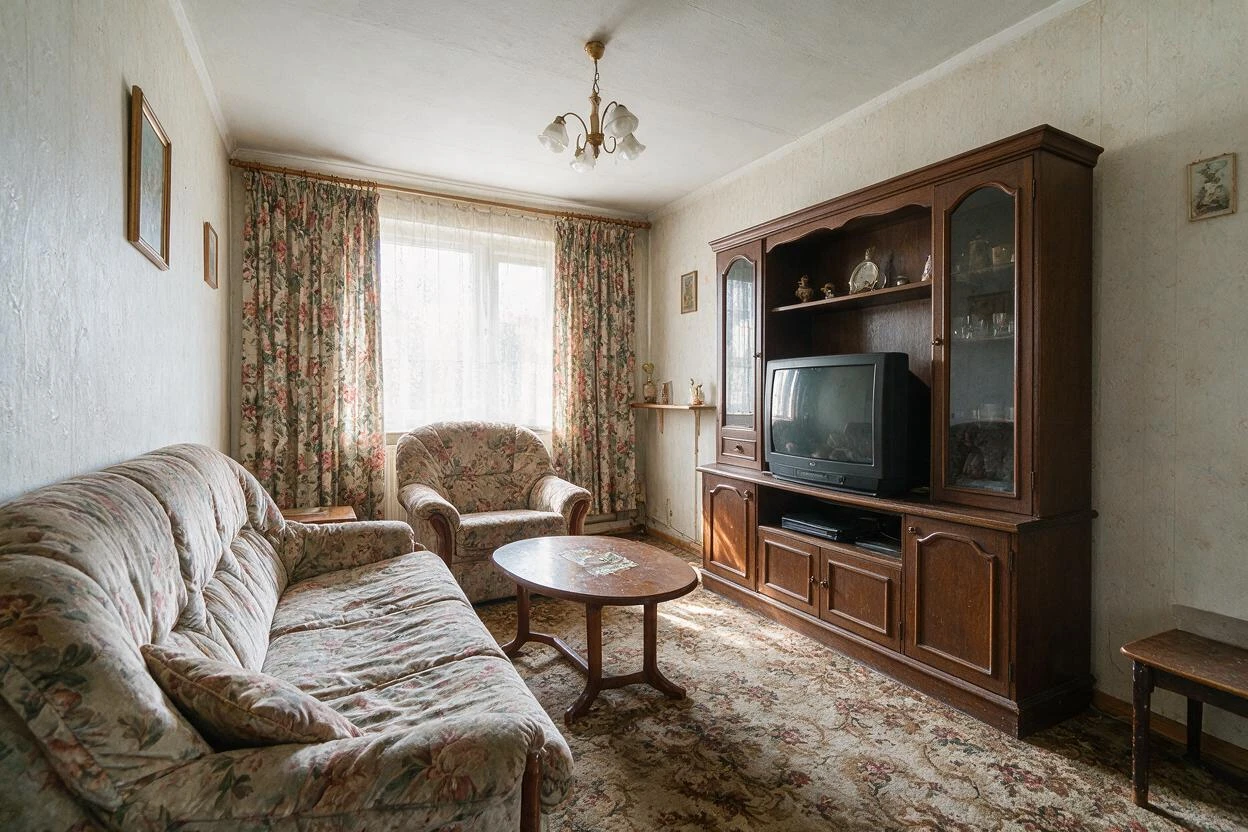
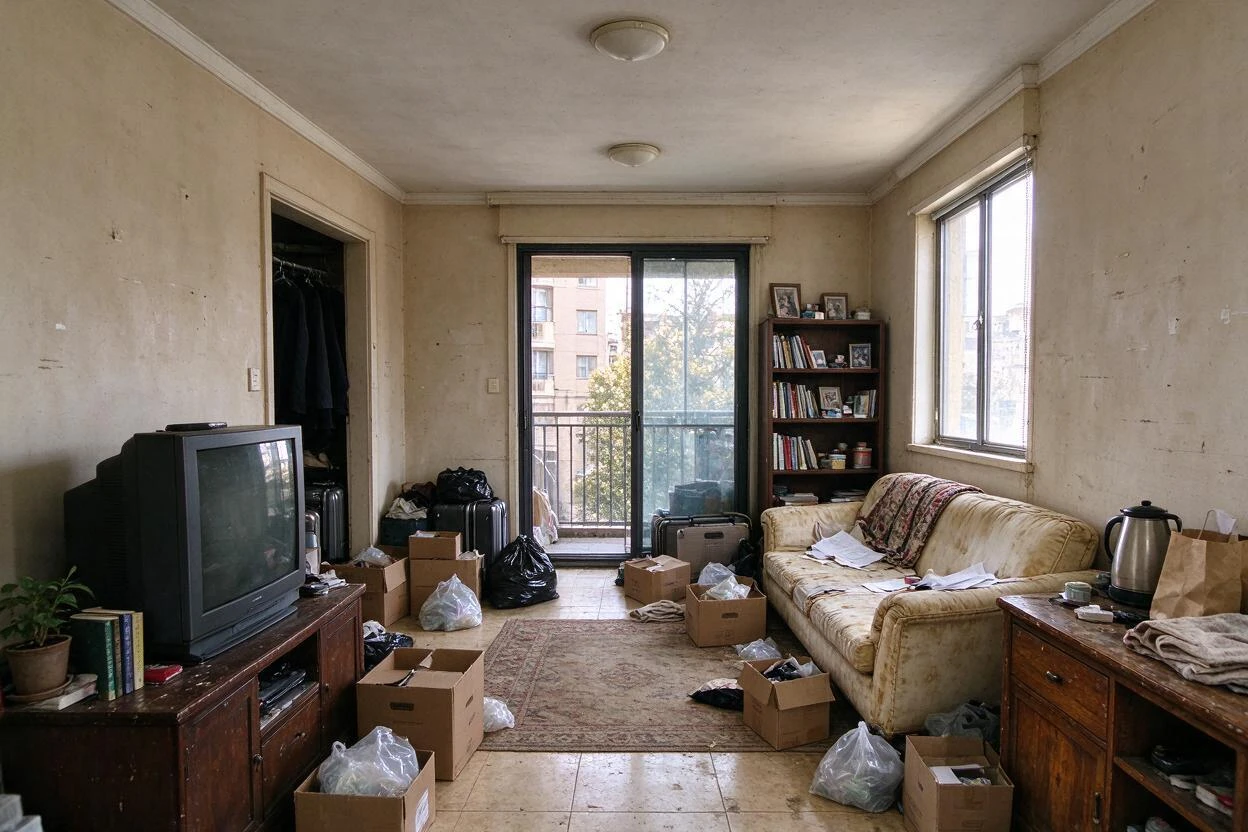
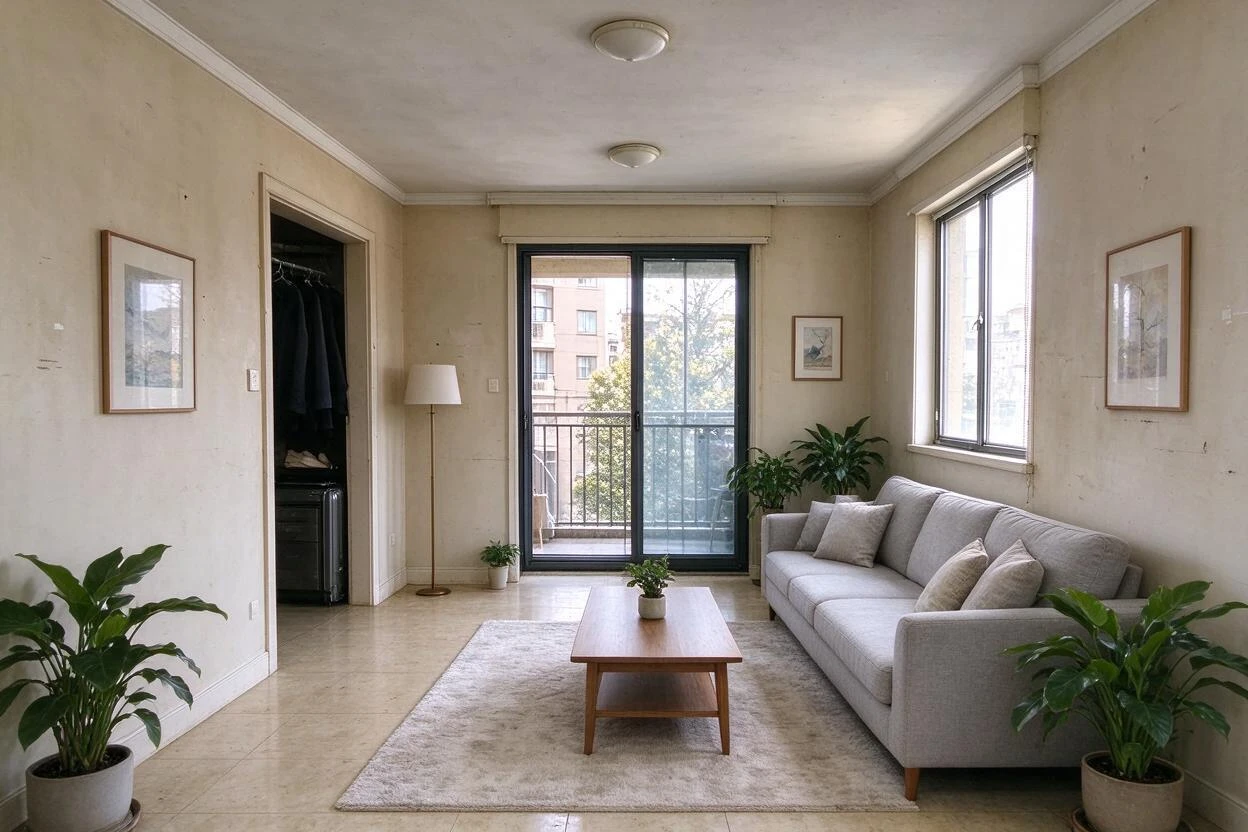
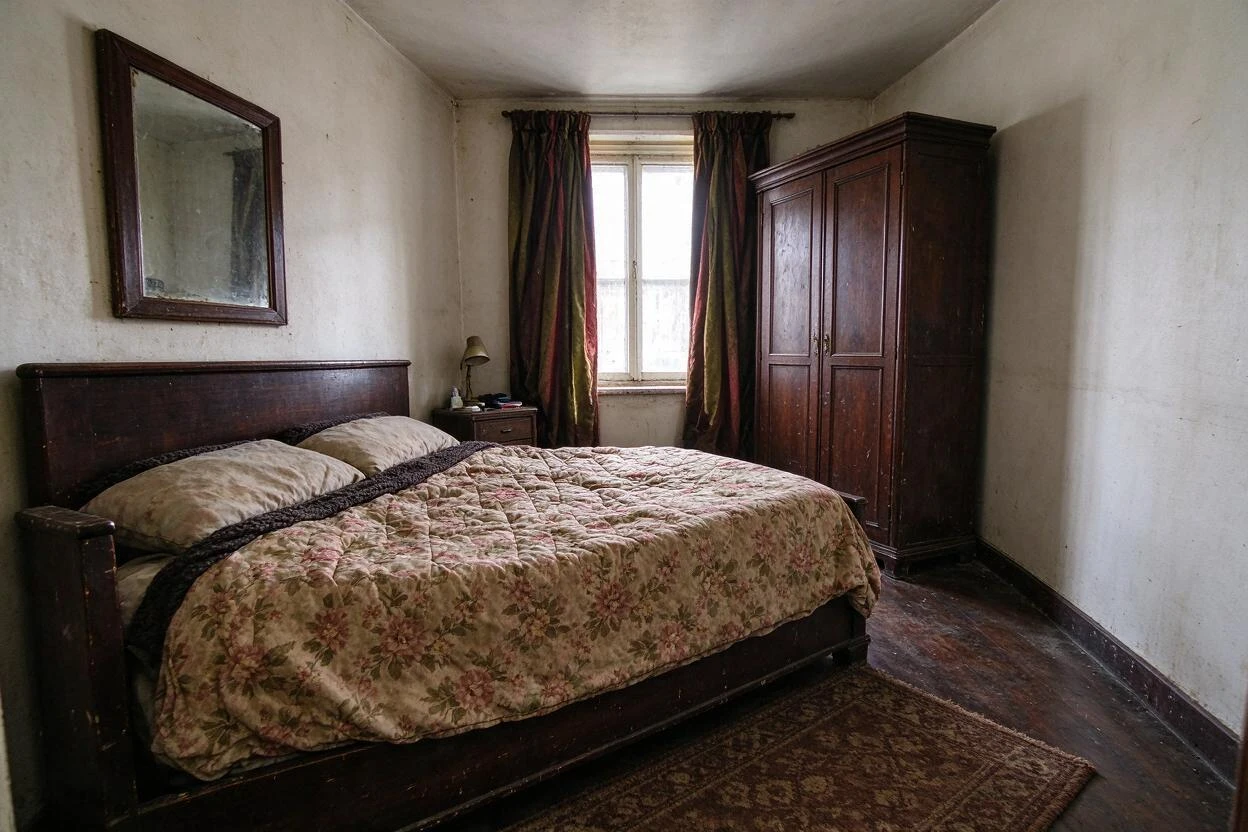
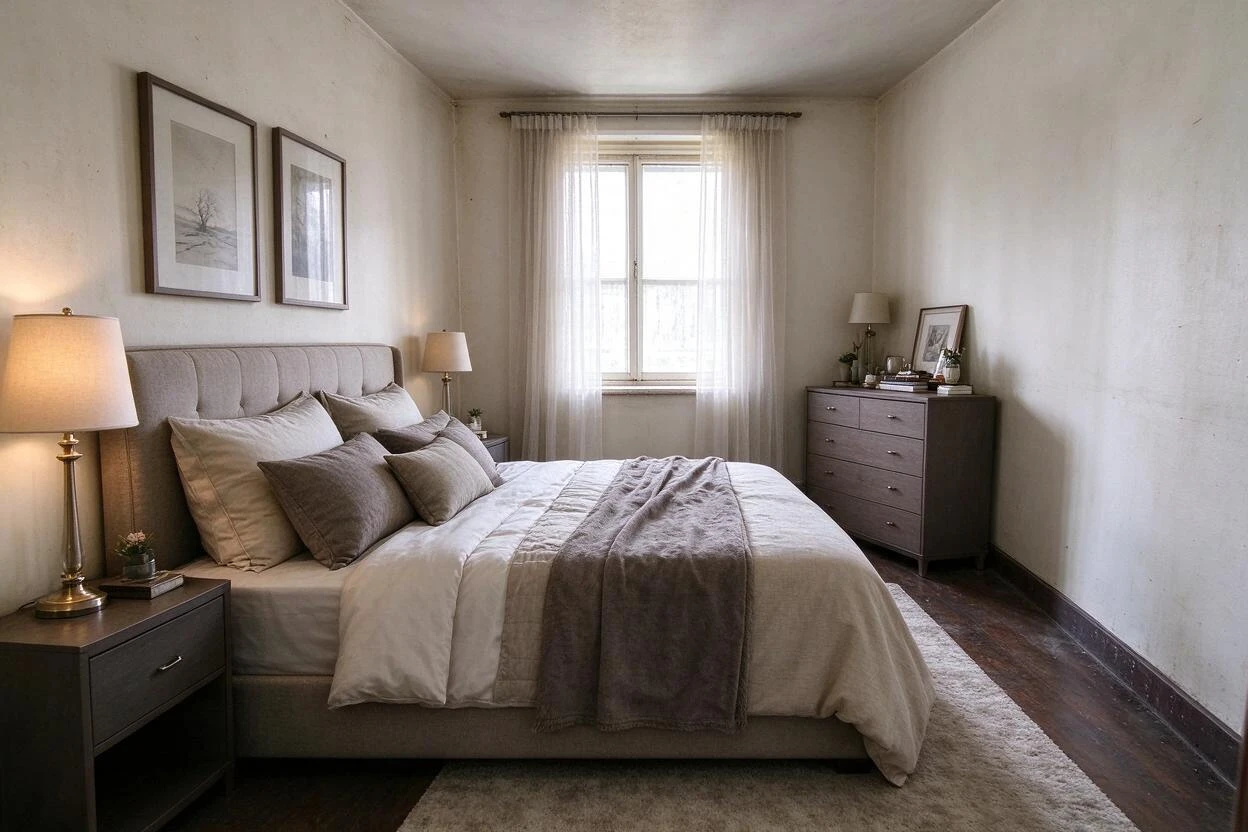
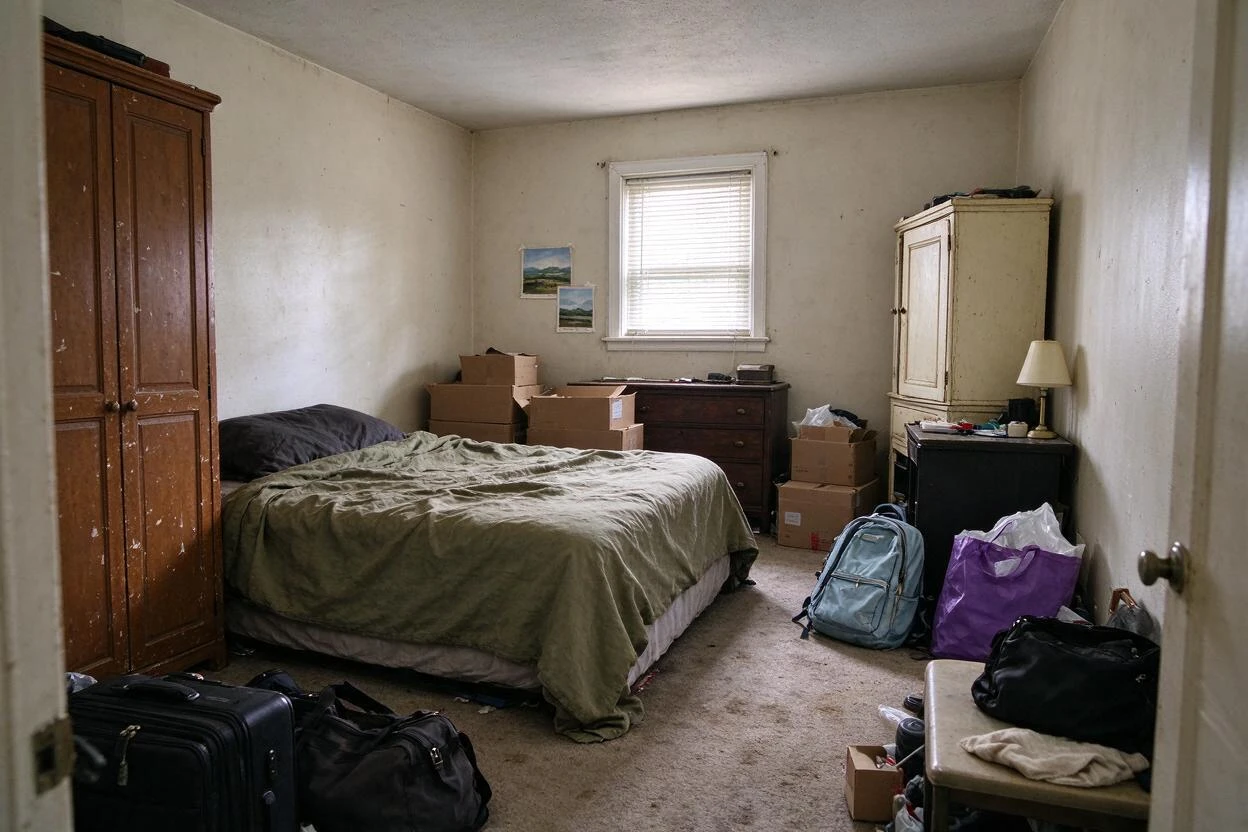
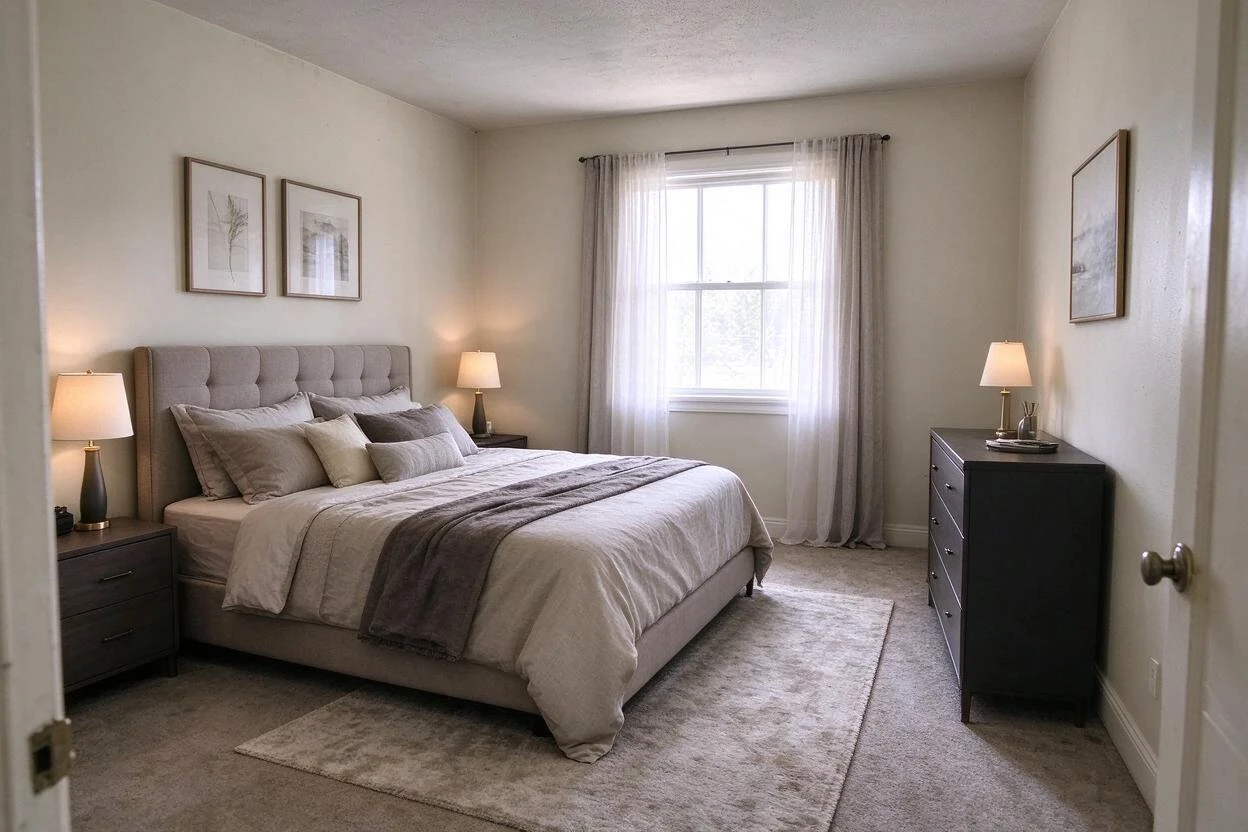
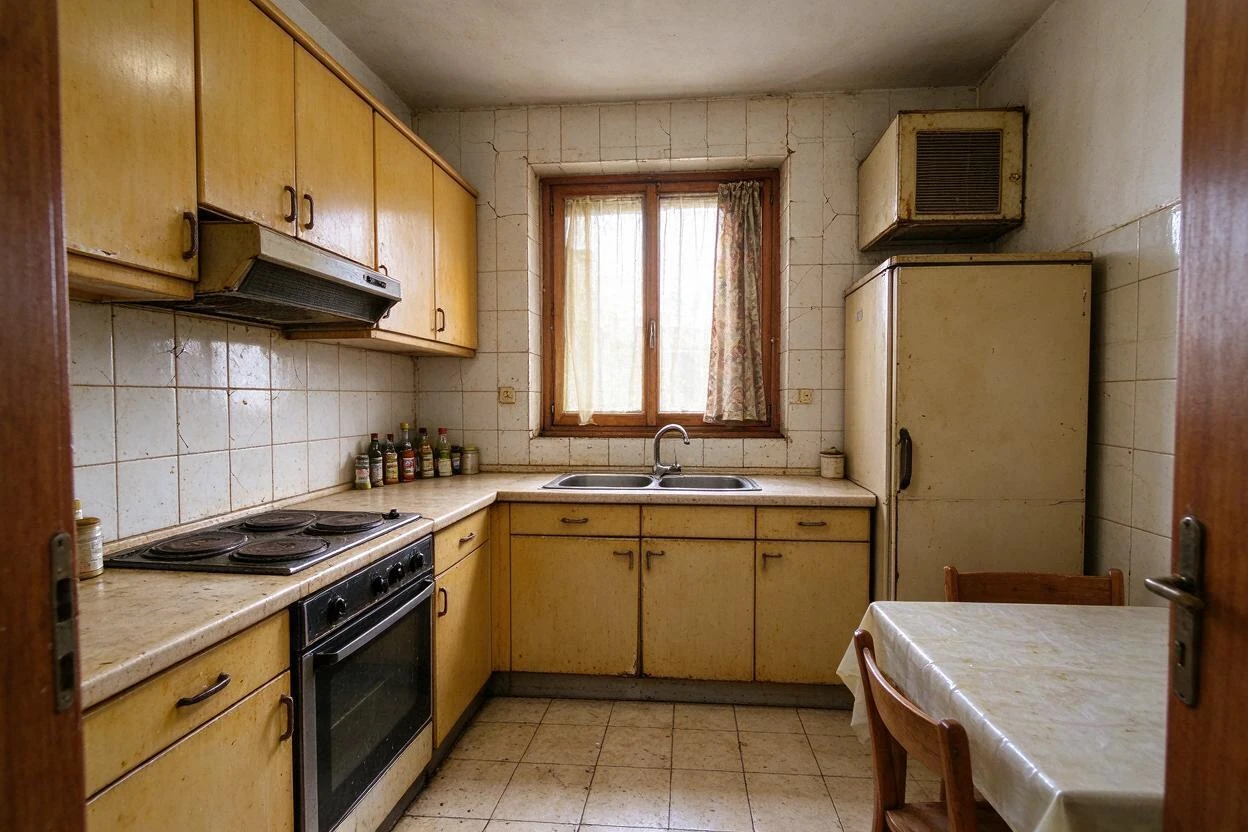
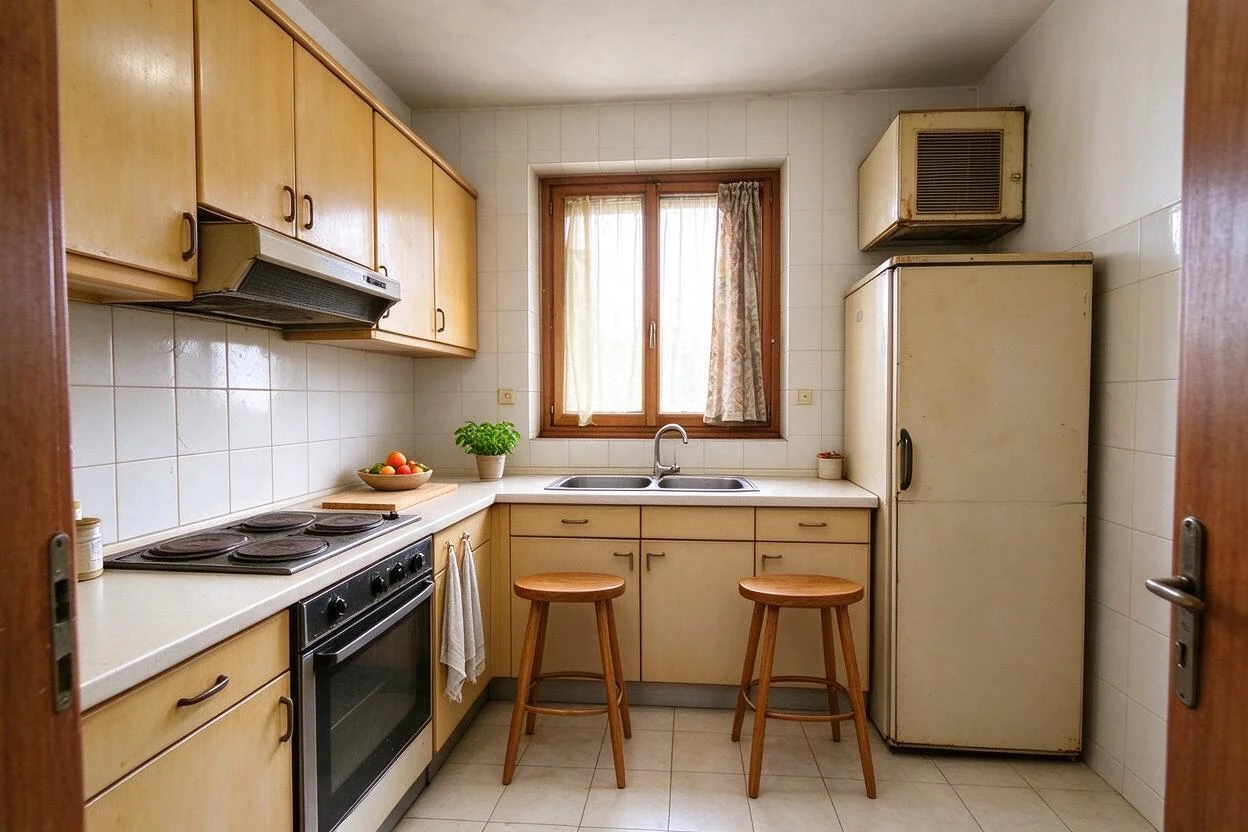
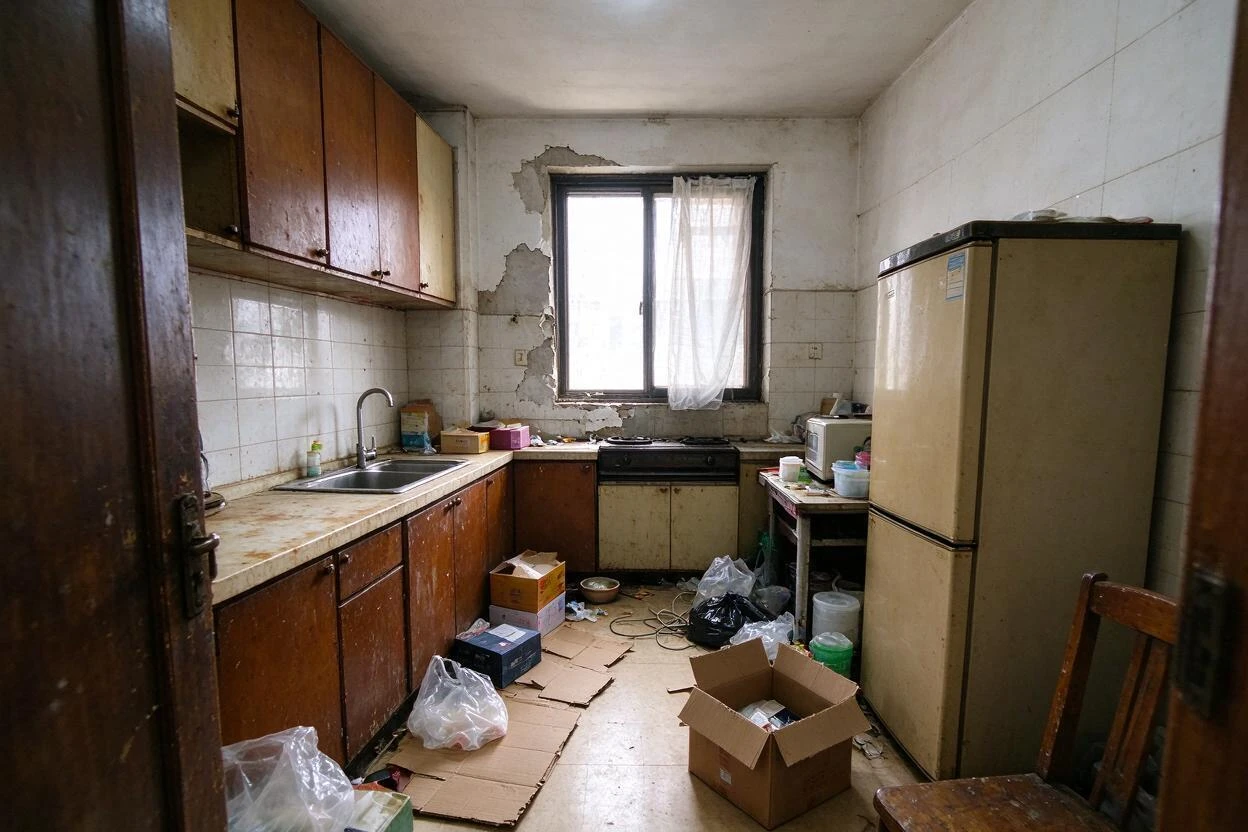
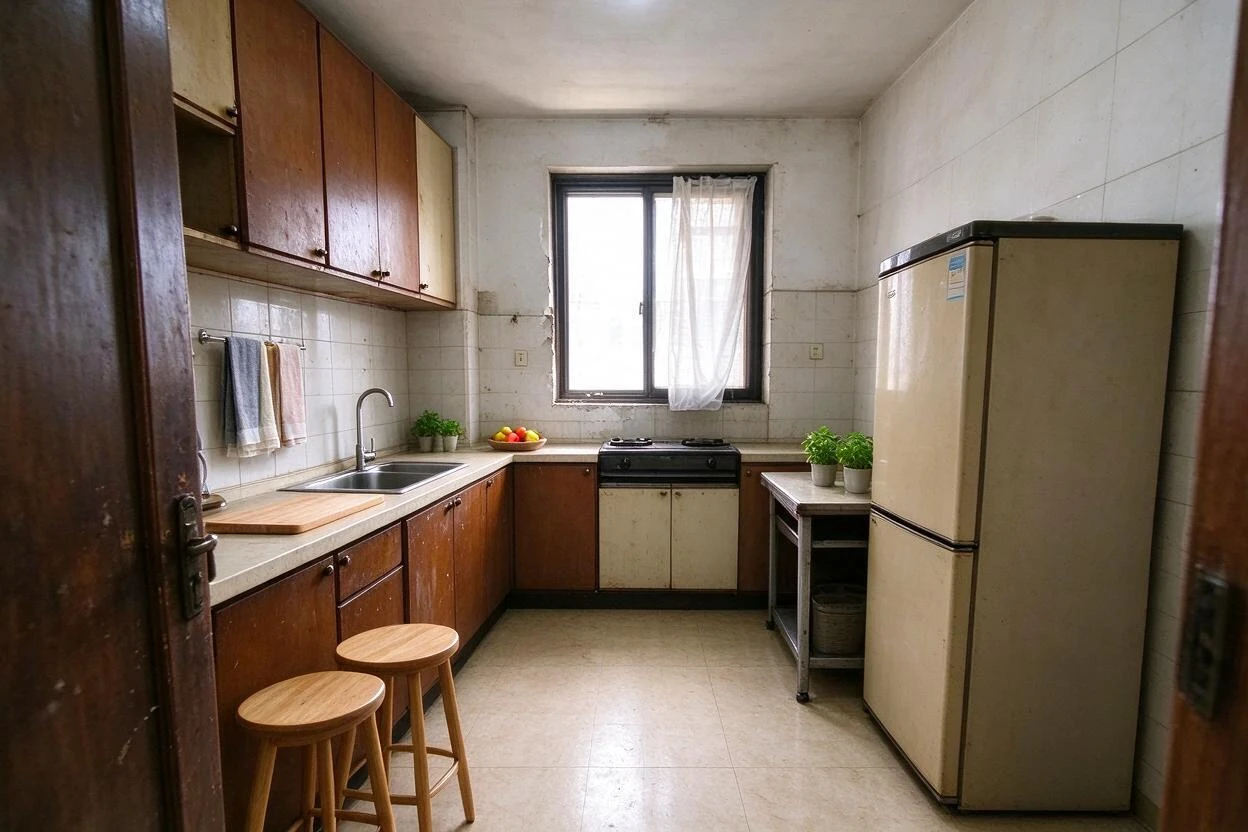
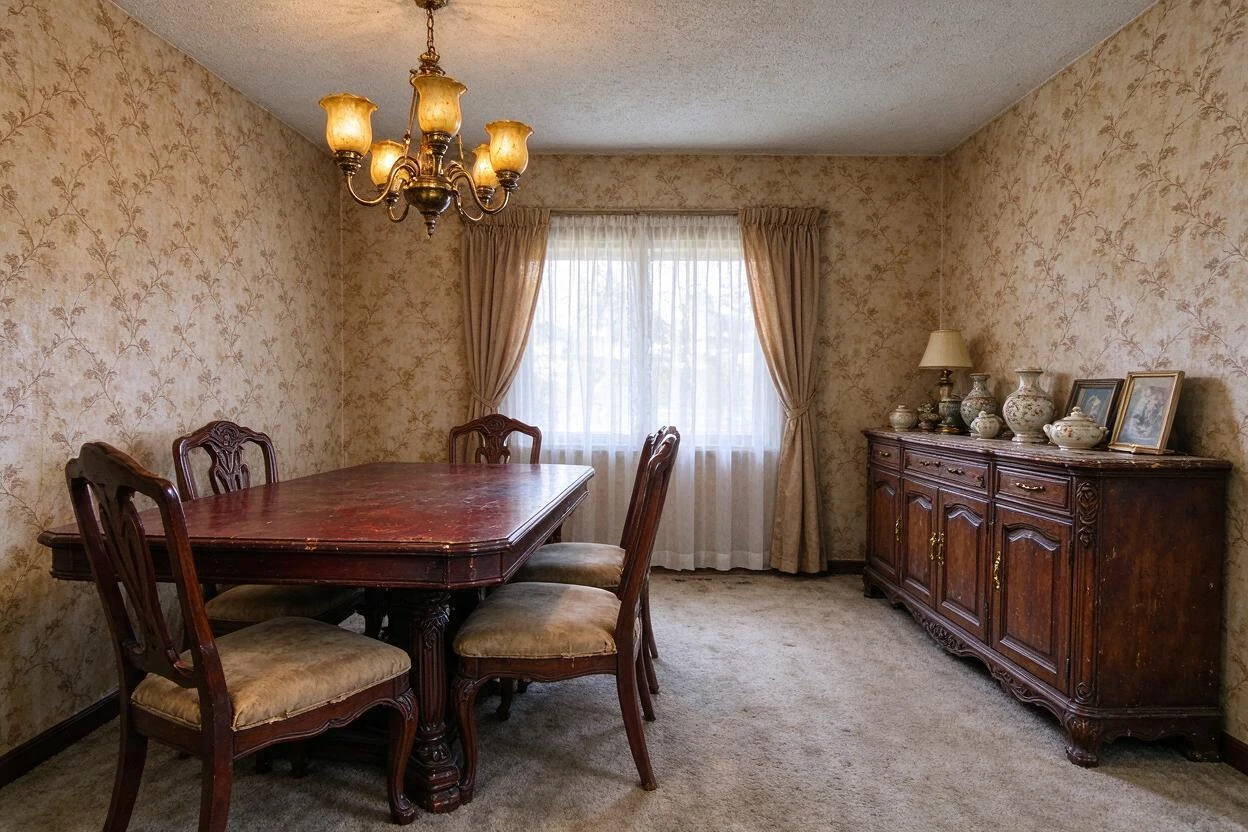
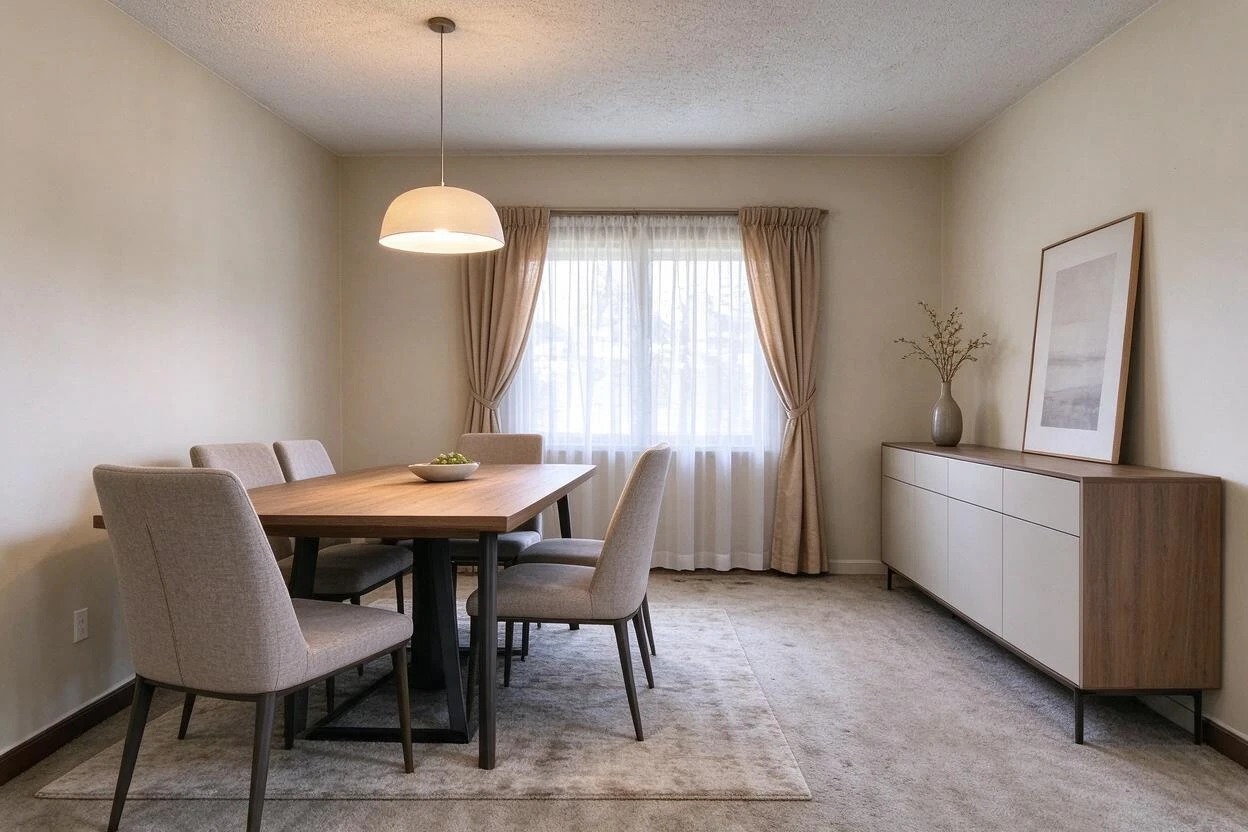
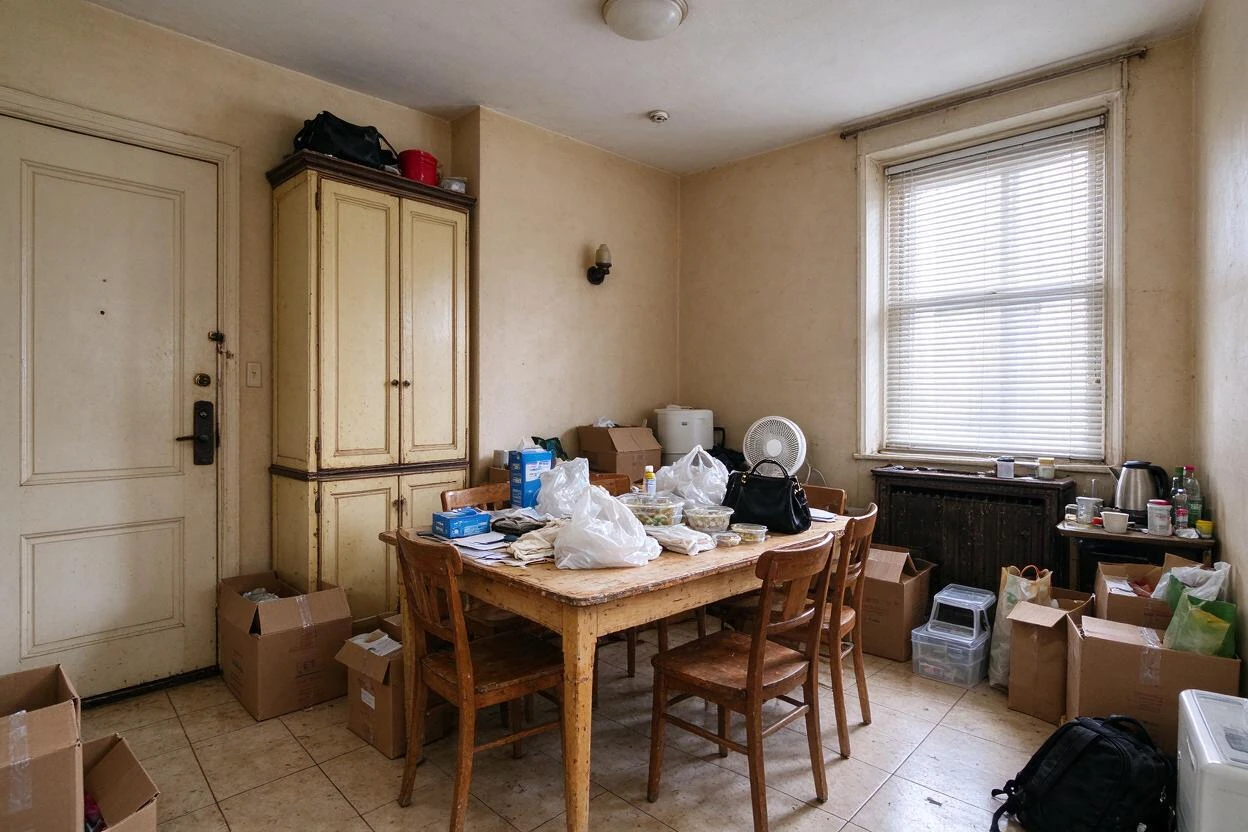
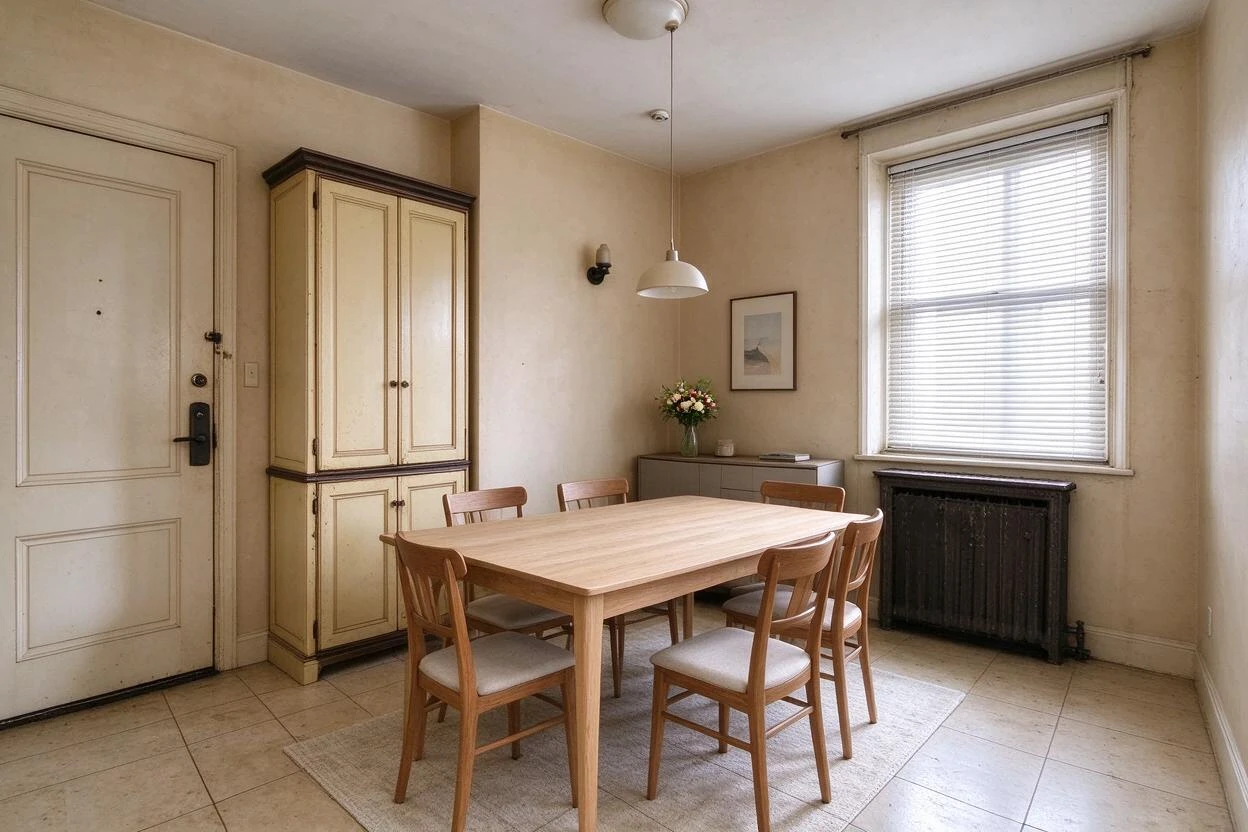
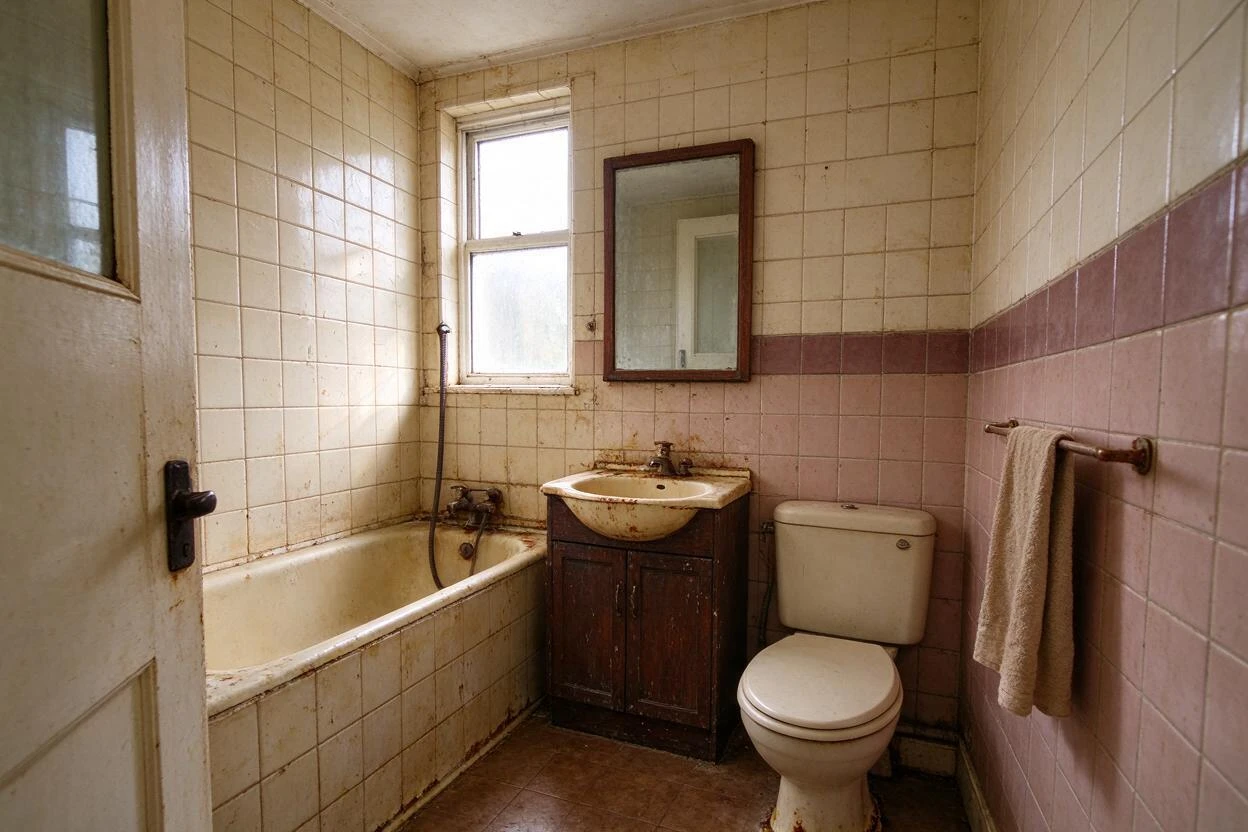
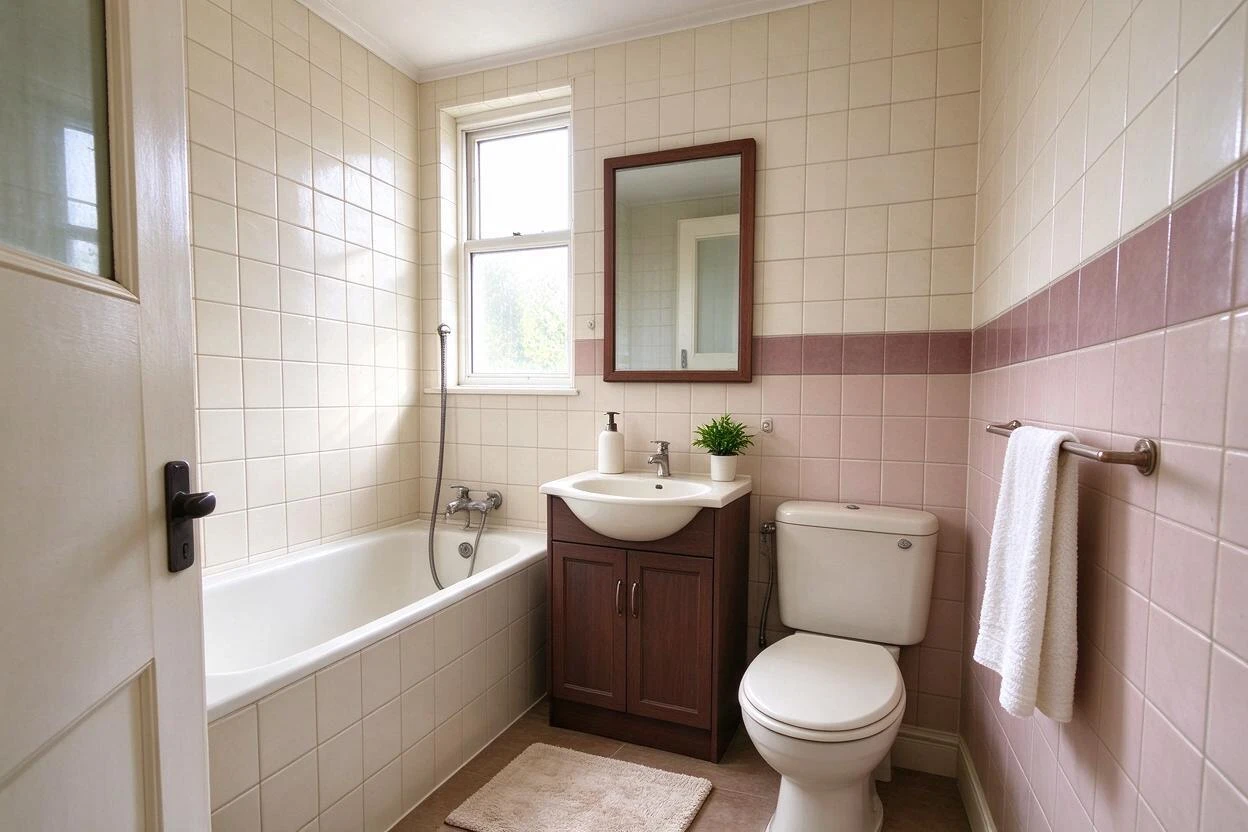
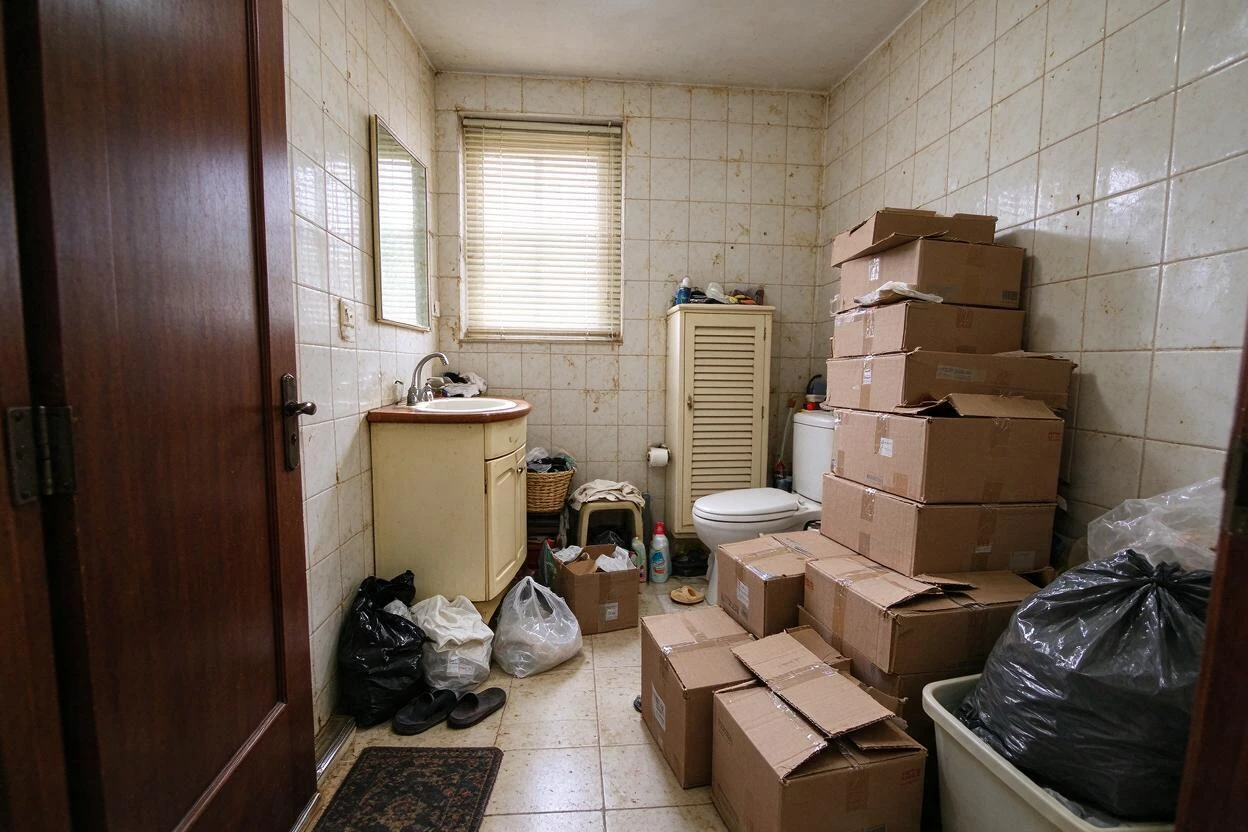
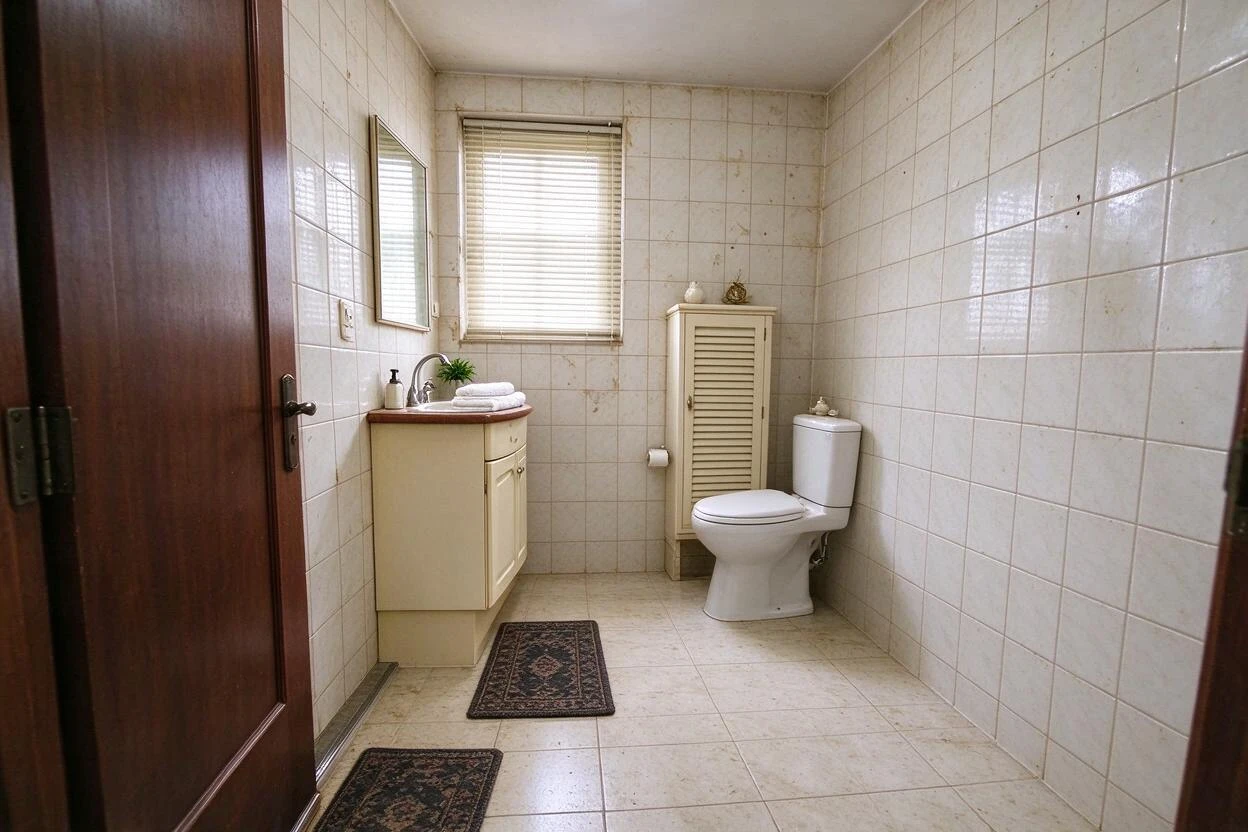
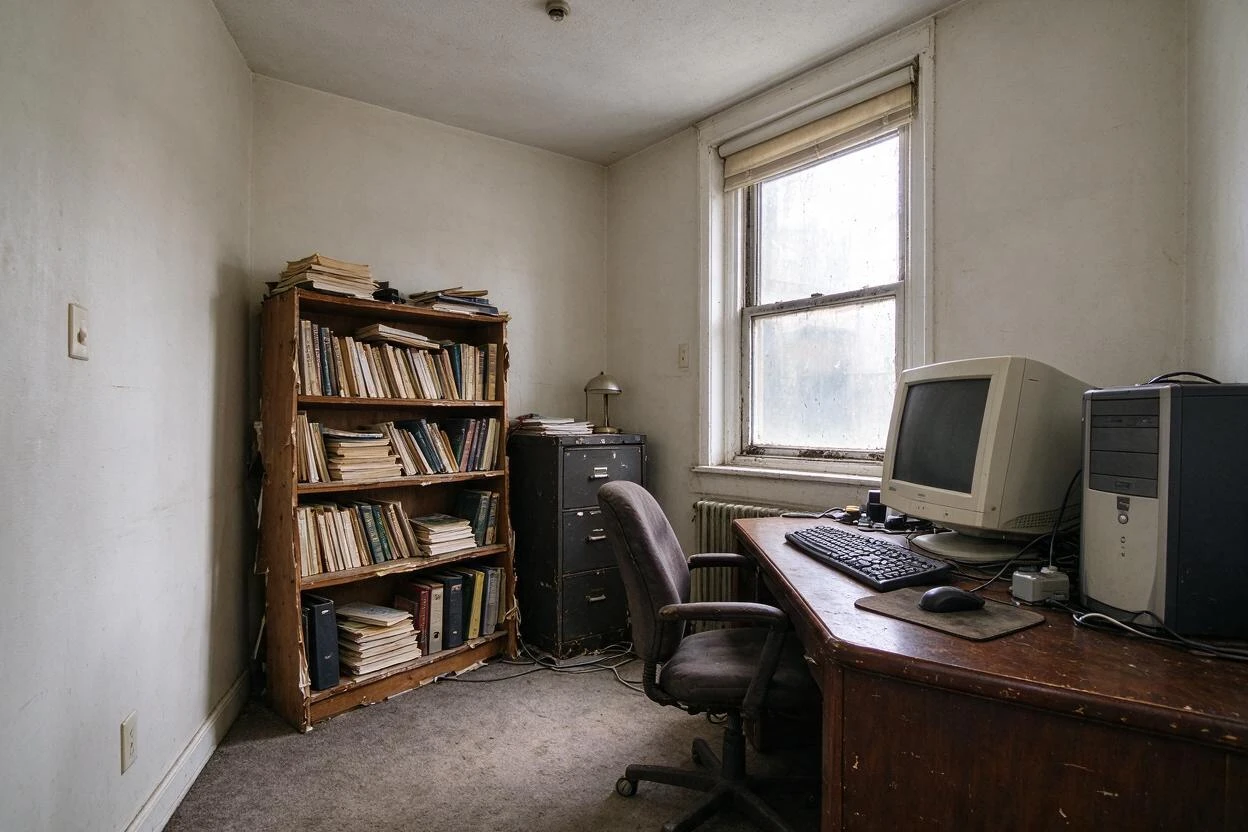
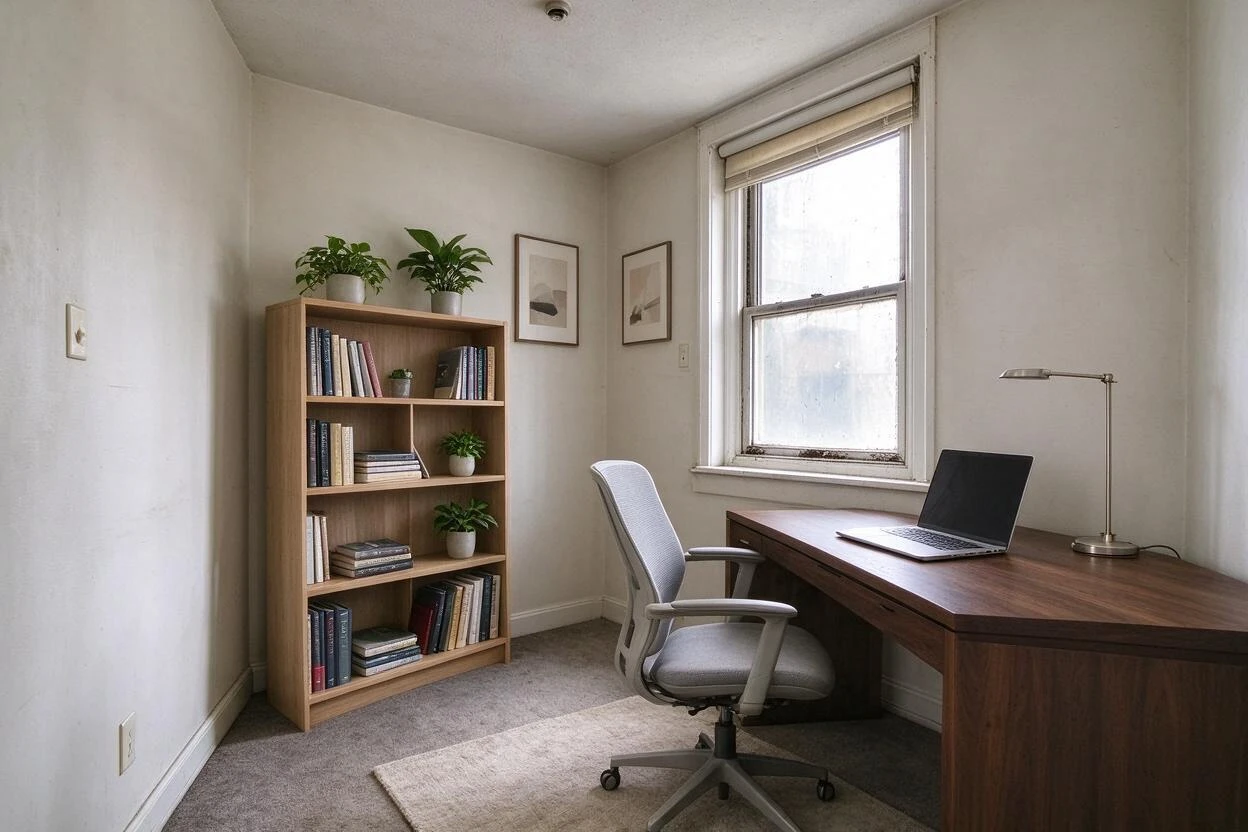
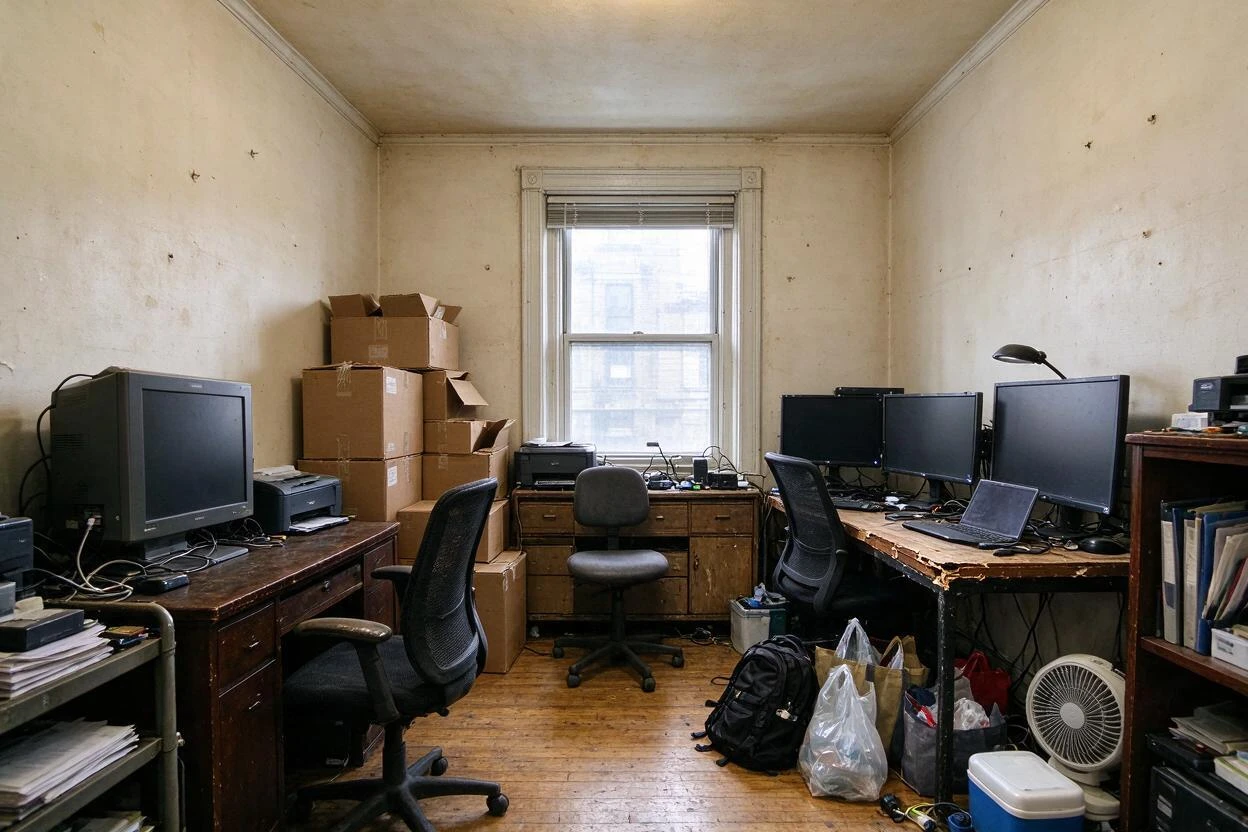
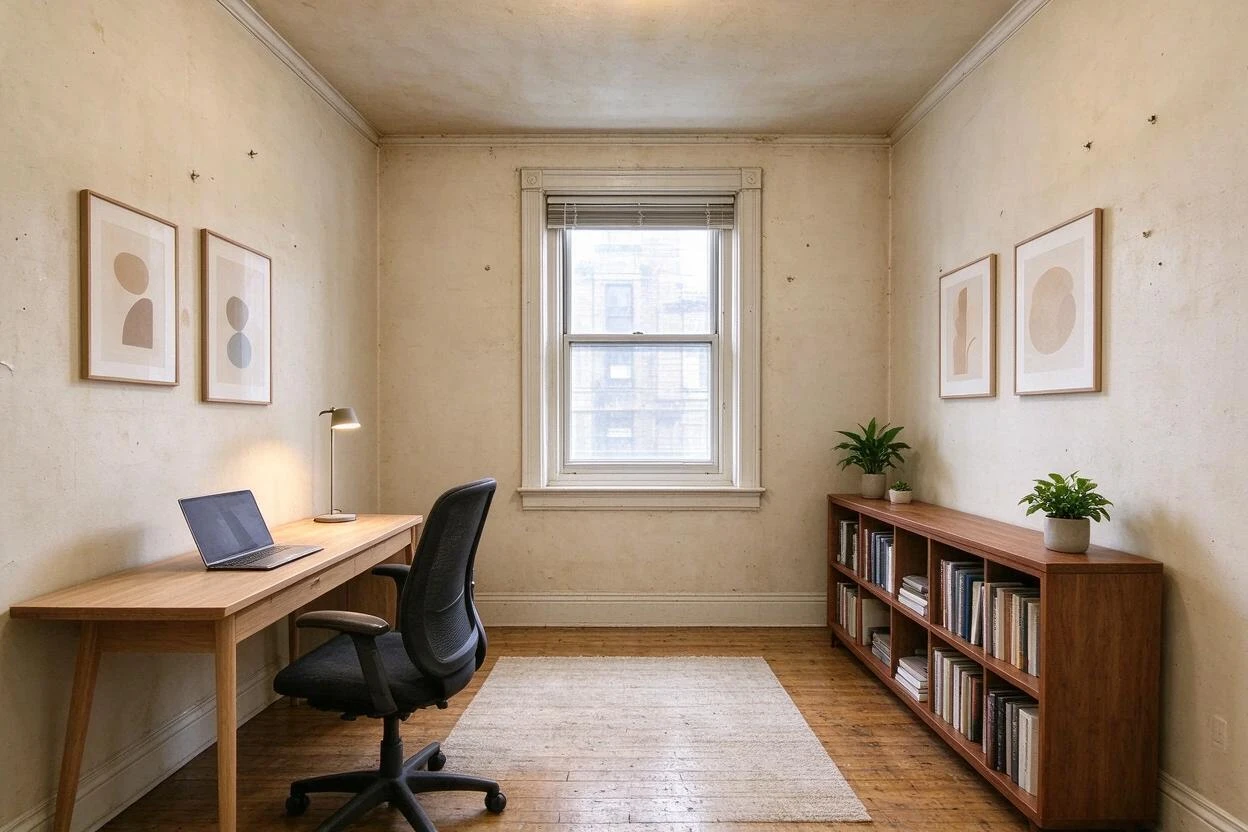
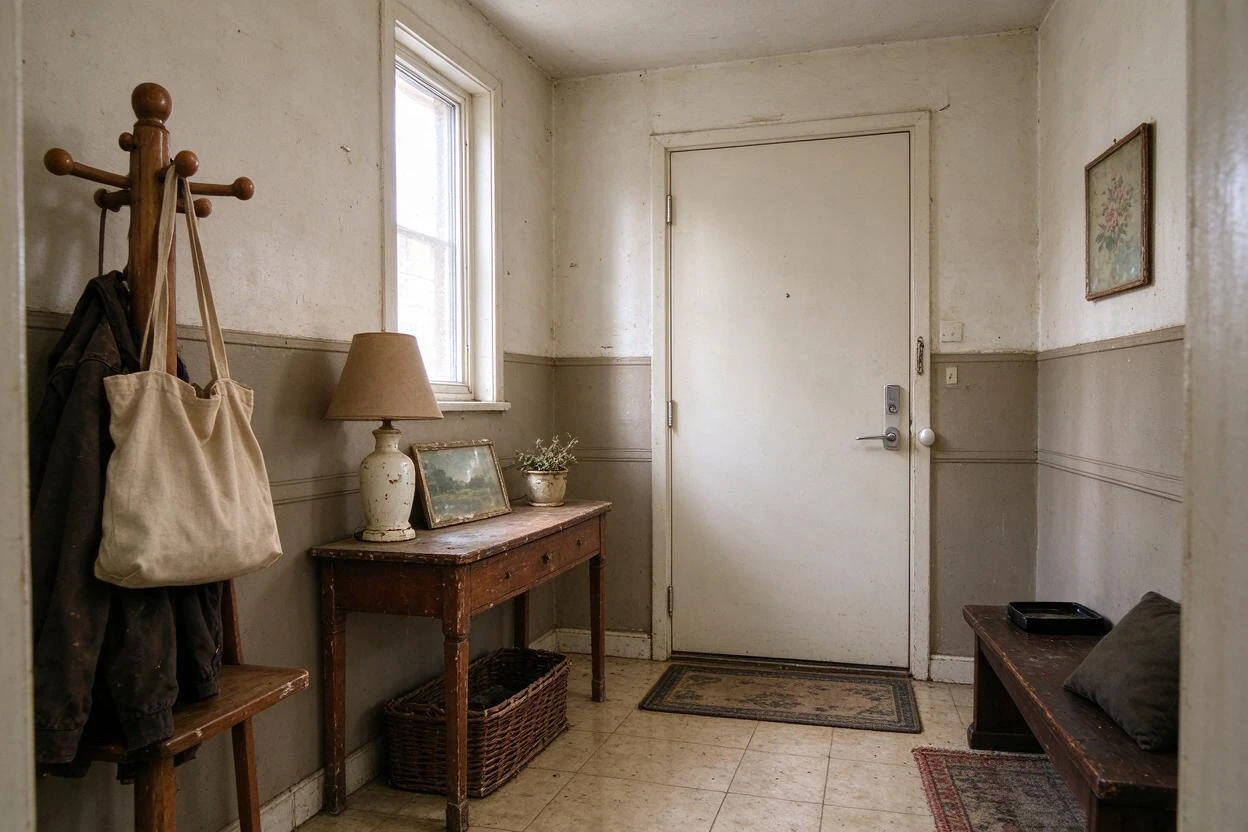
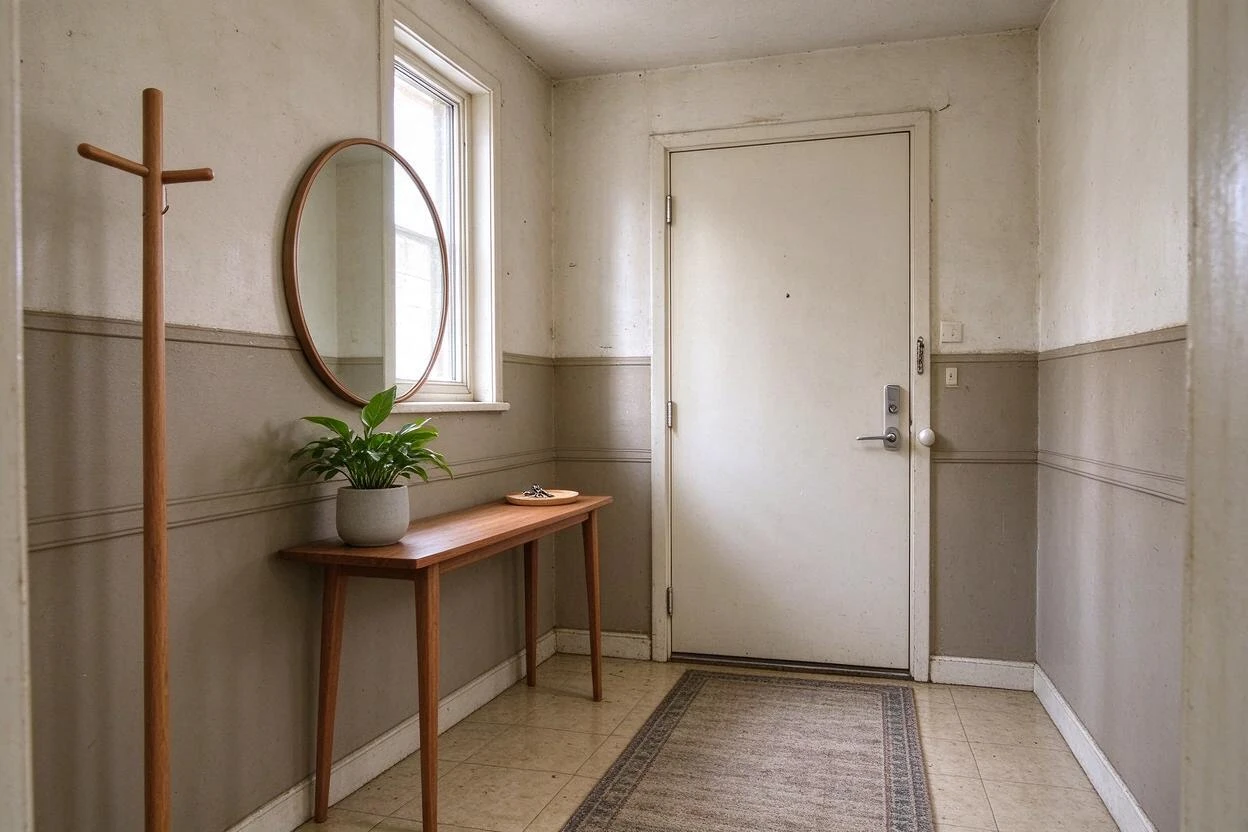
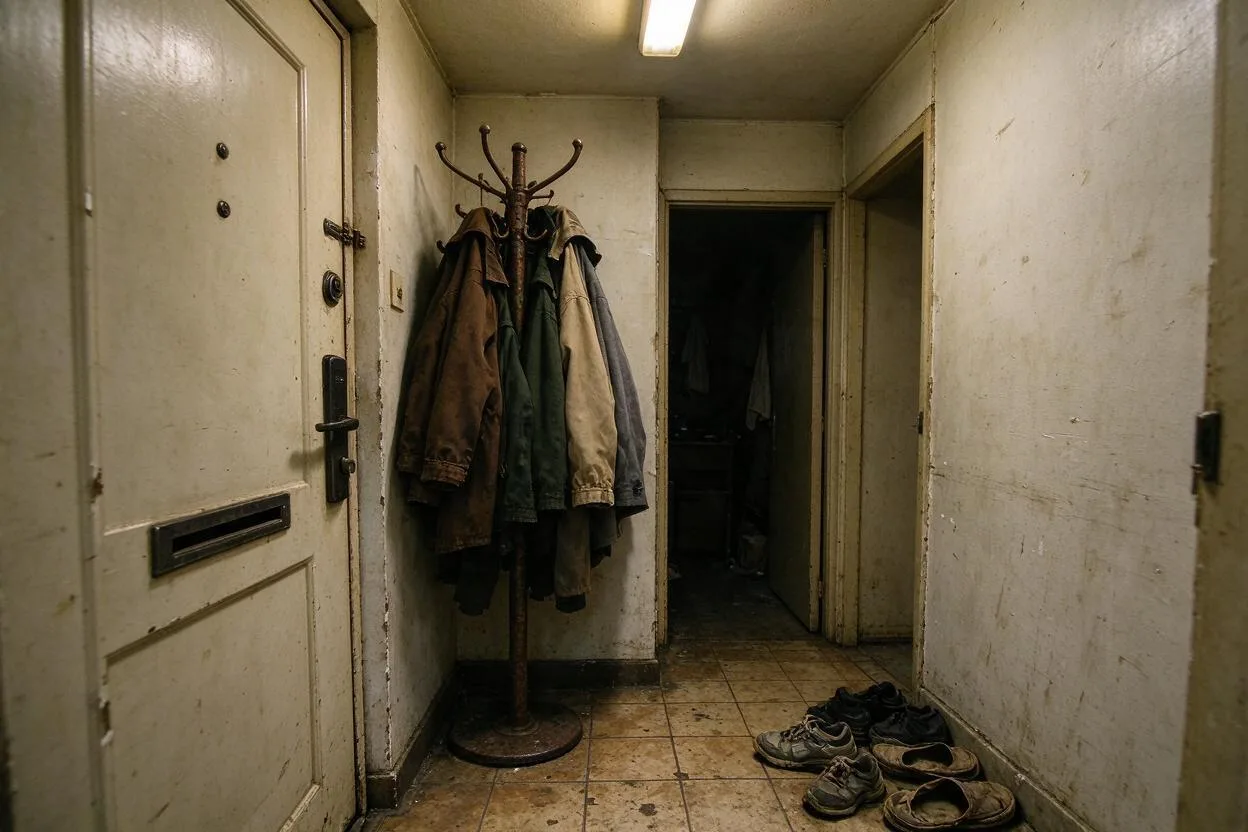
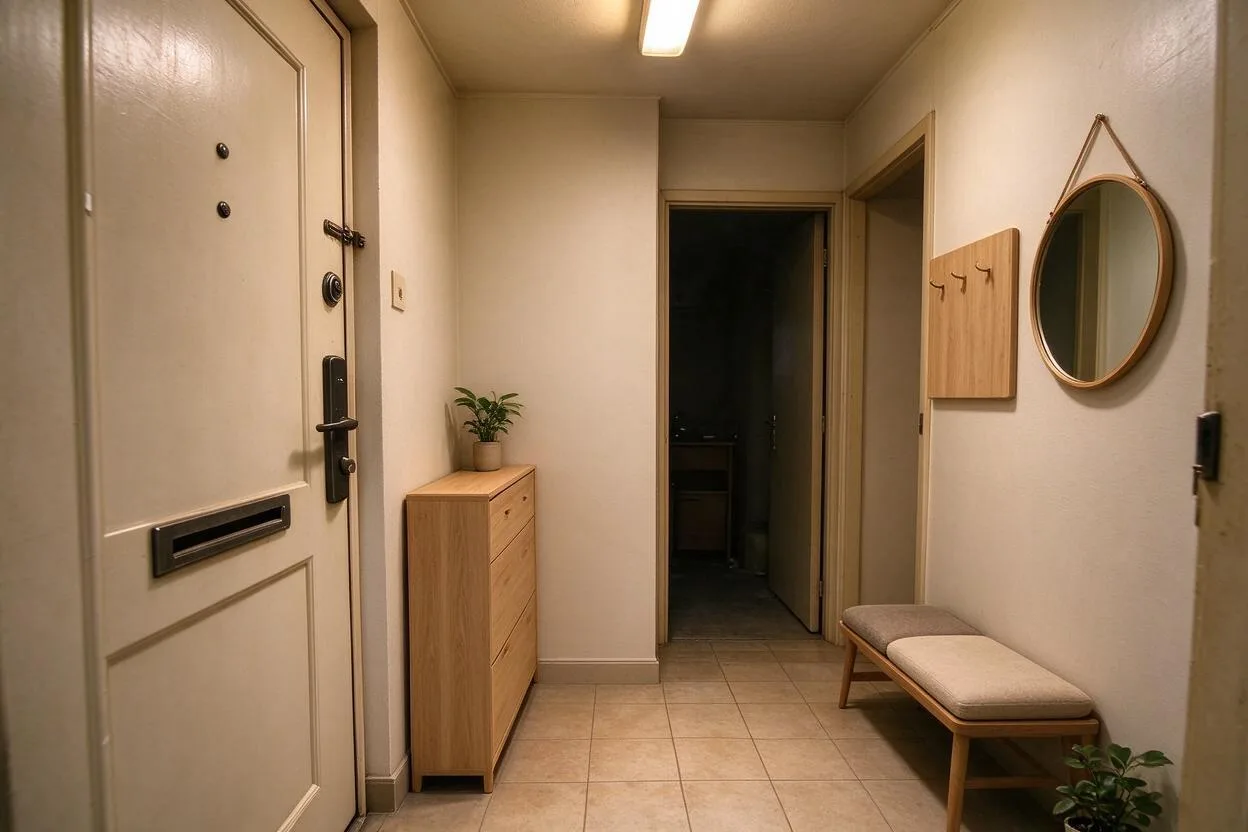
Showing 14 of 14 transformations
These redesign furnished rooms before and after examples were created with Goodesign: one photo in, a share-ready render out in about a minute.
07
FAQ
Will my furniture be replaced?
No — this restyles around what you own. Use furniture swap to replace individual pieces.
Can it change the wall color too?
Yes — walls can restyle while structure stays put.
How close is it to reality?
Close enough to make confident decisions; treat renders as direction, not photography.
Can I run two styles and compare?
Yes — each generation is one credit, compare side by side.
Does it work on kitchens?
Yes — cabinet finishes, counters, and backsplash restyle well.
What photo works best?
Daylight, chest-height, straight-on shots give the cleanest results.
08
Related tools
Ready to see your room transformed?
Five free credits. No credit card. Your first render in about a minute.