
Solution
Swap One Piece for Another — Everything Else Stays
Point at a piece in your photo, describe its replacement, and see the swap in place with scale and layout intact — one change at a time.
Free 5 credits · No card required


Try it on your own photo
Free plan includes 5 credits · results save to your account
Step 3
Sign in to generate — it’s free
Sign inCreate free accountUpload your photo and get one image per credit. Run it again for another take.
Why swap furniture matters
- Shoppers
- You love the room except the one piece you're about to replace.
- Designers
- Clients ask "what if the table were round?" in every meeting.
- Agents
- Dated statement furniture dominates an otherwise good listing photo.
How it works
From upload to download — most renders finish in about a minute.
Upload
The room photo containing the piece to replace.
Select
Tap the piece; its mask snaps into place.
Describe
Say the replacement: "round oak dining table".
Render
The swap lands at the same footprint and angle.
Refine
Adjust the replacement's finish or size.
Download
Save the composed room.
Prompt guide
Do this
- One swap per pass.
- Describe the new piece by type and finish.
- Trust the footprint: the render honors the original's space.
Avoid this
- Asking to move the piece elsewhere — position stays.
- Changing two pieces in one pass.
- Expecting brand-exact replicas.
“Swap the black leather sofa for a two-seat linen sofa in oatmeal, same spot.”
“Replace the glass coffee table with a round oak one.”
“Swap the dining chairs for spindle-back walnut chairs, table stays.”
Built for your role
Shoppers
- Decide on the one piece, not the whole room
- A/B test before checkout
- Zero returns from scale surprises
Designers
- Answer "what if" live
- Preserve the approved parts of a scheme
- Focused revisions
Agents
- Neutralize one dated piece
- Keep listings honest and clean
- Fast per-photo fixes
Under the hood
- The replacement honors the original's footprint and sightlines.
- Everything outside the swap mask is untouched.
- Materials render with the scene's lighting.
- Exact brand replication isn't the goal — faithful type and finish is.
Selling products online?Try AI Product Scenes
Swap Furniture Before and After Results
Drag each slider to compare the original photo with the AI result — every pair below was generated from a real room photo.


Showing 7 of 7 transformations
These swap furniture before and after examples were created with Goodesign: one photo in, a share-ready render out in about a minute.
FAQ
Can I move the piece to another wall?
No — swaps stay in place. Remove and re-add for moves.
Can I swap two pieces at once?
Technically yes, but one per pass gives cleaner edges.
Will the rest of the room change?
No — that's the point of swap versus restyle.
How exact are finishes?
Type and finish render faithfully; verify brand specifics with the retailer.
Does it work on outdoor furniture?
Yes — patio sets swap cleanly.
Can I swap rugs and art?
Yes — any object in the photo can be swapped.
Is virtual furniture swapping allowed on MLS listings?
Yes — with a standard "virtually restaged" disclosure on the listing. Check your local MLS rules; disclosure requirements are the lister's responsibility.
Related tools
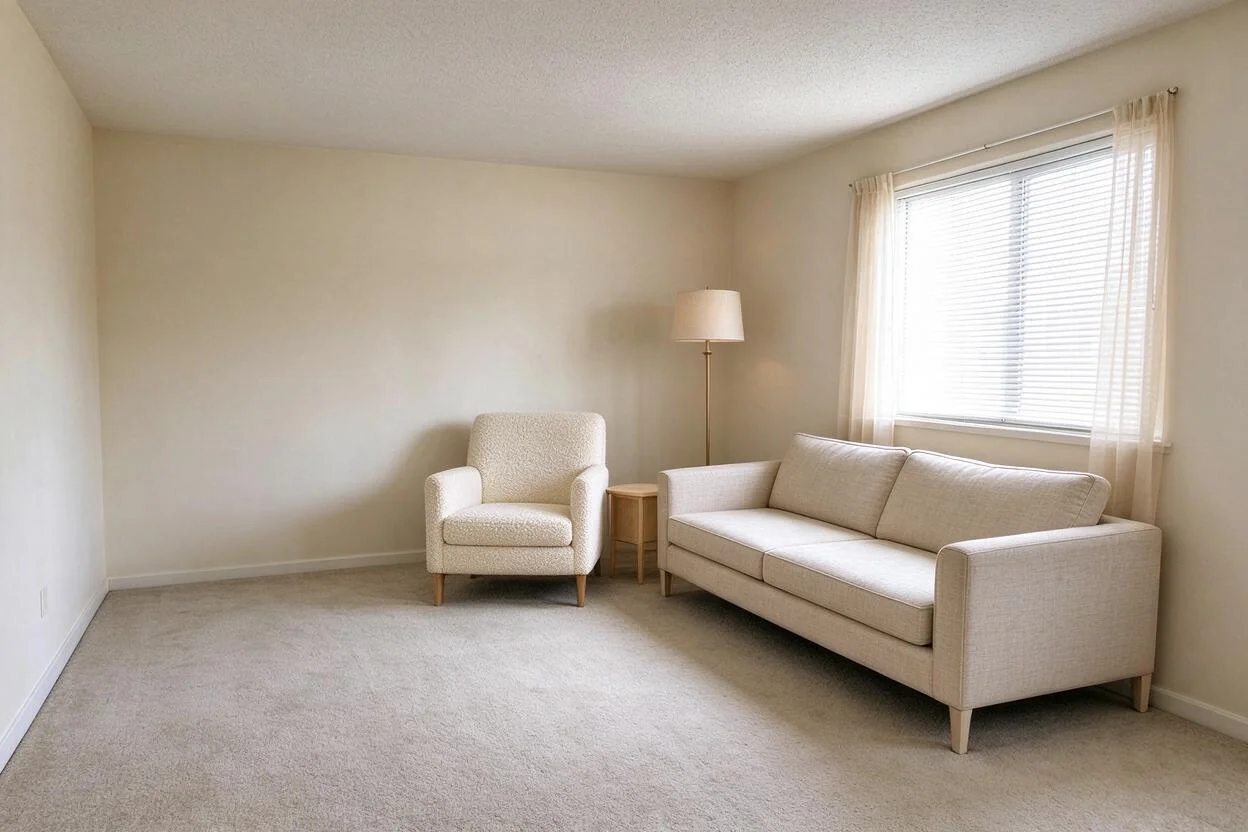
Add Furniture
Place a sofa, a reading chair, or a full set into your photo with honest scale — see the finished room before anything ships to your door.
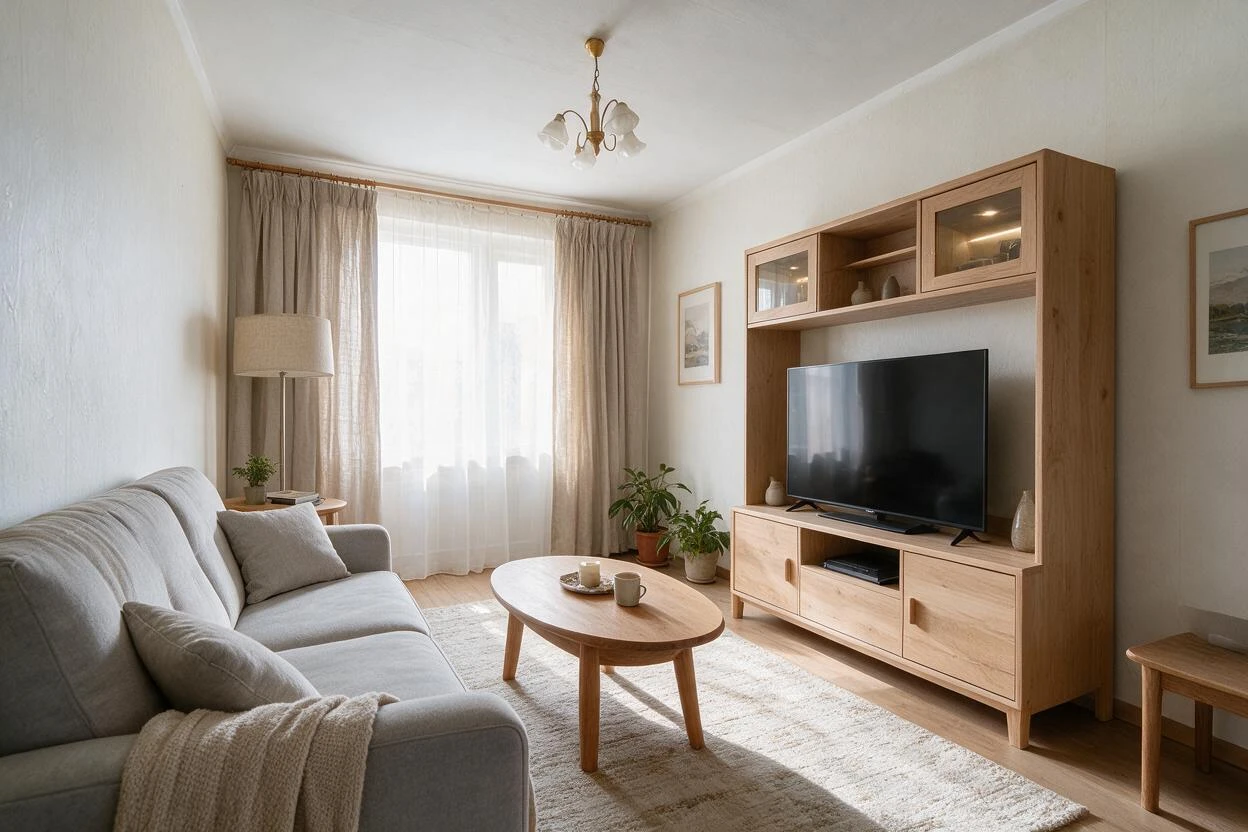
Furniture Facelift
Keep the silhouette you love, change the skin: new fabric, color, and wood tone render on your actual piece before you spend a cent.
Redesign Furnished Rooms
Keep the room you have, see it restyled. Swap textiles, decor, and mood on top of your existing photo — structure untouched.
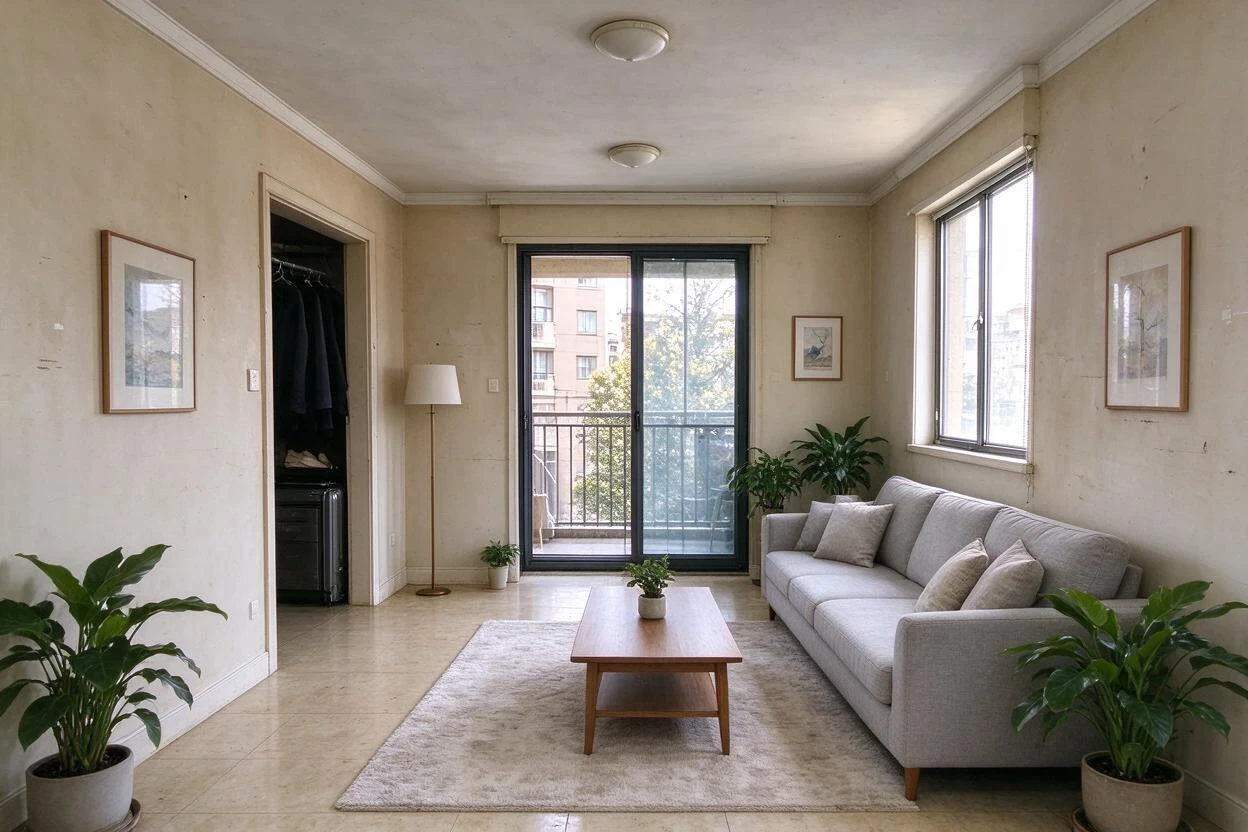
Object Removal
Trash cans, cables, the seller's dog — select it and it's gone, with the background rebuilt so naturally no one spots the edit.
Ready to see your room transformed?
Five free credits. No credit card. Your first render in about a minute.