
Solution
See Your Home Decorated for the Holidays — Before the Boxes
Render festive decorations on your actual home: garlands, wreaths, warm string lights — tuned subtle to full.
Free 5 credits · No card required
Try it on your own photo
Free plan includes 5 credits · your photo’s geometry stays locked · results save to your account
1 · Upload your photo
The room photo from your listing or phone — straight-on or corner view works best.
2 · Fine-tune (optional)
Your photo’s camera angle and structure always stay locked — only the described edit happens.
Upload a photo to enable generation.
3 · Your images
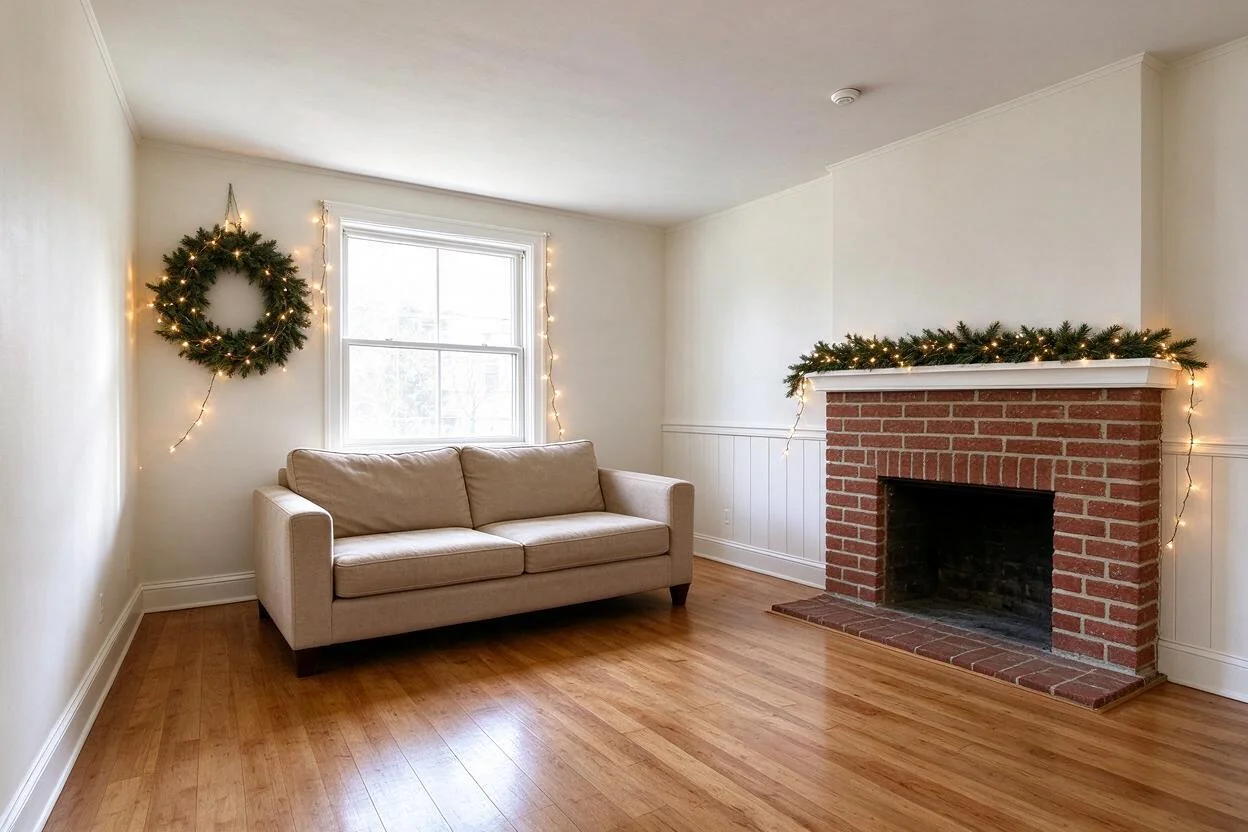
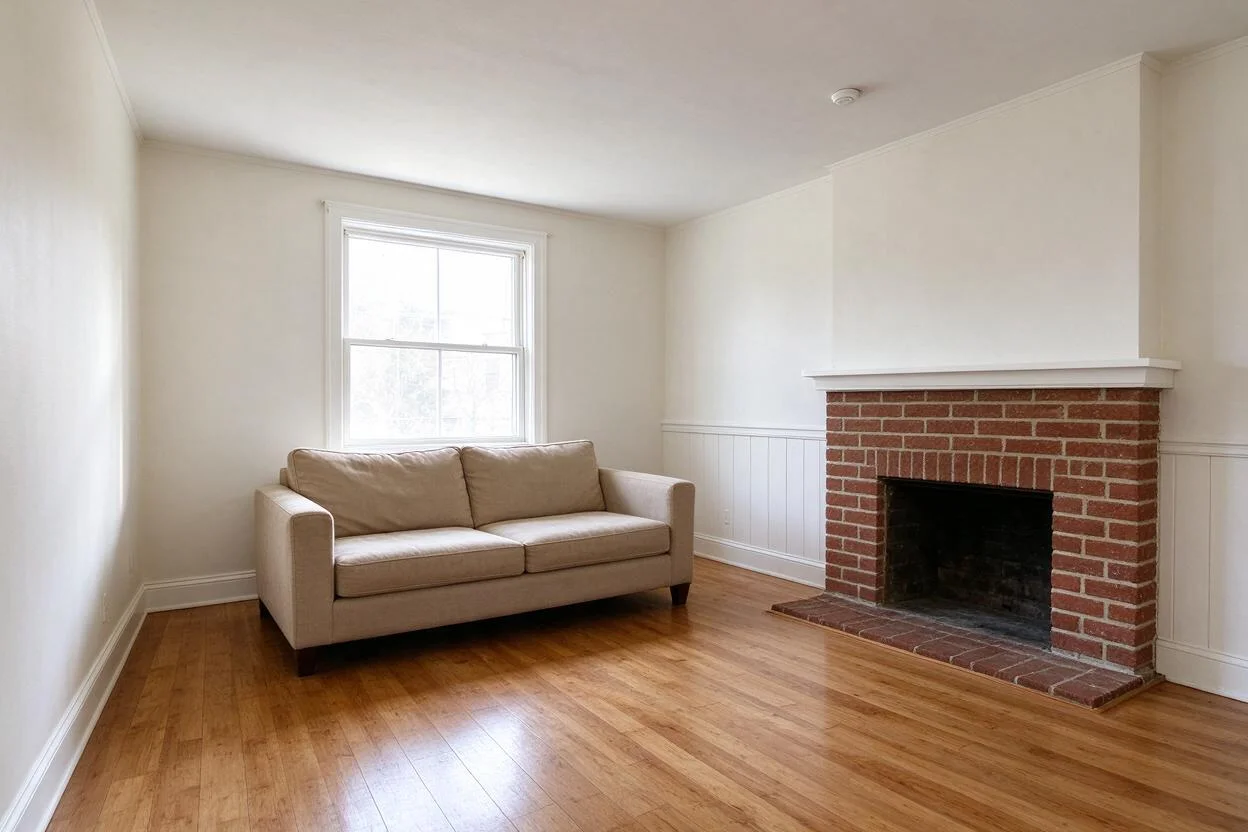
01
Why festive flip matters
Homeowners
Decorating takes a weekend; taking it down takes another.
Retail & hospitality
Holiday marketing shots need festive interiors on deadline.
Hosts
You want the look, not the ladder time.
02
How it works
From upload to download — most renders finish in about a minute.
Upload
A photo of the room or exterior to decorate.
Pick
Choose the occasion: Christmas, Diwali, Halloween, party.
Set
Dial intensity: a whisper of garland to full festival.
Render
Decor lands on your actual architecture.
Refine
Add or tone down specific items.
Download
Save for cards, marketing, or planning.
03
Prompt guide
Do this
- Name the occasion and palette: "Christmas, warm white and greenery".
- Set intensity: "subtle, mantel and door only".
- Say what must stay clear: "keep the TV wall plain".
Avoid this
- Mixing holidays in one render.
- Maximum everything — subtle reads elegant.
- Blocking windows and walkways with heavy decor.
“Decorate for Christmas: garland on the mantel, wreath on the door, warm white lights; keep it subtle.”
“Halloween mood: tasteful pumpkins on the porch steps, warm porch light.”
“Diwali warmth: diyas and rangoli accents by the entrance, string lights along the eaves.”
04
Built for your role
Homeowners
- Preview before the ladder comes out
- Tune taste-level with your family
- Holiday cards from your real home
Retail & hospitality
- Seasonal marketing on deadline
- Test display intensity
- Shoot once, restyle for every holiday
Hosts
- Plan the party look
- Coordinate palettes room to room
- Impress without the clutter
05
Under the hood
- Decor renders respect architectural lines — mantels, eaves, doorframes.
- Light temperature matches the scene.
- Intensity is genuinely adjustable, not just on/off.
- Storefront exteriors and interiors both supported.
Selling products online? Try AI Product Scenes →
06
FAQ
Which holidays are supported?
Christmas, Halloween, Diwali, Eid, Hanukkah, Thanksgiving, birthdays, and generic party setups.
Can I control how much decor appears?
Yes — from a single wreath to full festival dressing.
Can it decorate a storefront?
Yes — exteriors and storefronts render well.
Will it block windows or doors?
Only if you ask; say what stays clear.
Can I remove one item after rendering?
Yes — refine with follow-up instructions.
Does it work on interiors?
Yes — mantels, staircases, and dining tables are popular uses.
07
Related tools
Ready to see your room transformed?
Five free credits. No credit card. Your first render in about a minute.