Gemini interior design alternatives (2026)
Gemini renders inspiring room concepts for free — but not listing-ready ones. Six dedicated AI interior design tools compared on price and output.
Prices from vendor pricing pages — snapshot Oct–Nov 2026, dated where re-checked. Verify before you buy.
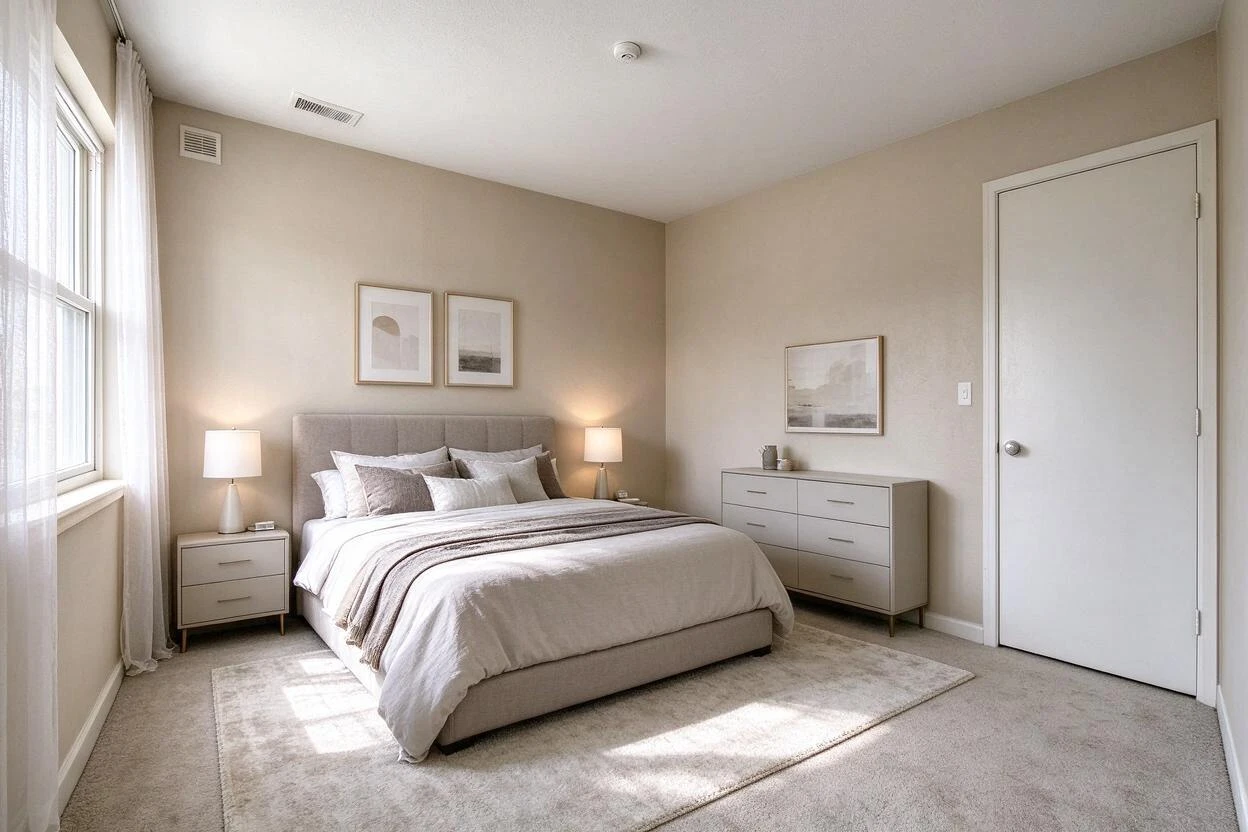
Gemini's free image generation makes it a tempting first stop: describe a space, get a moody concept render in seconds. It's a genuine idea engine. The gap shows when you feed it a photo of your actual listing — concept-grade output, no guarantee that walls and windows survive, no batch flow and no per-image cost. The six tools below are built for that job; one is ours.
| Tool | Price | Best for | Notes |
|---|---|---|---|
| Goodesign AIThat's us | From $14/mo · $0.0825/img Agency | Listing-ready renders at volume | 20 real-estate photo tools, 8 languages, 5 free credits — no card. |
| RoomLab | From $15 one-time (150 credits) · Pro $20/mo (checked 2026-11-02) | 3D & SketchUp-to-photo renders | Render, staging and video tools; 4K upscale and videos cost extra credits. |
| Virtual Staging AI | From $16/mo | Quick one-off staging | Fast single-purpose staging; per-image cost adds up. |
| Collov AI | From $19/mo | Furniture restyling | Polished furniture-swap renders with deep style control. |
| ReimagineHome | $14–$99/mo (checked 2026-11-01) | Style inspiration | Big idea gallery; less listing-specific. |
| RoomGPT | Free (limited) | Zero-budget restyle experiments | Open-source demo; queues and low control, not listing-grade. |
Last updated: 2026-11-02 · RoomLab prices checked against roomlab.app on 2026-11-02.
Sources & checks
Where others win, where we win
Where Gemini wins: instant, free concept images inside the Google app you already use. Where dedicated tools win: renders from your actual photo that keep the room's structure, with predictable per-image cost. Where we win: volume pricing down to $0.0825/image, 20 real-estate photo tools, 8 languages.
Which tool should you pick?
Exploring styles on a budget? Gemini does that for free. Producing listing or client work? Use a dedicated tool — the table shows the cheapest route at your volume.
Start with 5 free credits →Methodology & update log
We compared the tools on three criteria: (1) price per usable image, calculated from each vendor's published plan pages; (2) whether output keeps walls, windows and layout unchanged — the baseline for listing use; (3) free tier, workflow and language coverage. Dated prices were re-verified on that date; the rest are an October 2026 snapshot reused from our audited comparisons. Where a competitor beats us, the table and the FAQ say so.
2026-11-02: first published — six alternatives pages (ChatGPT, Gemini, RoomGPT, Interior AI, ReimagineHome, Collov). 2026-11-01: ReimagineHome and Interior AI prices re-checked. 2026-10-25: /vs price snapshot established.
FAQ
- Is Gemini good for interior design?
- For early concepts, yes — it's free and fast. For photo-accurate, listing-grade renders of a real room, dedicated staging tools keep the structure intact and price per image.
- What is the best free Gemini alternative?
- RoomGPT is free for casual restyles; Goodesign AI includes 5 free credits with no card for professional-grade renders.
- Can Gemini stage an empty room from a photo?
- It can generate a furnished concept, but it may move walls or windows and isn't built for MLS workflows. Tools like Goodesign or Virtual Staging AI are built for that.
- Which tool is cheapest per image?
- Goodesign's Agency tier lands at $0.0825 per image at volume; entry tiers across the table run roughly $0.25–$0.55.
- Should I disclose AI-edited listing photos?
- Yes. Label renders as virtually staged — it's an MLS norm and a legal requirement in California since 2026.
Related: All head-to-head comparisons · Best AI virtual staging tools · Goodesign pricing
Ready to see your room transformed?
Five free credits. No credit card. Your first render in about a minute.