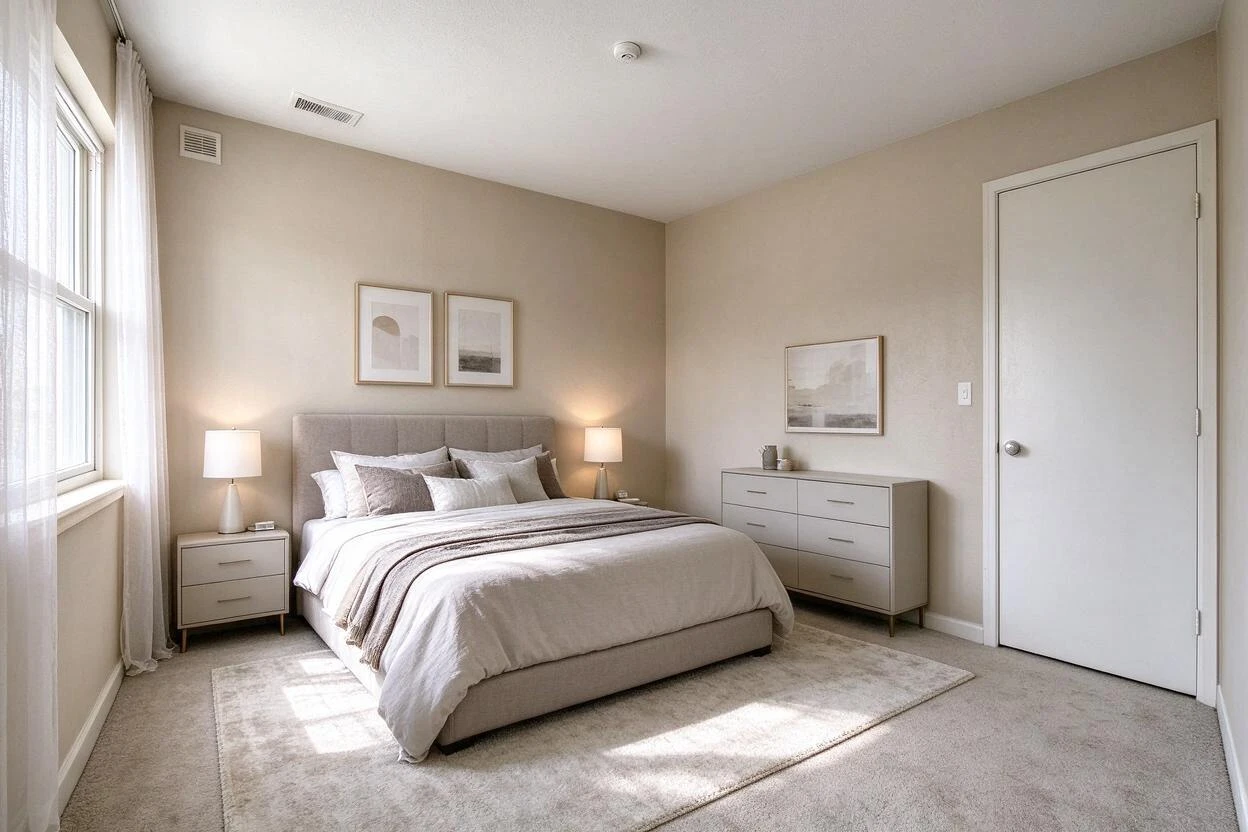
Why do vertical lines look slanted in my room photos?
By Goodesign AI · Updated 2026-10-16
That's keystoning — the camera was tilted up or down, so parallel verticals converge in the frame; a level phone prevents it. Software can straighten the verticals afterwards, but heavy correction means cropping — getting it level in-camera is always better.
Those slanted walls and leaning doorways are keystoning: the camera was tilted up or down when the shot was taken, so lines that are parallel in the real world converge in the frame. Tilt up to fit the ceiling and the walls lean inward at the top; point down at the floor and they splay outward. The architecture didn't move — the camera's angle did.
Why it matters more in real estate
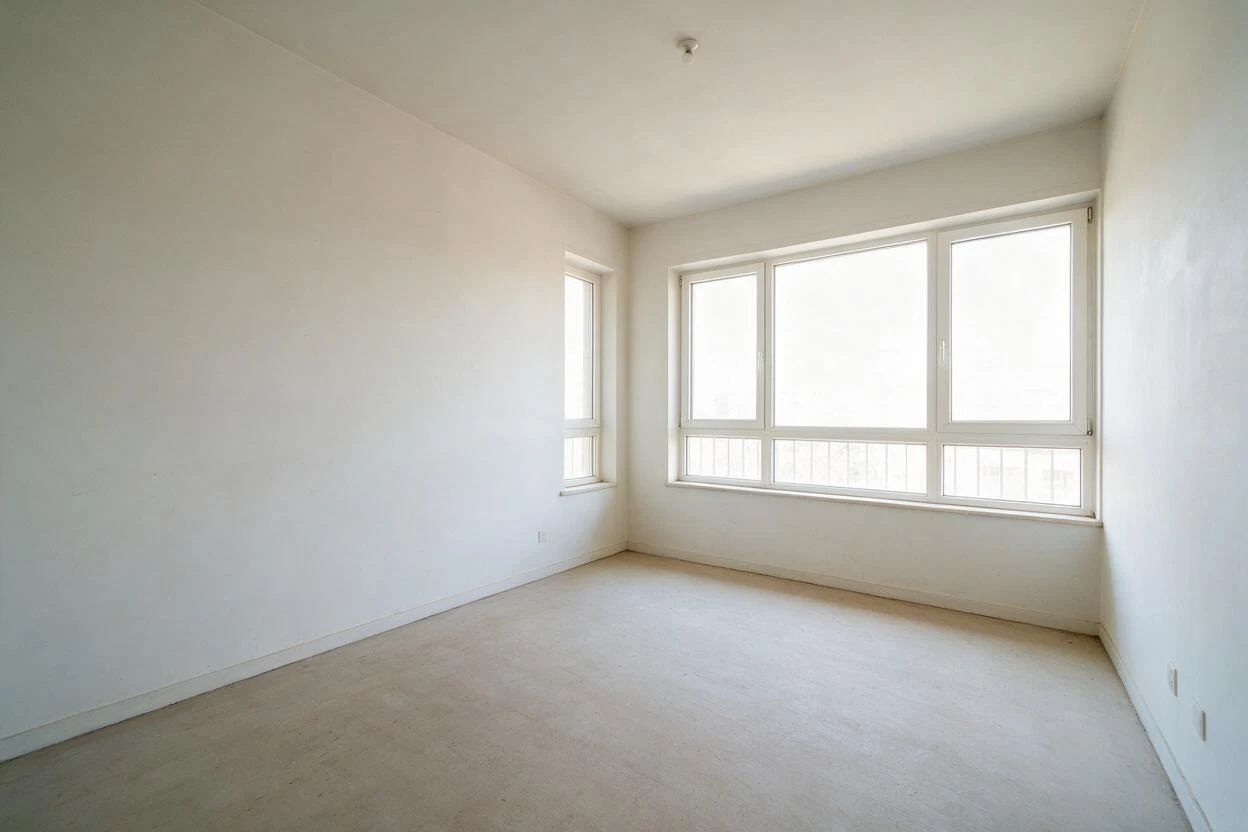
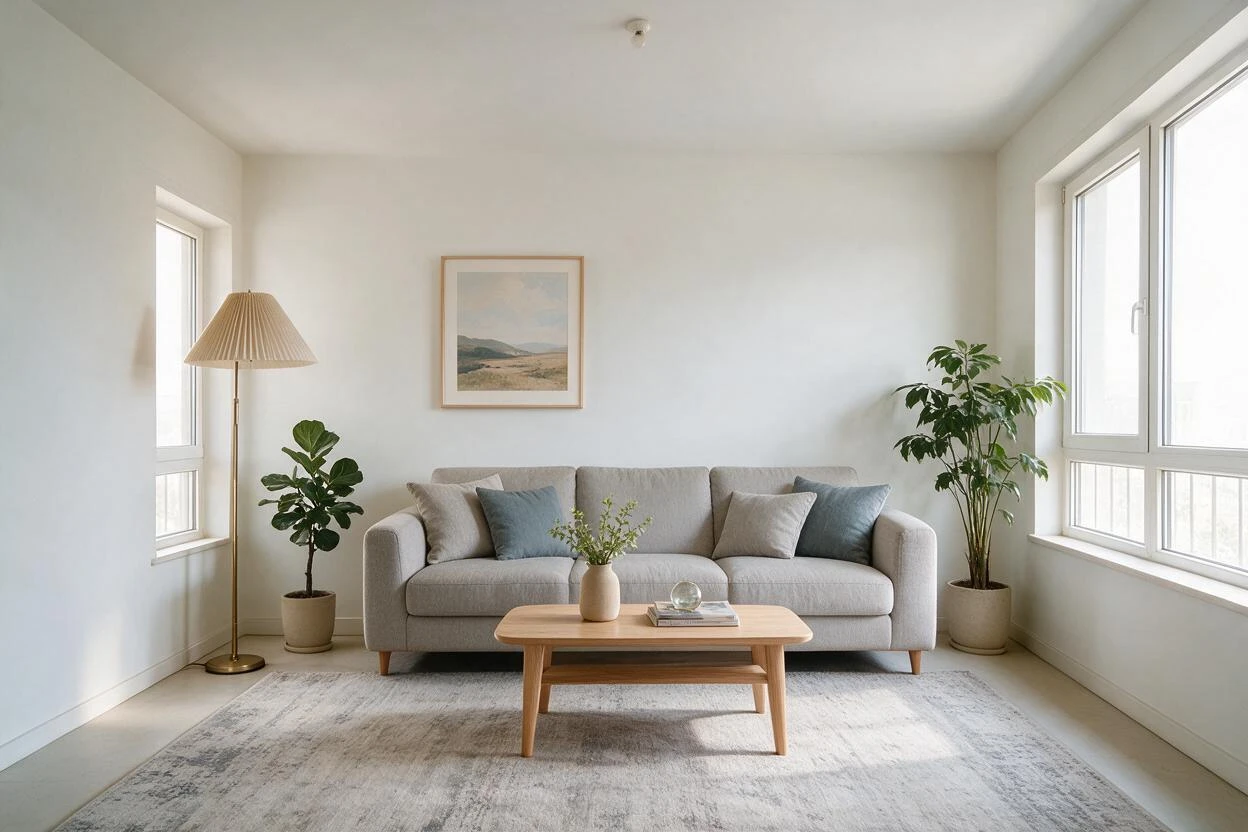
Rooms shot level read as larger and calmer; rooms with converging verticals read subtly wrong, like a funhouse mirror of the space. Buyers can't name the defect, but they feel it — and portals amplify it, because wide-angle phone shots at eye-up angles are the most common listing photo style.
Wide angles make it worse for a second reason: they push you to stand close, and standing close forces the tilt-up that causes the lean in the first place. That's the trap in one sentence — the phone's widest lens is the one most likely to need the fix. The pattern holds across rooms you'd swear you shot level, which is why the grid-check habit below matters more than confidence ever will.
The optics have a name, and a history
Architectural photographers have fought converging verticals for a century, and their solutions transfer. The classic advice for buildings is to get the camera level and stay level: step back until the whole structure fits without tilting, and if you can't step back, use a longer focal length rather than a wider one. The professional-grade version is the tilt-shift lens, which shifts the frame upward while the sensor stays level — a 17mm tilt-shift on a modest camera body still produces walls that run dead vertical, because the glass moves, not the camera. You won't carry a tilt-shift to a listing appointment. The habit underneath it — level camera, chest height, step back — costs nothing.
Prevention is a three-step habit
Hold the camera at chest height, not eye height (chest is closer to the room's center). Turn on the grid overlay and align a vertical line — door edge, cabinet seam — with the grid before shooting. Then square up: the back of the phone parallel to the wall you're facing. Step back and shoot from the doorway when the room is too tight to level up inside it.
Curing shots you already have
Perspective correction straightens the verticals in editing — every phone editor has it, and AI tools apply it automatically. The cost is geometric: straightening crops the frame's edges, so heavy correction trims a wide shot into a normal one. Fix a slight tilt freely; correct a 20-degree tilt and you lose the composition you wanted.
In desktop editors the same correction has more control. Lightroom's transform panel offers an Auto mode, Vertical and Full modes, and Guided mode, where you drag two lines along any vertical in the frame — a doorway, a cabinet seam — and the software straightens everything to match. Guided is the one worth learning: it fixes exactly the lines you choose, instead of the software's guess about which lines matter. Every editor version of the fix shares the same geometry as the phone version, though: pulling verticals parallel trades frame width for straight lines, so shoot slightly wider than you want if heavy correction is likely.
Straight verticals help the AI too
If you plan to run the photo through any AI design tool — restaging, enhancement, virtual staging — level verticals aren't just aesthetics. The model reads your photo's geometry and rebuilds along it: feed it leaning walls and it furnishes leaning walls, rendering the keystone as if the room genuinely narrowed. What the model needs from a photo comes down to legibility, and a vertical that's vertical is the cheapest legibility win there is. Straighten first, generate second.
Check your frames: upload a photo, let the tool straighten and enhance it, and compare the levelled version against the original. If the correction costs too much frame, the reshoot advice is the same one architecture photographers have given for decades — back up and level up.
FAQ
Why do my verticals lean in every room photo?
Because the camera tilts up to fit the ceiling, and any upward tilt makes parallel verticals converge — that's keystoning, not a broken phone lens. Chest height, grid overlay on, and the phone's back parallel to the wall removes most of it before you press the shutter.
How do you fix keystoning after the shot?
Use your editor's perspective or vertical correction — Lightroom's Guided transform mode lets you pick the exact lines to straighten. The fix crops the frame's edges, so slight tilts correct cleanly and 20-degree tilts eat the composition. Correct lightly, and reshoot if the crop gets destructive.
Does straightening a photo reduce its quality?
Modestly, and twice over: the geometry correction resamples every pixel (a small sharpness cost) and the crop discards frame edges (a composition cost). A slight straighten is invisible in practice; a heavy one produces a soft, tighter image. Level in-camera whenever the room allows it.
What is a tilt-shift lens, and do I need one?
A lens that shifts the frame sideways or upward while the sensor stays level, so tall subjects photograph without converging verticals. It's the architecture photographer's tool — excellent, and unnecessary for listing work, where a level phone at chest height and a step backward achieve the same verticals for free.
Compare
Related questions
Related tool