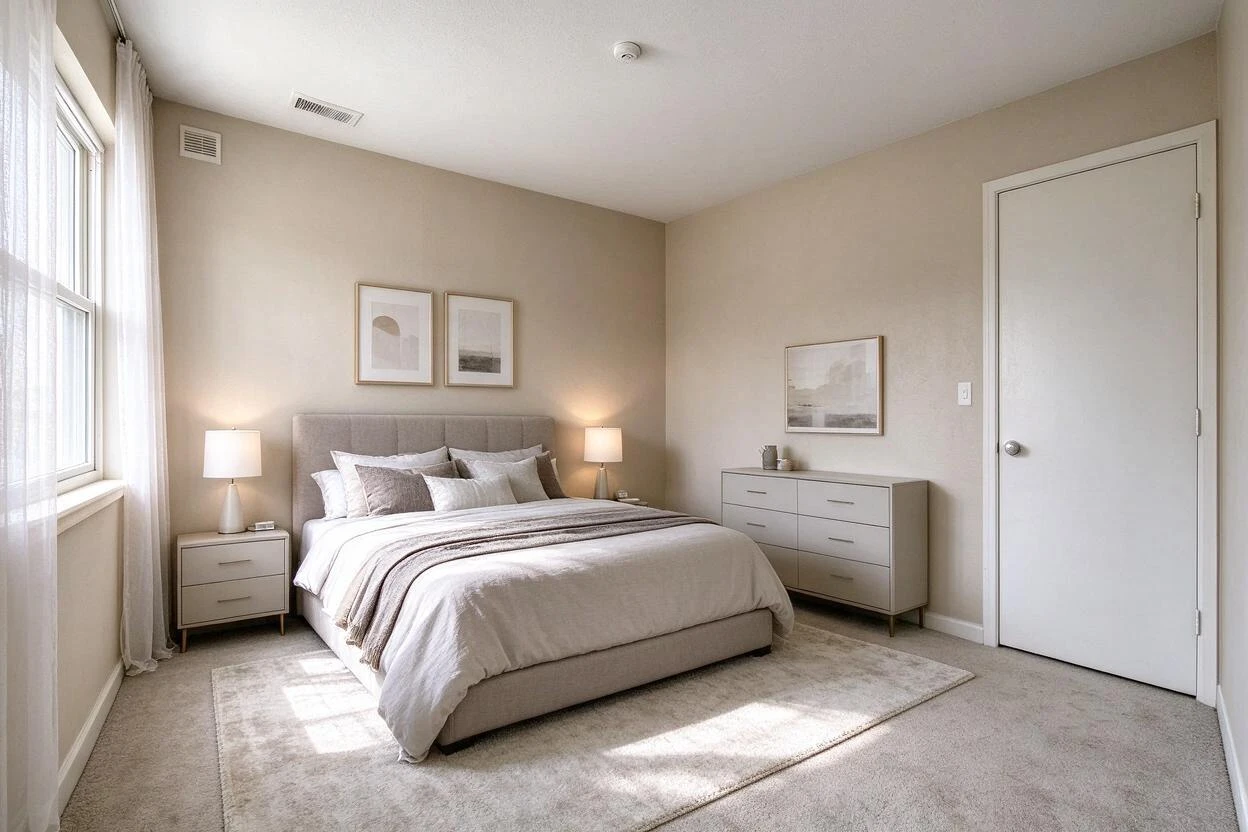
Is it safe to upload photos of your home to AI design tools?
By Goodesign AI · Updated 2026-10-16
Reasonably safe with a reputable tool and basic judgment: strip personal details from the frame and check the privacy policy for training and retention terms. The real risks are routine — oversharing in the photo, not the AI.
Home photos feel private because your home is private. But a room photo is a particular kind of image, and the risk calculus is friendlier than it looks — with a few habits worth adopting.
What's actually in the frame
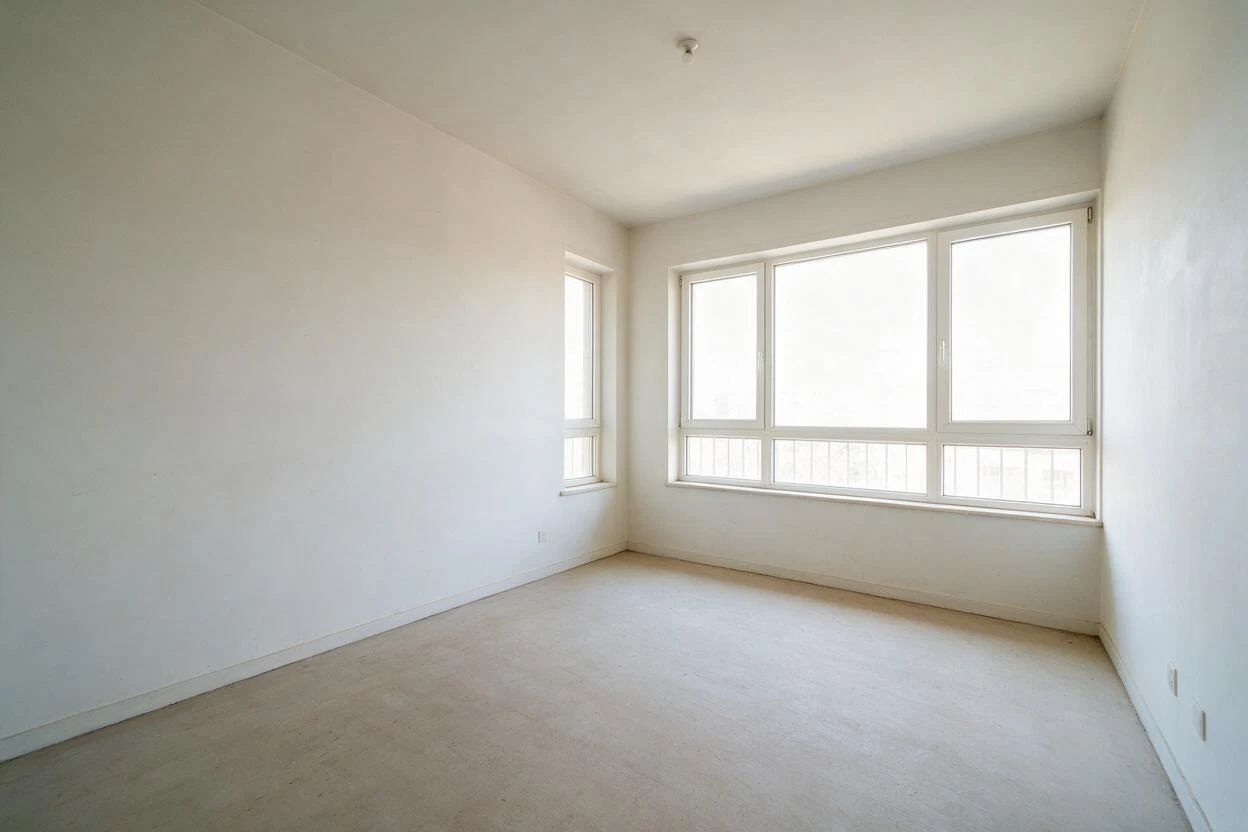

The sensitive material in most room photos isn't the furniture; it's incidental detail — a visible address or name on mail, a child's school artwork, a laptop with an open document, prescription bottles on a nightstand, the house number seen through a window. Before uploading, scan the frame the way a stranger would and remove anything you wouldn't pin to a public board. This single habit removes most of the genuine risk, and it's the same discipline good listing photography already requires.
It helps to know what the tool actually receives: pixels. A design model reads surfaces, light, and geometry to run the generation pipeline — it has no use for your mail and no interest in your family calendar. The frame check isn't about the model; it's about who could ever see the upload.
Exterior shots deserve one extra pass, since a facade photograph plus a house number is a street address by inspection. If you're testing curb-appeal edits, crop or angle the shot so the number and any identifying signage fall outside the frame — the tool needs the building, not the label on it.
What happens to the image afterward
Privacy policies differ on three questions: do uploaded photos train the company's models, how long are they retained, and can you delete them? Reputable services state all three plainly. Look for wording like "images are not used for training" or an explicit deletion option, and be more careful with anonymous consumer apps than with established design platforms.
Here the industry splits cleanly. Some free consumer apps reserve the right to train on and reuse uploads — the hidden price tag inside the word "free." Established design tools tend to state the opposite in plain language; Goodesign's policy is the plain version: uploaded photos are processed to run your generation, personal data isn't sold, photos aren't used to train models without your explicit opt-in consent, and a deletion request removes uploads after a short grace period. If a tool's policy can't answer the three questions above in one reading, treat that as the answer.
What an AI tool can realistically do with a room photo
It cannot locate your house from a living-room interior, identify you, or access anything beyond the file you gave it. The worst plausible case is retention of an image you'd rather it didn't keep — annoying, not dangerous, and preventable by the decluttering step above.
That claim deserves its footnote: the image content can't place your house, but the file can — which is why the metadata habit below matters more than anything else on this page. Sanitized frame, stripped file, and a room photo carries no more about you than a sketch would.
Strip the Metadata First
Photos carry EXIF metadata — camera settings, timestamps, and, when location tagging is switched on, GPS coordinates. Proton's EXIF guide shows how much a shared photo can leak without a single identifying object in frame: a home address, a workplace, regular commute patterns, even routines a stranger could exploit. The coordinates ride along invisibly; the recipient only has to look.
The fix is mechanical and free. Turn off location tagging in your camera app and most of the risk never gets created. On Windows, right-click the file, open Properties → Details, and choose "create a copy with all possible properties removed" before uploading; on Mac and mobile, a tool like ExifTool does the same job. Some platforms strip metadata on upload, but that's a courtesy rather than a contract, and privacy policies rarely promise it. Stripping EXIF yourself, before the file leaves your device, is the only version you control — and a service that doesn't need your GPS tags has no business keeping them.
A sensible personal policy
Sanitize the frame, use one trusted service rather than five casual ones, delete uploads when a project ends, and never photograph documents, valuables, or children's rooms for upload.
The meta-rule underneath all four: decide once, in a calm moment, what you will and won't put in an upload — then let the policy run itself. Ad-hoc judgment calls, photo by photo, are how the edge cases slip through on a busy afternoon.
Ready to test with your own rules applied: upload a sanitized room photo and see what the tool returns before deciding how much you'll use it.
FAQ
Do AI apps keep your photos?
Policies differ, and the policy is the answer. Reputable tools process the upload for your generation, then delete on request or on a fixed retention schedule; some free apps reserve the right to store uploads and train on them indefinitely. Read for three things — training, retention, deletion — and treat silence on any of them as a decision.
Can a photo of your home reveal your address?
The furniture can't — the file can. EXIF GPS tags, added automatically when your camera's location services are on, embed coordinates in the photo itself. Turn off location tagging or strip the metadata before uploading, and a room photo says nothing about where the room is.
Should I remove things from the frame before uploading?
You don't need editing skills — you need a stranger's eye. Scan for mail, documents, screens, children's artwork, and medication, then reshoot without them; it takes a minute and improves the render too, since decluttered frames give the model less to guess around.
Related questions
Related tool