Why does my AI render look off or fake?
By Goodesign AI · Updated 2026-10-16
Usually one of three causes: a weak input photo (dark, skewed, or cluttered), a prompt asking for too many changes at once, or a generation that altered the room's real geometry. Fix the input, split the request into single edits, and re-render — artifacts iterate out in minutes.
An off-looking render is almost never a mystery — it traces back to the input, the prompt, or the generation method. Diagnose in that order, because each fix is cheaper than the next.
Cause one: the input photo
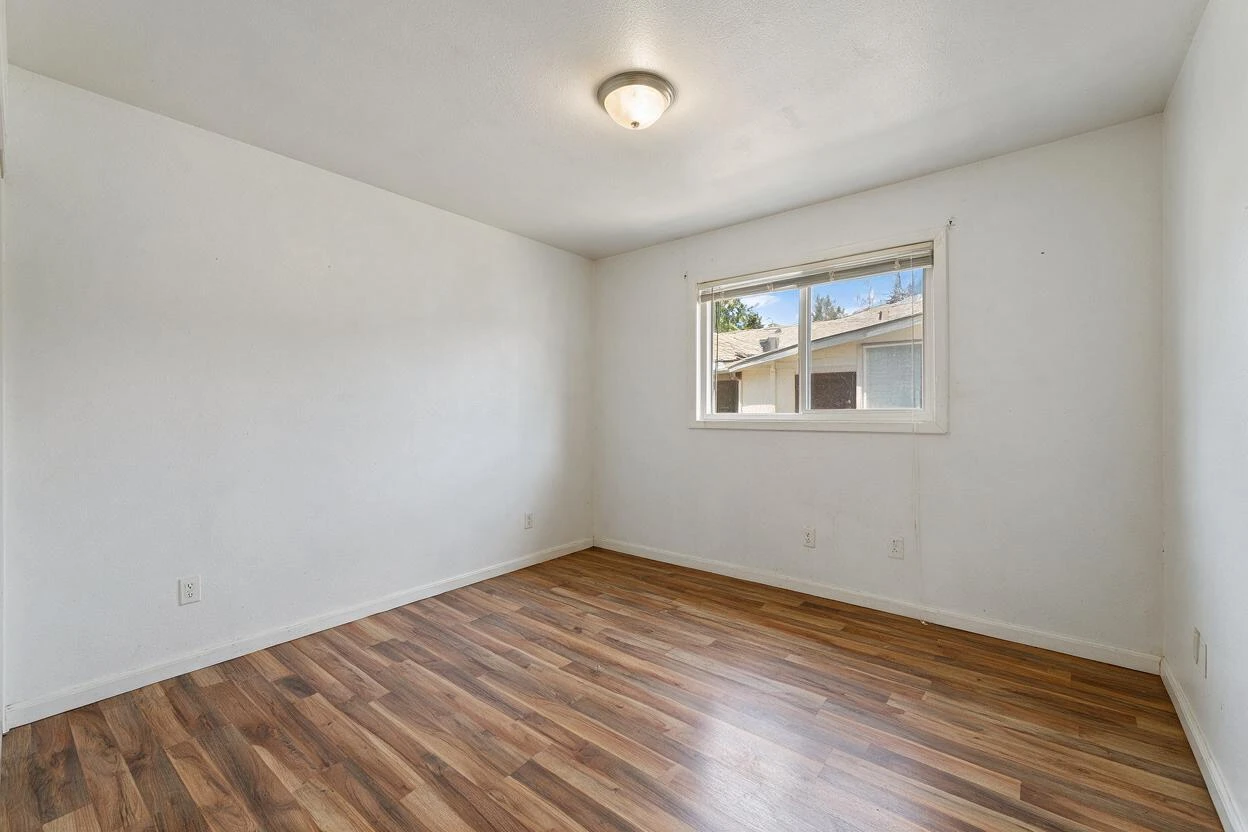
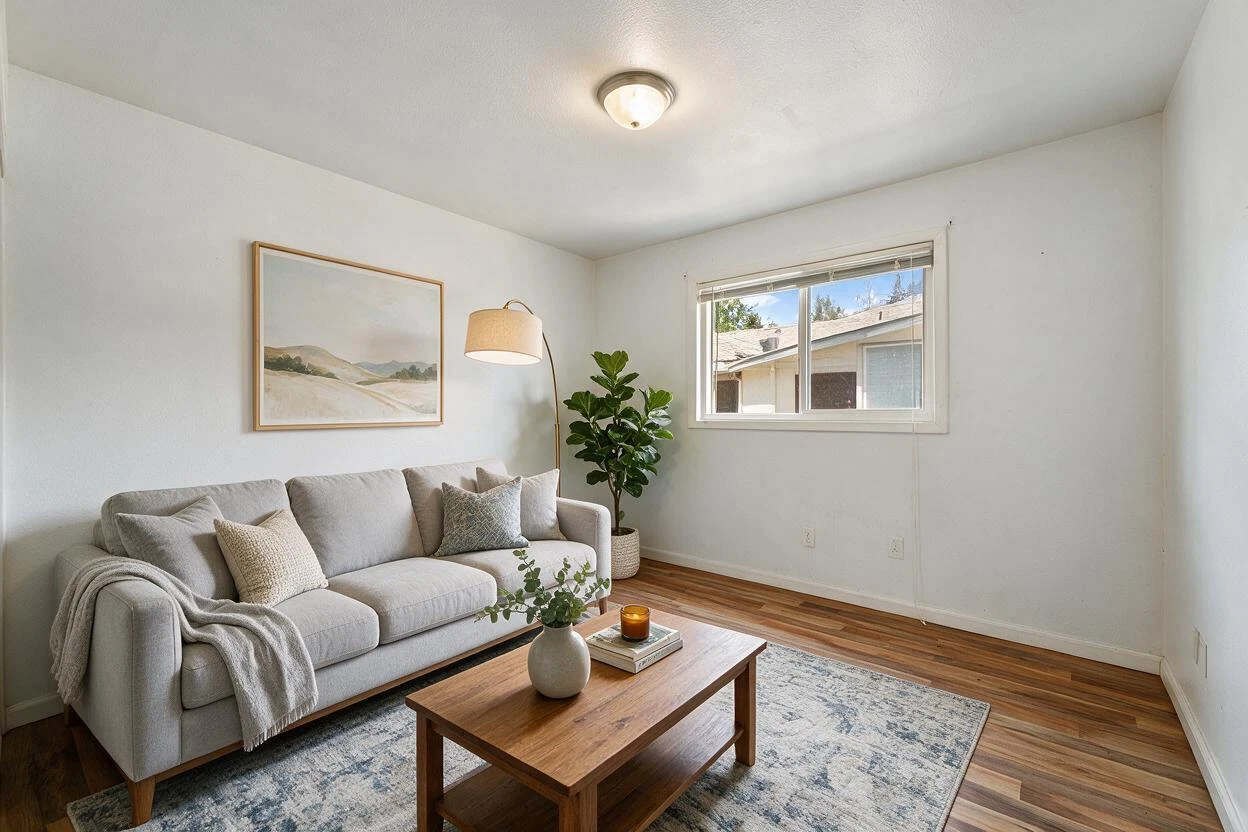
AI tools rebuild surfaces from what they can see. A dark, tilted, or cluttered photo forces the model to guess, and guesses surface as melted chair legs, wavy baseboards, or shadows that make no sense. Reshoot at chest height with lights on before blaming the model — the phone photography basics cover the essentials in five minutes.
A phone photo taken straight-on, lights on, blinds open, hands the model two things it leans on hardest: true verticals and honest color. A photo taken from a doorway at hip height hands it keystone distortion instead, and the model will cheerfully furnish a room that appears to be slowly falling sideways. If every render of one particular room drifts while other rooms come out clean, the room is the variable — reshoot it before touching a single prompt.
Cause two: an overloaded prompt
"Scandinavian living room with new sofa, oak floor, gray walls, bigger window, plants, and a dog" asks for six jobs in one pass, and quality drops on all six. Split the work: restyle the space once, then swap the sofa, then change the wall color. Single edits stay sharp where compound requests go soft — the prompt writing guide shows the pattern.
The model resolves conflicts silently. When you ask for a "bigger window" and a "same room" in the same breath, something has to lose, and it's usually the geometry you needed kept. That's how a request for one new sofa ends with a repositioned doorway — nobody asked for it, but the prompt left it negotiable.
Cause three: geometry drift
Generation models invent scenes; editing models preserve them. If a render moved the window, raised the ceiling, or erased a doorway, the tool generated rather than edited — fatal for listings, where the room must match what a buyer walks into. Use edit-in-place modes for anything shown to buyers.
Drift is worst in empty-to-furnished generation, where the model invents the entire scene from floor plan hints. It's mildest in single-object swaps on an otherwise untouched photo. When a listing depends on the room matching reality, treat any render that changed a wall line as rejected — not "close enough," because a buyer's first in-person glance is a side-by-side comparison the render has to survive.
The Tells Buyers Notice First
Buyers rarely name these; they just register that something is off and trust the listing a little less. Post-mortems of bad AI staging keep finding the same seven tells — one roundup of the worst offenders lists floating sofas, warped frames, and furniture that ignores how rooms work. They're all fixable in an iteration or two once you know the names:
| Tell | What it looks like | Fastest fix |
|---|---|---|
| Floating or sinking furniture | Sofa hovering an inch above the floor; table legs disappearing into carpet | Regenerate from a sharper, straight-on input — contact shadows need a clean floor line |
| Wrong scale | A king bed that reads as a twin; a coffee table you could dine on | Name the piece and its approximate size in the prompt; re-render that swap alone |
| Missing or contradictory shadows | A lamp glows but lights nothing; shadows fall in two directions | Set the light explicitly ("soft daylight from the left window") and regenerate |
| Warped architecture | Bowed walls, crooked window and door frames | Switch to edit-in-place mode; reshoot with verticals vertical |
| Mangled hard surfaces | Rippling countertops, molding that dissolves mid-wall | Reshoot straighter and closer, regenerate that surface only |
| Duplicated or impossible objects | A sofa with three armrests; a chair with an extra leg | One more small-step iteration — the classic overloaded-prompt artifact |
| Furniture that ignores the room's job | A bed blocking the only door; a sofa covering a window entirely | Regenerate with the room's purpose stated first in the prompt |
The two-minute audit before anything ships: put the render and the original side by side and confirm it's the same room, just furnished.
When a bad render reaches the market
The sloppy versions do get published, and the reaction is out of proportion to the time saved. The American Genius walked through a Massachusetts listing built on renders with what the writer called "fake staging, ambitious proportions, and impossible furniture angles" — a rug at a physics-defying angle, a built-in cabinet buyers couldn't verify was real. The listing became a cautionary tale about misrepresentation instead of a marketing asset. A render that broken doesn't just fail to help; it casts doubt on every honest photo in the gallery around it.
Know when to stop
Three or four iterations repair most frames; beyond that, the input is usually the ceiling on quality. Strip leftovers like photobombing clutter with object removal, upscale the keepers, and move on — perfection per frame costs more than it earns.
Test the full loop on your worst room: upload a photo and iterate restyle, swap, and remove until the frame works.
FAQ
Can buyers tell a room is virtually staged?
Often, yes — a sharp eye catches floating furniture, missing contact shadows, and baseboards that bend. That's why disclosure matters more than detection: a labeled, geometrically honest render loses nothing to scrutiny, while an unlabeled one stakes the listing's credibility on buyers not looking closely.
Why does my AI render keep distorting the furniture?
Two usual culprits: the prompt asks for too many changes in one pass, or the input photo is too dark or skewed for the model to anchor proportions. Split the request into single edits, reshoot the photo at chest height with the lights on, and the distortions usually clear within a regeneration or two.
How do I make an AI render look realistic?
Realism is mostly light and contact — shadows falling in one consistent direction, furniture actually touching the floor, verticals staying vertical. State the light source in the prompt, keep the geometry locked in an edit-in-place mode, and iterate in small steps rather than rewriting the whole brief at once.
Why does the lighting in my render look flat and over-bright?
Because the model lights everything evenly. Real rooms have one dominant source — a window — with falloff into the corners and soft contact shadows under every object. Ask for a light preset that matches your photo's time of day, keep the window side-lit, and resist lifting every shadow.
What details give an AI render away at a glance?
Repeated identical objects, furniture with no contact shadow, impossible scale such as a sofa wider than the wall, blurry straight edges, and a single light direction on every surface. Check the render at 100% zoom against the original photo before publishing; most tells appear within ten seconds.
Should I retouch an AI render before using it?
A light pass helps: match white balance to the original, add a little grain, crop out weak corners, and confirm the room's fixed features survived — windows, radiators, outlets, floor pattern. Ten minutes of retouching beats ten regenerations and keeps the space recognisable to buyers.
Related questions
Related tool