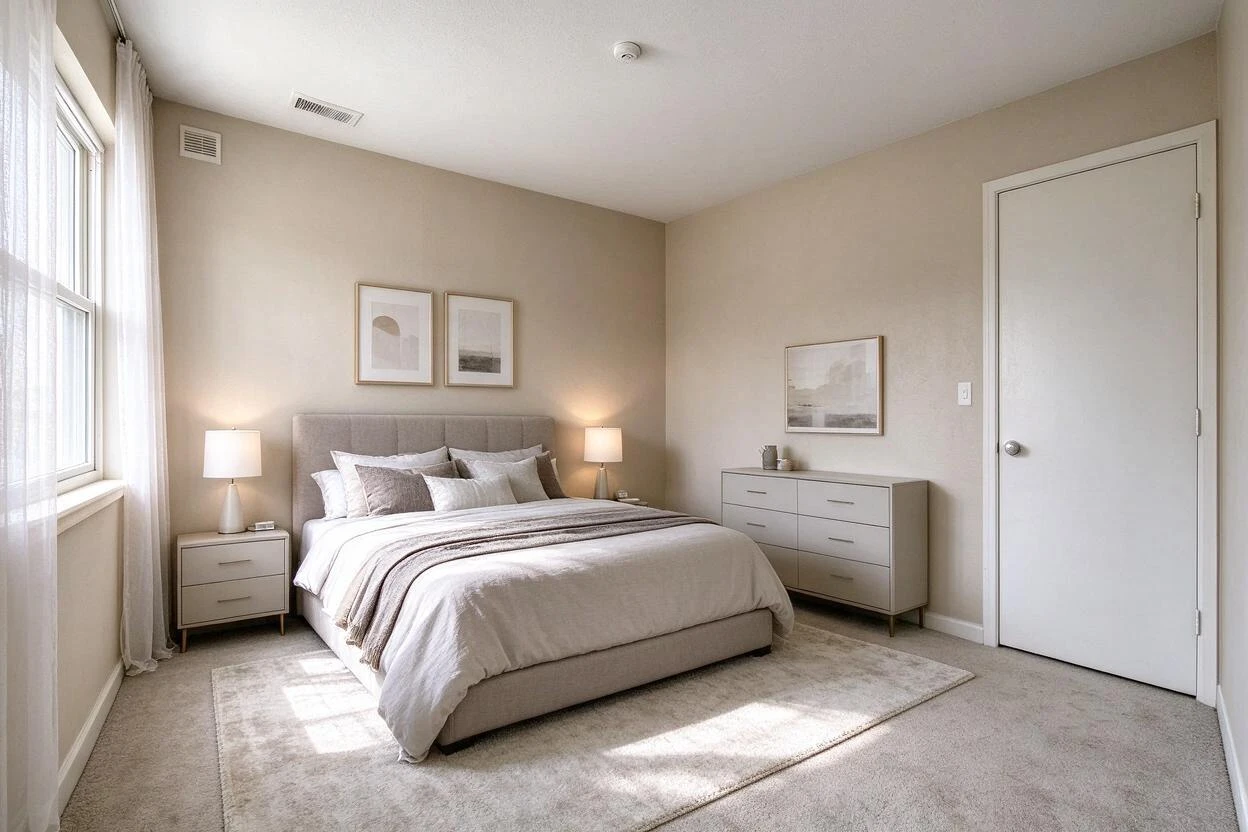
How do you write good prompts for virtual staging?
By Goodesign AI · Updated 2026-10-16
Name the room, the style, and two or three anchor pieces, then add lighting and mood in plain language — concrete nouns do the heavy lifting. Short, specific prompts beat long paragraphs, and iterating — swap one piece at a time — beats rewriting everything at once.
A render is only as good as its brief. The tool fills in everything you leave vague with its own defaults, so the prompt's job is to pin down the few decisions that define a room. Four parts, in this order.
Name the room and its job
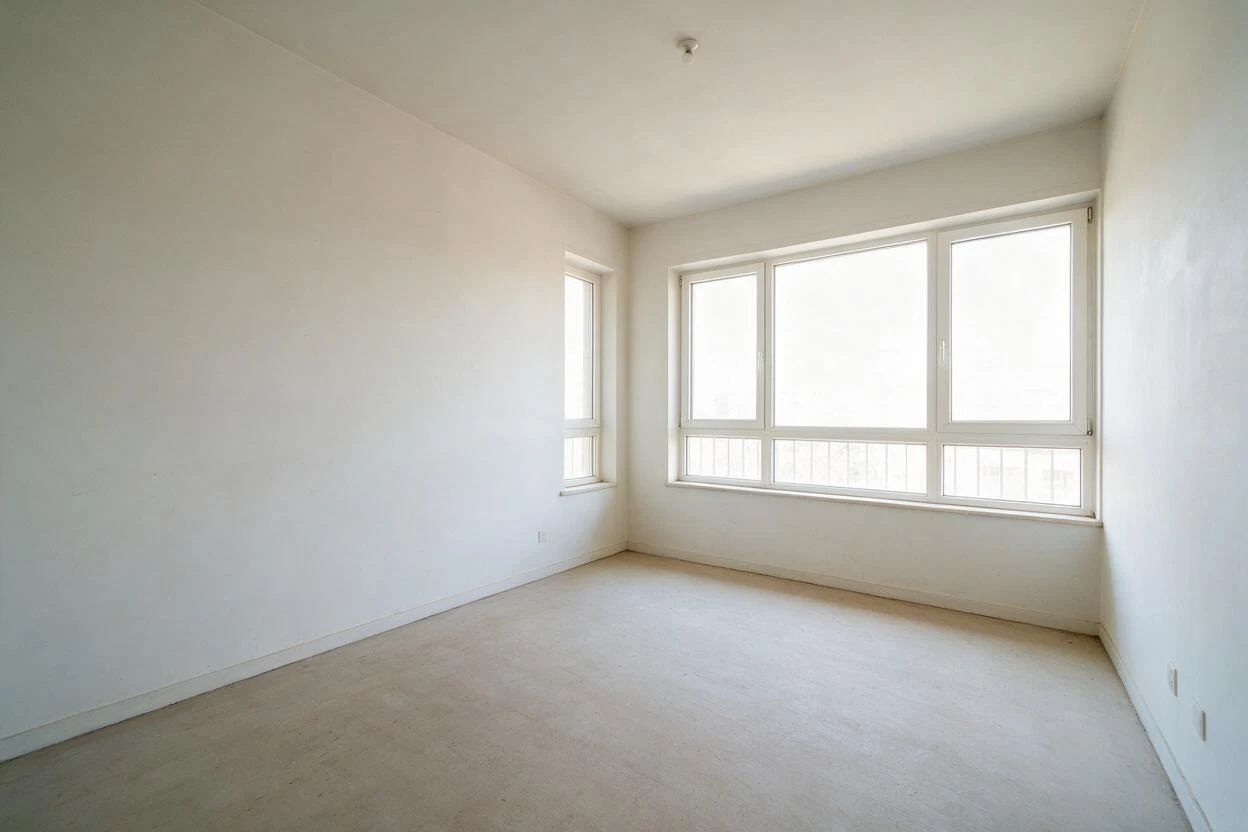
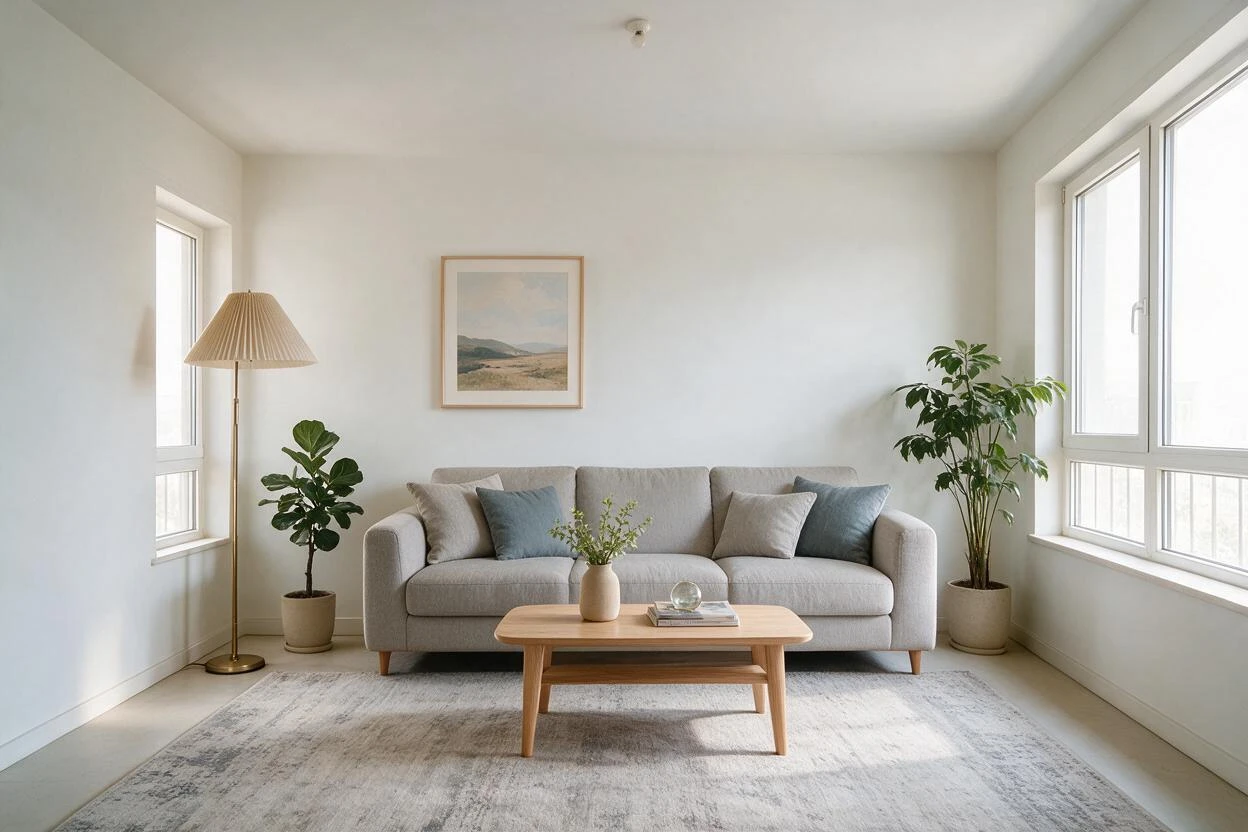
"Cozy reading corner in a bright living room" produces a different result than "family living room with toy storage." One phrase about how the space is used does more than ten adjectives.
The job phrase also does quiet geometry work: "reading corner" tells the model where furniture density belongs and where the negative space goes, before a single object is named. Rooms staged around a stated purpose come back organized; rooms staged around adjectives come back decorated.
Pick a style and stay inside it
Name one direction — Scandinavian, japandi, mid-century modern, coastal — and at most one modifier ("warm," "minimal"). Mixing three style words makes the model average them into mush. If you're unsure which direction suits the room, generate one per style and compare; that's the fastest taste test there is.
If one style word feels thin, reach for materials rather than more styles: "oak, bouclé, matte black" steers precisely without diluting the direction. Materials compound; style words compete.
Name two or three anchor pieces
A rattan armchair, a walnut sideboard, a linen sectional. Anchors give the render a spine; everything else decorates around them. More than four named pieces and the tool starts compromising between your demands.
When a piece comes back wrong, describe its character rather than a catalog page: "slatted walnut sideboard, mid-century proportions" outperforms a brand name the model may never have seen. Character survives generation; trademarks don't.
Describe light and mood last
"Soft morning light, warm lamps on," or "evening, warm and dim." Light changes the whole palette of a render, so set it deliberately rather than accepting the default.
Light direction is also the cheapest realism upgrade there is. One consistent source reads as photography within a second of looking; mixed or sourceless light reads as render just as fast, no matter how good the furniture is.
Prompt Patterns That Reduce Geometry Drift
Drift — moved windows, raised ceilings, erased doorways — comes from prompts that leave the room's structure negotiable. The patterns below pin the architecture first and spend the rest of the prompt on style:
| Instead of | Write | Why it works |
|---|---|---|
| "Redesign this living room" | "Restyle this room as-is; keep all walls, windows, and doors exactly in place" | Names the invariant first; style gets whatever budget remains |
| "Make the window bigger" | Don't — reshoot the room | Structure requests invite the model to rebuild the room |
| "Brighter, more open, bigger" | "Same layout, lighter palette, lamps on" | Size words get answered with architecture edits; palette words don't |
| "Sofa, armchair, coffee table, rug, art, plants, mirror, clock" | "Linen sectional as the anchor, one walnut sideboard, keep walkways open" | Two anchors plus negative space beat eight objects averaged into mush |
| "Fix the shadows" | "Soft daylight from the left window, warm lamps on" | Names the source and direction the model can't guess consistently |
| "Make it look realistic" | Delete it | Realism is locked geometry plus one light source — not an adjective |
The master pattern underneath all six is one change per generation. A render asked to do one thing stays sharp because the model has nothing to trade away; when a frame comes back with a duplicated armrest or an extra chair leg — the classic artifact of an overloaded pass — shorten the request instead of re-rolling the long one.
A prompt, dissected
The four parts assembled into one real brief: "Primary bedroom, calm and minimal. Japandi, warm. Low oak bed, rattan bench at the foot. Soft morning light from the left window, lamps off." Two sentences, twenty-one words, four decisions made — every word beyond that pattern is a decision you've handed to the model's defaults.
Then iterate in small steps
The most common failure is piling every correction into one mega-prompt. Fix the weakest element first — usually the sofa — regenerate, then adjust the rug or art. Three small rounds beat one desperate rewrite, and each round costs the same credits.
Prompts are cheap to practice: open the staging tool, upload a room photo free, and run the same room through three prompt variants — you'll feel the difference in two minutes.
FAQ
What makes a good virtual staging prompt?
A job for the room, one style direction, two or three anchor pieces, and a light source — in that order, in plain language. Specific beats poetic, because every vague word in the brief is a decision the model fills with its own default.
How long should a staging prompt be?
One to three short sentences. Past roughly thirty words, the tool starts compromising between competing demands and averaging them into mush — the longer the prompt, the more of it quietly gets ignored.
Why does my render change the room's architecture?
The prompt left geometry negotiable, or asked for something structural — "bigger window," "more open" — that only a rebuild can answer. Pin the invariants ("keep walls, windows, and doors as-is"), split the work into single edits, and the drift disappears in a regeneration or two; the render troubleshooting guide covers the rest.
Can I ask AI to remove a wall in a staged photo?
You can, and you shouldn't — the moment a render edits the building rather than the furniture, it stops being staging and starts being misrepresentation, the kind MLS rules and disclosure laws are written against. Furniture, rugs, and art are fair game; walls, windows, and views belong to the property, and to the ethics lines around it.
Compare
Related questions
Related tool