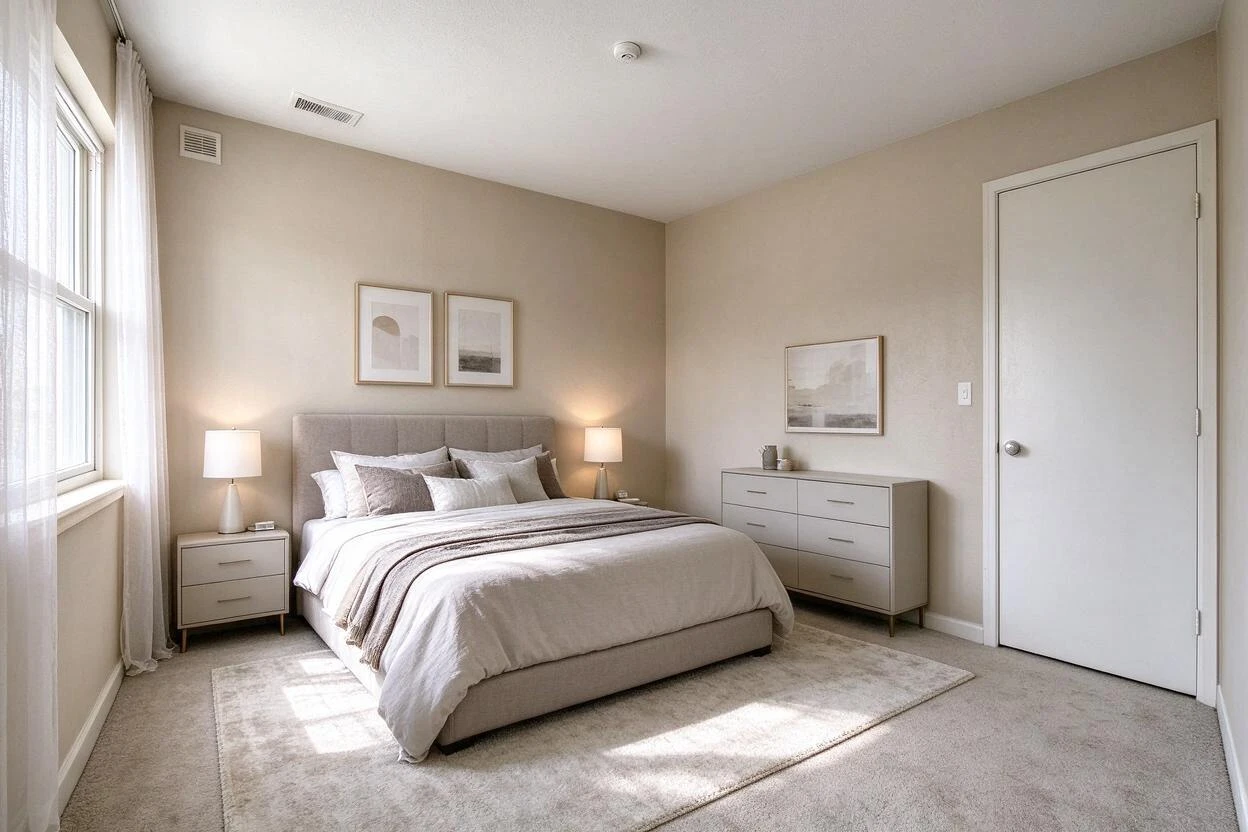
Are free AI interior design tools any good?
By Goodesign AI · Updated 2026-10-16
Yes — free AI interior design tools are good enough to decide a room's direction, not yet to publish. Use the 5 free credits to test a style, then judge. Free tiers are the cheapest experiment in redesigning a room — minutes per attempt, no budget at risk, so a wrong turn costs less than a paint sample. The boundary is the listing photo: whatever tool you used, zoom to full size and verify edges, furniture legs, and text before anything goes public.
Free AI design tools are good enough to explore styles and test one or two rooms, which makes them the right starting point. Where they lag is resolution, furniture accuracy, and control over details — and that difference shows most in photos you plan to publish on a listing.
What free tiers do well
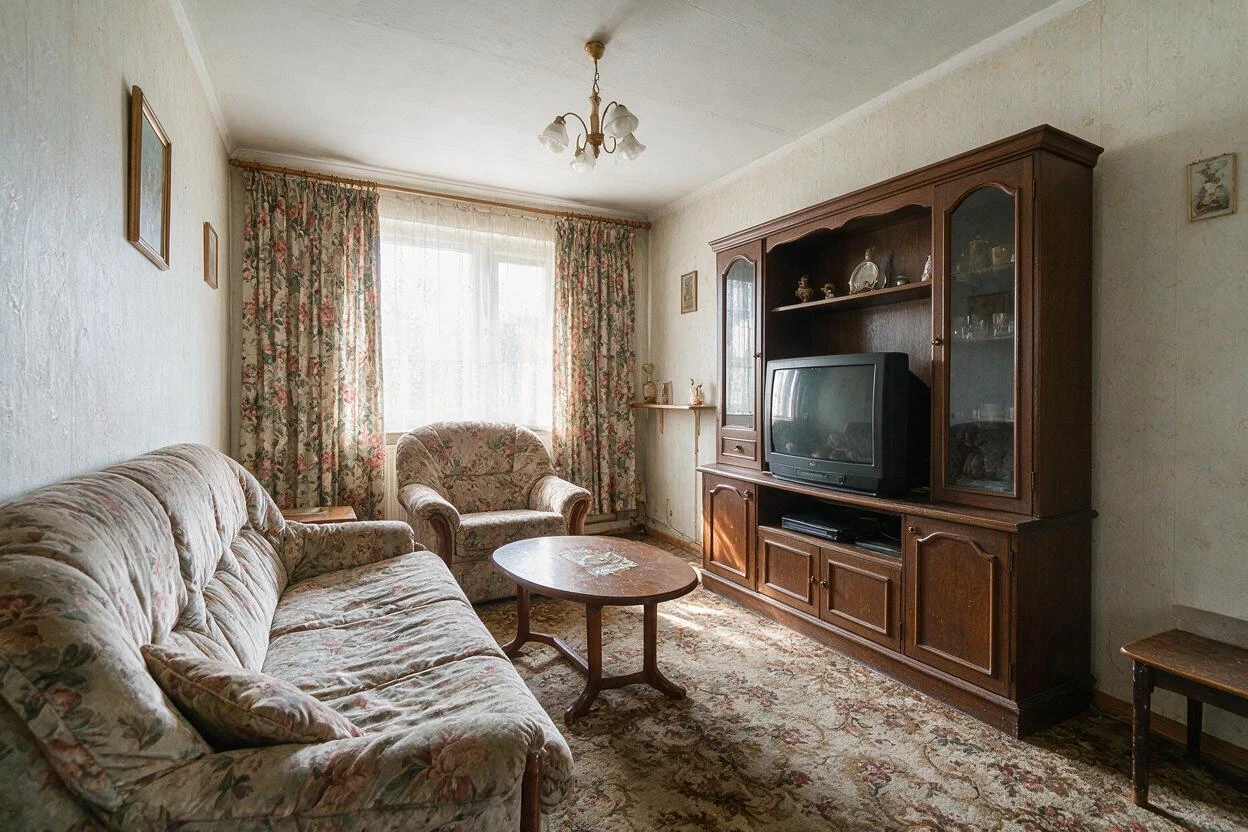
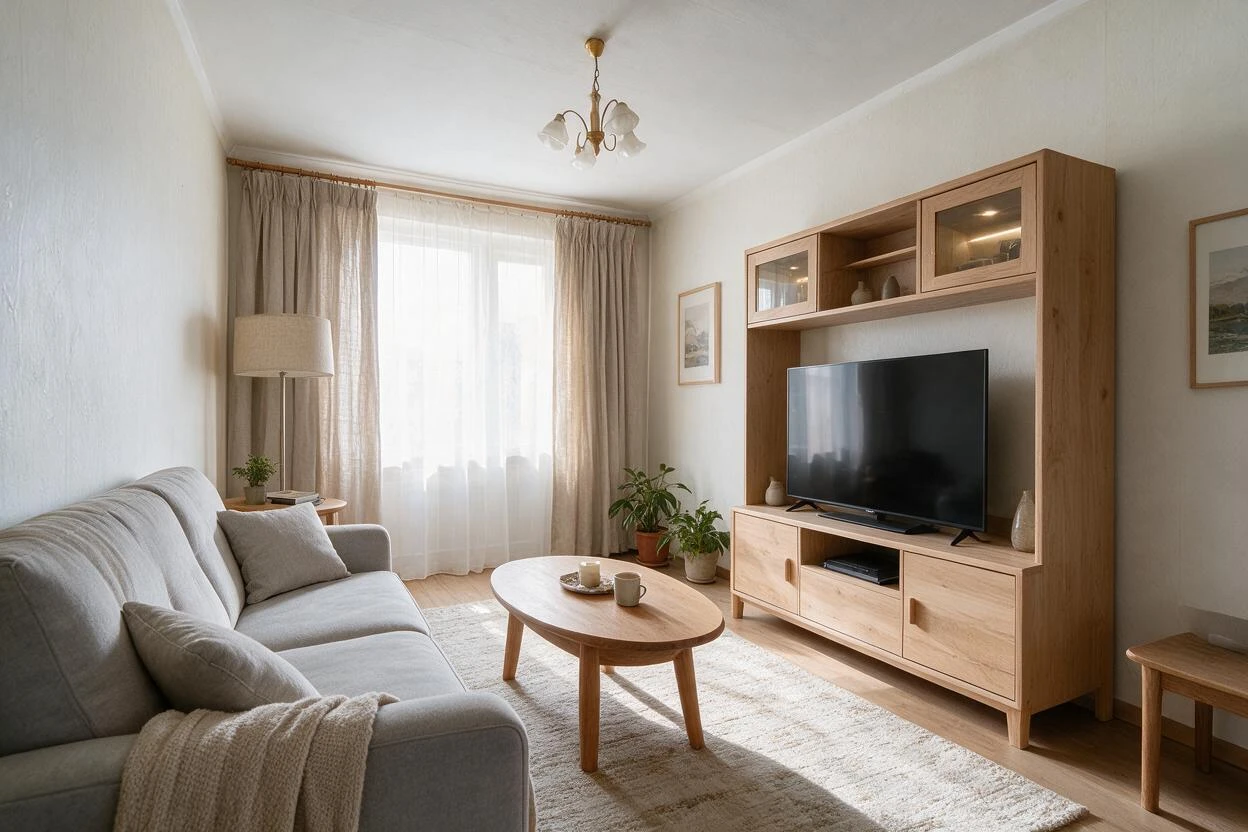
Style discovery: uploading a living room and seeing it as Scandinavian, industrial, and Japandi in ten minutes answers "what do I actually like" better than a hundred saved pictures. They also settle simple layout arguments — floating sofa or wall sofa — well enough to act on.
How the main free tools compare
Apartment Therapy spent 2026 writer-testing 13 free AI interior design tools — a useful map of the field, if not a final verdict, since free tiers shift monthly. Here's the lay of the land as of late 2026.
| Tool | Free tier | Strength | The catch |
|---|---|---|---|
| Goodesign | 5 full-quality designs, no card | Free exports are full quality — same AI as paid plans; staging, restyle, repaint, declutter in one place | Output is only as good as your source photo |
| RoomsGPT | A few free renders | Fast style experiments, near-zero setup | Apartment Therapy's tester saw blurred surfaces and a light fixture that "looked like a hive" |
| VisualizeAI | Trial credits | Top pick of Apartment Therapy's 13-tool test | Finishes read "a little less realistic," with occasional warping |
| HomeVisualizerAI | Trial renders | The tester's favorite for accuracy and aesthetics | The best output sits behind the trial wall |
| ChatGPT and friends | Free with an account | Layout advice, mood boards, prompt drafting | Not a photo-based room editor; imagery is approximate |
Notice what the top picks share with the mid-table tools: none of them produced magazine-grade work for free. The Apartment Therapy writer, who has tested these tools for over two years, concluded they "won't produce magazine-level results yet" — treat that as the honest baseline for the whole category, whatever the marketing pages claim.
Why your results will differ from any review
Two tools, one photo, two different rooms. Models disagree with each other, "Scandinavian" means something slightly different inside each one, and the input photo dominates everything — a level, well-lit shot flatters every tool, while a dark skewed one defeats them all. So calibrate on your own room: run it through two or three free tiers and judge the outputs against a space you know intimately. Reviews, this one included, can only tell you which tools deserve those ten minutes; photo quality decides the rest.
Where the ceiling is
Three things. Output resolution: free exports are often watermarked or capped, too soft for a hero listing photo. Furniture fidelity: budget models bend chair legs and invent windows, which reads amateur in real estate. Control: the ability to say "keep this armchair, swap only the rug" usually sits behind the paywall, so free renders replace the whole room whether you wanted that or not.
When a human designer is still worth it
Free AI tools are iteration, and iteration is what they should be used for. Hire a human when the job stops being visual: a wall that might be load-bearing, custom joinery, accessibility requirements, sourcing a whole room within a budget, or someone accountable when the electrician asks which outlet moves. Renders inform those conversations; they can't have them.
The cost math makes the comparison easy — how much AI interior design costs puts a full-quality render at roughly a dollar against $100–500 per room for a designer. The designer costs more because they do more. If the question is whether AI can do the whole job, settle it in can AI replace an interior designer; the short version is that replacement is the wrong frame.
How to use them without regret
Treat free output as sketches, not deliverables. Explore, compare styles, show the household, narrow to one direction — then produce the version that goes on a listing or into a purchase decision at full quality. The expensive mistake isn't paying for a render; it's buying a sofa, paint, or a staging service based on a low-quality preview.
Start free and see for yourself: upload a room photo and generate your first designs at no cost — then decide whether the full-quality staged version is worth it for the rooms that matter.
FAQ
Is there a completely free AI interior design app?
Yes — Goodesign gives five full-quality designs with no card, RoomsGPT-style tools hand out a few free renders, and chatbots advise on layout for nothing. "Completely free" usually still means volume caps or watermarked exports, so check what the limit is before planning a project around it.
Can AI redesign a room from a photo?
That's the core trick: upload a photo, choose a style or write a prompt, and the tool refurnishes that exact room. Edit-based tools keep the real walls, windows, and geometry; generative ones take more liberty, which is why they occasionally invent a window.
Which free AI interior design tool is most accurate?
Whoever handles your photo best — accuracy varies more by input than by brand. Apartment Therapy's 2026 favorite was HomeVisualizerAI, but the only reliable method is running your own room through two or three free tiers and judging the results yourself.
Are free AI design tools safe to use?
The reputable ones, with two checks: read whether uploads train their models, and strip personal details from the frame before uploading. Goodesign doesn't use uploaded photos for training without explicit opt-in — the full checklist lives in is it safe to upload home photos to AI.
Related questions
Related tool