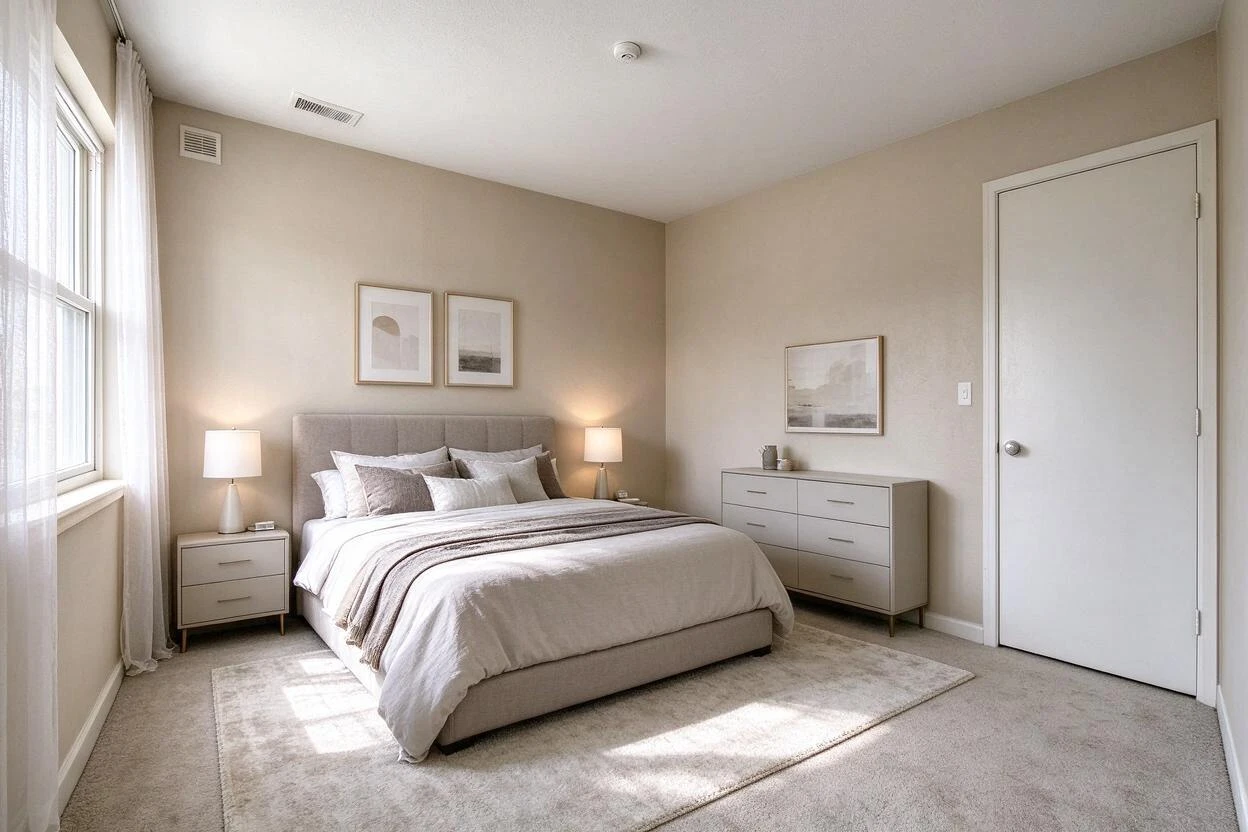
How do you get AI designs to match your personal taste?
By Goodesign AI · Updated 2026-10-16
Name the style, name the materials, and name what must stay — the fastest way to make AI renders match the picture in your head. AI follows concrete direction far better than adjectives: 'oak and linen Japandi, keep the brick wall' outperforms 'make it cozy.' Then iterate one variable at a time — style first, then palette, then individual pieces.
The trick to getting AI designs that match your taste is direction, not hope. Generic prompts produce generic rooms; the models follow concrete, named instructions extremely well and vague mood words extremely badly. The good news is that taste is describable — you just have to translate it into the vocabulary the model actually parses.
Speak in nouns, not adjectives
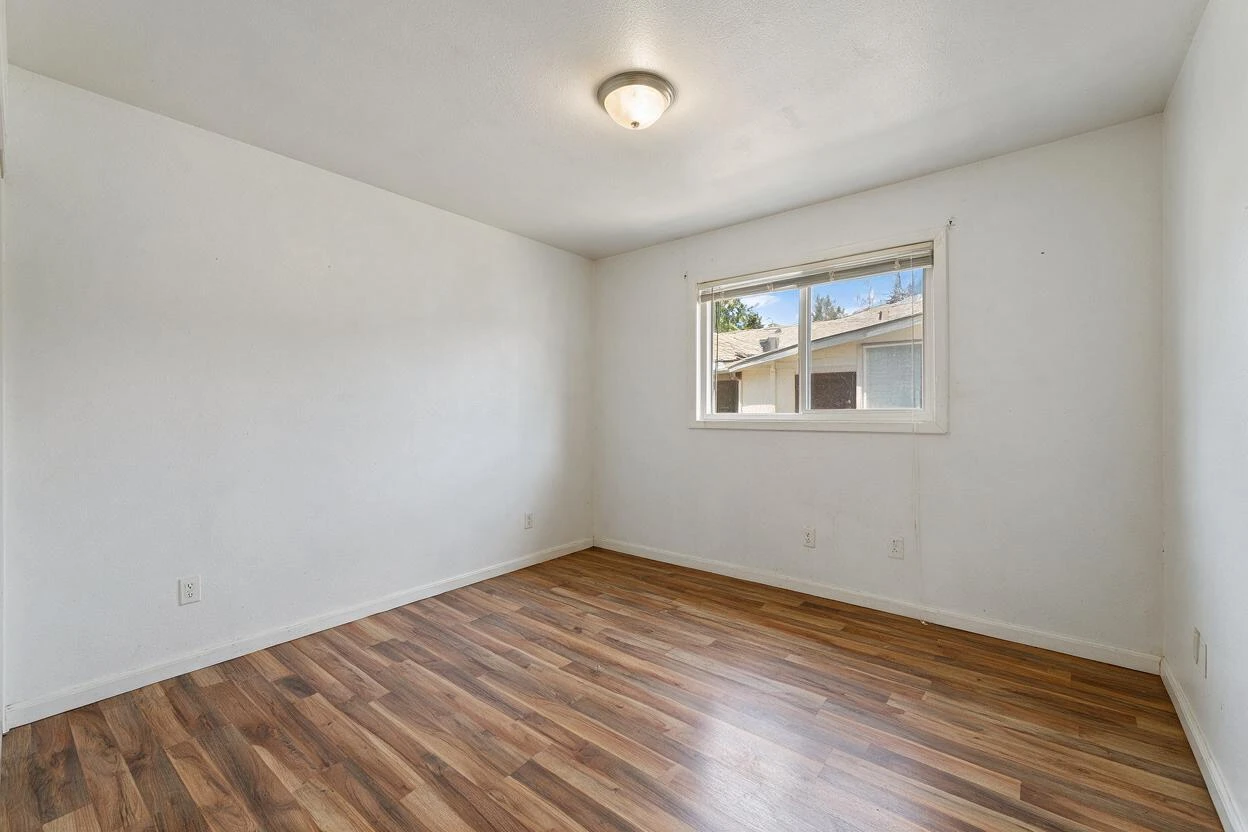
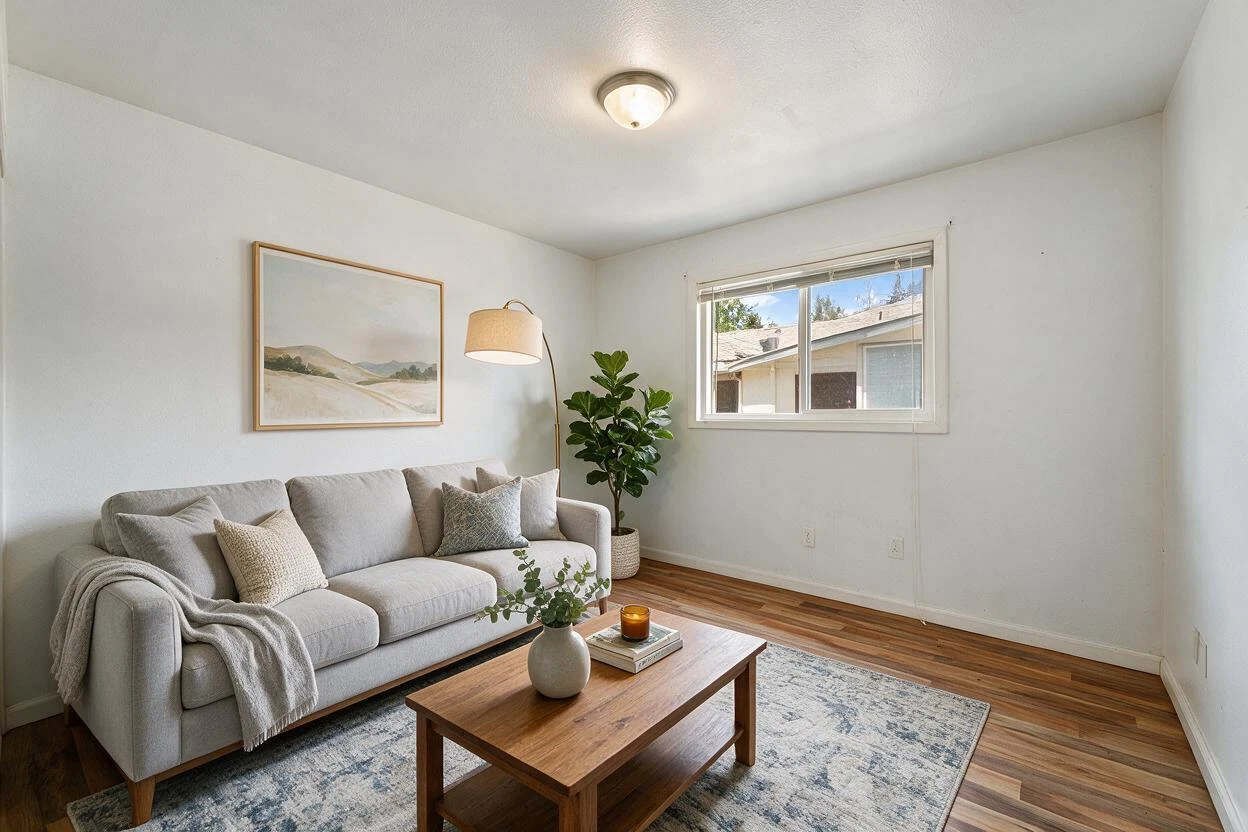
"Cozy," "modern," and "nice" are noise. "Walnut and bouclé, warm white walls, brass lamps" is a brief. Name the style by its real name — Japandi, mid-century modern, modern farmhouse — because the model has seen thousands of tagged examples of each and will pull the actual palette, materials, and furniture shapes that belong to it. If you don't know the name of what you like, browse named styles until one makes you say "that one" — the label is worth more than any paragraph of description you could write about it.
Feed it images, not just words
Words are the slow way to communicate taste when a picture exists. If you've saved photos of rooms you love — a hotel that felt right, a friend's dining room, an image saved years ago from a magazine — feed them in as reference alongside your own room photo. A reference image does what adjectives can't: it fixes proportions, material finishes, and the mood of the light all at once. Pair it with one sentence of named direction ("this room, but Japandi, keep my floors") and you've given the model both a target and a constraint, which is the combination that produces renders people call "exactly my taste."
Protect what you love
Say what stays: "keep the brick wall," "keep the green sofa, change everything around it." Good tools honor locked elements; unlocked, they'll rebuild the room from scratch and you'll spend rounds fighting to get your favorite piece back. Locking matters most for the things you can't or won't change — floors, tile, fixed lighting, the heirloom dresser — because every round that regenerates them is a round spent judging a room you can never actually own. Decide before you start which elements are permanent, and brief the AI around them.
Iterate one variable at a time
Change the style first, judge it, then adjust the palette, then swap individual pieces. Changing everything in every round tells you nothing about what made a version good. This is also where AI beats reality: trying five rugs on one room costs nothing. Keep a simple rule — one change per render, and never throw away a render without writing down what you'd keep from it.
Calibrate your expectations with real tests
Even the best tools aren't one-shot machines. When Apartment Therapy hands-on tested 13 AI interior design tools, the top performers produced genuinely photorealistic results — and still shipped glitches: an oddly rendered microwave door, a beehive-shaped light fixture, finishes that warped on close inspection. Expect that. A render that's 90% right isn't a failure; it's a round. The taste-matching process is a narrowing loop — each render teaches you something about your own preferences, and each correction gets you closer. Treating oddities as verdicts instead of drafts is the single most common reason people give up on these tools early.
Steal the render's exact words
When a version lands, note what it used — the wood tone, the textile, the lamp shape — and carry those nouns into the next prompt. Your taste, translated into vocabulary the model understands, is the whole skill. After a few rounds you'll have a private style dictionary — three materials, two colors, one furniture shape — that makes every future render land faster, in this tool or any other. The same vocabulary also sharpens written prompts if you ever move to text-based staging briefs.
Put it to work: upload your room and brief the AI in your own words — then swap one piece at a time to refine the look without losing what works.
FAQ
How do I make AI designs match my style?
Brief it in nouns — a named style, specific materials, and exactly what must stay — then change one variable per round and keep a note of what worked. Vague mood words produce generic rooms; concrete, locked direction produces yours.
Can AI copy a photo of a room I like?
Yes — most photo-based tools accept a reference image, and it's the fastest way to show rather than tell. Pair the reference with one sentence of named direction so the model knows what to take from it and what must change to fit your actual room.
Why do all AI designs look the same?
Generic prompts return the average of the training data, and the average is beige. Named styles, specific materials, locked elements, and reference photos are what push a render off the average — the more of your own vocabulary the prompt carries, the less the result looks like everyone else's.
Compare
Related questions
Related tool